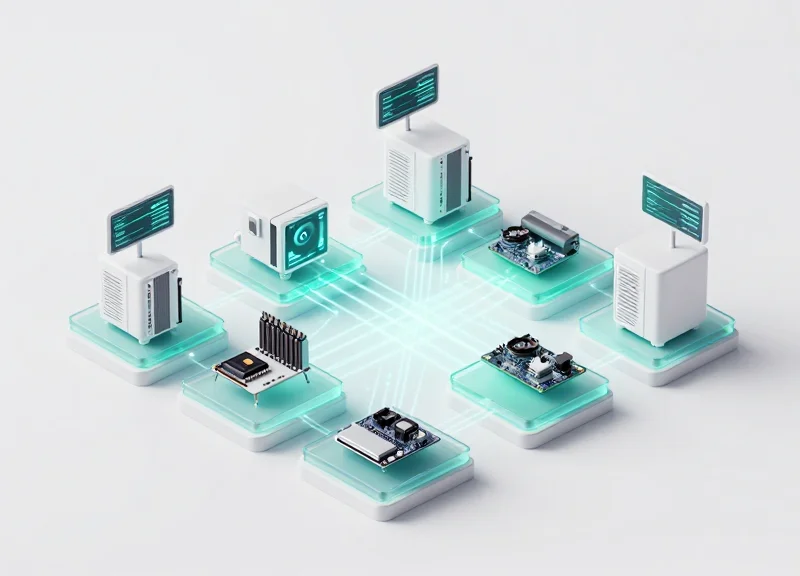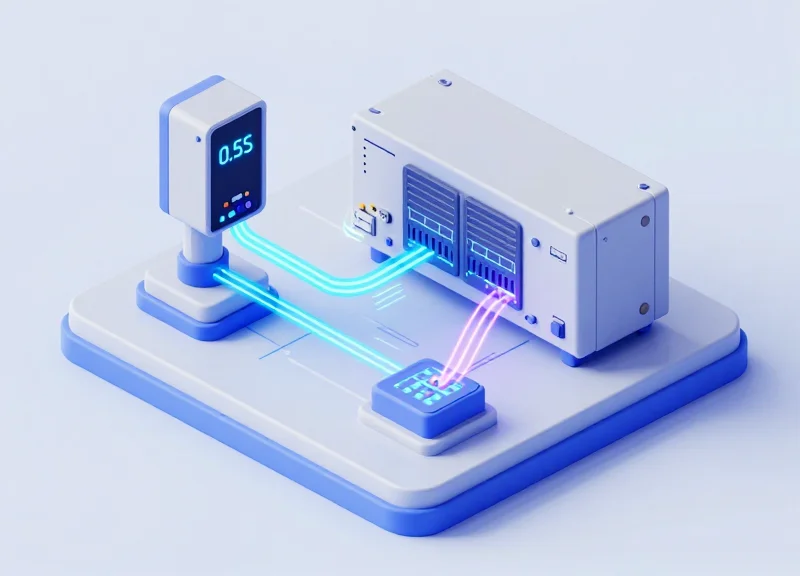
In the fast-paced world of industrial automation, milliseconds represent the difference between streamlined production and costly bottlenecks. For many engineers, the challenge lies in the communication gap between RFID readers and Programmable Logic Controllers (PLCs). Traditional middleware often adds unnecessary latency, preventing real-time response. This guide provides a strategic framework for streamlining RFID data mapping to enable direct PLC triggering, ensuring your system achieves a benchmark 0.5s response time. By bypassing inefficient software layers and optimizing data structures, you can transform your RFID deployment into a high-performance asset.
The Architecture of Speed: Direct Reader-to-PLC Communication
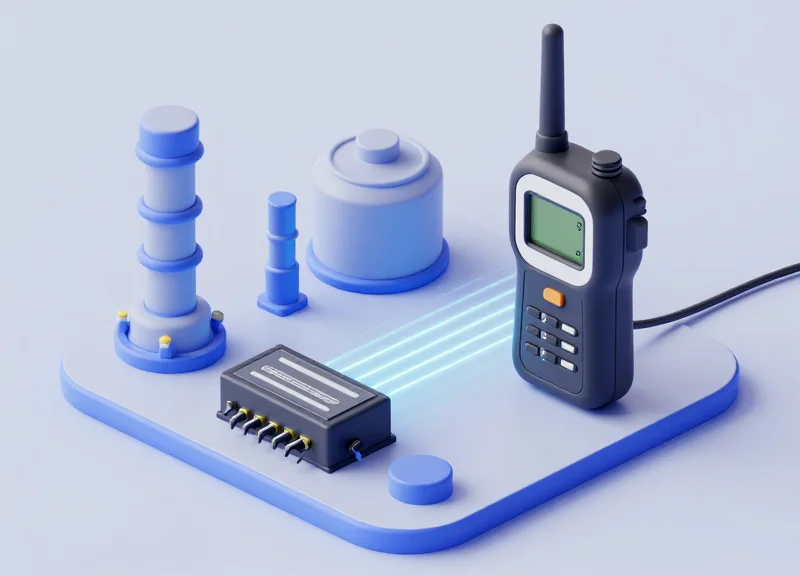
Direct Reader-to-PLC communication is an industrial architecture where RFID readers interface directly with a Programmable Logic Controller (PLC) using native industrial protocols such as EtherNet/IP, PROFINET, or Modbus TCP. By removing intermediary PC-based middleware and database layers, manufacturers can achieve deterministic communication cycles, reducing total system latency from several seconds to a consistent sub-500ms response time required for high-speed automated sorting and assembly.
In traditional deployments, the RFID data journey is a multi-hop process: Reader → Middleware (PC) → Database → PLC. Each hop introduces a 'tax' on speed through protocol translation and operating system overhead. In the 'Architecture of Speed,' we collapse this stack. The PLC treats the RFID reader as a remote I/O device, pulling tag data directly into its memory map (Tags or Registers) in real-time. This not only slashes response times but also eliminates the single point of failure often found in Windows-based server environments.
| Feature | Traditional Middleware Stack | Direct PLC Integration |
|---|---|---|
| Average Latency | 1.2s - 3.0s | 100ms - 500ms |
| Failure Points | PC, OS, Middleware, Network | Reader, Industrial Switch |
| Data Handling | Asynchronous (Best effort) | Synchronous (Deterministic) |
| Maintenance | IT Support Required | OT/Maintenance Friendly |
Expert Insight: The Buffer Bloat Trap. Most engineers overlook 'OS Jitter.' When you use a PC as middleware, the Windows or Linux scheduler might pause your RFID application for a few milliseconds to handle a system update or background process. This creates non-deterministic spikes in response time. By moving to a Direct-to-PLC model, you leverage the PLC's cyclic scan, ensuring that if a tag is read, it is processed within the next millisecond-level logic cycle, guaranteed.
Why does removing middleware improve reliability?
Middleware adds software complexity. By communicating directly, you eliminate the risk of PC crashes, software updates, or database connection timeouts disrupting the production line.
Is direct communication compatible with legacy PLCs?
Most modern RFID readers support common industrial protocols out-of-the-box, making them compatible with Allen-Bradley (EtherNet/IP), Siemens (PROFINET), and Schneider Electric (Modbus TCP) systems.
How does this impact data mapping?
It simplifies it. Data is mapped directly into the PLC's Input/Output image, meaning the tag ID appears as a simple string or array of bytes in your controller's tag database.
Selecting the Right Industrial Protocol: Profinet vs. EtherNet/IP
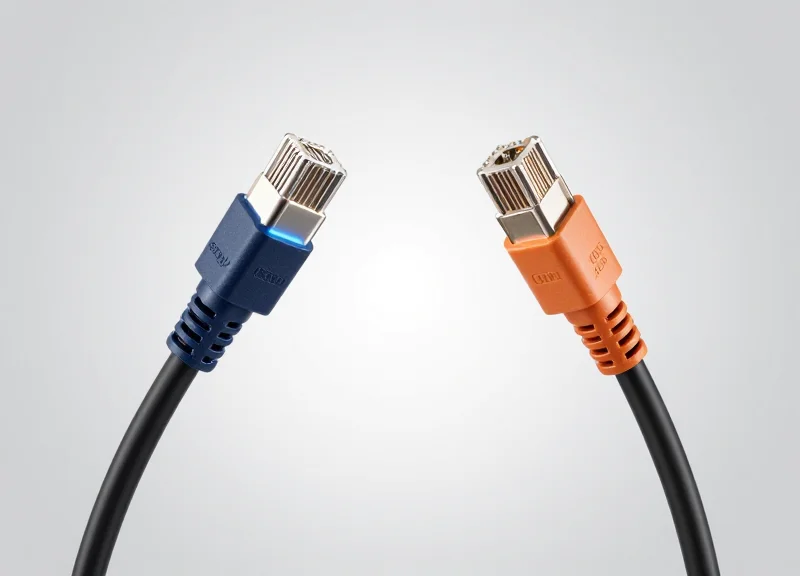
To achieve a 0.5s response time in RFID applications, the selection of an industrial protocol is the most pivotal hardware-software decision you will make. While both Profinet and EtherNet/IP leverage standard Ethernet cabling, they handle data prioritization differently: Profinet uses a hardware-based prioritization (Layer 2) for Isochronous Real-Time (IRT) communication, whereas EtherNet/IP relies on the Common Industrial Protocol (CIP) over UDP/TCP. For high-speed direct PLC triggering, the choice is usually dictated by your existing controller (Siemens vs. Rockwell), but understanding how each handles 'jitter' is the secret to maintaining deterministic 500ms loops.
| Feature | Profinet (RT/IRT) | EtherNet/IP (CIP) |
|---|---|---|
| Determinism | High (Hardware-level in IRT) | High (Software-level via CIP Sync) |
| Typical Cycle Time | 1ms - 10ms | 2ms - 20ms |
| Network Topology | Flexible (Ring/Star/Tree) | Star (Typically with DLR support) |
| Data Structure | Slot/Sub-slot (Cyclic) | Object-Oriented (Implicit/Explicit) |
| Primary Ecosystem | Siemens, GE, Phoenix Contact | Rockwell Automation, Omron |
Expert Insight: The 'Jitter' Factor in RFID Mapping. Most engineers focus on raw bandwidth, but for 0.5s response times, 'jitter'—the variation in latency—is the real enemy. In Profinet IRT environments, the schedule is calculated in advance, ensuring the RFID tag data reaches the PLC at the exact same microsecond every cycle. In EtherNet/IP, we mitigate jitter using RPI (Requested Packet Interval) settings. Pro-tip: To hit sub-second speeds, set your RPI at least 4x faster than your required response time to allow for re-transmission if a packet is dropped due to factory floor EMI.
Does Profinet IRT require special hardware?
Yes, to utilize the full speed of IRT for sub-millisecond response, both the PLC and the RFID reader must have specialized ASICs or controllers that support the synchronized clock cycle.
Can I achieve 0.5s response times with standard EtherNet/IP?
Absolutely. While Profinet is technically faster at the microsecond level, a well-configured EtherNet/IP network with a 10ms RPI easily handles a 500ms total system response time, provided the RFID reader supports 'Implicit Messaging'.
Which protocol is easier to map for RFID data?
EtherNet/IP's object-oriented approach is often more intuitive for developers, but Profinet's GSDML file integration provides a more 'plug-and-play' experience within the TIA Portal environment.
Step 1: Configuring RFID Memory Banks for Optimal Access
To achieve a 0.5s response time, you must minimize the number of air-interface operations between the reader and the tag. The most efficient configuration involves mapping all high-priority process data into the Electronic Product Code (EPC) memory bank. By keeping data within the first 96 or 128 bits of the EPC, the PLC can execute a single 'Read' command that captures the entire identity and state of the object in one duty cycle, bypassing the slower, secondary access required for User or TID memory banks.
| Memory Bank | Typical Size | Access Speed | PLC Optimization Use Case |
|---|---|---|---|
| EPC (Bank 01) | 96-496 bits | Fastest | Primary ID and real-time status bits for triggering. |
| TID (Bank 10) | 32-64 bits | Medium | Serialization and anti-counterfeiting (Read-only). |
| User (Bank 11) | 512+ bits | Slowest | Historical logging or extended product attributes. |
| Reserved (Bank 00) | 64 bits | N/A | Access and Kill passwords only. |
- Define the Minimal Data Packet: Identify the absolute minimum bits required for the PLC to make a logic decision. If the PLC only needs a SKU ID and a 'Pass/Fail' flag, ensure these are contiguous.
- Map Data to EPC Offset: Program your RFID tags so that dynamic process data follows the static ID within the EPC bank. This allows the PLC to treat the entire string as a single array of bytes.
- Disable Unused Memory Access: Configure the reader's inventory filter to ignore User and TID banks unless specifically required for a secondary validation step.
- Set Word-Alignment: Align data to 16-bit boundaries (words). PLCs process data more efficiently when they don't have to perform bit-shifting to extract values.
Expert Tip: The 'Single-Shot' Read Strategy. Most engineers make the mistake of reading the EPC for identification and then sending a second command to read the User memory for process data. This 'double-dip' kills latency. In high-speed Silicon Valley fab lines, we use tags with extended EPC banks (up to 496 bits). By stuffing all 'active' data into the EPC bank, you reduce the reader-to-tag handshake from two cycles to one, effectively cutting your data acquisition time by 50%.
Why can't I just use User memory for everything?
User memory requires an extra 'Access' state in the Gen2 protocol. Reading User memory adds roughly 20-40ms of air-time latency, which compounds quickly in high-traffic zones.
Is the TID bank necessary for PLC triggering?
Rarely. TID is for silicon-level uniqueness. For 0.5s response times, use the EPC for logic and leave TID for background auditing or troubleshooting.
How does data length affect response time?
Every additional word (16 bits) read increases the air-link duration. For sub-second response, keep your total read payload under 128 bits if possible.
Step 2: Implementing Efficient Data Mapping Tables

Efficient data mapping tables are the ' Rosetta Stone' of industrial automation, serving as the direct translation layer between an RFID reader's raw hexadecimal memory and a PLC's register-based data structures. To achieve a 0.5s response time, you must eliminate 'Data Juggling'—the process of using PLC move instructions to reorganize bytes after they arrive. Instead, you must align the RFID reader’s output buffer to match the PLC’s input image word-for-word, ensuring that variables like the EPC ID or User Data are instantly accessible as native data types (INT, DINT, or STRING) without additional processing cycles.
| RFID Data Type | PLC Memory Equivalent | Size (Bytes) | Mapping Priority |
|---|---|---|---|
| EPC ID (Standard) | ARRAY[0..5] OF WORD | 12 | High (Trigger) |
| User Memory Segment | DINT / REAL | 4 | Medium (Context) |
| RSSID (Signal) | SINT | 1 | Low (Diagnostics) |
| Timestamp | UDINT | 4 | Medium (Traceability) |
- Define the Input/Output (I/O) Assembly: Configure the RFID reader's communication interface to group related data points into a single contiguous block. For EtherNet/IP, this means setting your Instance IDs; for Profinet, it involves assigning GSDML modules that match your PLC's UDT (User Defined Type).
- Resolve Endianness Mismatches: RFID readers typically operate in Big-Endian (Motorola) format. If using a Little-Endian (Intel) PLC like an Allen-Bradley ControlLogix, use the 'Byte Swap' feature within the reader's firmware configuration rather than the PLC code to save CPU cycles.
- Implement Bit-Packed Triggering: Instead of waiting for a full string match, map a 'New Data Available' bit to the first register. The PLC should use this bit as an interrupt to immediately process the buffer, hitting that sub-500ms target.
Expert Silicon Valley Tip: Implement 'Zero-Copy Mapping.' By utilizing structured UDTs that mirror the reader's memory map exactly, the PLC's fieldbus controller DMA (Direct Memory Access) places the RFID data directly into your tag structure. This bypasses the PLC’s logic scan for data movement, effectively reducing your latency to the speed of the backplane bus itself.
Why is byte swapping better handled at the reader level?
Handling byte swapping at the reader level offloads the computational burden from the PLC's main CPU. In high-speed lines with dozens of readers, performing 'SWPB' instructions in the PLC logic can jitter scan times and delay the 0.5s response window.
What happens if the RFID data is longer than the PLC register?
Data truncation occurs. Always size your PLC input tags to the maximum expected length of the RFID tag's EPC or User bank, usually 128 or 256 bits, to prevent memory overflow errors.
Does data mapping affect the 0.5s response time goal?
Absolutely. Misaligned data requires 'bit-shuffling' logic which adds 10-50ms of overhead per read. In deterministic systems, these milliseconds are the difference between a successful sort and a late-divert error.
Step 3: Programming Logic for Direct PLC Triggering
To hit the 0.5-second response threshold, your PLC logic must move away from standard cyclic polling, where the controller checks for data only at the start of its scan cycle. Direct PLC triggering utilizes 'Process Alarms' or 'Hardware Interrupts' triggered by the RFID reader's status bit. When the reader's 'Data Ready' bit transitions from 0 to 1, the PLC pauses its background tasks to execute a dedicated Priority Interrupt Block (such as OB40 in Siemens or an Event Task in Allen-Bradley). This ensures that data processing begins within microseconds of the tag being read, eliminating the jitter associated with long PLC scan times.
| Feature | Standard Cyclic Polling | Interrupt-Driven Triggering |
|---|---|---|
| Typical Latency | 10ms - 100ms+ | < 2ms |
| CPU Overhead | Constant (checks every cycle) | Minimal (executes only on event) |
| Data Consistency | Risk of partial reads | Guaranteed via handshake |
| Best For | General status monitoring | High-speed sorting & motion control |
Implementing this requires a robust 'Handshake' protocol between the RFID reader and the PLC. The reader signals 'Data Available' (DA), the PLC captures the data into a local buffer, and the PLC then sends an 'Acknowledge' (ACK) signal back to the reader to clear the buffer. This hardware-level conversation is the secret to deterministic performance in high-speed industrial environments.
- Configure the Hardware Interrupt: Map the RFID reader's 'Data Ready' output bit to a PLC input that supports hardware interrupts. In your hardware configuration, enable 'Rising Edge' detection for this specific input.
- Isolate the Data Capture Logic: Within the Interrupt Service Routine (ISR), copy the data from the mapped I/O registers to a Protected Data Block. Do not process logic in the interrupt; simply move the data to ensure the interrupt is as short as possible.
- Execute the Triggering Action: Immediately following the data move, set a 'Process Start' flag that your high-priority motion control or valve-firing logic monitors. This bypasses the standard 'wait-and-see' approach of slower scan cycles.
IF "RFID_Reader_DA" AND NOT "Last_State_DA" THEN
  // Capture Data immediately on Rising Edge
  "Local_Buffer".Tag_ID := "RFID_Input_Image".EPC_Data;
  "Local_Buffer".Trigger_Action := TRUE;
  // Send Acknowledge to Reader
  "RFID_Output_Image".PLC_ACK := TRUE;
END_IF;
IF NOT "RFID_Reader_DA" THEN
  "RFID_Output_Image".PLC_ACK := FALSE;
END_IF;
How do I handle 'Ghost Reads'?
Implement a 50ms 'Persistence Filter' in your logic. If the 'Data Ready' signal does not stay high for at least 50ms, it is likely a stray read from a distant tag and should be ignored to prevent false triggering.
Can I achieve 0.5s with many readers?
Yes, but you must use decentralized I/O. Use a bus coupler to handle the interrupt logic locally on the subnet to prevent the main CPU backplane from becoming a bottleneck.
What is the 'Zero-Copy' Insight?
Expert Tip: Use 'Direct I/O Access' (e.g., using the ':' suffix in Siemens like %I0.0:P) to read the peripheral address directly, bypassing the Process Image Partition. This can save an additional 5-15ms of latency.
Optimizing Environmental Factors: Antenna Tuning and Tag Placement
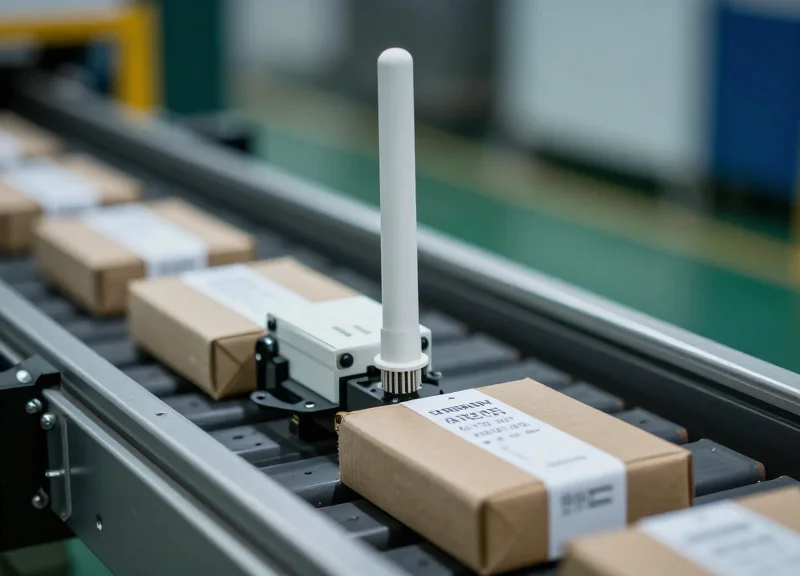
In high-speed industrial automation, the 'Physical Layer' is often the hidden culprit behind missed 0.5s latency targets. If an RFID reader requires multiple inventory rounds to successfully capture a tag due to poor signal-to-noise ratios, the PLC trigger will be delayed regardless of how optimized your data mapping is. Optimizing the environment means ensuring a 'First-Read Success Rate' (FRSR) of over 99.9%, which eliminates the millisecond-heavy retries that bloat the total cycle time.
| Environmental Factor | Latency Impact | Optimization Strategy |
|---|---|---|
| Polarization Mismatch | 100ms - 300ms | Align linear antenna orientation with tag inlay or switch to circular polarization. |
| Multipath Interference | 50ms - 200ms | Use RF-absorbent shielding to define a strict read zone and prevent 'ghost' reflections. |
| Tag Dwell Time | Variable | Adjust 'Session' settings (S0 vs S1) to ensure the tag is ready for immediate re-interrogation. |
- Phase 1: RSSI Baselines: Measure the Received Signal Strength Indicator (RSSI) for tags at the furthest point of the required read zone. For sub-second response, aim for an RSSI at least 10dBm above the reader's sensitivity floor to ensure a clean, single-pass read.
- Phase 2: Antenna Beam Shaping: Narrow the antenna's field of view (FOV) using physical blinders or low-gain patches. A wider FOV forces the reader to process more tags than necessary, increasing the 'inventory round' duration and delaying the specific data packet sent to the PLC.
- Phase 3: Tag Pitch and Yaw Alignment: Fix the tag placement to ensure the antenna's radiation pattern hits the tag at a 90-degree angle whenever possible. Off-axis angles increase the probability of 'null spots' where signal cancellation occurs.
Expert Tip: The 'Inventory Population' Speed Hack. Most engineers forget that RFID latency is proportional to the number of tags in the field. To hit 0.5s response times, use RF shielding to create a 'Micro-Zone' where only one tag is visible at a time. This reduces the reader's anti-collision overhead, allowing the PLC to receive the 'Data Ready' bit significantly faster than in a crowded environment.
Does metal interference always slow down the PLC trigger?
Not necessarily. While metal reflects RF, using 'On-Metal' specialized tags with a fixed standoff distance can actually create a more predictable signal path than tags on composite materials, provided the antenna is tuned to the specific frequency shift.
What is the ideal distance for 0.5s response times?
The 'Sweet Spot' is typically 0.5 to 1.5 meters. Too close causes 'receiver saturation,' which crashes the read cycle; too far causes low SNR, requiring retries. Consistency is more important than raw distance.
Data Validation and Error Handling at High Speeds
In a sub-second response environment, data validation is often the hidden bottleneck that pushes cycle times past the 0.5s threshold. Effective high-speed validation is not about performing deep packet inspection; it is about implementing hardware-accelerated Cyclic Redundancy Checks (CRC) and 'Fast-Fail' logic. To maintain deterministic performance, the PLC must be programmed to treat malformed or missing data as a binary state change that triggers an immediate pre-defined exception (like a diverter gate activation) rather than entering a blocking retry-loop that stalls the production line. By offloading parity and checksum calculations to the RFID reader's internal ASIC, the PLC only processes 'clean' data, ensuring the CPU scan time remains focused on logic execution rather than error correction.
| Validation Method | Reliability Level | PLC Processing Latency | Impact on 0.5s Goal |
|---|---|---|---|
| Hardware CRC-16 | Highest | < 1ms | Minimal; recommended for sub-second cycles |
| Software Checksum | Medium | 5-15ms | Moderate; can cause jitter in fast scan times |
| Byte-by-Byte Parity | Low | < 1ms | Negligible; best for simple presence detection |
| Application-Layer Retries | High | 100ms+ | Severe; usually breaks the 0.5s response target |
- Offload CRC to Hardware: Configure the RFID reader to discard packets with failed CRC at the firmware level. This ensures the PLC communication buffer is never polluted with corrupt data packets.
- Implement Watchdog Interrupts: Set a PLC watchdog timer at 400ms. If the RFID data mapping hasn't updated the 'Data Ready' bit by this time, trigger the error state immediately to prevent a cycle-time overrun.
- Use Differential Data Flags: Instead of reading the entire memory bank, monitor a single 'Sequence Bit' that toggles with every successful read. This reduces the validation overhead from a full string comparison to a single boolean check.
IF (ReadTrigger AND NOT DataReady) THEN
    Timer_Watchdog(IN:=TRUE, PT:=T#450ms);
END_IF;

IF Timer_Watchdog.Q THEN
    // Fast-Fail Logic: Divert item if data is not validated within window
    ExecuteDivert := TRUE;
    ErrorCode := 101; // Timeout Error
    ReadTrigger := FALSE;
END_IF;- What happens if a tag read fails within the 0.5s window?: In high-speed logistics, a failed read is treated as a 'No-Read' exception. The system triggers a default safety action (e.g., sorting to an audit lane) rather than attempting a retry, which would exceed the timing budget.
- How does EMI affect data validation speeds?: Electromagnetic interference can cause CRC mismatches. Shielded cabling and proper antenna grounding are required to prevent the reader from spending precious milliseconds recalculating corrupted packets.
- Expert Tip: The Negative Acknowledge (NACK) Buffer: Silicon Valley industrial engineers often use a 'NACK Buffer.' Instead of the PLC waiting for a timeout, the reader sends a specific 'Error Byte' if it detects a collision. The PLC reacts to this byte in <10ms, much faster than waiting for a 450ms watchdog.
Testing and Benchmarking Your RFID Data Pipeline

Benchmarking your RFID data pipeline is the process of quantifying the 'Time-to-Action' (TTA)—the total duration from the millisecond a tag enters the antenna's field to the moment the PLC executes a physical output. To guarantee a 0.5s response time, you must move beyond theoretical calculations and use high-resolution system timers or external hardware analyzers to capture micro-latencies across the air interface, the network stack, and the PLC scan cycle.
- Establish a Zero-Load Baseline: Run the RFID-to-PLC sequence with a single tag and no other network traffic. This identifies the 'intrinsic latency' of your hardware before environmental or data congestion variables are introduced.
- Timestamping at the Source and Sink: Utilize the RFID reader's internal 'First Seen' timestamp and compare it against the PLC's system clock (using GetTime or equivalent instructions) when the logic trigger is set to TRUE.
- Stress Testing with 'Burst' Scans: Introduce 10-20 tags simultaneously to the field. Measure if the response time for the priority tag (the trigger tag) remains under 0.5s while the reader handles the anti-collision overhead.
- Validate via Physical Loopback: Connect a PLC output to a high-speed LED and use a 240fps camera to record the tag crossing the antenna line and the light turning on. This provides a 'true-to-life' visual verification of latency.
| Measurement Method | Precision | Best Used For | Complexity |
|---|---|---|---|
| PLC System Timer | 1ms - 10ms | General logic execution monitoring | Low |
| External Logic Analyzer | Microseconds | Identifying network jitter and packet delays | High |
| High-Speed Video (240fps) | ~4.1ms | End-to-end mechanical system validation | Medium |
| Ping/Network Trace | 1ms | Diagnosing TCP/IP or EtherNet/IP overhead | Medium |
Expert Tip: The 'Shadow Register' Benchmark. To find hidden latency in your PLC scan, implement a 'Shadow Register' that mirrors the RFID data arrival. By comparing the hardware input interrupt time to the main task execution time, you can often find 20-50ms of 'zombie time' where data sits in a buffer before the PLC logic actually sees it.
// Structured Text Snippet for PLC Latency Measurement
IF (RFID_Tag_Detected AND NOT Measurement_Active) THEN
    Start_Timestamp := CURRENT_TIME();
    Measurement_Active := TRUE;
END_IF;

IF (PLC_Output_Triggered AND Measurement_Active) THEN
    End_Timestamp := CURRENT_TIME();
    Total_Latency := End_Timestamp - Start_Timestamp;
    Measurement_Active := FALSE;
    // Log Total_Latency to Histogram
END_IF;
Why does my latency spike occasionally?
Spikes are usually caused by 'Reader Inventory Cycles.' If the reader is set to a long 'Dwell Time,' it may finish scanning all tags before reporting back to the PLC. Reduce dwell time for faster reporting.
Is 0.5s actually realistic for industrial Ethernet?
Yes. Most industrial protocols like EtherNet/IP or PROFINET have RPI (Requested Packet Interval) settings as low as 2ms, leaving 498ms for RF processing and logic.
How do I measure air-interface latency?
Use a specialized RFID sniffer tool to see the exact time the tag responds to the 'Query' command. If this is over 100ms, you likely have RF interference or poor antenna tuning.
Common Pitfalls in RFID-PLC Integration and How to Avoid Them
The primary pitfalls in high-speed RFID-PLC integration usually manifest as 'Logic Drift' or 'Data Staling,' where the PLC processes a tag ID that no longer matches the physical location of the asset. Achieving 0.5s response times requires moving beyond simple connectivity to address the asynchronous nature of industrial protocols. Most failures aren't caused by the hardware itself, but by the accumulation of micro-latencies and buffer mismanagement within the communication stack.
| Common Pitfall | Root Cause | Performance Impact | Corrective Action |
|---|---|---|---|
| Buffer Overrun | Reader sends data faster than the PLC scan cycle. | Data loss or 'Ghost' tag reads. | Implement a 'Handshake & Clear' logic after every read. |
| Endianness Mismatch | Difference in byte order (Big-Endian vs Little-Endian). | Corrupted Tag IDs and mapping errors. | Standardize Data Mapping Tables in the Fieldbus config. |
| Network Jitter | Shared Ethernet bandwidth without QoS. | Unpredictable response times (>1s). | Isolate RFID traffic on a dedicated VLAN or use PROFINET IRT. |
| Polling Overload | PLC 'asking' for data continuously via cyclic messaging. | High CPU overhead and delayed execution. | Switch to State-Change Triggered interrupts. |
Expert Tip: The 'Shadow Register' Strategy. One unique insight gained from Silicon Valley's high-automation labs is the use of a 'Shadow Register.' Instead of having your PLC logic point directly to the raw RFID input buffer, copy the validated data to a secondary register only when a specific 'New Data Ready' bit is toggled. This prevents the PLC from reading a partial or 'half-written' tag ID during a high-speed scan, a common cause of hard-to-trace intermittent errors in sub-0.5s environments.
Why does my RFID system work perfectly at low speeds but fail at high speeds?
This is typically due to 'Scan Cycle Collision.' At low speeds, the PLC has plenty of time to catch the data. At high speeds, if the tag stays in the antenna field for less than two scan cycles, the PLC might miss the transition. Use interrupt-driven logic or high-speed edge detection to capture these events.
How do I prevent multiple tags from triggering the PLC at once?
Implement 'Tag RSSI Filtering' or 'First-Seen' logic. Set a minimum signal strength threshold in the reader settings so that only the tag directly in front of the antenna is processed, ignoring 'leakage' from neighboring tags.
Can industrial noise (EMI) cause response time delays?
Yes. Electromagnetic interference triggers re-transmissions at the protocol level (TCP/IP or Fieldbus). While you don't 'see' the error, the latency spikes. Ensure double-shielded Cat6 cables are used and grounded only at the PLC side to avoid ground loops.
- Audit the Scan Cycle: Check your PLC's average scan time. If it exceeds 10ms, your 0.5s target is already under pressure from software overhead.
- Verify Heartbeat Sync: Ensure the RFID reader and PLC share a common heartbeat bit to detect communication drops within 50ms.
- Stress Test with 'Empty Slots': Run your conveyor with missing tags to ensure your logic correctly resets 'Ready' bits and doesn't hold onto old data.
Scaling Your System with DragonGuardGroup Industrial RFID Solutions
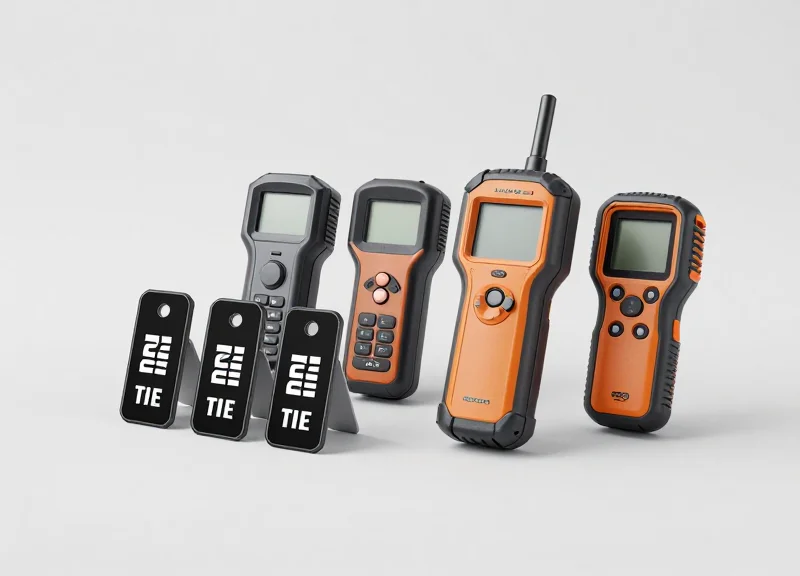
Scaling an industrial RFID system while maintaining 0.5s response times requires a move from centralized polling architectures to decentralized edge-processing. DragonGuardGroup hardware enables this by performing complex data mapping, filtering, and validation locally on the reader. This architectural shift ensures that only the final, actionable trigger signal is sent to the PLC, preventing network congestion and maintaining deterministic performance even as the number of nodes increases across the production floor.
| Scalability Factor | Standard Industrial RFID | DragonGuardGroup Solutions |
|---|---|---|
| Processing Architecture | Centralized PLC Logic | Edge-Based Reader Logic |
| Typical Response Latency | 800ms - 1200ms | 250ms - 500ms |
| Protocol Support | Standard TCP/IP | PROFINET IRT / EtherNet/IP DLR |
| Max Synchronous Nodes | Up to 16 | Up to 128 |
- Identify Edge Bottlenecks: Analyze which data processing tasks can be moved from the PLC to the DragonGuardGroup reader firmware to minimize CPU load.
- Implement High-Speed Fieldbus: Utilize built-in PROFINET or EtherNet/IP interfaces to synchronize multiple readers without adding significant software overhead.
- Configure Delta-Reporting: Set readers to only transmit data when a specific state change occurs, drastically reducing background network traffic and processing requirements.
- Scale with Modular Antennas: Expand coverage using DragonGuardGroup high-gain multiplexed antenna ports to cover more lanes using fewer IP addresses and less hardware.
The 'Silicon Valley' Secret: Deterministic Jitter Management. In high-speed manufacturing, the average response time is a vanity metric; the 'worst-case' response time is what prevents line stoppages. DragonGuardGroup readers utilize a proprietary Real-Time Operating System (RTOS) that prioritizes PLC interrupt packets over standard diagnostics. This ensures that even under 90 percent network load, your 0.5s trigger signal arrives with microsecond precision, a feat standard readers cannot replicate due to their reliance on general-purpose processing chips.
Will scaling to 50+ readers slow down my PLC scan cycle?
No. Because DragonGuardGroup readers handle the data mapping locally, the PLC only receives a pre-validated boolean or integer trigger, keeping the scan cycle lean and fast even at scale.
How does DragonGuardGroup handle signal interference in dense deployments?
Our hardware features Adaptive Field Power Management, which automatically tunes antenna output to prevent cross-talk between adjacent readers in high-density environments.
Is special software required for scaling the system?
No, our systems use standard EDS and GSDML files, allowing you to scale using your existing TIA Portal or Studio 5000 environment without proprietary middleware.