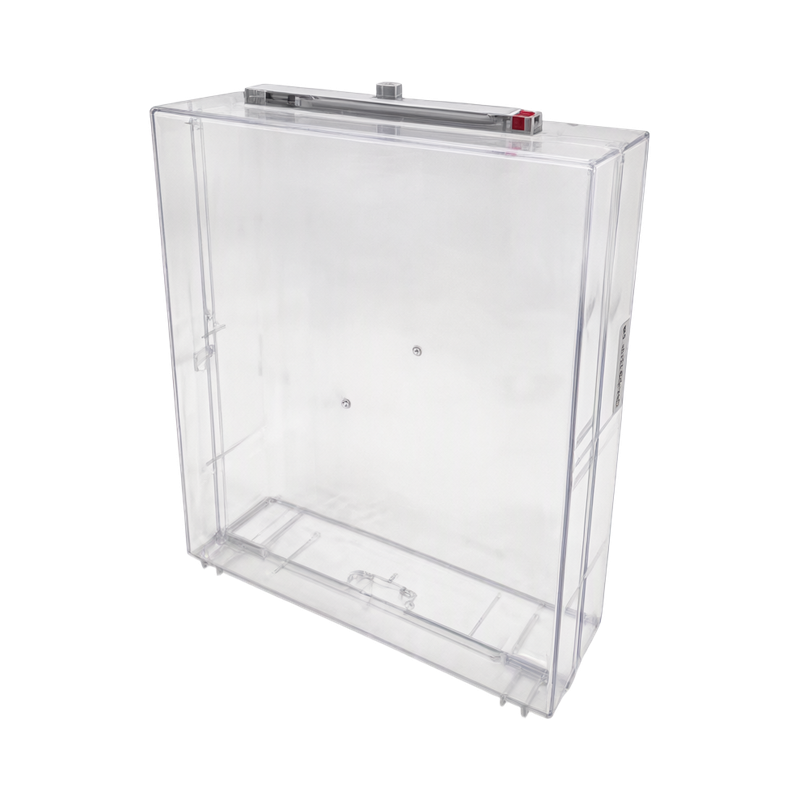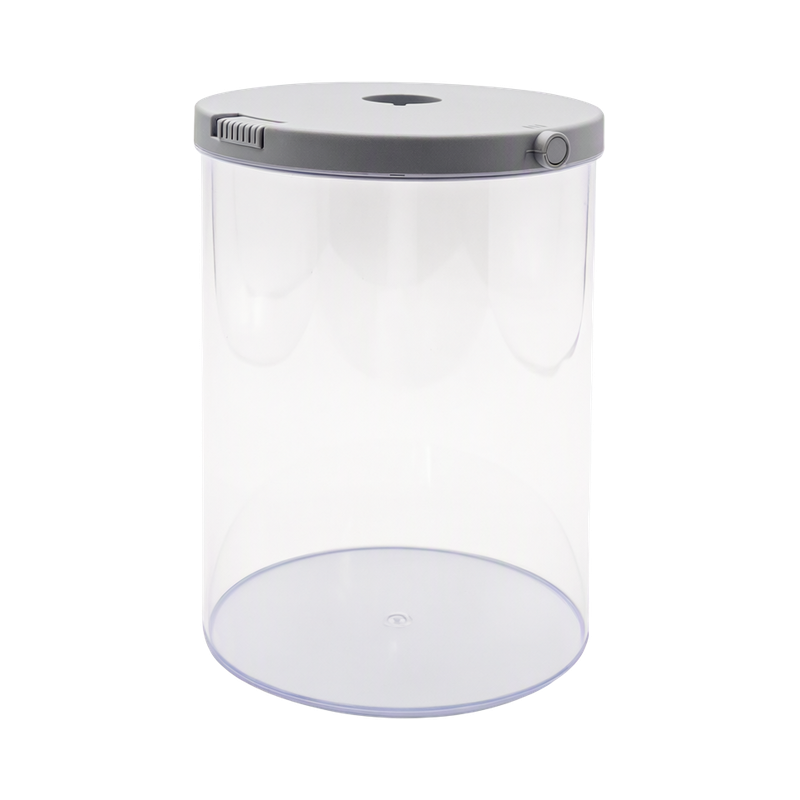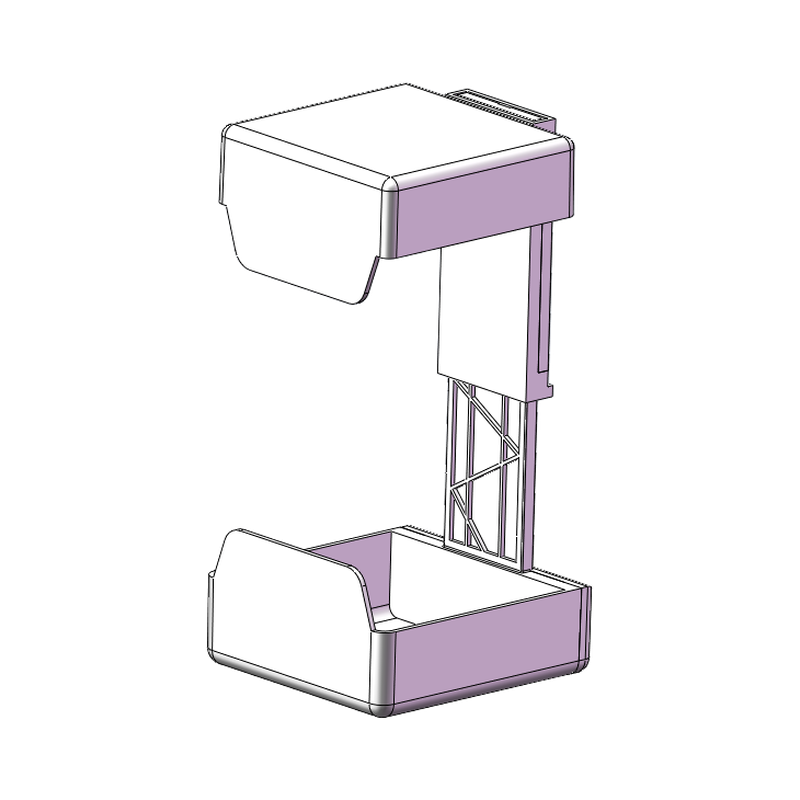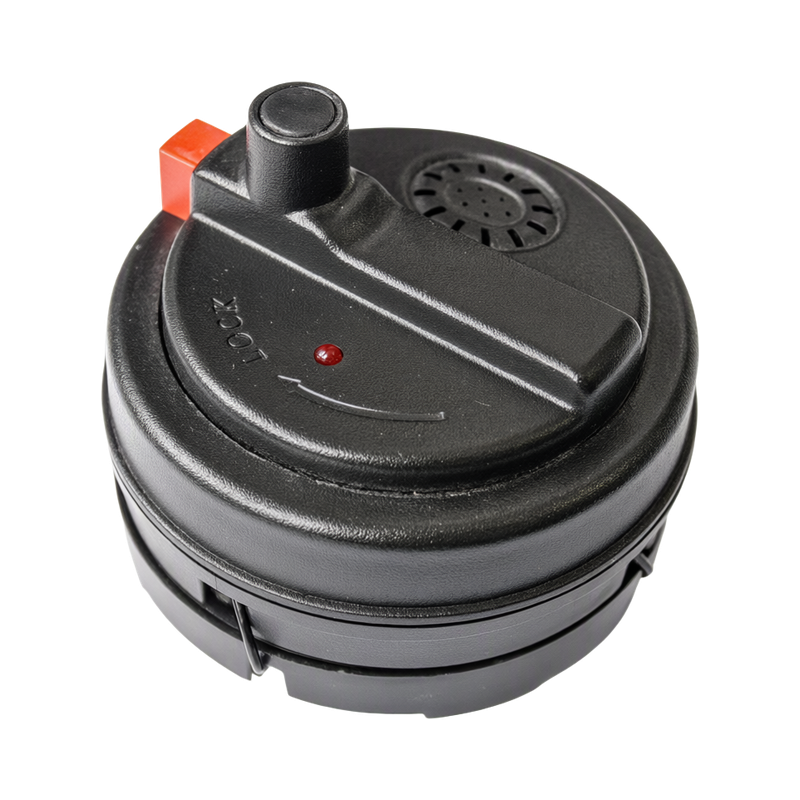

Electronics Display and Exit Protection
A practical EAS deployment framework to let shoppers handle demonstration products while securing devices and small accessories, including equipment roles, site conditions and handover checks.
Discuss this solutionWhat the operation needs
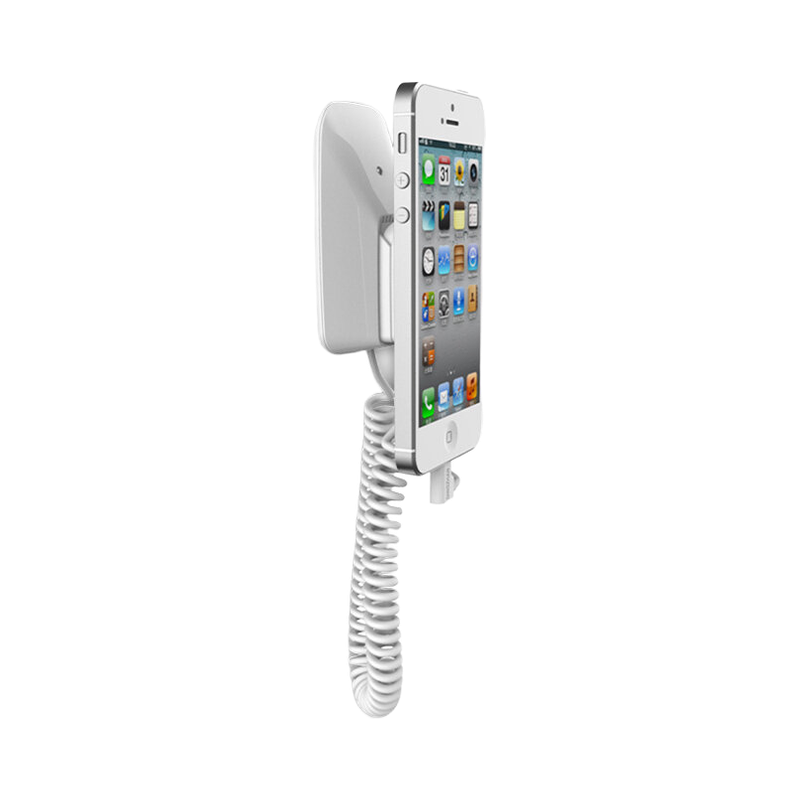
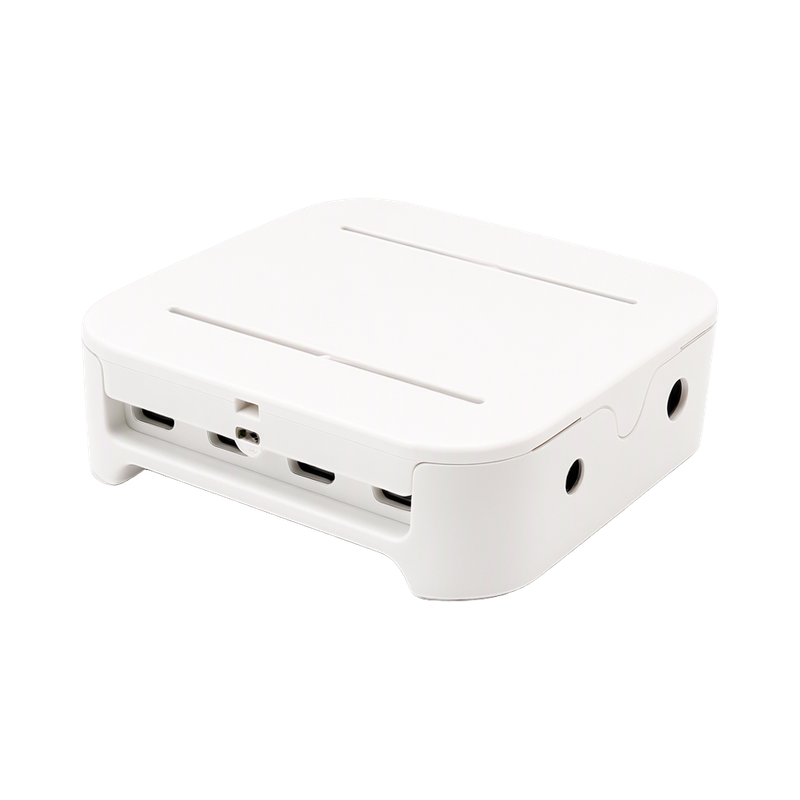
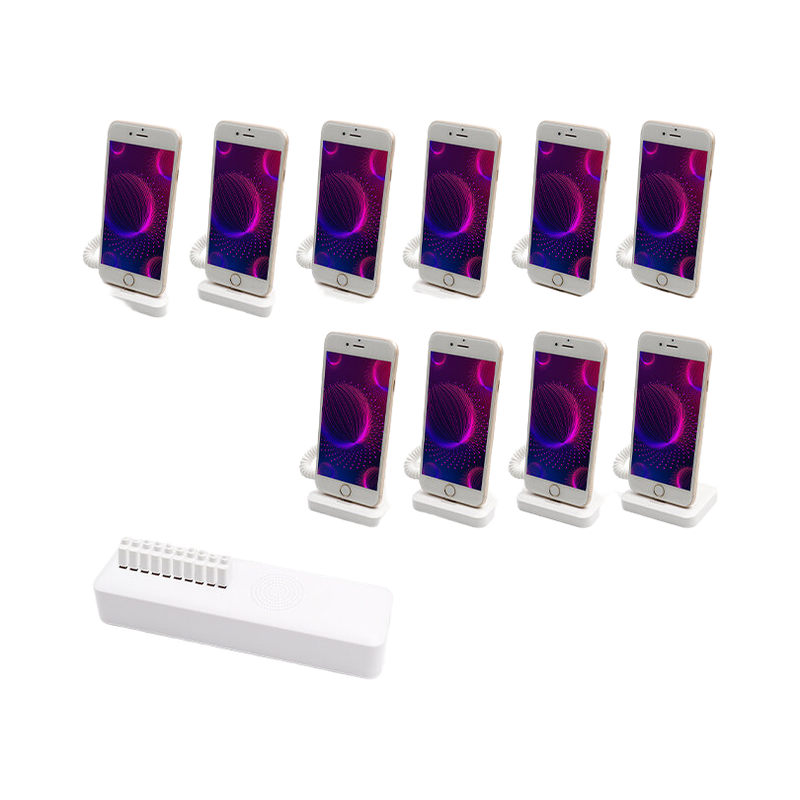
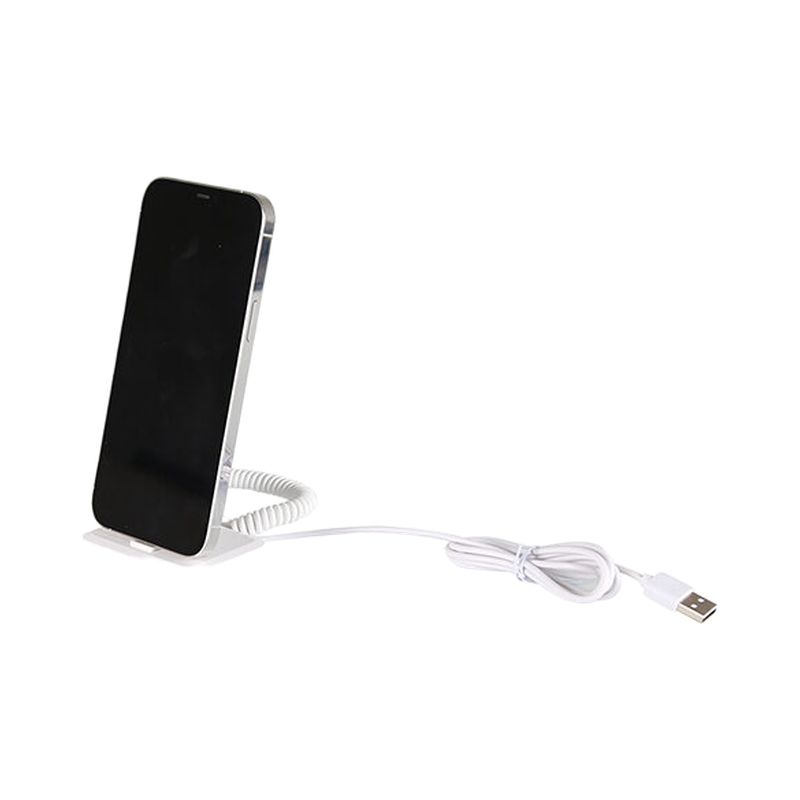
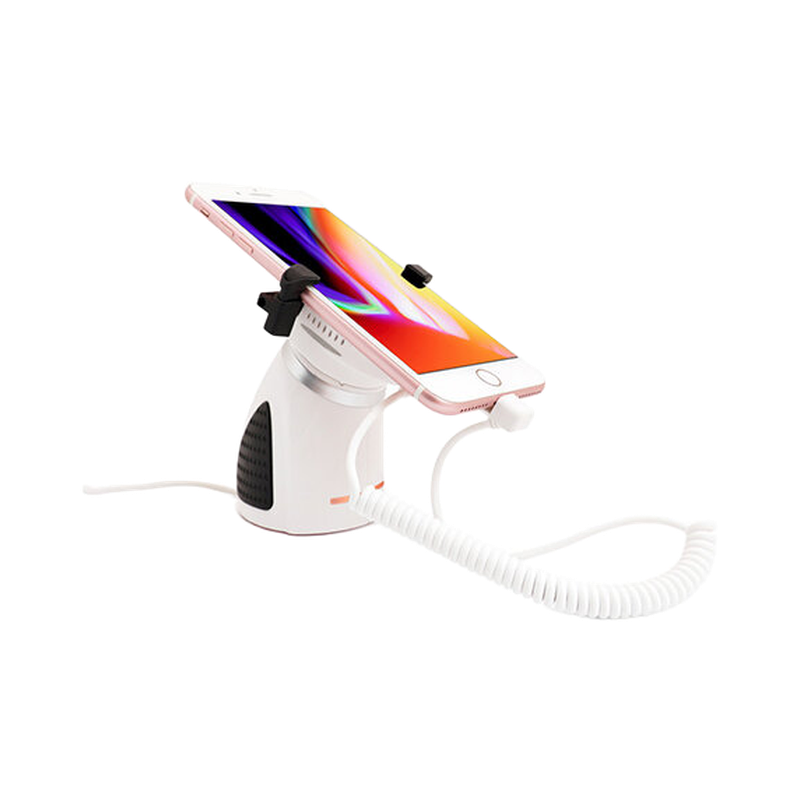
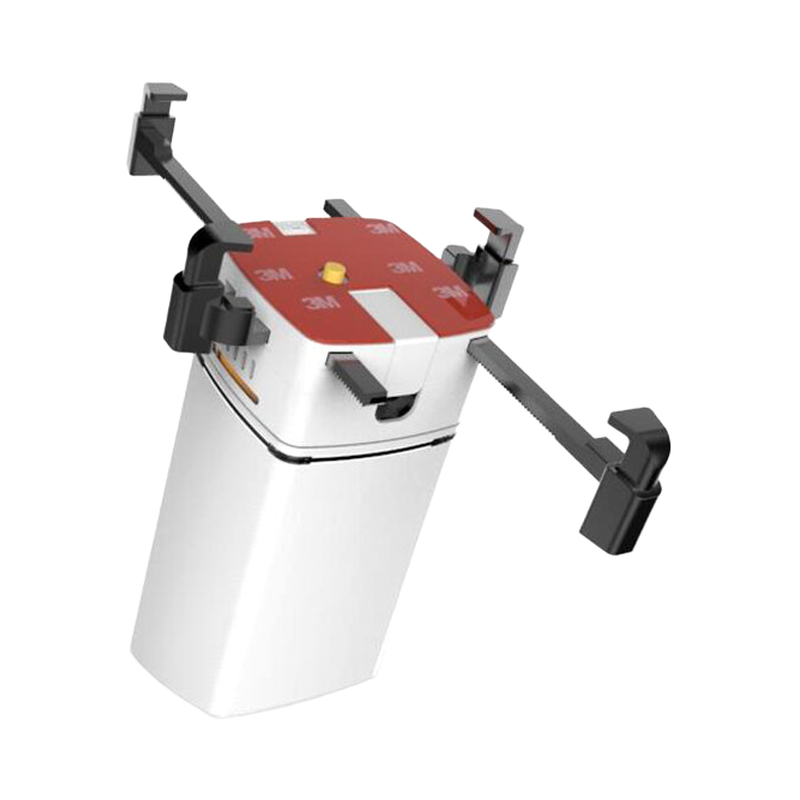
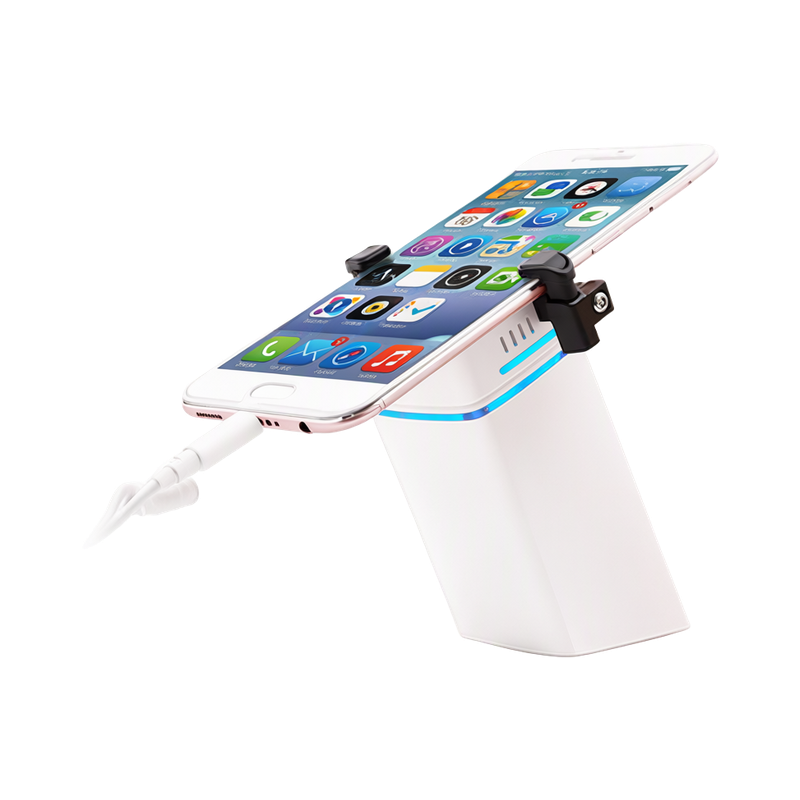
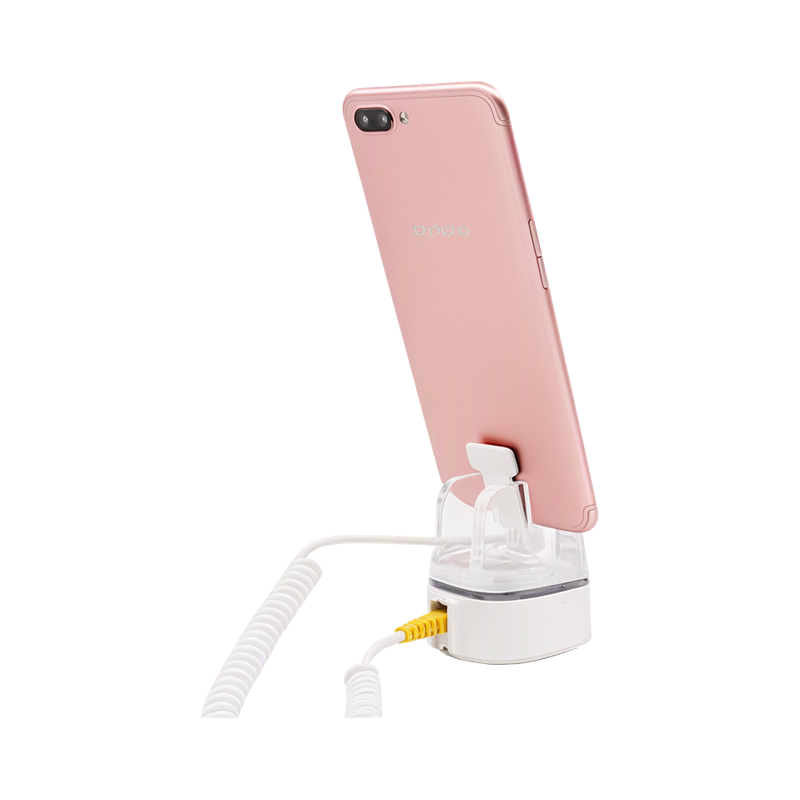
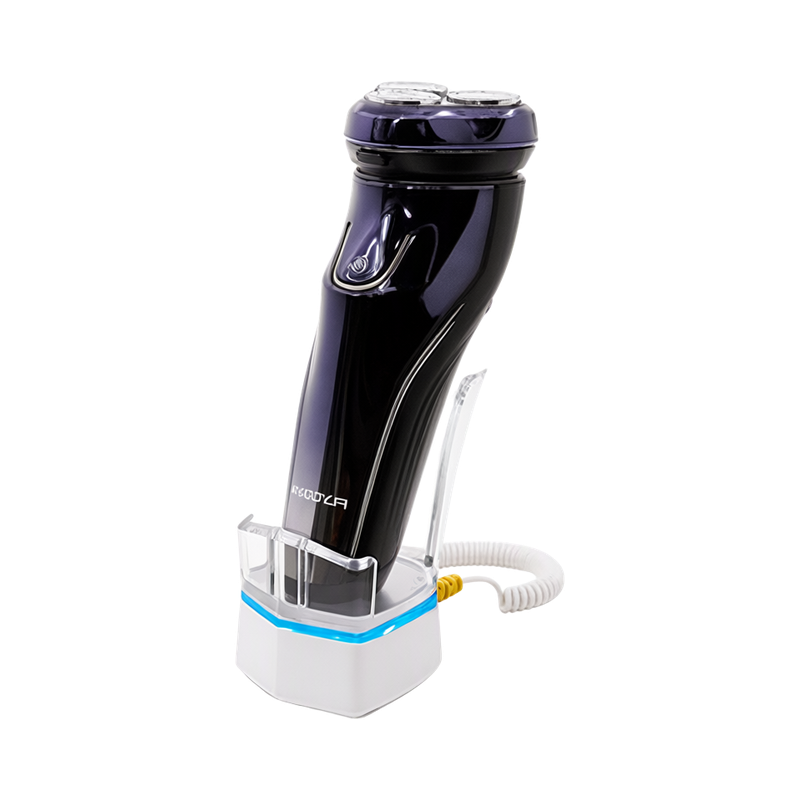
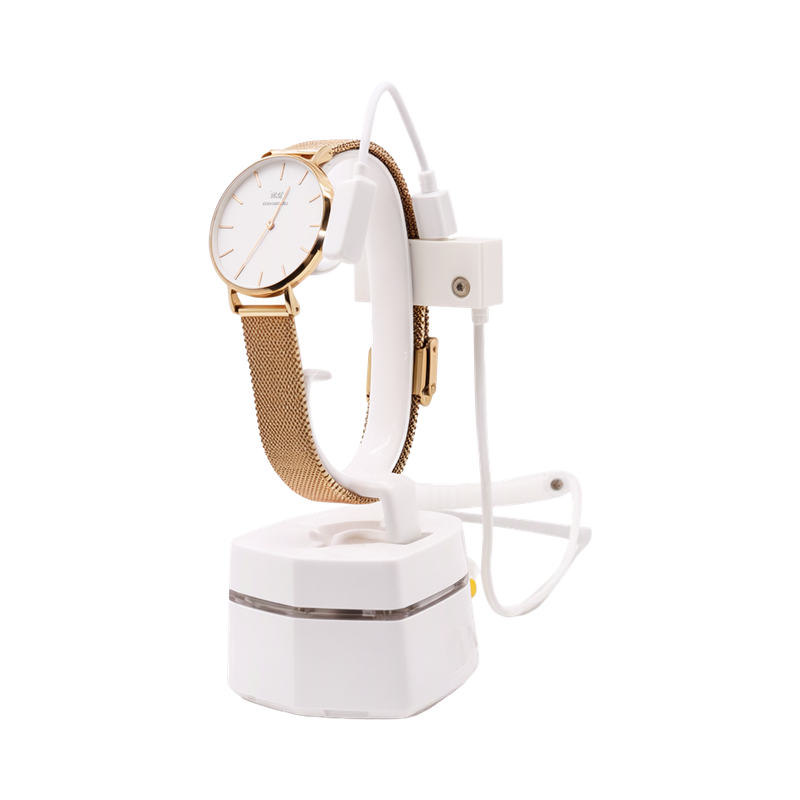
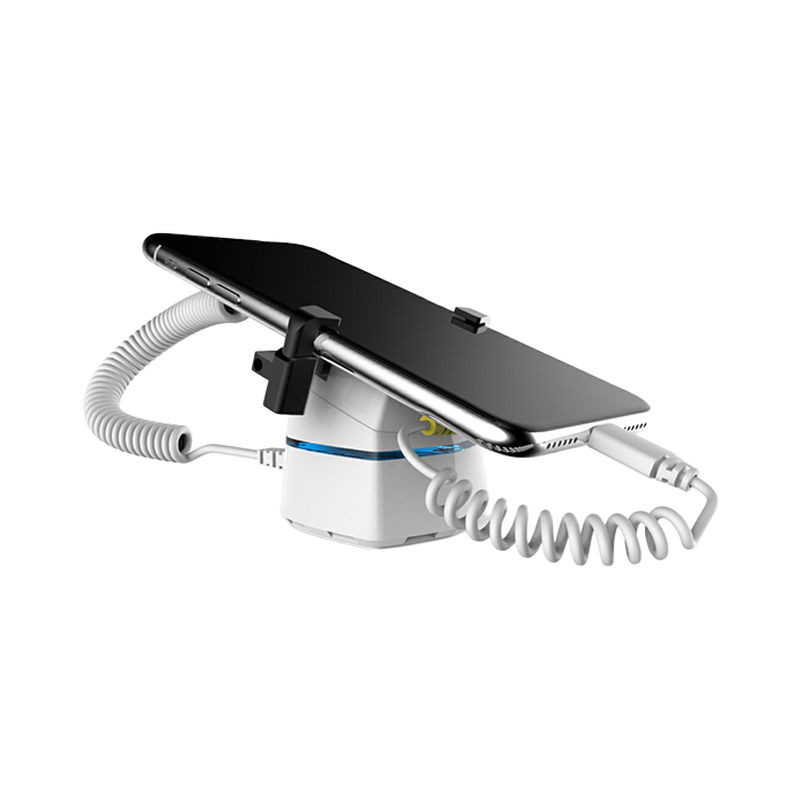
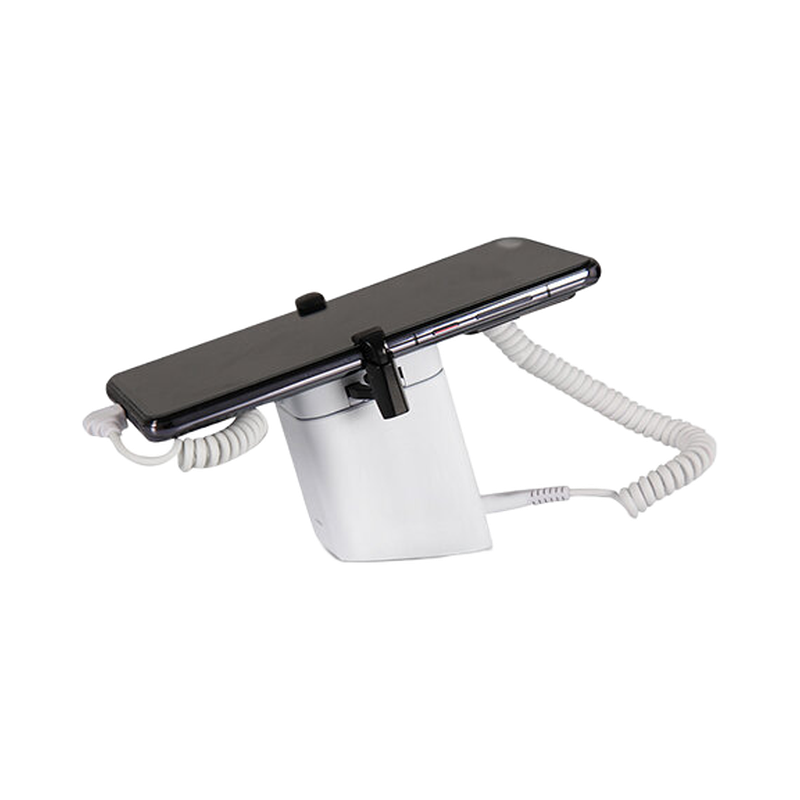
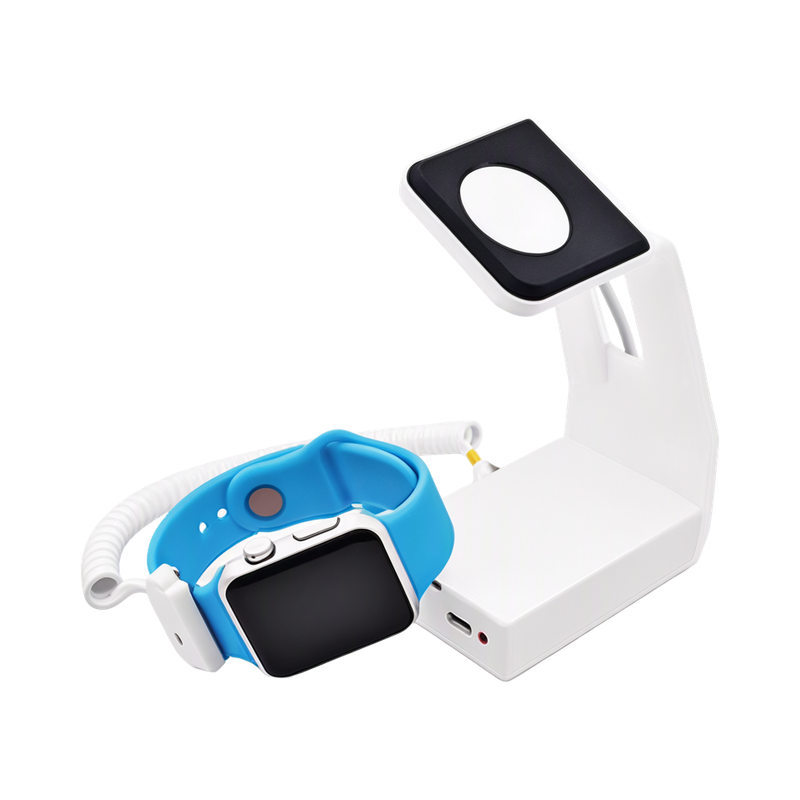
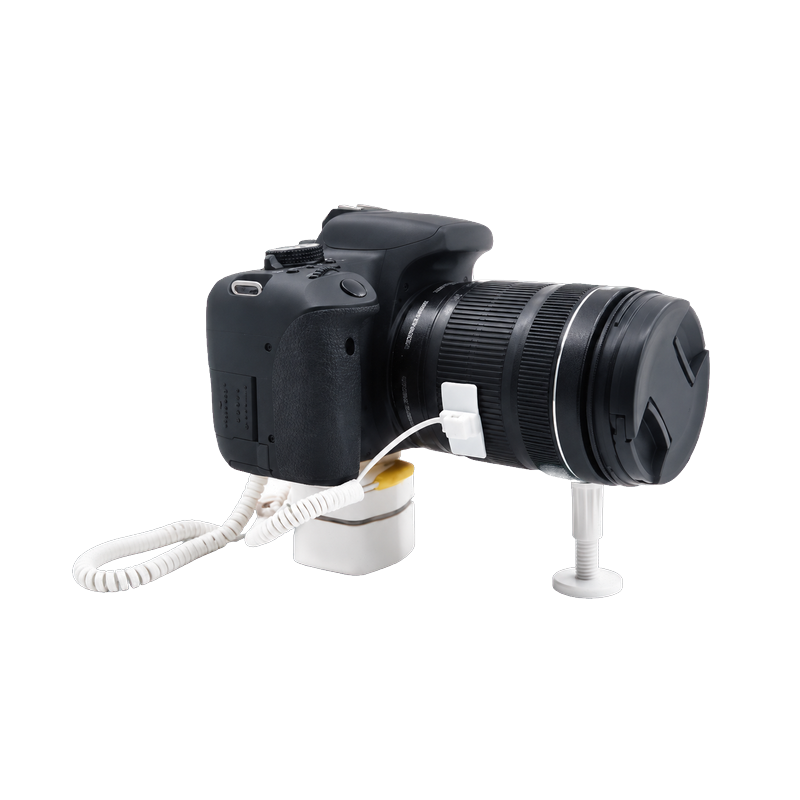
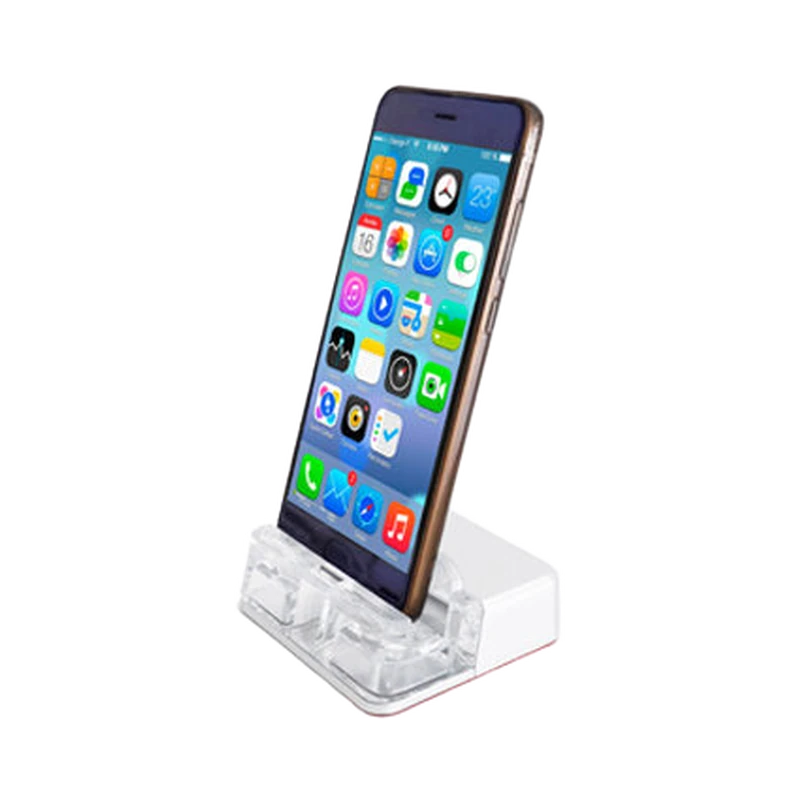
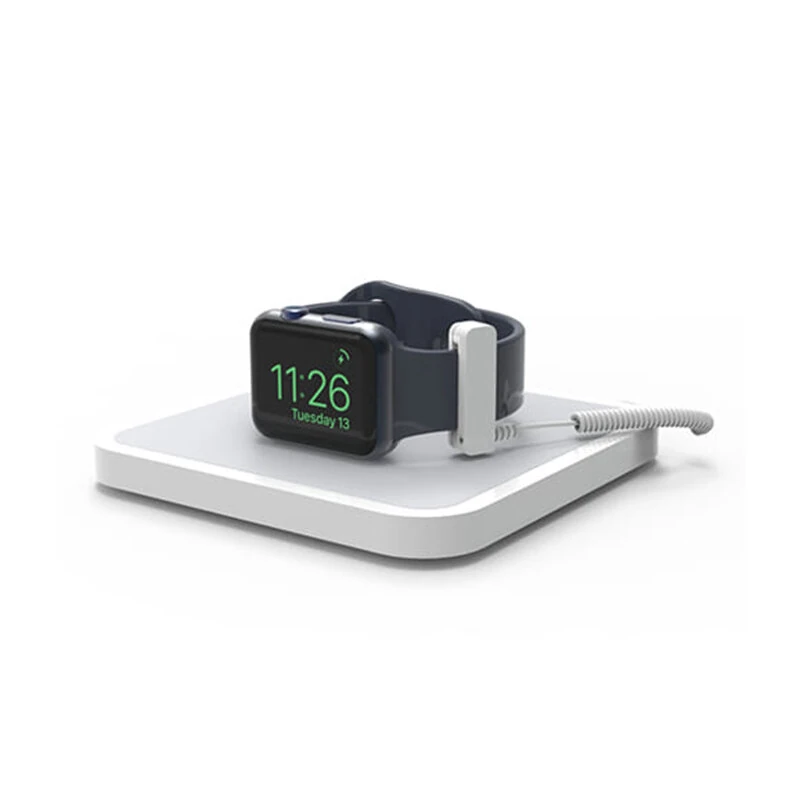
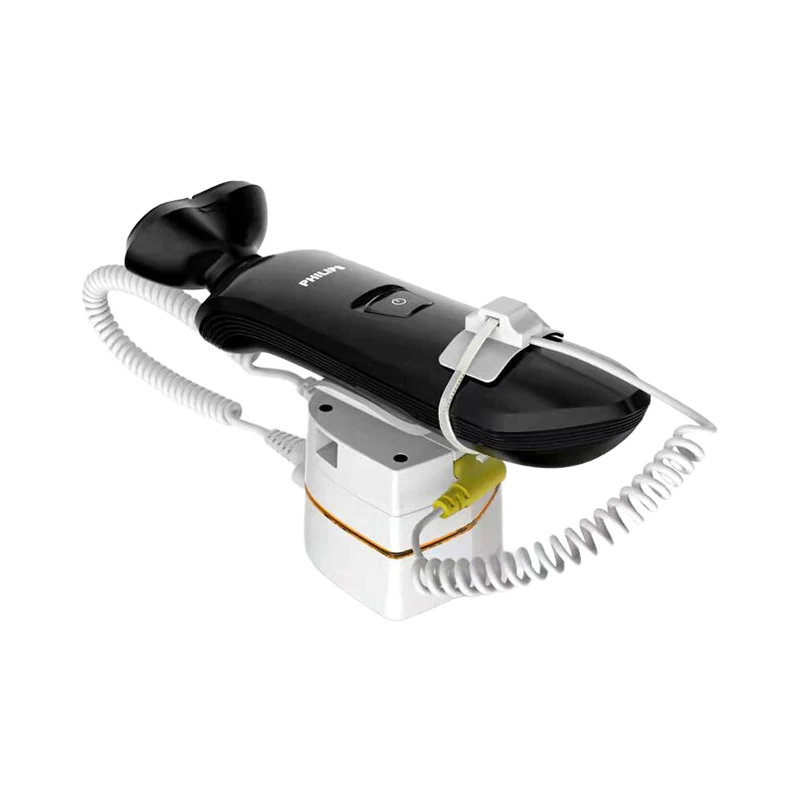
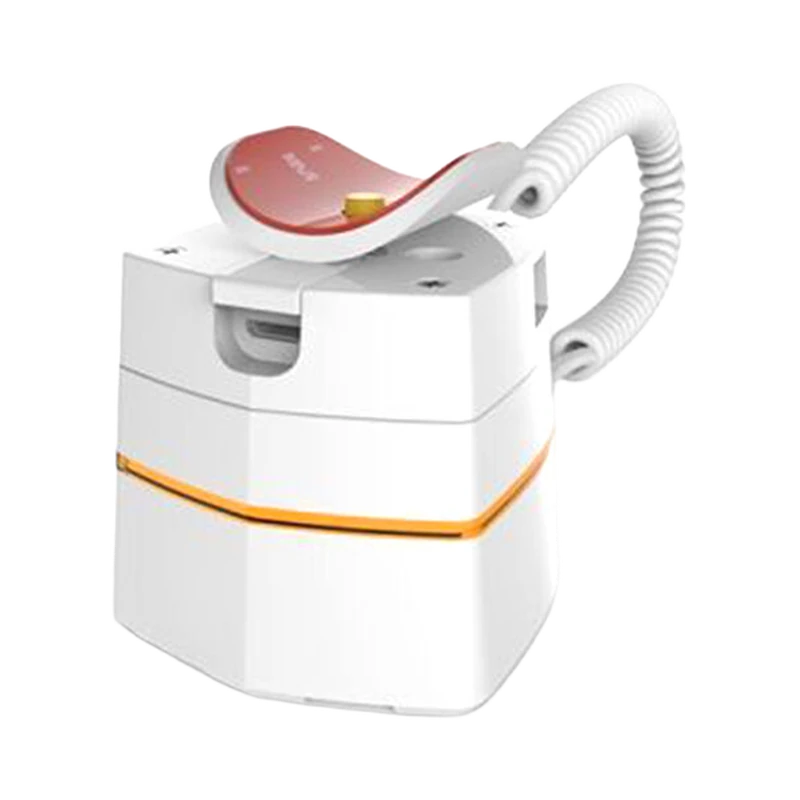
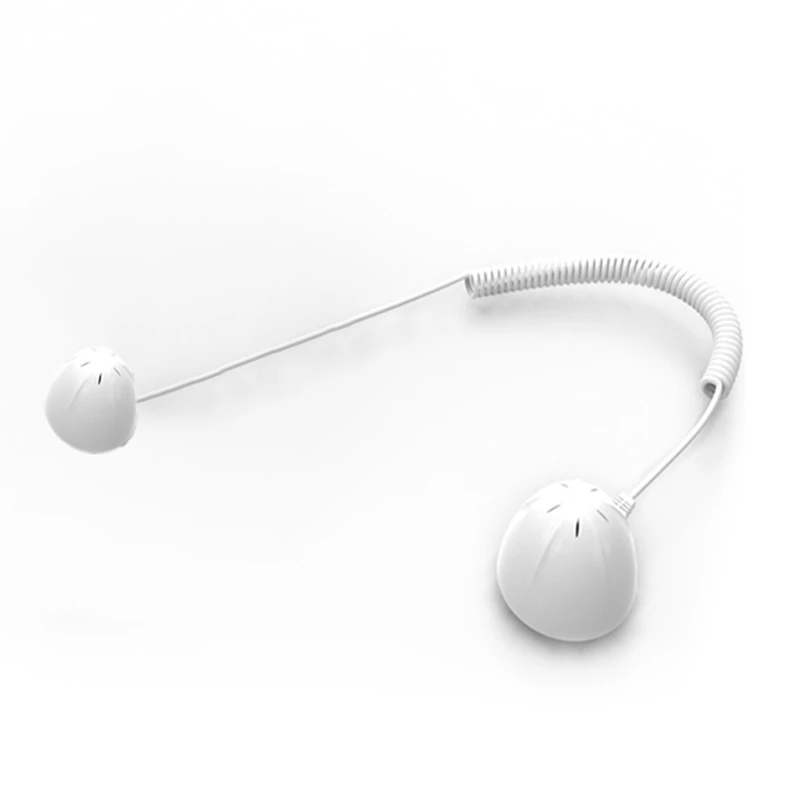
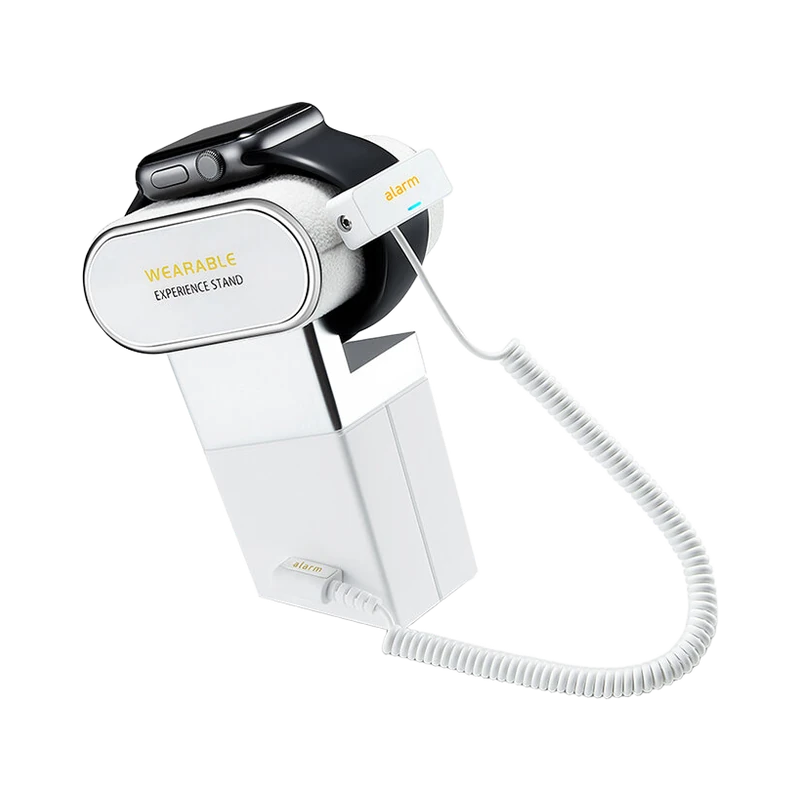
This solution is intended to let shoppers handle demonstration products while securing devices and small accessories. It brings together the equipment roles and operating decisions needed for a consumer-electronics store with live demonstration devices, secured display tables and accessory shelves. The project brief should be owned jointly by electronics retailers, demonstration staff and security installers; the supplier and installer need the same description of the items, locations and actions that will be tested.
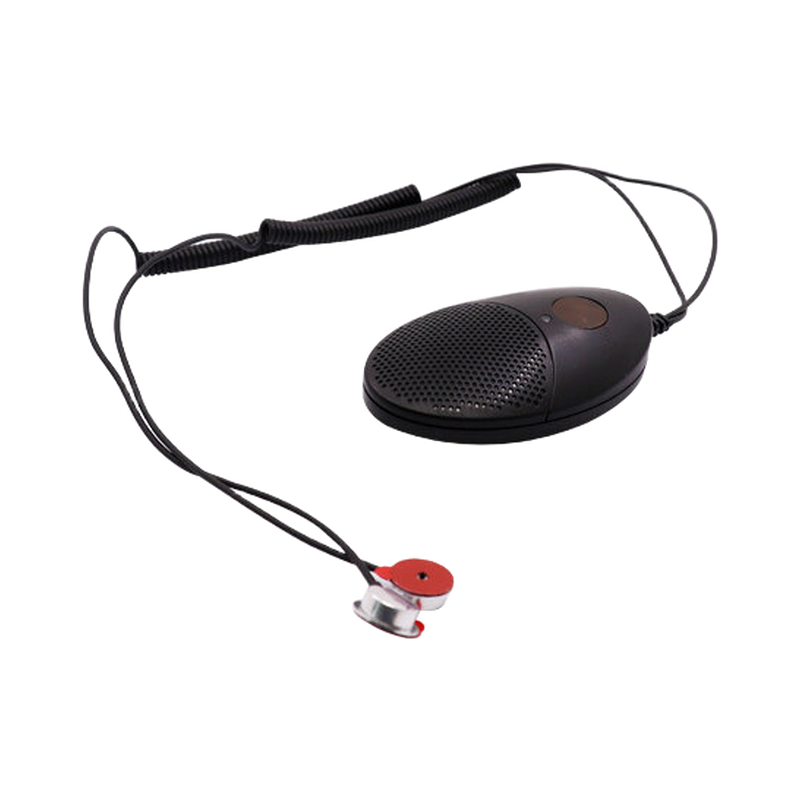
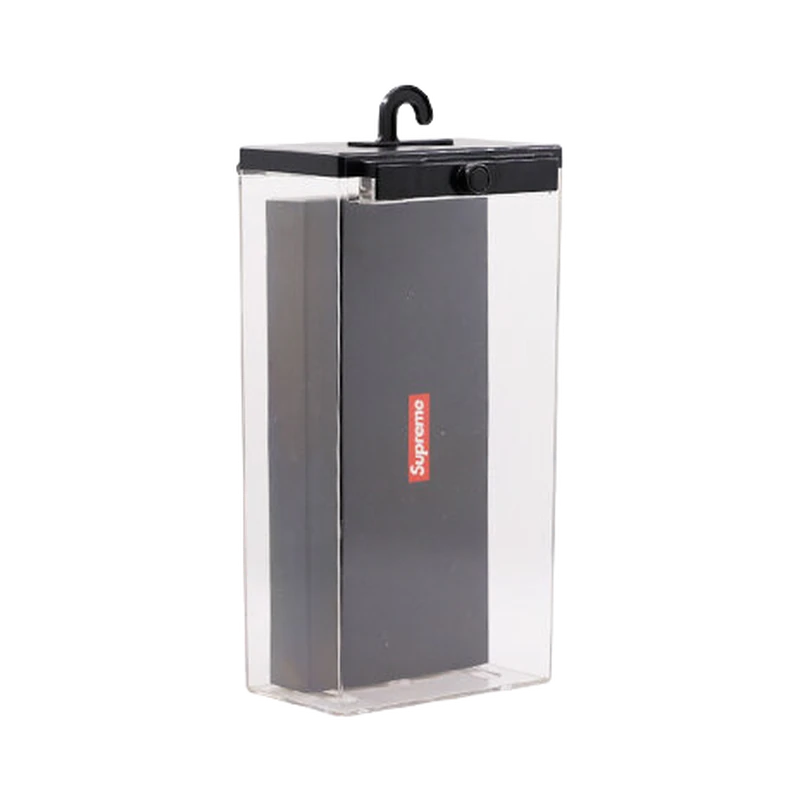
Treat live demonstration devices and boxed accessories as separate workflows. A demonstration point may need local attachment or an alarm, while a boxed item may use a keeper, wrap or exit label.
Equipment and responsibilities
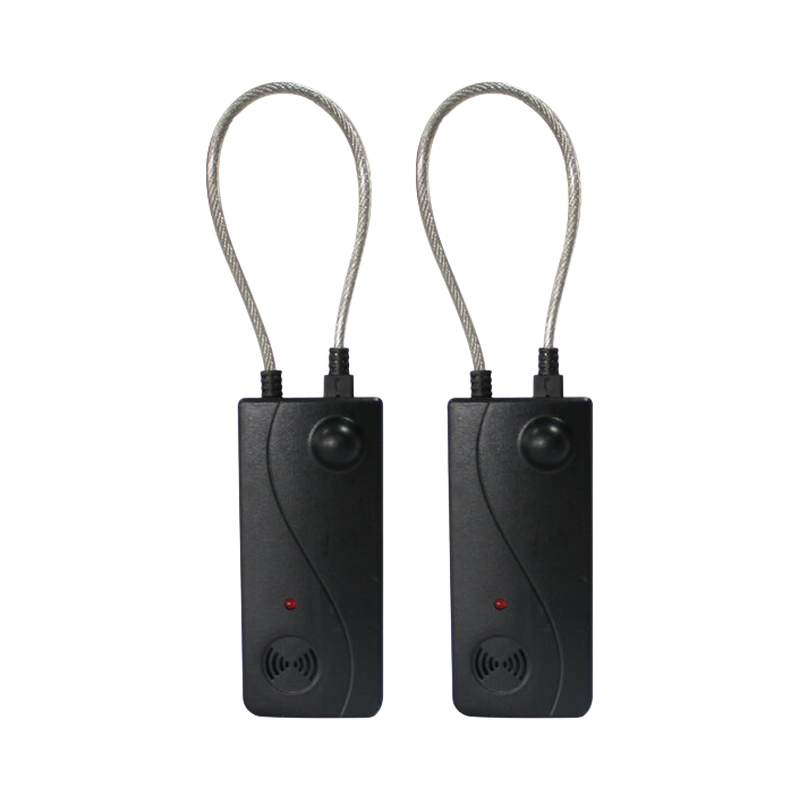
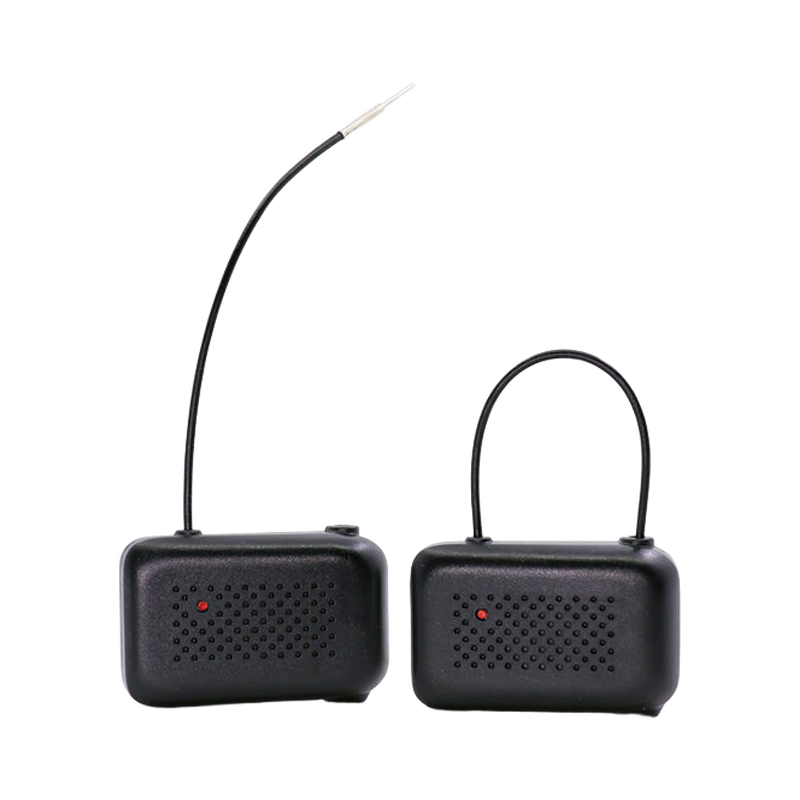
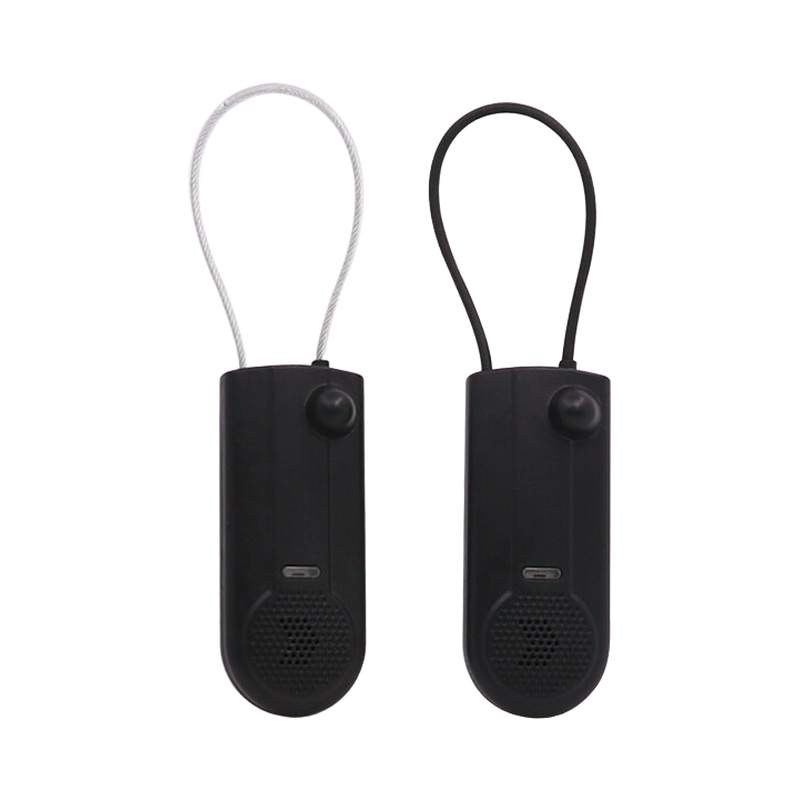
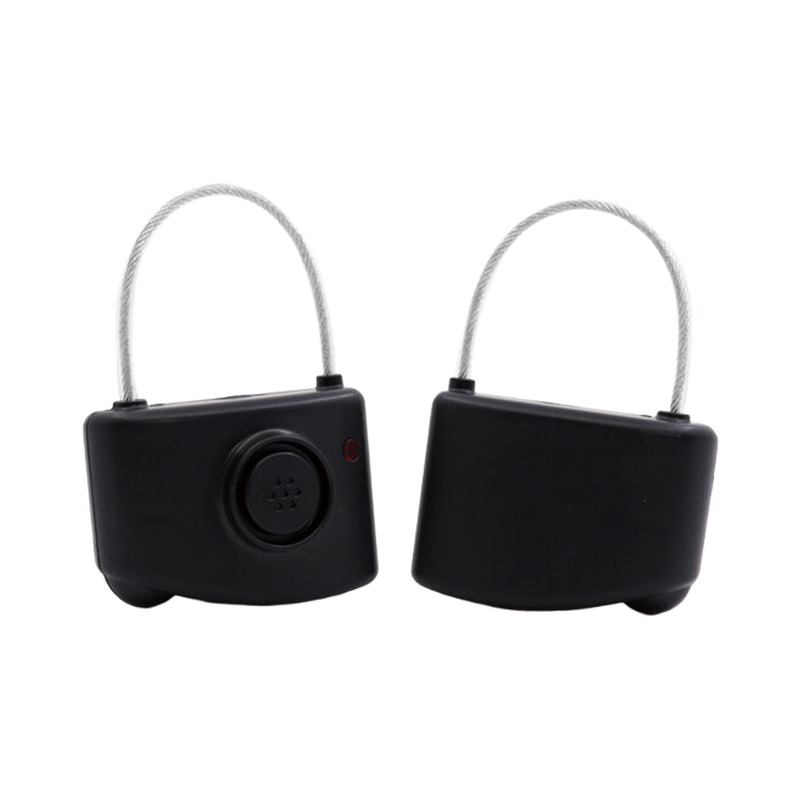
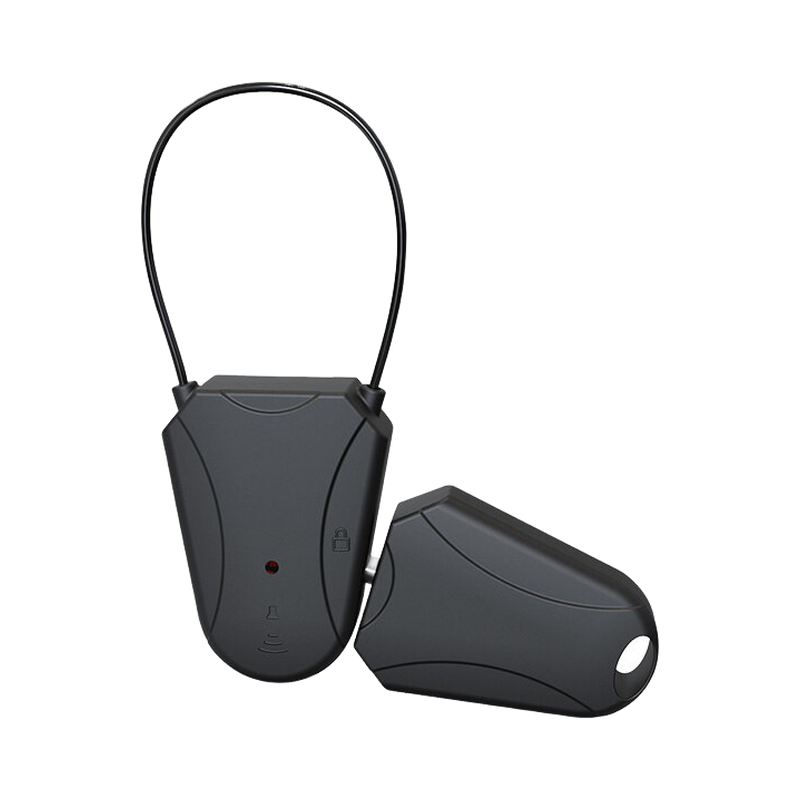
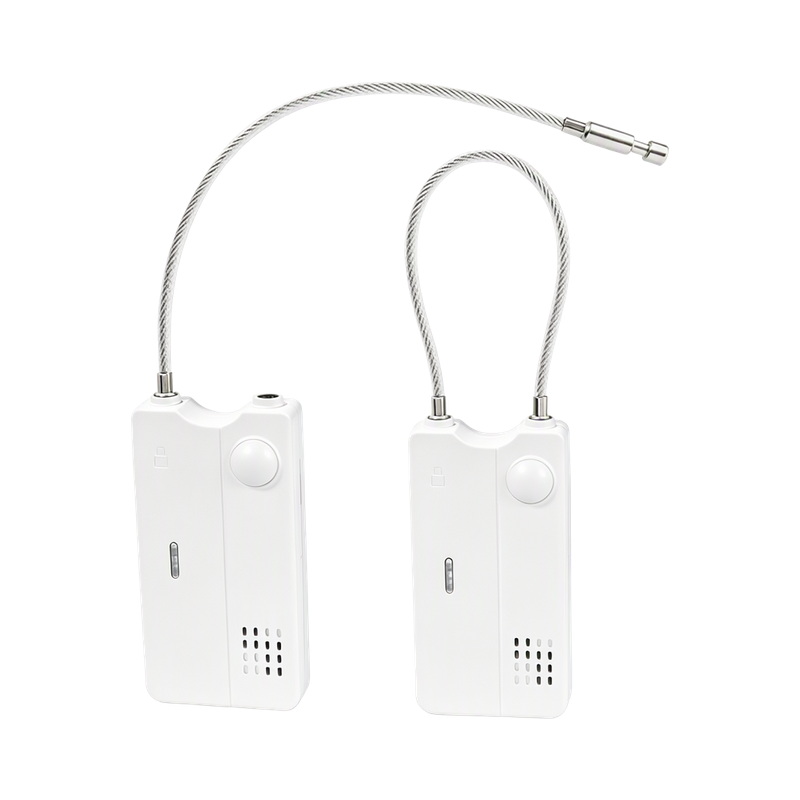
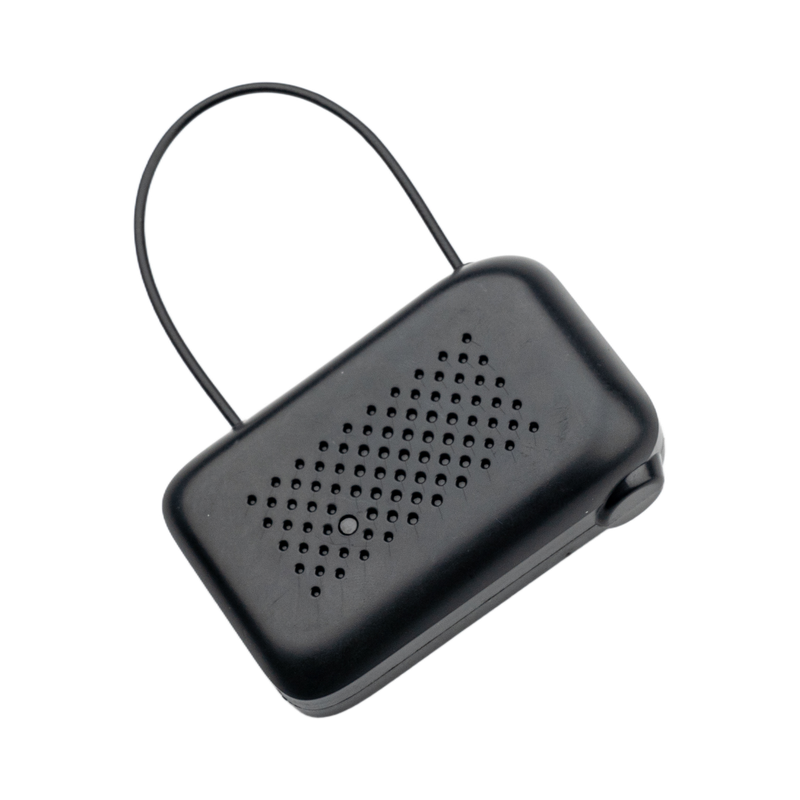
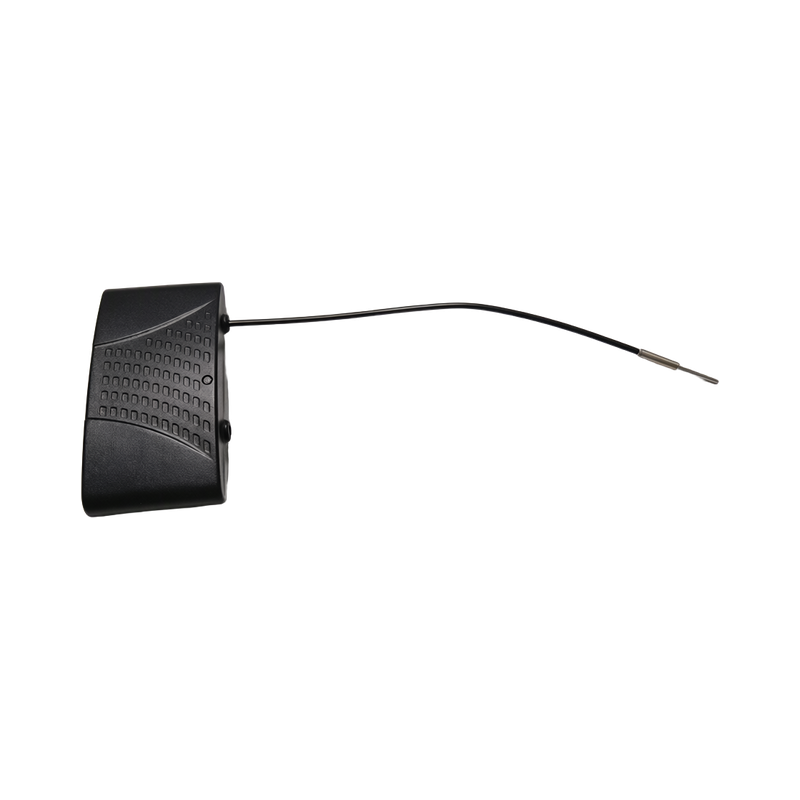
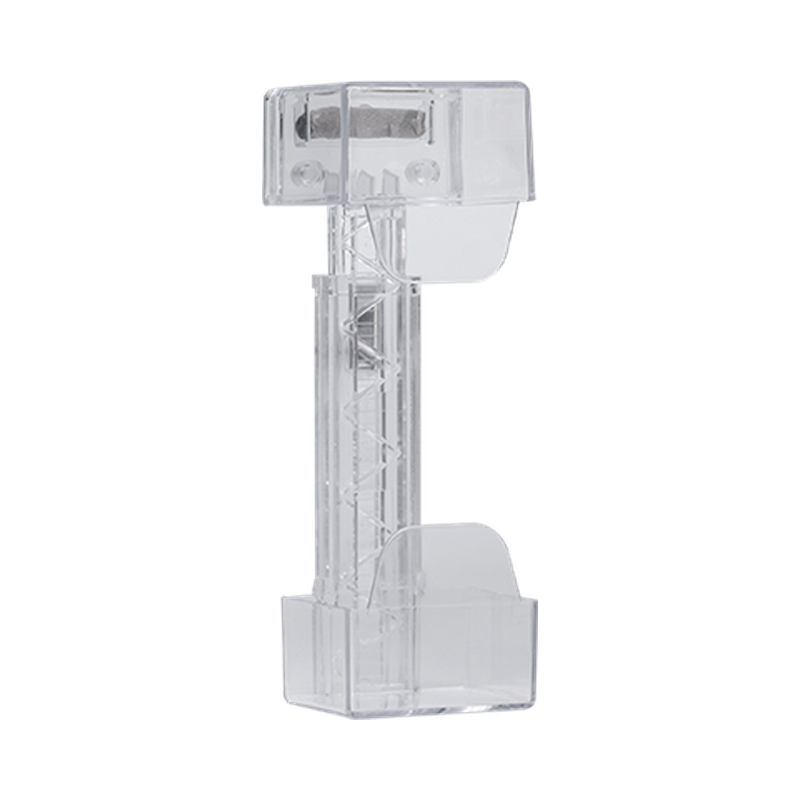
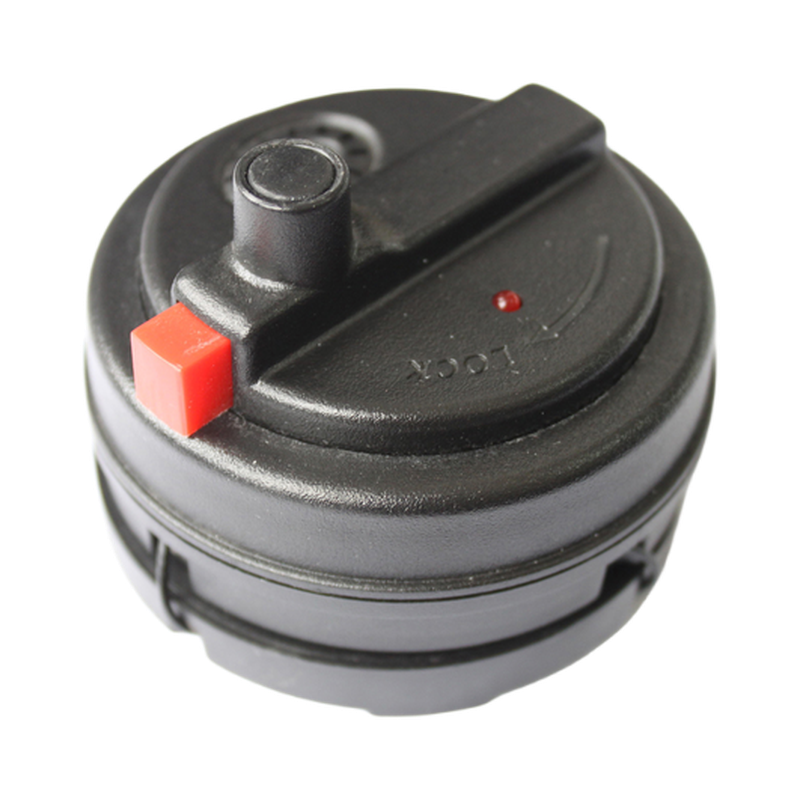
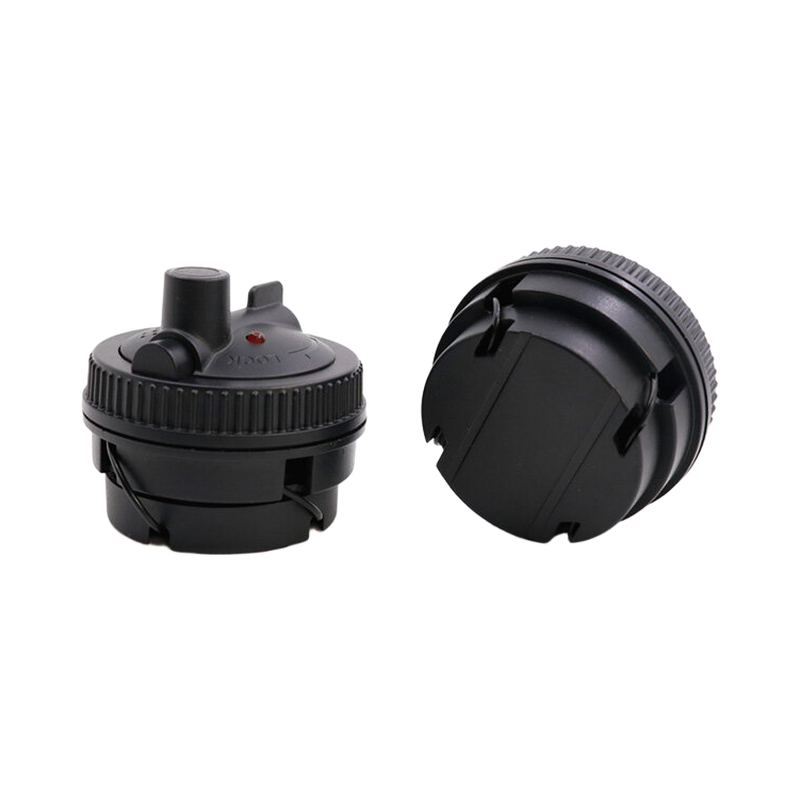
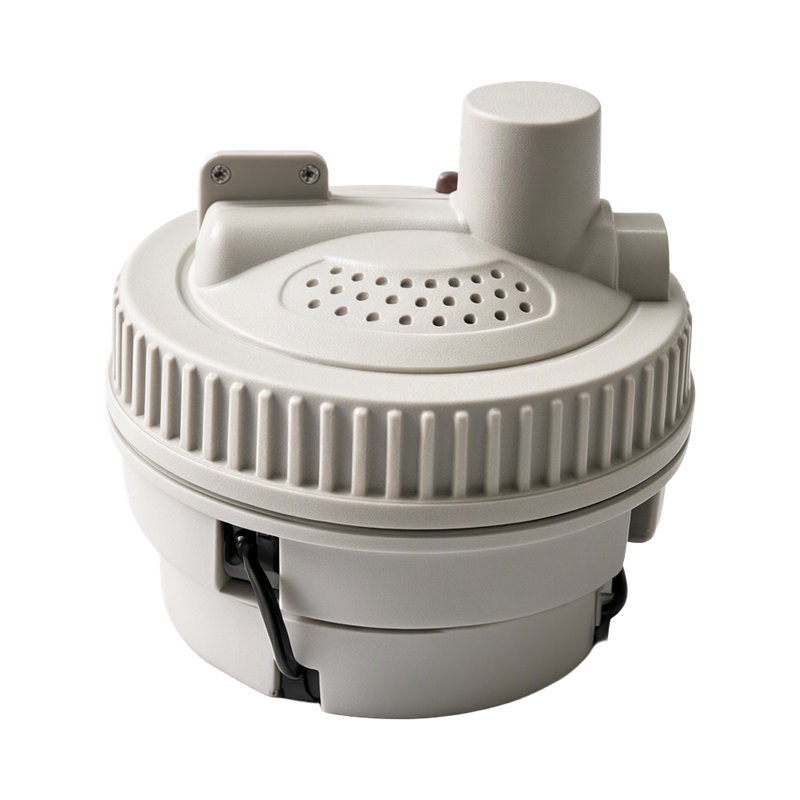
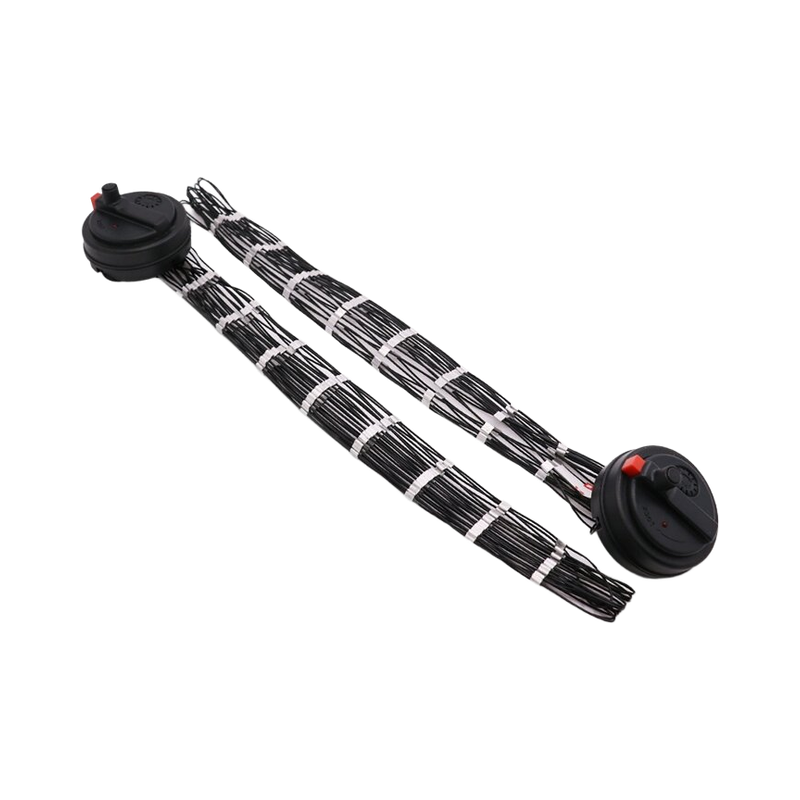
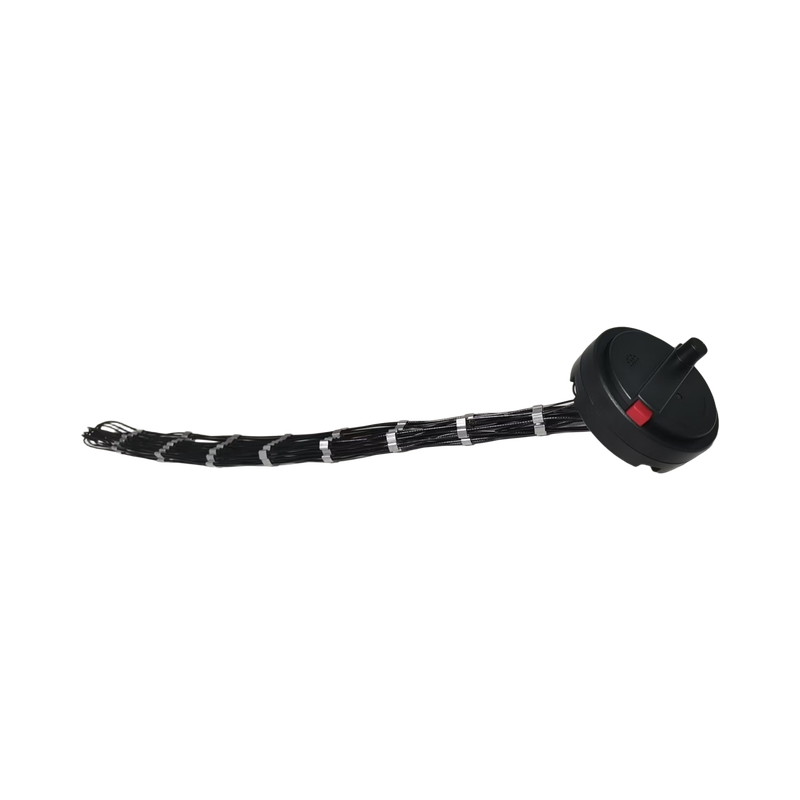
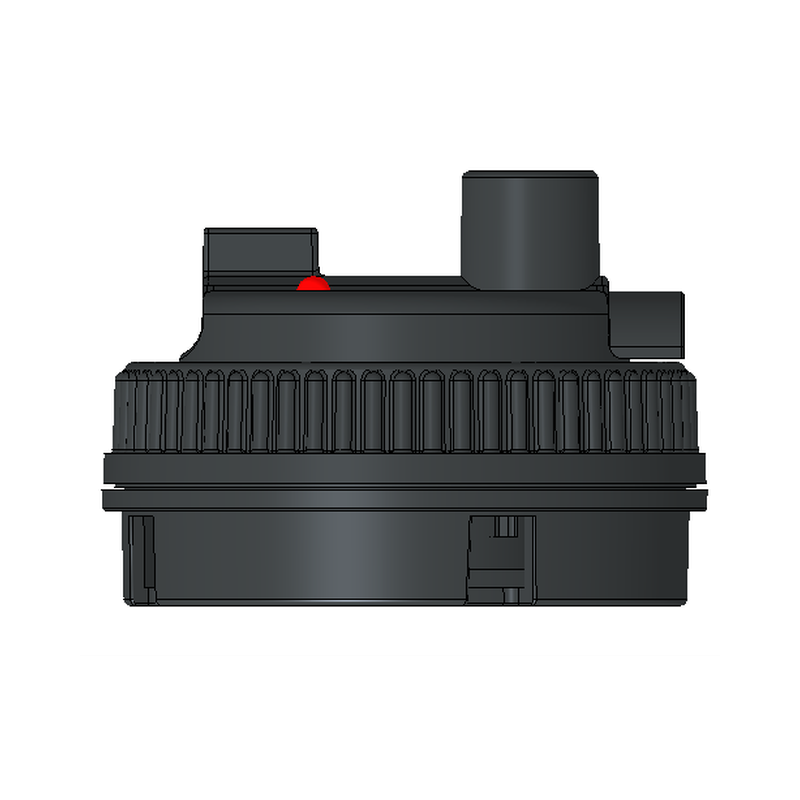
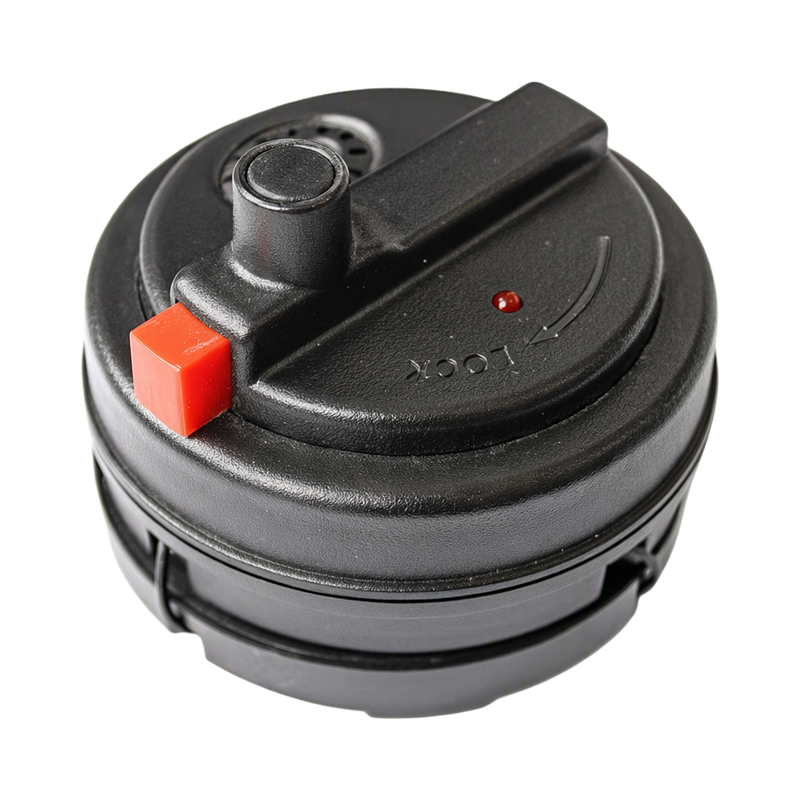
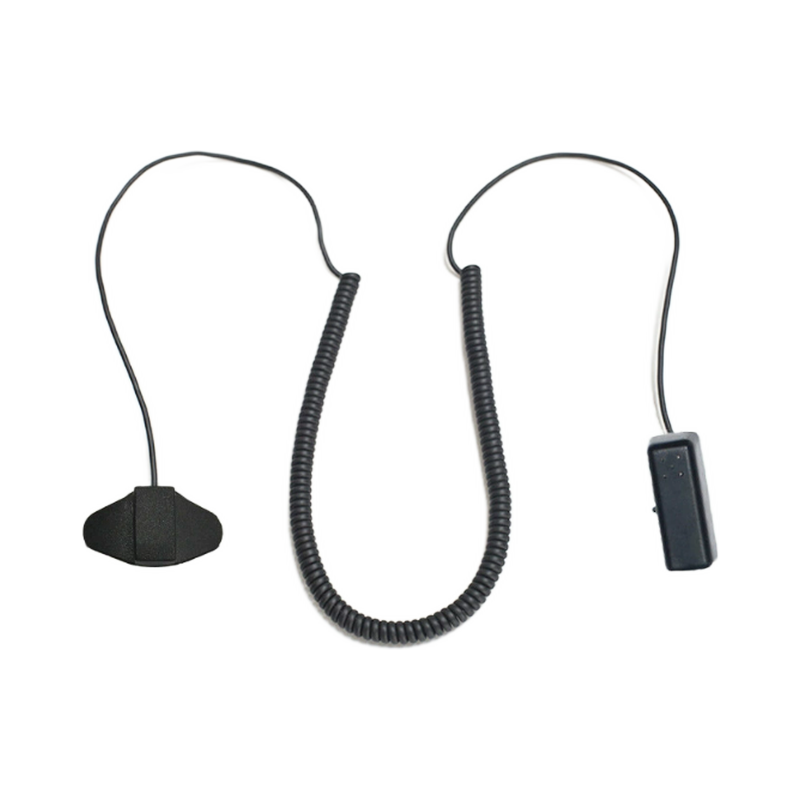
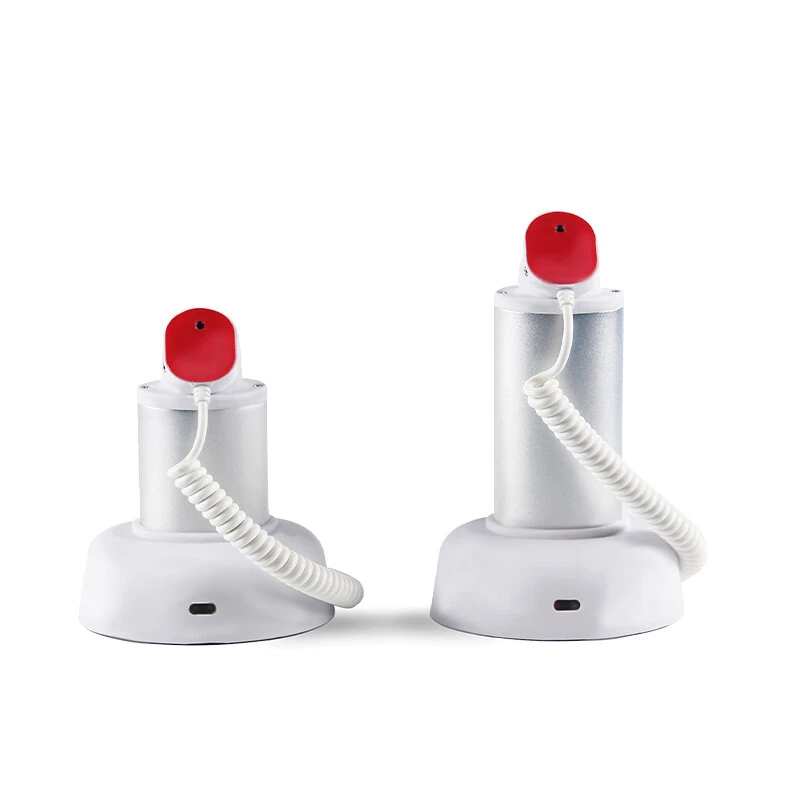
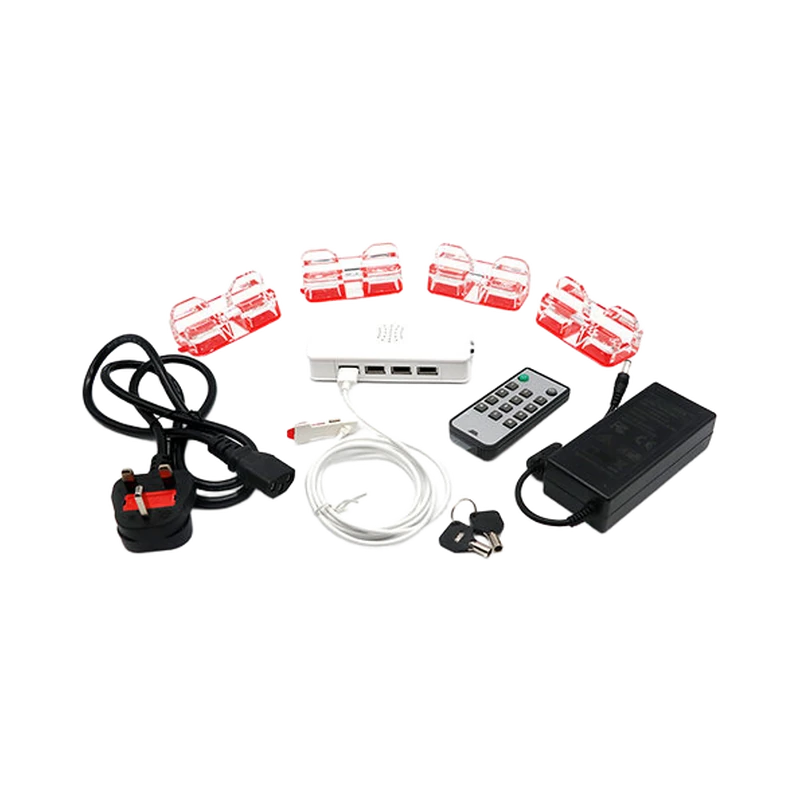
- Display-security devices
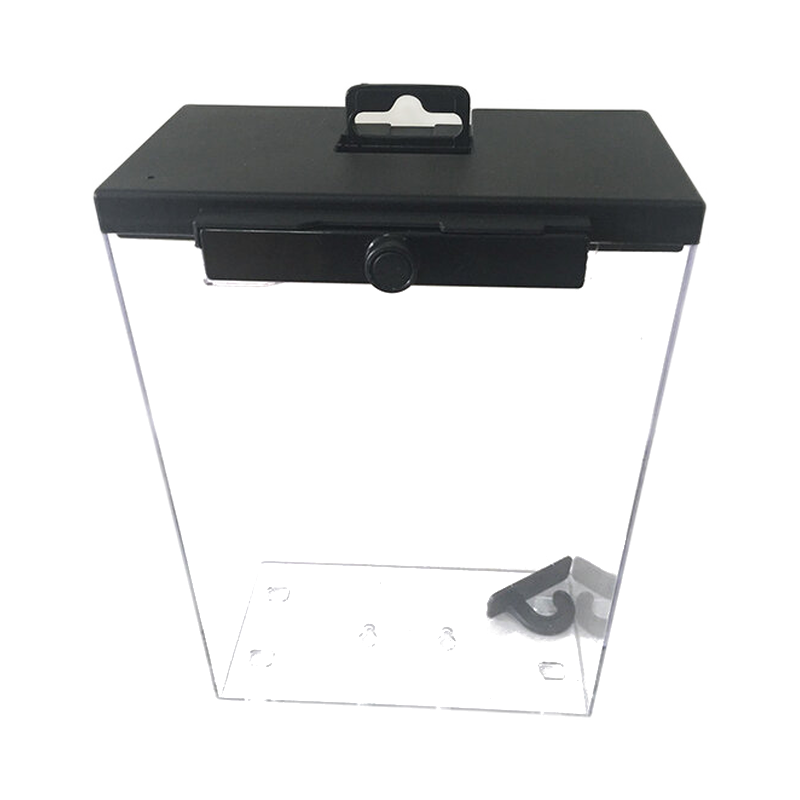
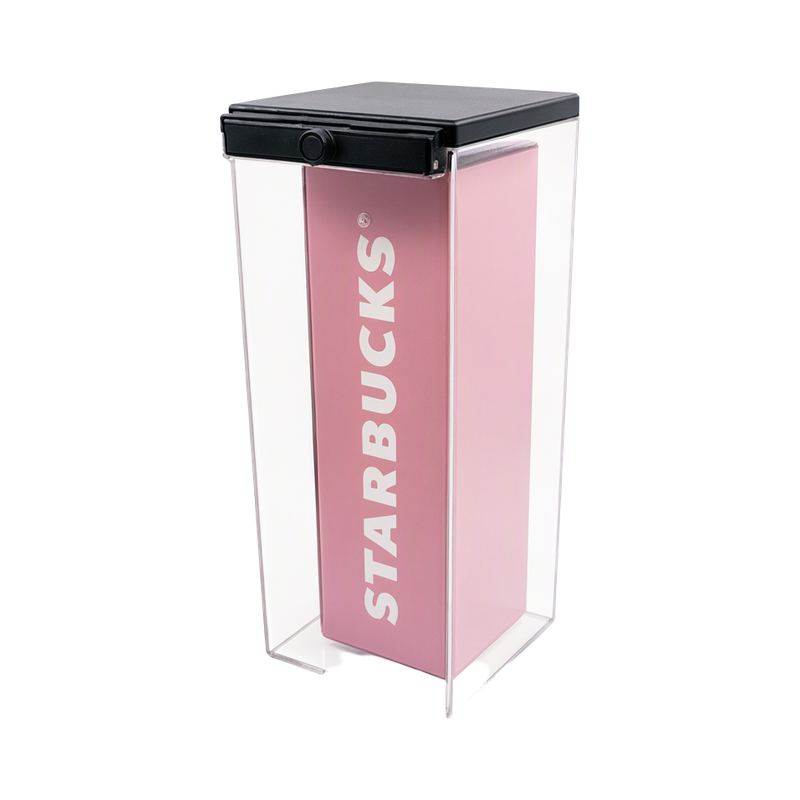
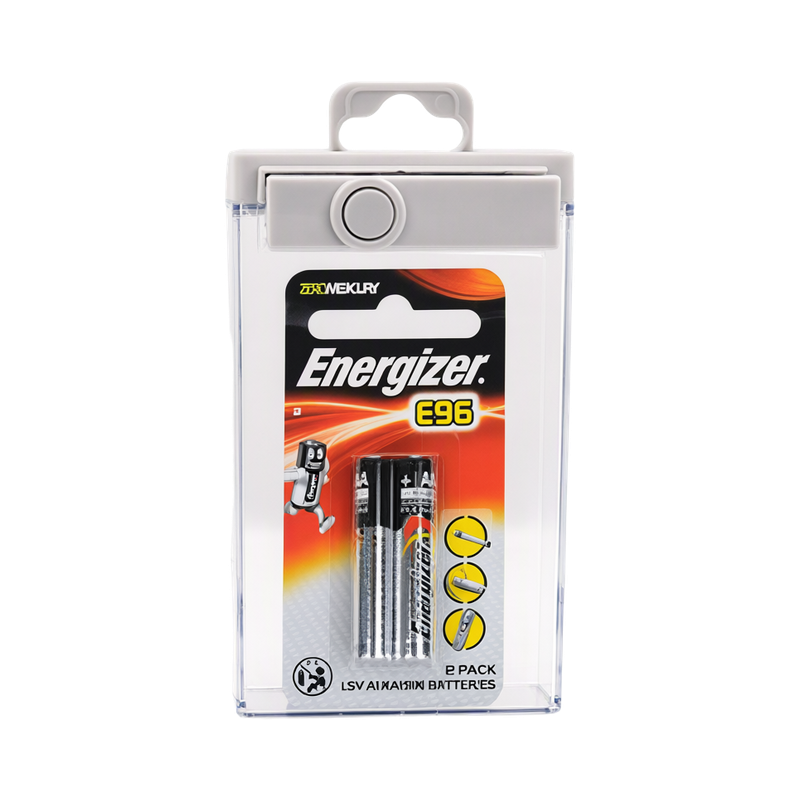
- Suitable keepers or wraps
- Release tools
- Selected exit detection
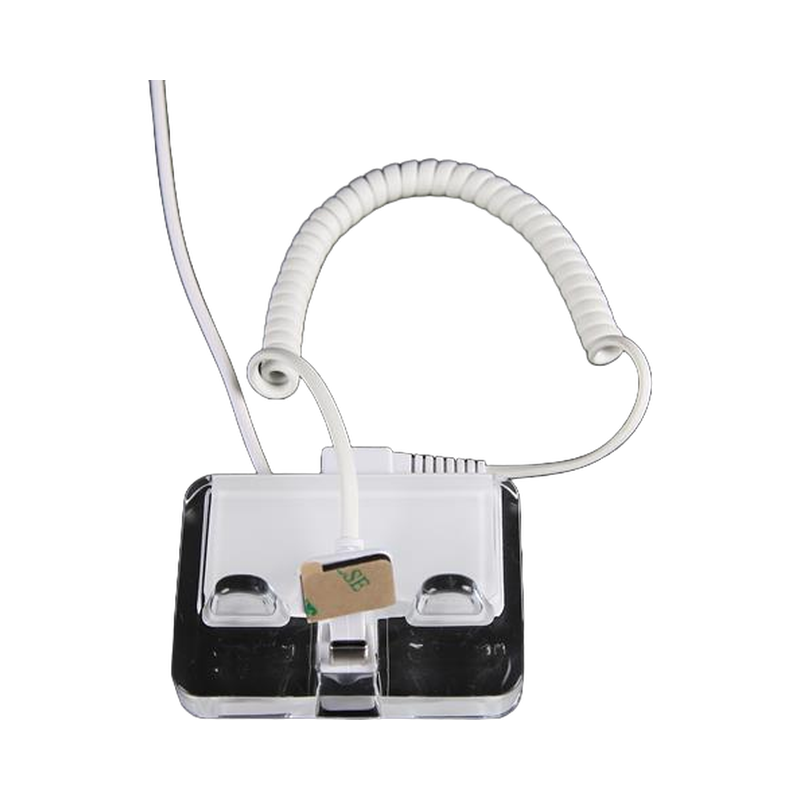
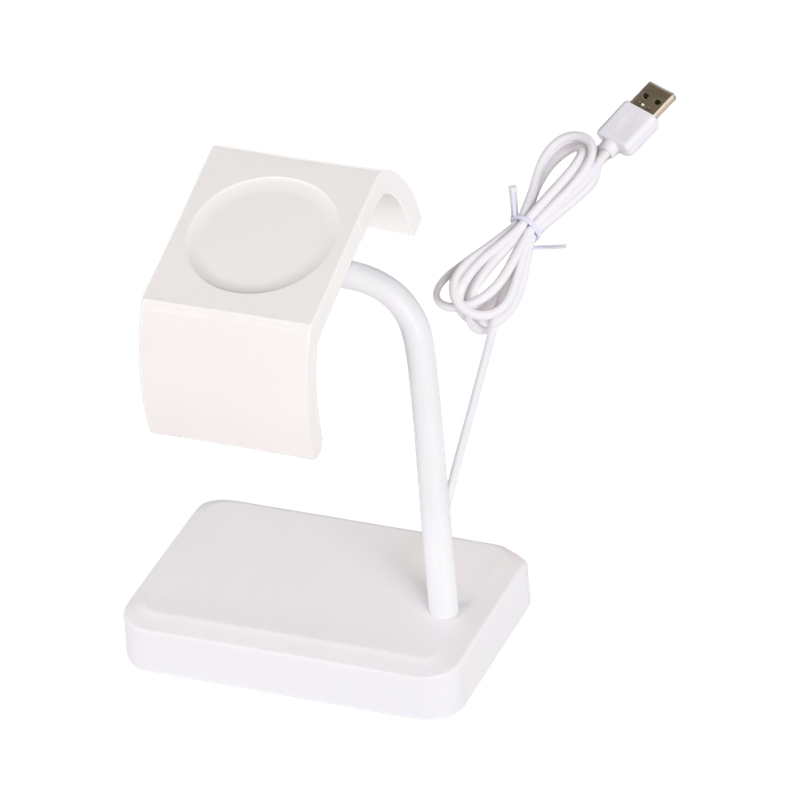
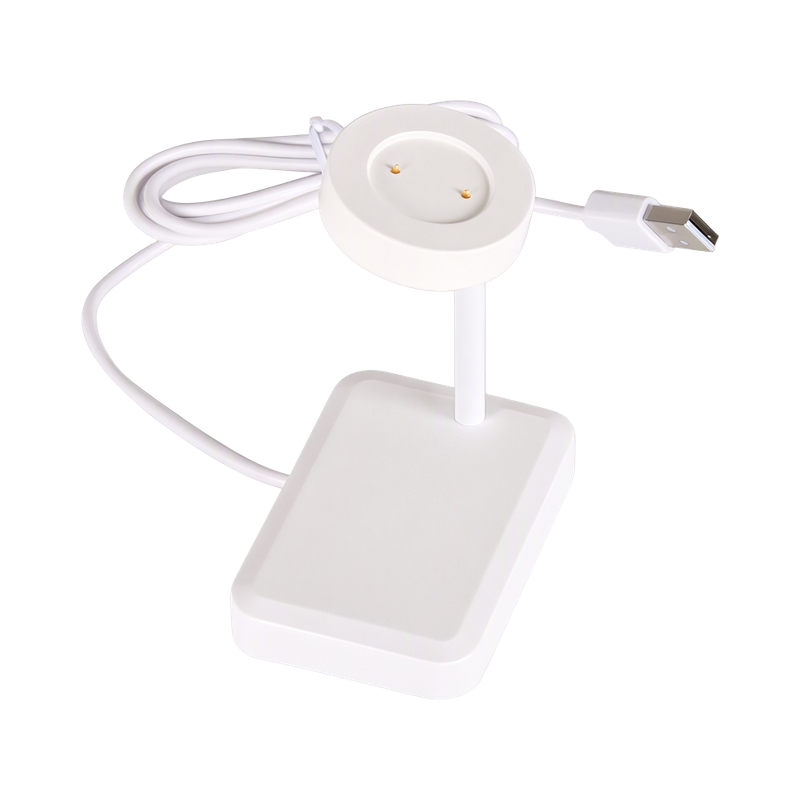
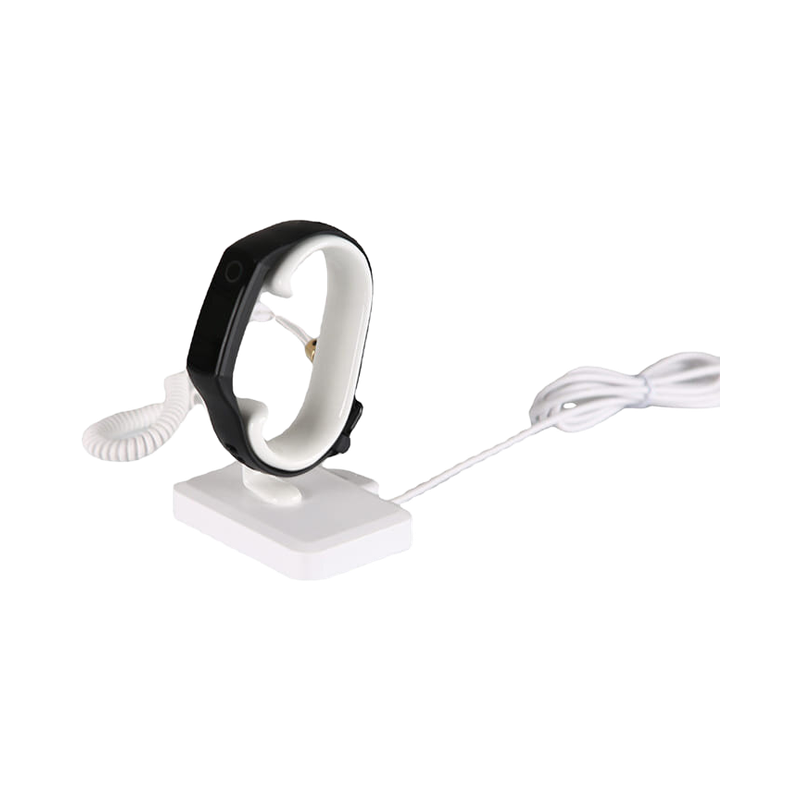
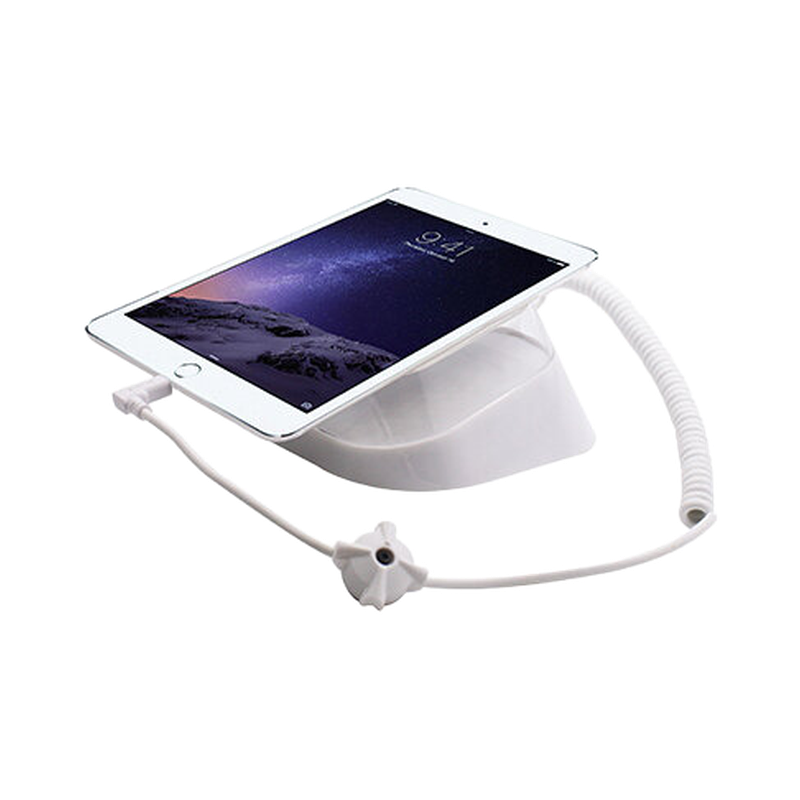
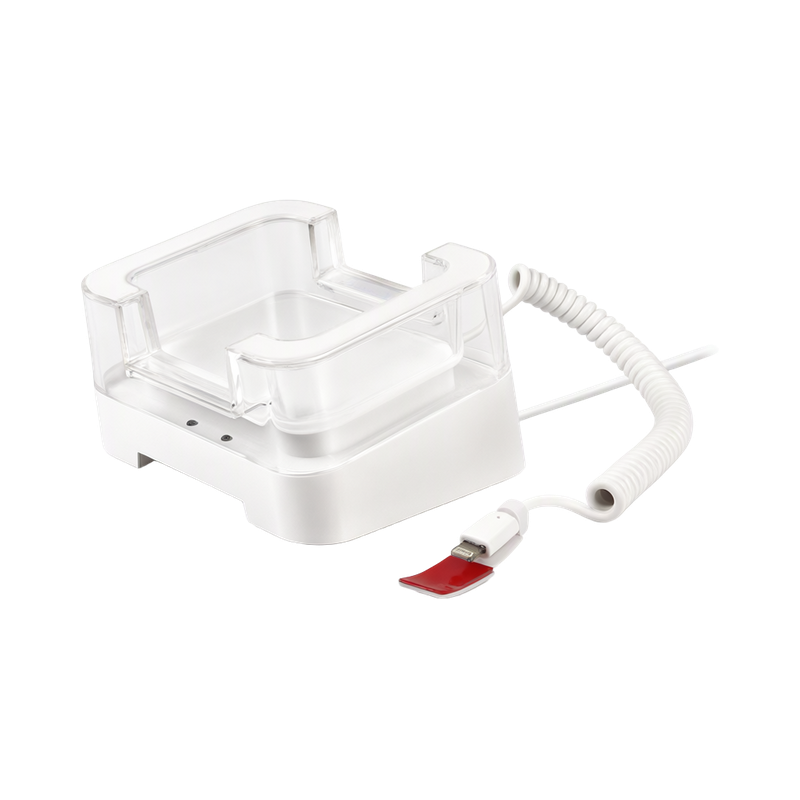
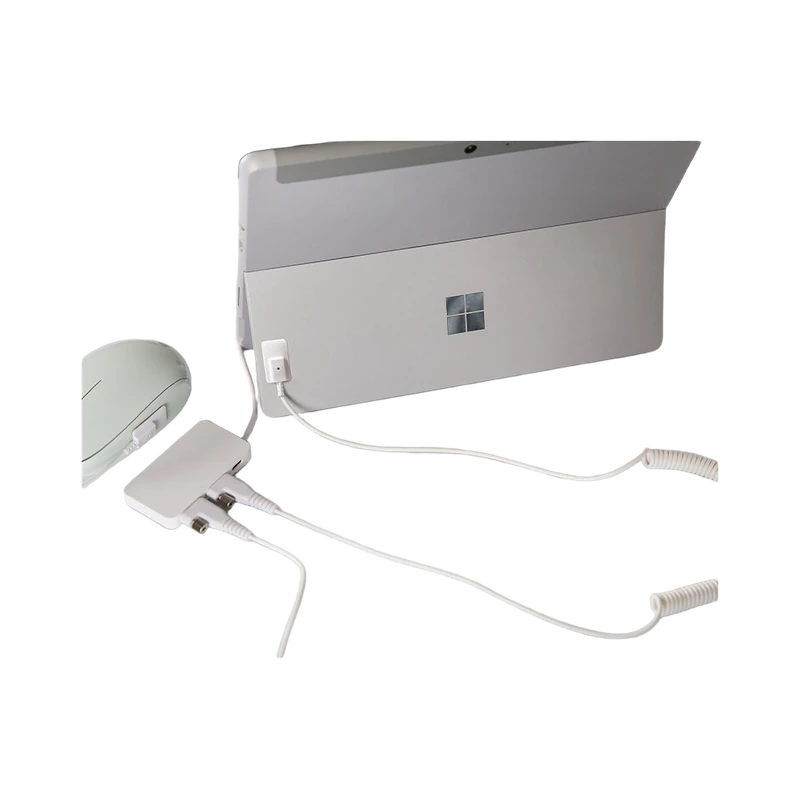
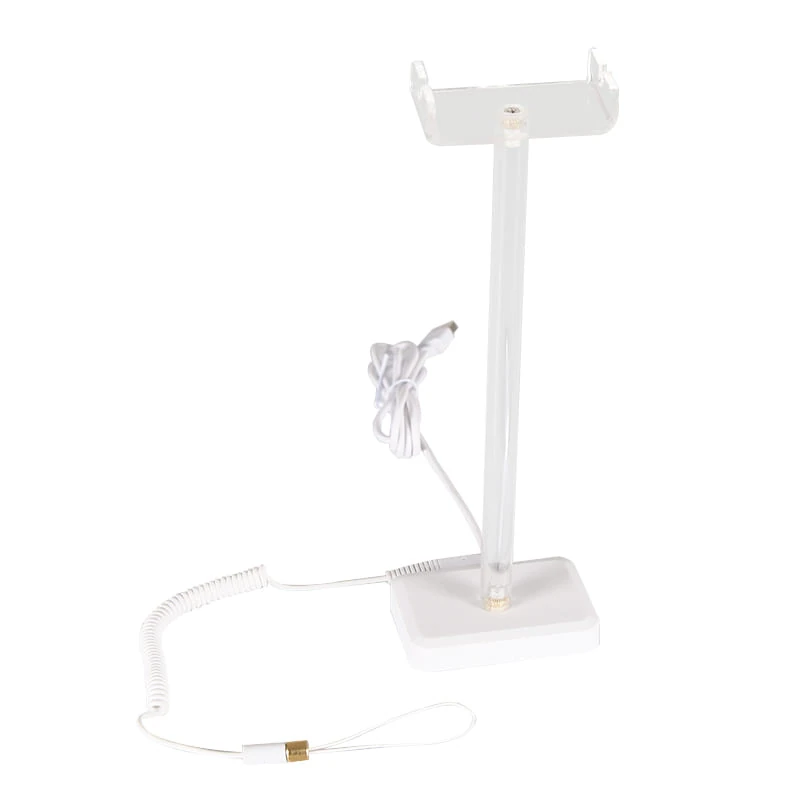
Preserve the connectors, charging arrangement and movement needed for a demonstration. Route cables so repeated customer handling does not pull against the device or a desk edge.
How the workflow is assembled
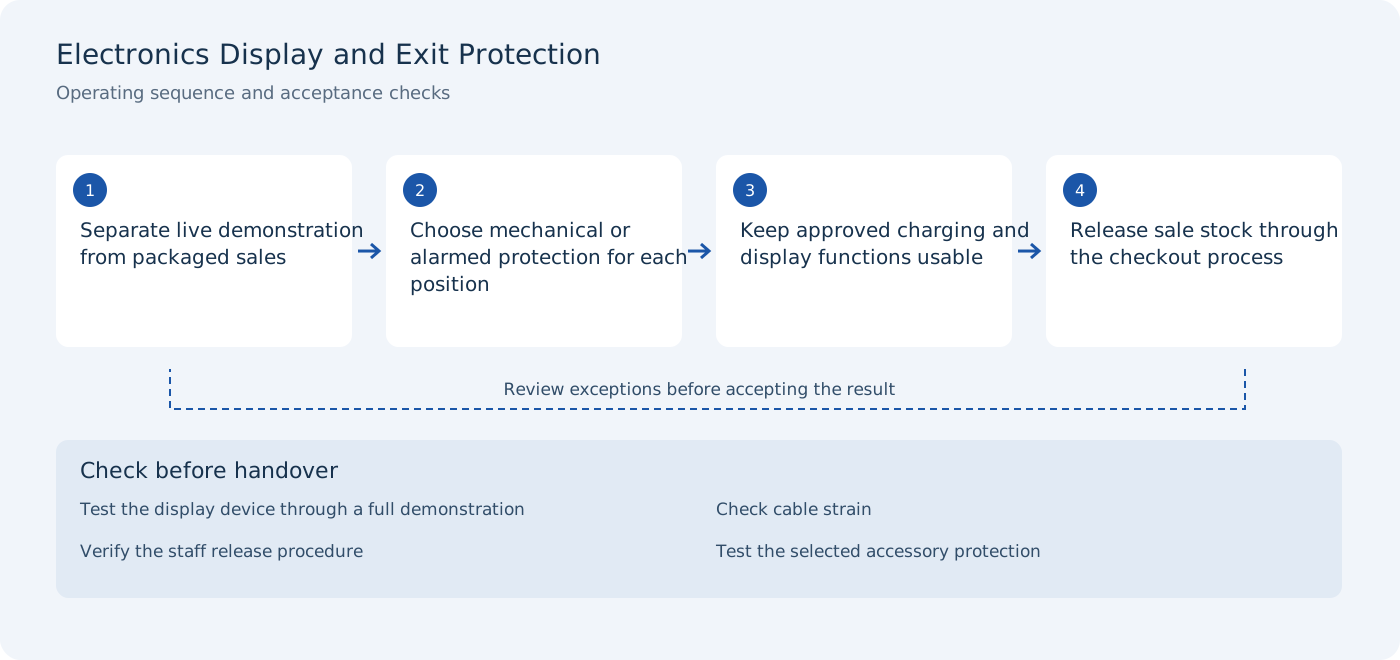
Separate live demonstration from packaged sales
Acceptance check: test the display device through a full demonstration.
Choose mechanical or alarmed protection for each position
Acceptance check: check cable strain.
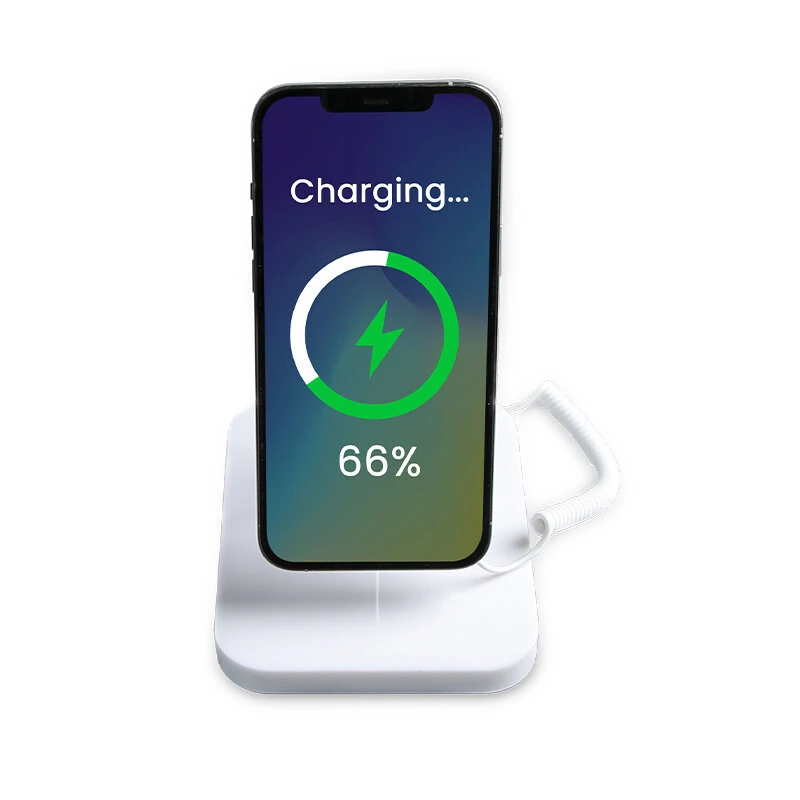
Keep approved charging and display functions usable
Acceptance check: verify the staff release procedure.
Release sale stock through the checkout process
Acceptance check: test the selected accessory protection.
Site conditions to verify
- Device charging and connector access
- Cable routing and visitor handling
- Packaging sizes
- The difference between local alarm and exit detection
Use these conditions to define a representative pilot rather than testing only an empty or ideal installation. The final quotation should identify the selected hardware variants, installation responsibilities and any external-system work.
Commissioning and handover
Document what happens when the display is disconnected and who may reset it. A local display alarm and an exit-detection system perform different tasks and should be tested separately.
- Test the display device through a full demonstration
- Check cable strain
- Verify the staff release procedure
- Test the selected accessory protection
Keep the results with the selected product configuration and site layout. A photograph or demonstration from another environment does not establish the result for this installation. Related products below are candidates for selection; their specifications and application notes should be reviewed before the equipment list is fixed.
Discuss the deployment
Tell us the task, product types, site layout and installation conditions. We will help you verify the appropriate model and configuration for the project.