Installation, removal and alarms
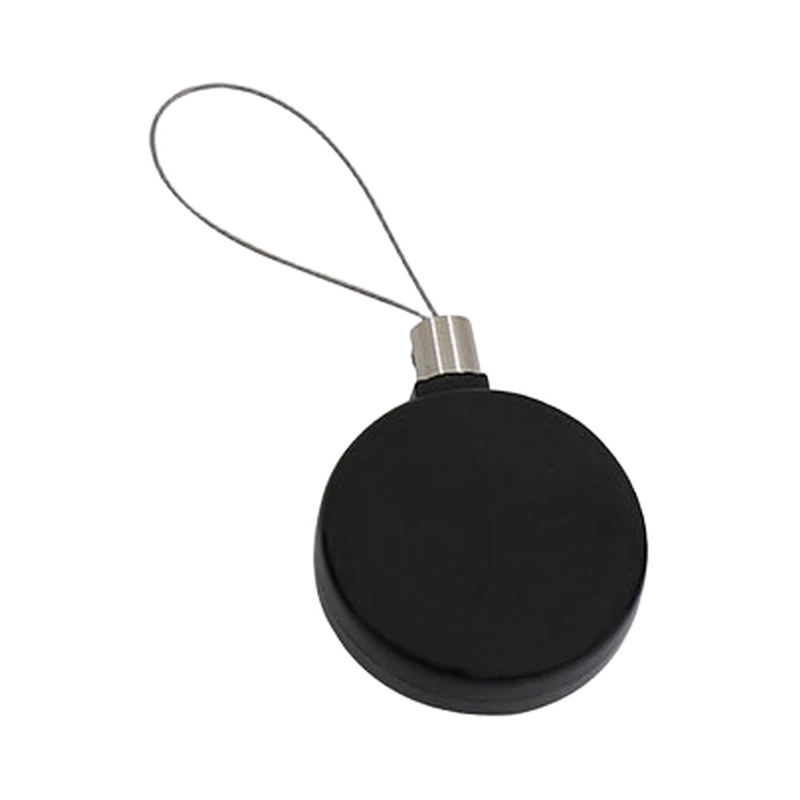
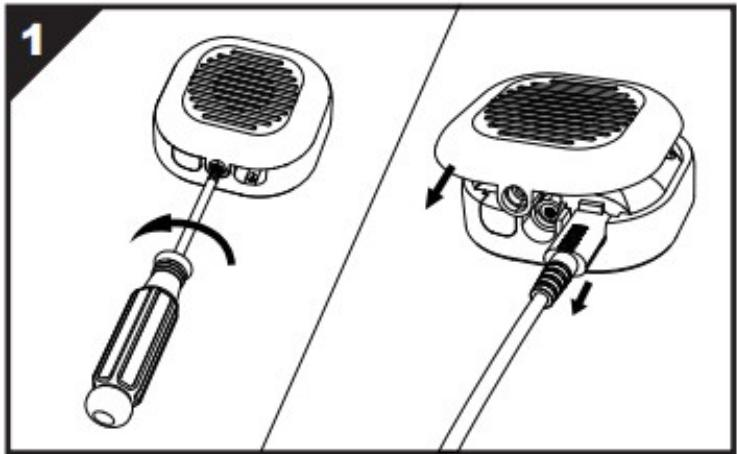
Open the loop-head screws with the hex driver. Wrap one loop around the shelf pole and the other through the merchandise handle, then refit and tighten both heads. Remove the battery insulation film at both ends and arm using the remote control.
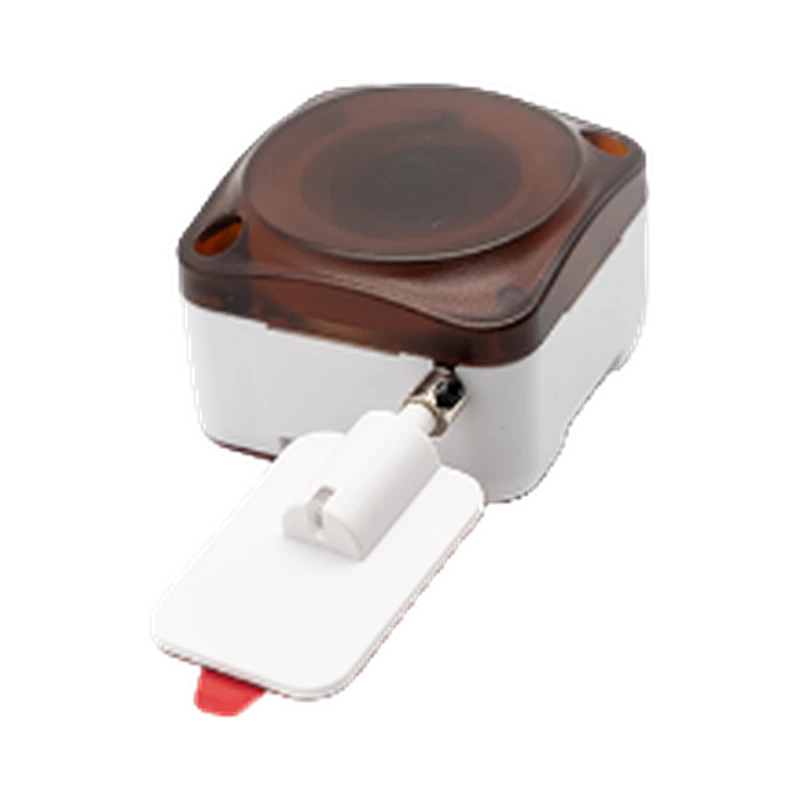
For authorized removal, open the controller cover with the supplied security driver, slide the cover and release the loop.
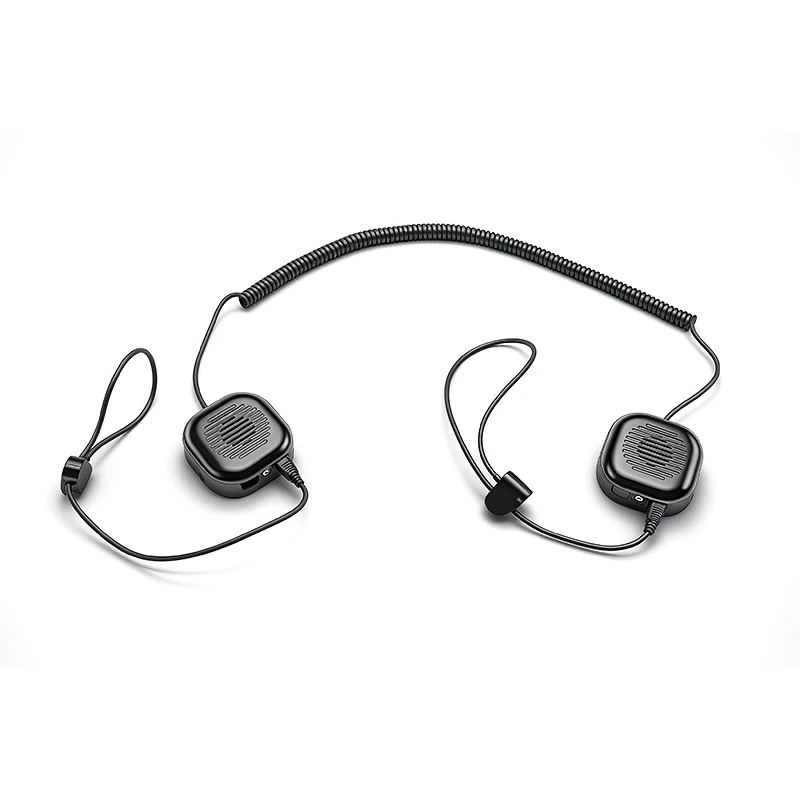
Opening a loop head or cutting its loop triggers the alarm at that end. Cutting the middle coiled cable triggers both ends.
Keep the two cable ends in the alarm test
The guide assigns one loop to the display fixture and the other to the merchandise handle. After both heads are refitted and the insulation films removed, the remote arms the installed assembly.
The two loop ends have their own alarm response, while damage to the middle coiled cable is described as triggering both ends. Include both ends in the installation check and retain the supplied security driver for authorized removal.
Technical specifications
| Type | Recoiler |
|---|---|
| Standard | B5921 Tor*screwdriver(Small), B5936 Hex screwdriver |
| Controller Dimensions (catalogue) | 56×56×19mm |
| Lanyard Loop (catalogue) | 150mm |
| Extended Coiled Cable (catalogue) | 2300mm |
| Battery (catalogue) | Built-in non-rechargeable battery |
| Color options | Black(W) 90 / pcs 15kg 61*51*33.5 |
Request a Quote
Ask about pricing, samples or the configuration for your market. You can send an inquiry before choosing a configuration.
LX016 Display Security Device