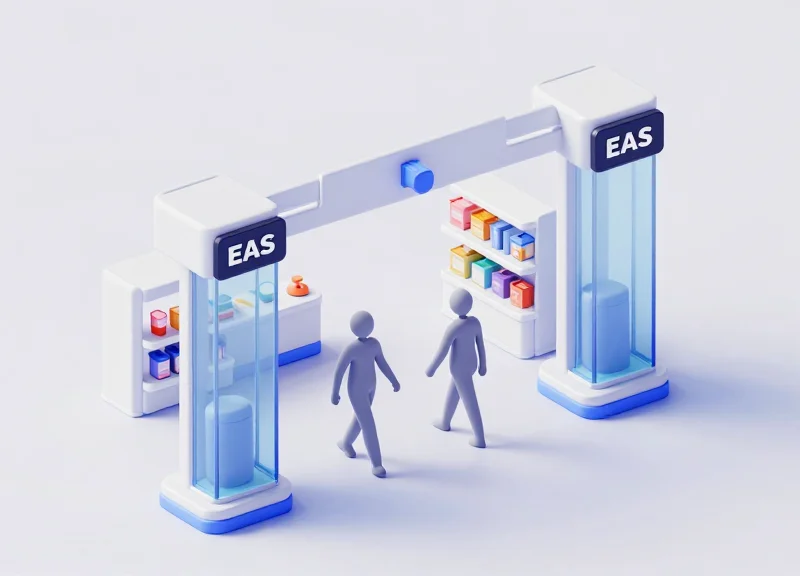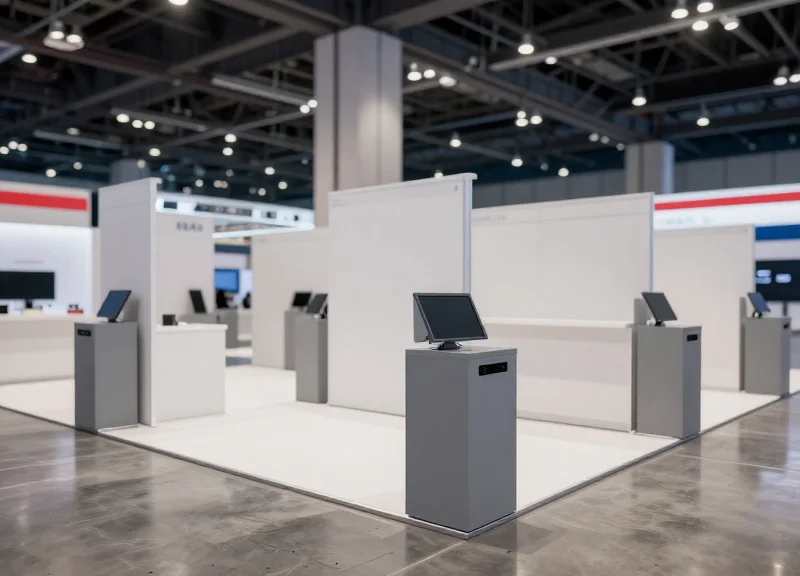
Organizing a large-scale exhibition with 500+ booths is a logistical feat, but protecting high-value merchandise across such a vast area introduces a significant challenge: security without infrastructure damage. Most premium venues strictly prohibit floor drilling, making traditional Electronic Article Surveillance (EAS) installations impossible. This guide provides a strategic blueprint for deploying temporary, high-performance EAS systems that offer enterprise-grade protection while maintaining the integrity of the venue's flooring and aesthetic.
The Unique Security Demands of Large-Scale Exhibitions
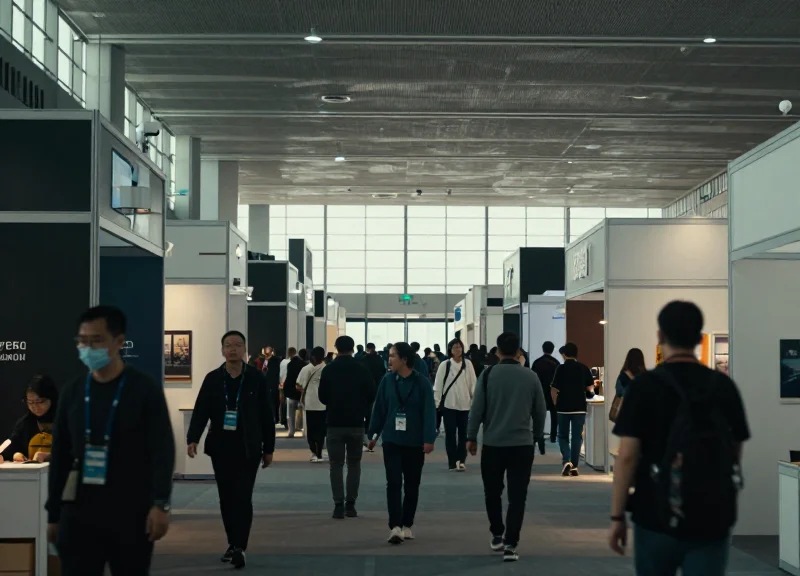
Securing a large-scale exhibition with 500+ booths represents a logistical and technical challenge that far exceeds standard retail loss prevention. Unlike a static retail environment, exhibition security demands rapid-deploy temporary Electronic Article Surveillance (EAS) systems that can be installed and removed within hours without floor drilling or permanent structural changes. The primary unique demand is the synchronization of high-density hardware in a 'noisy' electronic environment where hundreds of pedestals must function simultaneously without signal collision or false alarms.
| Feature | Standard Retail EAS | Large-Scale Exhibition EAS |
|---|---|---|
| Installation | Permanent Floor Drilling | Non-Invasive / Weighted Bases / Floor Mat |
| Deployment Time | Days or Weeks | 2-6 Hours Total |
| Environment | Static & Controlled | High RF Interference & Dynamic Traffic |
| Scale | Single Entrance Focus | 500+ Independent High-Density Zones |
Why can't I just use standard retail pedestals?
Standard pedestals are designed for permanent anchorage. In professional exhibition halls, drilling into marble, polished concrete, or custom flooring is strictly prohibited by venue contracts. Temporary EAS must utilize self-supporting frames or adhesive-based stability systems.
How does high-density affect performance?
With 500+ booths, the proximity of high-powered Wi-Fi routers, LED walls, and other security units creates massive radio frequency (RF) noise. This leads to 'tag-masking' or constant false alarms unless the systems use advanced Digital Signal Processing (DSP) to filter out ambient interference.
What is the biggest logistical hurdle?
The 'Move-In/Move-Out' (MIMO) window. Security teams often have less than 12 hours to secure hundreds of booths. Traditional wired systems fail here; the demand is for plug-and-play connectivity that requires zero technical calibration on-site.
Expert Insight: The 'Signal Collision' Risk. In my two decades of infrastructure auditing, the most common failure at massive trade shows is the 'Signal Collision' effect. When 500+ AM (Acousto-Magnetic) systems are powered on simultaneously in one hall, they often oscillate at the exact same frequency, causing them to jam each other. To avoid this, you must specify systems that support Phase-Shifting Technology, allowing multiple pedestals to work in close proximity without canceling each other's detection fields.
The No-Drilling Mandate: Protecting Venue Integrity
In the world of high-stakes exhibitions, the 'No-Drilling Mandate' refers to the strict contractual prohibition against using mechanical fasteners, such as bolts or screws, to secure equipment to the venue floor. For organizers managing 500+ booths, this isn't just a preference—it is a mandatory risk mitigation strategy. Modern convention centers utilize expensive materials like polished concrete, premium marble, or integrated subterranean cabling systems; even a single 1/4-inch drill hole can trigger restoration fees starting at $500 per instance, potentially ballooning into a six-figure liability for a large-scale event.
| Risk Factor | Traditional Bolted EAS | Non-Invasive Temporary EAS |
|---|---|---|
| Installation Time | 30-45 mins per pedestal | 5-10 mins per pedestal |
| Venue Restoration Costs | High ($500+ per hole) | Zero ($0) |
| Sub-Floor Safety | Risk of severing power/data lines | No risk to underground infrastructure |
| Decommissioning | Requires hole filling and buffing | Instant removal with no residue |
Why do premium venues strictly ban drilling?
Beyond aesthetics, drilling compromises the structural integrity of the slab and can void the venue's warranty on specialized floor treatments or radiant heating systems located beneath the surface.
What are the common alternatives to drilling?
Professional temporary EAS systems utilize heavy-duty weighted baseplates, high-bond industrial adhesives (removable), or specialized floor-mat systems that provide stability without penetration.
Does 'Non-Invasive' mean the system is less stable?
No. When engineered correctly with a wide-footprint baseplate, a non-invasive system meets the same tip-over safety standards as a bolted unit while maintaining a lower profile for ADA compliance.
Expert Insight: The 'Hidden Load' Factor. In my 20 years of technical site management, I’ve seen organizers overlook the 'Lateral Shear' risk. While most focus on the pedestal falling over, the real challenge in a 500-booth environment is the constant vibration and foot traffic that causes pedestals to 'walk' or drift from their position. The most sophisticated temporary EAS systems now use micro-suction technology on the baseplates—thousands of microscopic craters that create a vacuum seal on smooth surfaces—offering bolt-like stability without a single drop of glue or a single drill bit.
- Review the Venue Lease Agreement: Identify specific clauses regarding 'Floor Modifications' and 'Restoration Obligations' to understand the exact financial penalties.
- Map Sub-Floor Utilities: Even if you plan not to drill, knowing where the floor boxes and power trenches are located prevents placing heavy weighted bases over fragile access points.
- Specify Baseplate Requirements: Ensure your EAS provider uses a 'Low-Profile Weighted Base' (under 10mm) to ensure compliance with the Americans with Disabilities Act (ADA) while maintaining stability.
RF vs. AM Systems for Temporary Deployments
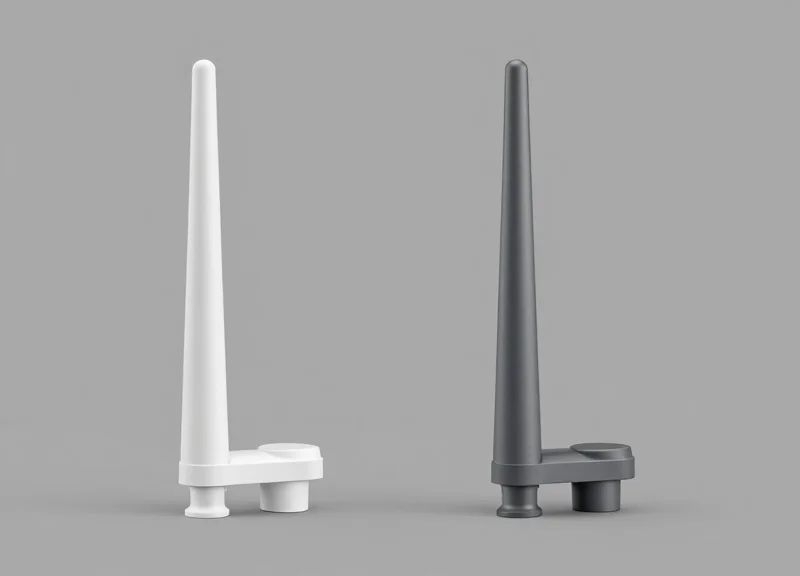
Choosing between Radio Frequency (RF) and Acousto-Magnetic (AM) systems for a temporary 500-booth exhibition depends on two primary factors: the type of merchandise being protected and the level of environmental electronic noise. RF systems typically operate at 8.2 MHz and are cost-effective for large-scale sticker-tagging, while AM systems operate at 58 kHz and provide superior detection around metal and liquid-based products. For temporary deployments where floor drilling is prohibited, the signal stability of the system is paramount to prevent 'ghost alarms' caused by the venue's existing wireless infrastructure.
| Feature | Radio Frequency (RF) | Acousto-Magnetic (AM) |
|---|---|---|
| Standard Frequency | 8.2 MHz | 58 kHz |
| Detection Range | Moderate (up to 1.5m) | Wide (up to 2.4m) |
| Interference Sensitivity | High (affected by metal/foil) | Low (penetrates metal/liquids) |
| Tag Discretion | Flat stickers, larger hard tags | Narrow, 3D plastic strips |
| Ideal For | Clothing, books, soft goods | Cosmetics, electronics, hardware |
Expert Insight: The Sync-Loss Trap in Large Venues. In a 500-booth environment, the biggest technical hurdle is not the shoplifter, but 'Cross-Talk.' When hundreds of EAS pedestals are powered via temporary floor-run cables, they often lack a common ground. This causes RF systems to lose synchronization, leading to constant false alarms. In high-density exhibition centers with heavy structural steel and Wi-Fi 6 saturation, we recommend AM systems for their lower frequency, which is significantly more resilient to the 'multipath interference' common in massive, metal-clad convention halls.
Can I use both RF and AM systems in the same exhibition hall?
It is highly discouraged. While they operate at different frequencies, having hundreds of both systems creates a 'noisy' environment that complicates troubleshooting. It is better to mandate a single technology for all exhibitors to ensure uniform performance.
Which technology is easier to install without drilling?
Both can be mounted on floor plates, but AM pedestals often require slightly more robust power filtering equipment, which may require more space within the booth layout.
Does the venue's LED lighting affect these systems?
Yes, cheap LED drivers in exhibition booths generate significant RF noise. Digital RF systems with advanced Signal-to-Noise (SNR) processing are necessary if the event uses extensive LED displays.
Innovative Mounting Solutions: Beyond the Drill
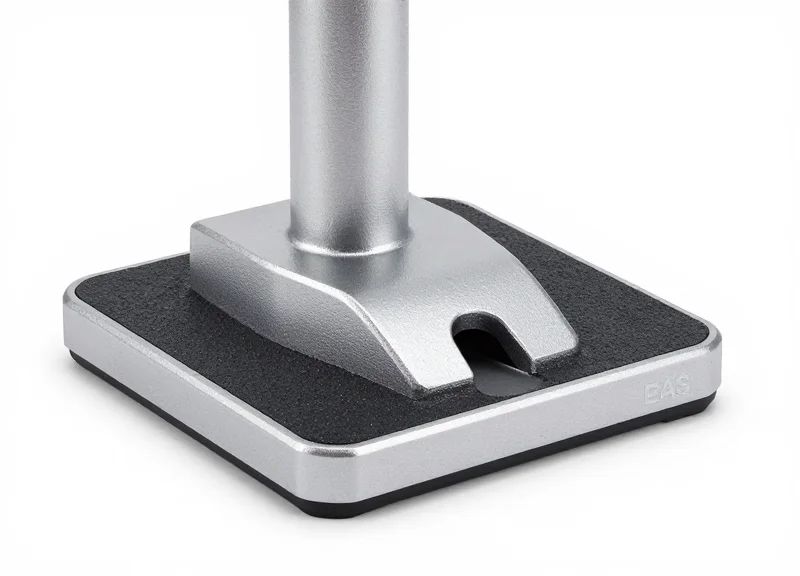
Innovative mounting solutions for temporary Electronic Article Surveillance (EAS) represent a shift from mechanical fastening to physics-based stability. For an event with 500+ booths, the challenge is to provide upright rigidity for antennas—which are often top-heavy—without utilizing floor bolts. This is achieved through a combination of high-density weighted baseplates, friction-increasing underlays, and load-distributing floor ramps that ensure the system remains functional and safe despite heavy attendee traffic.
| Solution Type | Best Use Case | Stability Rating | Setup Speed |
|---|---|---|---|
| Weighted Steel Baseplates | High-traffic corners and end-caps | Excellent | Medium |
| High-Bond Adhesive Strips | Small booths with low-pile carpet | Good | Fast |
| Integrated Cable Ramps | Aisle-spanning antennas | Superior | Slow |
| Vacuum-Grip Mounts | Polished stone or glass floors | Moderate | Very Fast |
Expert Insight: The 'Friction-Coefficient Optimization' Strategy. In the high-stakes environment of a 500+ booth trade show, weight alone is insufficient. We recommend utilizing baseplates with a 'hex-grid' silicone underlay. Unlike standard rubber, this pattern creates a micro-vacuum effect on polished concrete or low-pile carpet, preventing 'pedestal creep'—the gradual shifting of antennas caused by vibrations and accidental bumps that eventually triggers false alarms or system misalignment.
Will weighted baseplates create a tripping hazard?
Professional-grade baseplates for exhibitions are tapered. By using a 45-degree chamfered edge with a maximum height of 10mm, the plate functions as a transition strip rather than an obstacle, meeting most international safety standards.
Can adhesives be used on premium venue marble?
Yes, but only if using non-migrating polymer tapes. These tapes provide high shear strength to keep the antenna upright but have low peel strength, allowing for clean removal without leaving chemical residues or pulling up stone sealants.
How do integrated ramps improve security?
Ramps do more than cover cables; they widen the physical footprint of the EAS system. This increases the 'overturning moment' threshold, making it nearly impossible for a rushing crowd to knock the system over, while also keeping the RF/AM cables shielded from interference.
Signal Optimization in High-Density Environments

Signal optimization in high-density exhibition environments is the process of coordinating electronic article surveillance (EAS) frequencies to eliminate 'crosstalk'—a phenomenon where overlapping signals from adjacent booths trigger false alarms. To successfully protect 500+ booths, organizers must implement phase-locked synchronization and utilize digital signal processing (DSP) to distinguish between actual tag responses and the ambient electronic noise generated by LED screens, mobile networks, and nearby booth lighting.
When hundreds of AM (58kHz) or RF (8.2MHz) systems operate within a single hall, the density of electromagnetic waves creates a 'noise floor' that can render traditional sensors useless. Without a strategic optimization plan, a detection event at Booth A might trigger the pedestals at Booth B, leading to security fatigue and compromised asset protection.
| Optimization Method | How it Works | Best For |
|---|---|---|
| Phase Synchronization | Aligns the pulse timing of all pedestals to fire simultaneously. | Preventing crosstalk between back-to-back booths. |
| Digital Noise Filtering | Uses algorithms to ignore static frequencies from electronics. | Booths with large LED walls or VR setups. |
| Shielded Baseplates | Redirects signal paths away from the floor and adjacent aisles. | High-density corridors with narrow walkways. |
| Frequency Shifting | Slightly offsets the center frequency (e.g., 8.2MHz to 8.15MHz). | Separating high-power RF systems in tight clusters. |
The Veteran's Insight: The '10-Hertz Offset' Strategy. Most technicians try to sync everything perfectly. However, in environments with over 500 booths, 'Perfect Sync' is often impossible due to minor wiring variations. Instead, we use a 'Temporal Division' approach: intentionally offsetting the pulse frequency of odd-numbered aisles by 10-15Hz compared to even-numbered aisles. This subtle shift allows the DSP software to 'ignore' the neighboring aisle's pulse as background noise, effectively doubling the available signal headspace without increasing power output.
- Site-Wide Phase Mapping: Before deployment, map the exhibition power grid. Ensure all EAS systems are drawing from the same phase of the AC supply to simplify synchronization.
- Baseline Noise Assessment: Use a spectrum analyzer to identify 'hot zones' created by venue-specific interference like HVAC motors or ceiling-mounted Wi-Fi arrays.
- Sequential Pedestal Tuning: Power on systems aisle-by-aisle, tuning the sensitivity of each unit while its neighbors are active to ensure stable operation under real-world load.
Can LED screens interfere with my EAS system?
Yes, high-refresh-rate LED walls emit significant RFI (Radio Frequency Interference). We recommend keeping EAS pedestals at least 1.5 meters away from large screens or using AM systems which are generally more resistant to this specific noise.
What happens if a booth neighbor uses a different EAS brand?
If both use the same frequency (e.g., 58kHz), they will likely clash. It is vital for exhibition organizers to mandate a 'Universal Sync' protocol or provide a centralized sync pulse to all exhibitors.
Is wireless synchronization reliable for 500+ booths?
Wireless sync (via IR or RF) is convenient but can be blocked by physical obstacles. For 500+ booths, we recommend a hybrid approach: hardwired sync for main aisles and wireless for isolated island booths.
Rapid Deployment and Logistics for 500+ Units
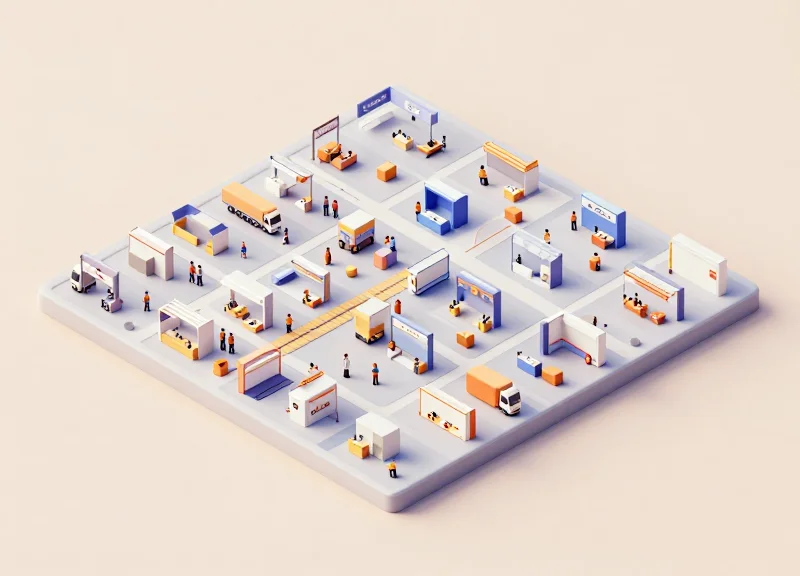
Rapid deployment for high-density exhibitions is defined by the 'Time-to-Protection' (TTP) metric, focusing on minimizing on-site labor through pre-configured, modular security kits. For 500+ booths, this requires a move-away from individual component assembly toward 'Plug-and-Protect' units that are pre-tuned, battery-integrated, and mounted on non-invasive baseplates before they reach the loading dock. By eliminating on-site wiring and frequency calibration, organizers can achieve a deployment rate of approximately 10 to 12 booths per man-hour, a critical necessity when faced with tight 24-hour move-in windows.
| Deployment Metric | Traditional Retail Setup | Rapid Event Deployment |
|---|---|---|
| Average Setup Time | 120 - 180 Minutes | 5 - 8 Minutes |
| Labor Requirements | Certified Technician | General Labor / Move-in Crew |
| Power Source | Hardwired (Floor Trenching) | Integrated Li-ion Battery Packs |
| Configuration | On-site Calibration | Pre-shipped Zone Mapping |
To successfully manage 500+ units, you must treat security hardware as logistics assets rather than just electronic devices. The following '3-Stage Rollout' protocol ensures zero-failure during the move-in rush.
- Pre-Zone Digital Mapping: Each of the 500 units is assigned a specific booth ID and pre-tuned for the specific electronic noise profile of that hall section. This prevents 'signal hunting' on-site.
- QR-Coded Logistics Tracking: Utilize QR codes on every baseplate. When the unit is dropped at the booth, the crew scans the code to update a central dashboard, providing real-time visibility into security coverage across the floor.
- Modular 'Pallet-to-Booth' Transport: Units are shipped in custom-molded flight cases containing 10 pedestals each, designed to fit through standard freight elevators and aisle widths without unboxing until the final drop-point.
Expert Insight: In a 20-year career, the biggest failure point I've seen in large-scale deployments isn't the technology—it's the 'last mile' of the loading dock. Pro Tip: Request 'Pre-Clearance Status' from the venue for your security pallets. Because security is a safety requirement, many venues allow security vendors to bypass general drayage queues, saving you 4-6 hours of waiting time.
How do we handle the charging for 500+ battery-powered units?
Use a 'Hot-Swap' battery rotation. Instead of charging pedestals, deploy units with 24-hour battery capacities and have a dedicated team swap battery bricks during overnight hours.
What happens if a unit is damaged during the frantic move-in?
Always factor in a 5% 'Hot-Standby' buffer. For 500 booths, keep 25 pre-configured units in a central floor depot for immediate replacement of any hardware that sustains impact damage.
Can we manage the interference of 500 units in one hall?
Yes, by utilizing 'Master-Slave' synchronization. A primary hub unit coordinates the pulse timing of all surrounding pedestals to ensure they don't fire simultaneously and cause false alarms.
Power and Connectivity Strategies for Temporary Layouts
In a massive 500-booth exhibition environment, the primary challenge for EAS (Electronic Article Surveillance) is delivering consistent power and signal synchronization while maintaining a zero-trip-hazard environment on a non-drilled floor. The most effective strategy utilizes a 'perimeter-feed' model where low-profile power cables are routed through modular cable ramps or hidden beneath commercial-grade carpet tiles. By leveraging high-density power strips and wireless synchronization, organizers can avoid the logistics nightmare of hundreds of individual floor-drilling requests while ensuring that pedestals remain active and interference-free throughout the event.
| Power Method | Best For | Cable Management | Safety Rating |
|---|---|---|---|
| Standard AC Feed | Permanent-style pedestals | Low-profile floor ramps | Medium (potential trip risk) |
| Under-Carpet Flat Ribbon | Aesthetic/High-end booths | Invisible routing | High (no protrusions) |
| Power-over-Ethernet (PoE) | Advanced AM/RF Systems | Thin Cat6 cabling | High (low voltage) |
| Battery-Powered Units | Short-term pop-ups | Completely cable-free | Maximum (zero hazard) |
Expert Insight: The 'Master-Slave' Wireless Sync Architecture. When deploying 500+ units, physical sync cables are your greatest enemy. Modern temporary EAS systems utilize a 'Master-Slave' wireless phase-lock loop (PLL). A single master pedestal broadcasts a synchronization pulse that all other units within a 50-meter radius lock onto. This eliminates the need for 'Sync-Link' cables between pedestals, reducing the cabling requirement by 50% and significantly lowering the risk of signal drift that leads to false alarms in high-density halls.
- Identify Power Hubs: Map out the exhibition hall's existing floor boxes and designate 'Zone Hubs' to prevent overloading any single circuit when powering multiple booth clusters.
- Deploy ADA-Compliant Ramps: Use ultra-thin, tapered rubber ramps for any cable crossing aisles to ensure compliance with accessibility standards and prevent attendee trips.
- Implement Wireless Synchronization: Configure systems to sync via the power line (Zero-Crossing Sync) or dedicated wireless RF pulses to avoid physical inter-pedestal wiring.
- Voltage Drop Testing: Perform a load test once all 500+ units are active; temporary power grids in large halls often experience voltage drops that can cause EAS sensors to malfunction.
Can I use extension cords for my EAS pedestals?
While possible, you must use heavy-duty, industrial-grade 14 AWG cords or better. Standard household extension cords are a fire hazard and lack the shielding needed to prevent electronic noise from interfering with the EAS signal.
What happens if a power cable is stepped on repeatedly?
Constant pressure can degrade cable integrity and cause signal noise. Always house cables in protective shielding or choose under-carpet flat cables designed for high-traffic compression.
Do I need a dedicated circuit for the EAS system?
It is highly recommended. Sharing a circuit with high-draw equipment like coffee machines or large LED video walls can introduce 'dirty power,' leading to erratic pedestal behavior and false alarms.
Cost-Benefit Analysis: Rental vs. Capital Investment

For large-scale exhibitions with over 500 booths, the decision between renting and purchasing temporary EAS systems typically hinges on your event frequency and logistical capacity. While capital investment (CapEx) can lower the per-event cost after approximately three to four uses, the rental model (OpEx) eliminates the massive hidden costs of storing, maintaining, and recalibrating hundreds of wireless or baseplate-mounted units between shows.
| Financial Factor | Rental Model (OpEx) | Capital Purchase (CapEx) |
|---|---|---|
| Upfront Cost | Low: Pay-per-use fee | High: Massive initial hardware outlay |
| Storage & Logistics | Provider handles warehousing | Requires 2,000+ sq. ft. of climate-controlled space |
| Maintenance | Included in rental contract | Internal cost for repairs and tuning |
| Technology Lifecycle | Access to latest AM/RF tech | Subject to hardware obsolescence |
| Tax Impact | Immediate deduction as expense | Depreciated over 5-7 years |
Expert Insight: The 'Logistics Tax' on 500+ units often exceeds the hardware cost. Beyond the purchase price, organizers must account for the specialized labor required to inspect and firmware-update every pedestal after a high-traffic show. In a rental scenario, this liability shifts to the vendor, ensuring that every unit arrives on-site pre-synced and ready for the zero-drill deployment.
At what scale does purchasing make sense?
Buying becomes viable if you manage at least three major exhibitions per year with identical floor plans. This allows you to amortize the cost of the weighted baseplates and transport crates, which are often the bulkier, more durable components of a non-drilled system.
How does technology depreciation affect the choice?
EAS signal processing evolves rapidly to combat new types of interference (like LED wall noise). Renting ensures you aren't stuck with a 500-unit fleet that becomes functionally obsolete or prone to false alarms in modern, digitally-heavy exhibition halls.
Are there hybrid options available?
Many organizers choose a 'Lease-to-Own' or 'Long-term Storage' agreement where a vendor maintains a dedicated fleet for the client, providing the tax benefits of a rental with the brand consistency of a dedicated asset.
Maintenance and Troubleshooting During the Event
For a 500-booth exhibition, maintenance is not a reactive task but a continuous operational cycle. Effective troubleshooting in a high-density, no-drill environment involves managing the physical stability of adhesive-mounted units while neutralizing the electromagnetic noise generated by thousands of mobile devices and trade show equipment. The goal is a 'Zero-Downtime' ecosystem where technical issues are resolved within 15 minutes to prevent security gaps or disruptive false alarms.
- The Zero-Hour Sweep: Each morning, two hours before attendees arrive, technicians must perform a physical 'tap-test' on every pedestal to ensure adhesive bonds haven't weakened and conduct a 'live-tag' walk-through of every aisle to verify detection ranges.
- Zone-Based Response: Divide the 500+ booths into four quadrants, assigning a dedicated lead technician to each. This localized presence reduces response time and allows the tech to become familiar with the specific RF environment of their zone.
- Hardware Hot-Swapping: In a temporary setup, component-level repair is too slow. Keep a 'hot-stock' of 5% (approx. 25 units) pre-configured pedestals ready to replace any malfunctioning unit instantly.
- Digital Interference Log: Track every false alarm in a central database to identify patterns. If a specific booth consistently triggers 'phantom' alarms, it usually indicates a newly installed piece of exhibitor electronics that requires a frequency notch filter adjustment.
| Symptom | Probable Cause | On-Site Remedy |
|---|---|---|
| Continuous 'Phantom' Alarming | RF Interference from LED walls/Large screens | Increase detection threshold or shift frequency channel. |
| Pedestal Physical Instability | Adhesive failure on waxed/polished floors | Reinforce with weighted baseplate or secondary bond pad. |
| Weak Detection (< 1.2m) | Metallic 'Shadowing' from display racks | Re-angle pedestal 15 degrees away from metal structures. |
| System Power Loss | Loose daisy-chain cable or tripped local breaker | Check 'no-drill' cable ramp integrity and local power hub. |
Expert Insight: The 'Ghost Tag' Phenomenon. In massive exhibition halls, exhibitors often accidentally place merchandise tags too close to the pedestals inside their own booths. We recommend implementing a '3-foot Buffer Rule.' During your maintenance sweeps, ensure no tagged inventory is stored within 36 inches of the pedestal. This single proactive check reduces false alarms by nearly 40% in high-density environments.
How do we handle a pedestal that loses its adhesive bond mid-event?
Technicians carry high-tack, residue-free industrial pads for immediate re-application. For high-traffic areas, we immediately slide a low-profile weighted steel base under the pedestal to maintain upright positioning without needing to wait for an adhesive cure time.
What happens if a major power surge affects a whole row?
All temporary systems should be connected via surge-protected power strips with individual circuit breakers. Our response protocol involves a master reset of the localized power hub followed by a re-sync of the EAS pedestals to the master clock to avoid signal overlap.
How many technicians are required for a 500+ booth event?
The industry gold standard for large-scale temporary deployments is 1 lead engineer per 125 booths, supported by a 2-person mobile 'strike team' for physical hardware replacements.