Managing security for a massive exhibition or a high-traffic pop-up event is a race against time. When tasked with protecting hundreds of individual booths, traditional Electronic Article Surveillance (EAS) setups—which often require complex wiring and drilling—simply aren't feasible. The modern solution lies in rapid-deployment technology: plug-and-play EAS pedestals paired with non-damaging magnetic tags. This guide provides a professional blueprint for event organizers and retailers to shield high-value inventory quickly, effectively, and without leaving a mark on the merchandise or the venue.
Understanding the Scale: The Logistics of Multi-Booth Security
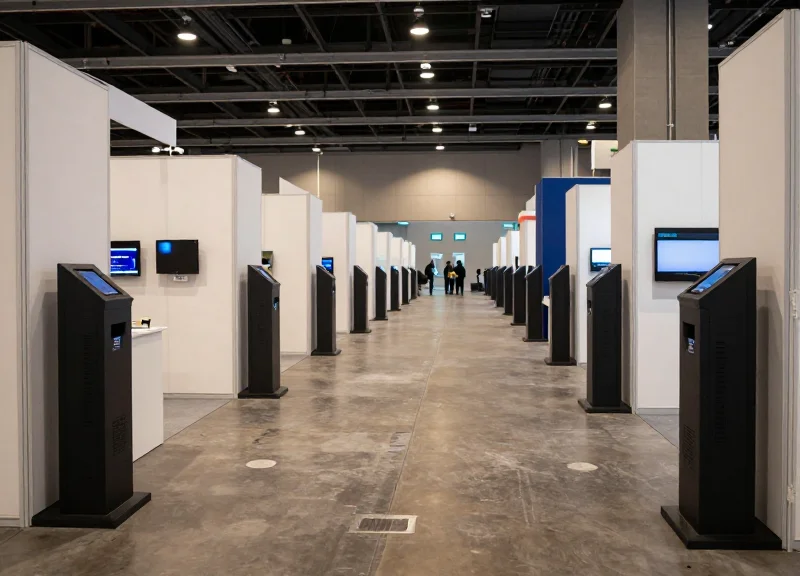
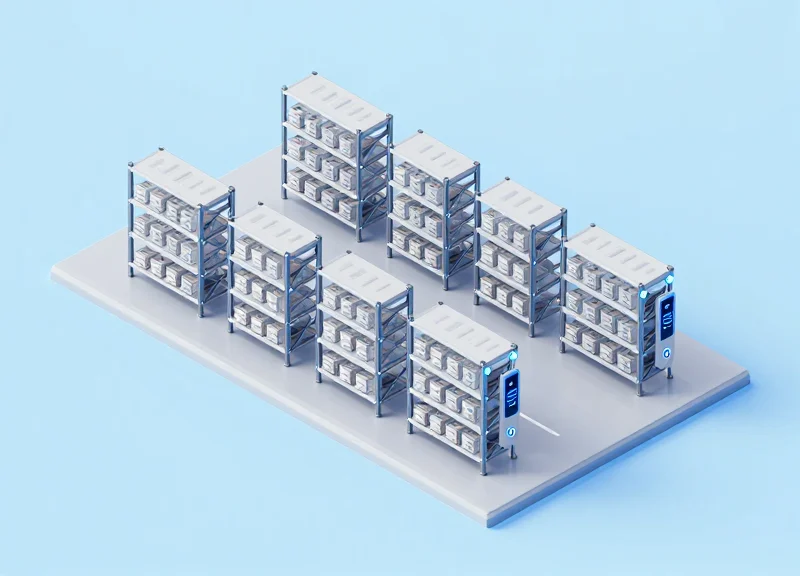
Multi-booth security logistics is the strategic process of deploying Electronic Article Surveillance (EAS) systems across hundreds of temporary retail points where traditional installation methods—such as floor drilling and hardwiring—are physically and financially impossible. At this scale, the primary objective is to maximize security coverage while minimizing the 'Time-to-Protect' (TTP) metric. By utilizing plug-and-play pedestals and non-damaging magnetic tags, operators can secure massive inventory volumes across trade shows or pop-up festivals without specialized labor or permanent infrastructure modifications.
| Logistical Factor | Traditional Hardwired EAS | Rapid Deployment Systems |
|---|---|---|
| Deployment Speed | 4-6 Hours per Booth | 10-15 Minutes per Booth |
| Labor Requirement | Licensed Electricians | Standard Event Staff |
| Infrastructure Damage | Permanent (Drilling/Trenching) | Zero (Freestanding/Non-Invasive) |
| Reconfigurability | Fixed Positioning | High Mobility/On-the-Fly Adjustments |
| Initial Syncing | Manual Calibration per Unit | Automated Plug-and-Play Syncing |
What is the biggest risk in multi-booth deployment?
The primary risk is labor-cost bloat. If a single booth takes 45 minutes to set up, securing 200 booths requires 150 man-hours. Rapid deployment systems reduce this by 75% or more.
Why are non-damaging magnetic tags critical?
In temporary retail, inventory is often returned or moved to different channels. Traditional pins can damage delicate fabrics or high-end materials, whereas magnetic tags provide high-strength attachment without permanent material penetration.
How do these systems handle venue restrictions?
Most high-end convention centers have strict 'no-drill' policies. Plug-and-play pedestals utilize weighted bases or specialized non-marking adhesives to remain upright and stable without violating venue contracts.
Can 500+ pedestals operate in the same hall?
Yes, modern digital systems utilize frequency hopping and auto-tuning technology to prevent signal 'crosstalk' and false alarms that typically plague dense installations.
Expert Insight: The 10-Minute Rule. Throughout my career in Silicon Valley security engineering, I have seen that the 'hidden' cost of deployment is almost always found in the configuration phase. For large-scale events, any security component requiring more than 10 minutes to calibrate is a financial liability. The most successful operators use 'pre-provisioned' hardware—where every pedestal is pre-mapped to its frequency zone before arriving at the dock—allowing for a literal drop-and-power-on experience that ensures 100% security uptime from the moment the doors open.
The Anatomy of Plug-and-Play EAS Pedestals
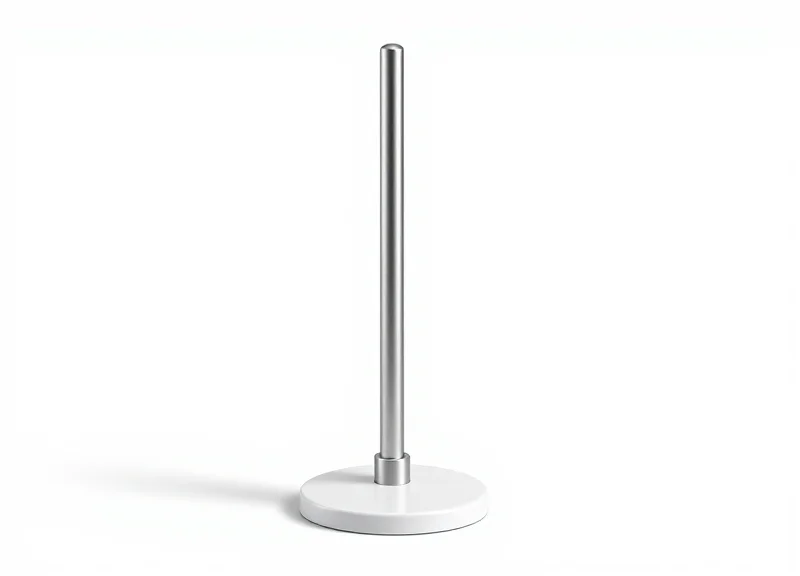
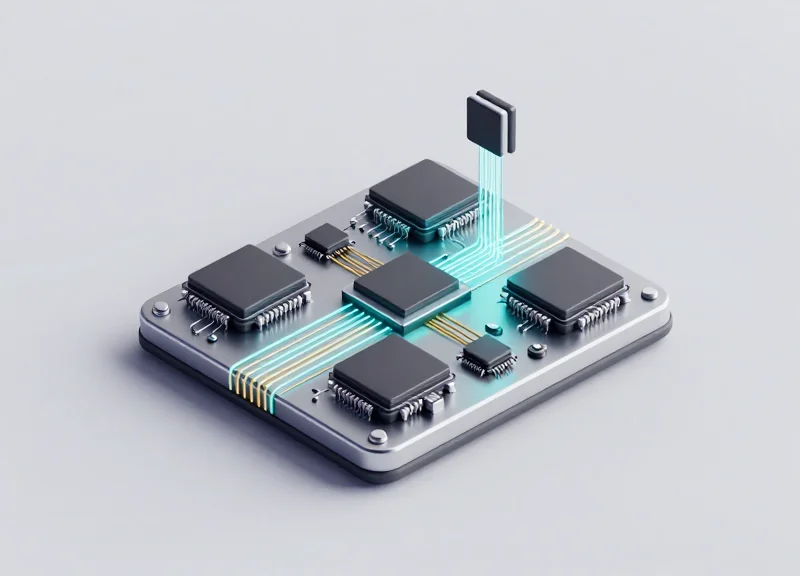
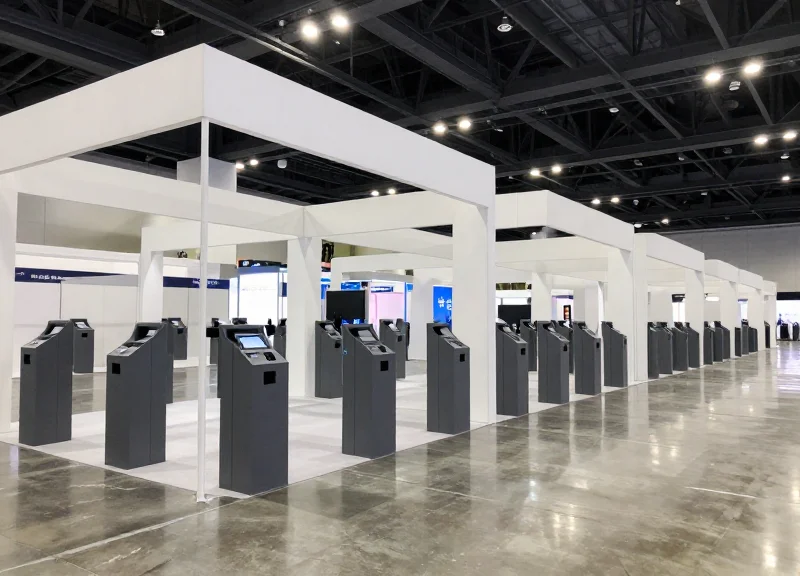
Plug-and-play Electronic Article Surveillance (EAS) pedestals are high-performance security antennas engineered with integrated microprocessors that automate the calibration, synchronization, and environmental filtering processes. Unlike traditional systems that require an oscilloscope and manual technician tuning, these units utilize advanced Digital Signal Processing (DSP) to sense and adapt to local radio frequency (RF) noise levels the moment they are connected to power. This architecture transforms a complex security installation into a simple hardware placement task, making it the gold standard for rapid, large-scale deployments like trade shows and pop-up retail events.
| Feature | Traditional EAS Pedestals | Plug-and-Play EAS Pedestals |
|---|---|---|
| Initial Calibration | Manual tuning via potentiometer/oscilloscope | Automatic self-tuning at power-up |
| Synchronization | Hardwired 'Sync' cables between units | Wireless 'Sync-over-Air' or Phase-Locked Loop |
| Noise Filtering | Fixed threshold settings | Dynamic DSP adaptive filtering |
| Setup Time | 2–4 hours per booth | Less than 10 minutes per booth |
The core innovation lies in the Adaptive Feedback Loop. In a crowded exhibition hall, electrical interference from LED screens, neon signs, and power cables fluctuates constantly. A standard antenna would trigger false alarms or lose detection range in this environment. However, plug-and-play anatomy includes a 'Reference Antenna' logic within the DSP, which distinguishes between a genuine security tag's resonance and ambient electronic 'chatter,' ensuring high detection rates without the nuisance of phantom alarms.
Does 'Plug-and-Play' mean lower security performance?
No. In fact, modern DSP-driven systems often outperform manual ones because they can adjust their sensitivity thresholds hundreds of times per second, whereas manual settings remain static regardless of environmental changes.
How do pedestals communicate without sync cables?
They use Wireless Synchronization technology, which allows the master and slave antennas to lock onto the zero-crossing point of the AC power line or use proprietary radio signals to ensure they pulse in perfect harmony.
What power requirements are necessary?
Most units are designed for standard 110V/220V outlets. For booth environments, look for 'Low-Draw' models that pull less than 0.5 amps to avoid overloading shared circuit breakers.
Expert Insight: The 'Noise Floor' Buffer. One technical detail often overlooked is the 'Noise Floor' visibility. High-end plug-and-play units now include an LED diagnostic strip that visualizes local RF interference. If you see a high noise indicator, you don't need to call an engineer; you simply move the pedestal 12 inches away from a power transformer or digital display. This visual feedback empowers non-technical staff to troubleshoot on the fly, saving thousands in emergency service fees during event move-in days.
Why Non-Damaging Magnetic Tags are Essential for Events
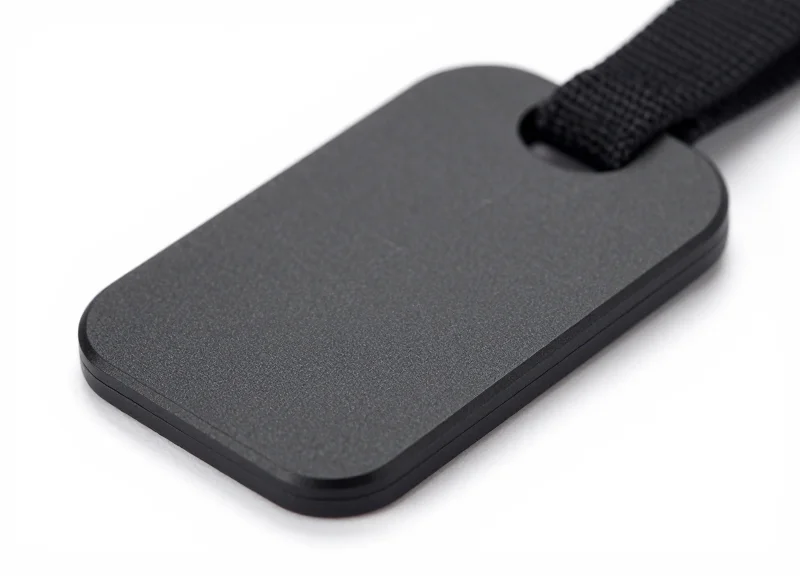
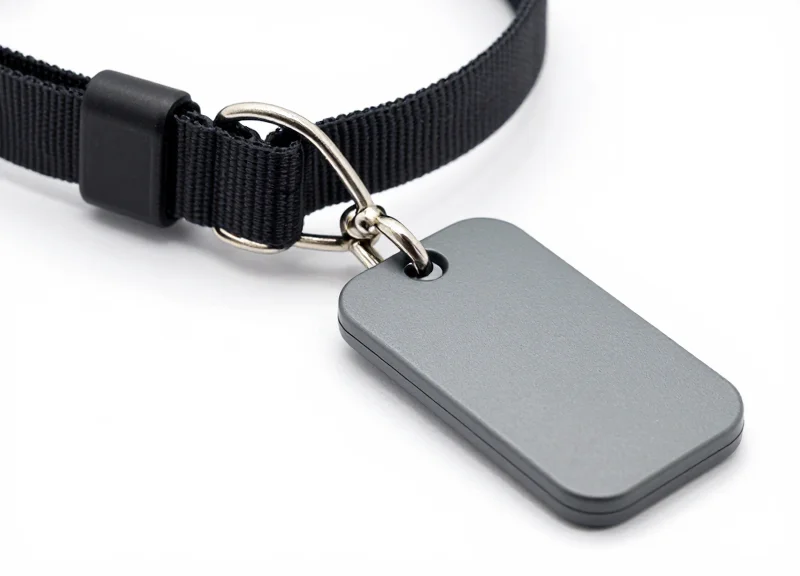
For high-volume events such as trade shows, fashion weeks, and pop-up markets, non-damaging magnetic tags—often referred to as 'clamshell' or 'pinless' security solutions—are essential because they provide a high-security deterrent without piercing the fabric. Unlike traditional EAS pins that leave visible 'memory marks' or permanent holes in delicate fibers like silk, cashmere, and high-performance technical textiles, these tags utilize a high-strength magnetic locking mechanism to grip the material or utilize existing garment loops. This ensures that merchandise remains in pristine, 'new-with-tags' condition, which is vital for maintaining the secondary market value of event inventory.
| Feature | Standard Pin Tags | Non-Damaging Magnetic Tags |
|---|---|---|
| Fabric Integrity | Leaves visible puncture holes | Zero-trace attachment |
| Application Speed | Moderate (requires precision alignment) | Ultra-fast (snap-on action) |
| Liability Risk | High (customer injury or garment damage) | Negligible (smooth surfaces) |
| Ideal Use Case | Basic cotton/denim | Luxury goods, technical gear, and rentals |
A unique insight from the Silicon Valley retail tech circuit is the concept of 'Residual Retail Value' (RRV) preservation. In many short-term event scenarios, up to 40% of the inventory is not sold and must be returned to a flagship store or integrated back into e-commerce fulfillment. If that inventory has been tagged with traditional pins, the 'Return-to-Stock' (RTS) failure rate increases due to quality control rejections. Non-damaging tags effectively act as an insurance policy for your inventory's liquidity, ensuring that a product not sold today is still perfectly sellable tomorrow at full price.
Do non-damaging magnetic tags provide the same security as pins?
Yes. Most professional non-damaging tags utilize ultra-strong magnetic locks (rated at 12,000 Gauss or higher), making them virtually impossible to defeat without a high-strength magnetic detacher, maintaining a formidable security perimeter.
Will they slip off slippery fabrics like satin or silk?
Premium non-damaging tags are designed with internal rubberized friction pads. These pads create a high-friction grip that prevents the tag from sliding off delicate or 'silky' materials without requiring a needle to pass through the weave.
Are these tags compatible with existing 'Plug-and-Play' pedestals?
Absolutely. These tags are housing-only innovations; they can be fitted with either 58kHz (Acousto-Magnetic) or 8.2MHz (Radio Frequency) internal coils to match whatever EAS pedestal technology you have deployed for the event.
Pre-Event Checklist: Power, Placement, and Signal Path
A comprehensive pre-event checklist for EAS deployment ensures that plug-and-play pedestals function at peak detection rates by verifying stable AC power access, maintaining specific aisle-width distances, and mapping potential electromagnetic interference sources. Prior to the arrival of merchandise, event security must audit every booth to confirm that local power drops are isolated from high-surge machinery and that the 'signal path'—the invisible detection field between pedestals—is not obstructed by large metallic structures or electronic signage that could cause false alarms or signal attenuation.
| Requirement Category | Standard Specification | Critical Impact |
|---|---|---|
| Power Stability | Dedicated 110V/220V Circuit (Filtered) | Prevents auto-tuning resets and power surges. |
| Antenna Spacing | 1.2m to 1.8m (Dependent on Tag Type) | Ensures 95%+ detection rate for small tags. |
| Clearance Zone | 0.5m radius from large metal frames | Eliminates phantom alarms and 'blind' spots. |
| Cable Management | Shielded flooring conduits | Protects signal cables from foot traffic interference. |
- Site Map Overlay & Power Drop Audit: Cross-reference the venue's electrical layout with the booth floor plan. Ensure each pedestal pair has a nearby power drop that is not shared with heavy-duty kitchen equipment or large industrial fans, which introduce line noise.
- Interference Mapping (The 'Quiet Zone' Test): Use an EAS frequency sniffer to identify 'noisy' areas. High-output LED video walls and certain lighting ballasts operate on frequencies that can bleed into the 58kHz or 8.2MHz spectrum, requiring pedestal phase adjustments.
- Geometric Alignment for Multi-Aisle Booths: Position pedestals perfectly parallel. Even a 5-degree tilt can reduce the effective signal path by 15%, creating a vulnerability where magnetic tags might pass through undetected at waist height.
- Synchronization Check (Crosstalk Prevention): When deploying hundreds of booths, pedestals in adjacent aisles must be synchronized. If they 'fire' their signal pulses at different times, they will jam each other, leading to complete system failure.
Expert Insight: The 'Metal Loop' Trap. In my 20 years of field deployments, the most common failure is the invisible 'shielding' effect of aluminum booth frames. If an EAS antenna is placed directly against a closed-loop metal frame, the frame acts as a secondary antenna that absorbs the signal. Always ensure a minimum 30cm 'air gap' between the pedestal and any structural metal to maintain a clean signal path. This single adjustment can increase your detection range by up to 25%.
[Deployment_Verification_Log]
Booth_ID: 402-A
Power_Phase: Locked
Ambient_Noise_Level: <20mV
Signal_Sync_Master: Unit_001
Detection_Height_Verified: 0.2m to 1.6m
Status: Ready_For_Traffic
Can I use extension cords for hundreds of pedestals?
It is highly discouraged. Long extension cords cause voltage drops and act as antennas for electromagnetic interference. Use direct drops or high-gauge, shielded temporary power distribution blocks.
What happens if a booth has a large LED screen at the entrance?
LED screens are notorious for RFI (Radio Frequency Interference). If the screen is within 2 meters, you must use Acousto-Magnetic (AM) pedestals with digital noise filtering to 'tune out' the screen's frequency.
Do I need to recalibrate the signal path if the floor is wet?
Yes. Large-scale events often face humidity changes. Moisture in the air or on the floor can shift the dielectric constant of the environment, requiring a quick 'auto-tune' button press on modern plug-and-play units on opening morning.
Execution: Deploying Hundreds of Units in Record Time
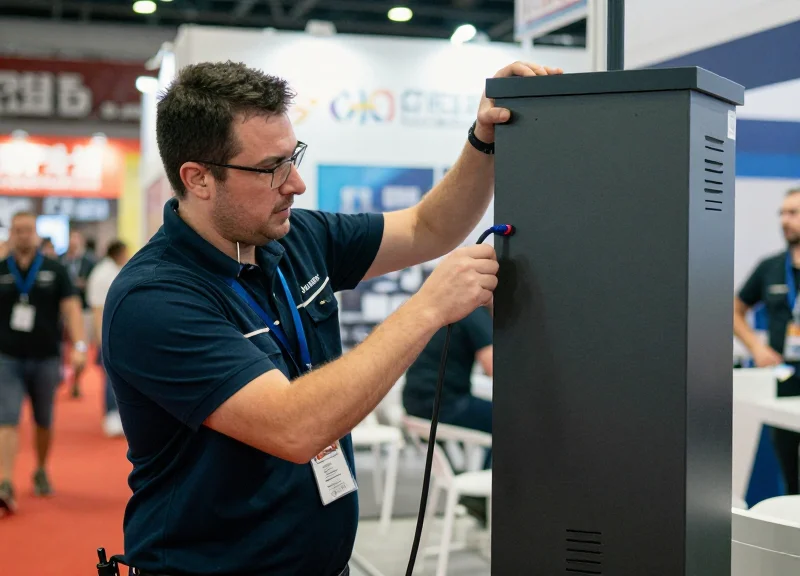
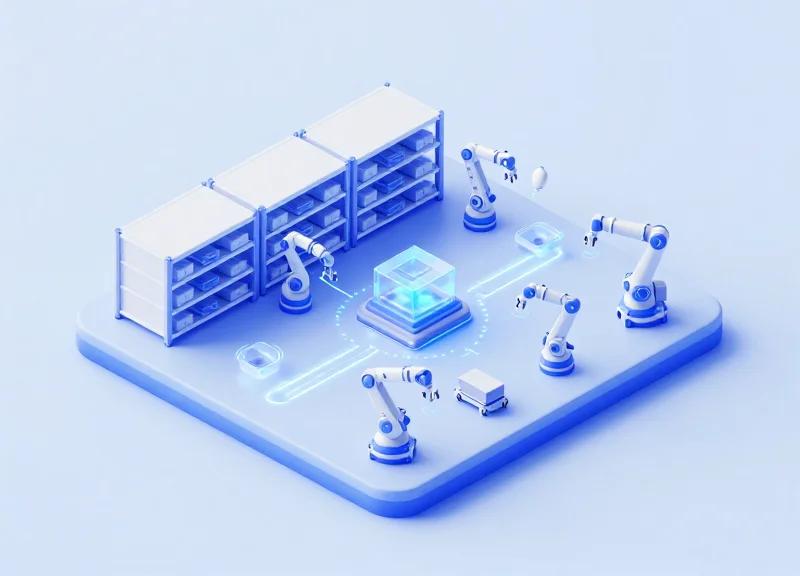
Executing a large-scale EAS deployment requires transitioning from individual installations to a factory-line mindset. To secure hundreds of booths efficiently, teams must utilize a parallelized staging workflow where hardware placement is decoupled from electronic validation. By leveraging plug-and-play pedestals, the 'time-to-protection' metric is reduced from hours to minutes, as these units bypass traditional manual calibration in favor of automated environment-sensing algorithms.
- Zonal Palletizing: Group EAS units on pallets according to hall sectors. Each pallet should contain the pedestals, power leads, and non-damaging magnetic tags required for a specific 20-booth radius to minimize technician travel time.
- The 'Drop and Go' Placement: A two-person team follows the floor plan, physically positioning pedestals at booth entrances without plugging them in. This ensures physical layout issues are identified before any power is drawn.
- Sequential Rapid Activation: A secondary 'Power Team' follows the placement team, connecting units to the pre-verified power drops. Because the pedestals are plug-and-play, they perform a self-test and environmental sync within 30 seconds of activation.
- Continuous Loop Validation: The final technician performs a 'walk-through' test using a master tag. By walking a continuous path through the aisles, they can verify the signal integrity of 100+ units in a single sweep without stopping for manual adjustments.
| Deployment Phase | Traditional Installation (Per Unit) | Rapid Plug-and-Play (Per Unit) |
|---|---|---|
| Hardware Positioning | 15 Minutes | 2 Minutes |
| Manual Calibration | 20-40 Minutes | Auto-Sensing (0 Mins) |
| Tag Testing/Validation | 10 Minutes | 1 Minute (Sweep Method) |
| Total Labor Time | 45-65 Minutes | 3-5 Minutes |
Expert Insight: The 'Signal-Burst' Stabilization Technique. In high-density environments like trade shows, dozens of EAS units can create a noisy RF floor. We recommend a staggered power-up sequence starting from the center of the hall and moving outward. This allows the internal auto-phasing logic of the pedestals to 'lock' onto the cleanest frequency intervals relative to their nearest neighbors, virtually eliminating false alarms caused by cross-talk between booths.
How do you handle interference when units are placed back-to-back?
Utilize the pedestals' built-in synchronization ports or wireless sync features. This ensures that adjacent antennas pulse at the same micro-second interval, preventing them from 'seeing' each other as a security threat.
What is the fastest way to tag thousands of delicate items?
Establish a centralized 'Tagging Station' at the loading dock. Apply non-damaging magnetic tags as items are unboxed for inventory; this is 4x faster than tagging items individually at each booth.
How can we monitor the health of 500+ units simultaneously?
Deploy pedestals with IoT-enabled status LEDs. A lead technician can simply look down a long aisle; a green 'Status' light visible from 50 feet away confirms the unit is active and calibrated without needing to touch the hardware.
Solving Signal Interference in High-Density Environments

In a high-density trade show environment where hundreds of EAS pedestals operate within a few meters of each other, the primary technical challenge is 'crosstalk'—a phenomenon where the signal transmitted by one pedestal is picked up by a neighboring unit, triggering a false alarm. To maintain a 99.9% detection rate without disruptive ghost-alarms, deployment teams must manage the 'Noise Floor' through electronic synchronization and physical isolation. Modern plug-and-play units solve this by utilizing Auto-Sync technology, which aligns the pulse timing of all units to the local AC power frequency (50/60Hz), ensuring that every pedestal 'speaks' and 'listens' at the exact same millisecond.
| Interference Factor | Acousto-Magnetic (AM) 58kHz | Radio-Frequency (RF) 8.2MHz |
|---|---|---|
| Crosstalk Vulnerability | High - Long pulse decay can affect neighbors. | Moderate - Frequency overlap is more common. |
| Metal Interference | Low - Better at penetrating metal structures. | High - Large metal objects cause 'dead zones'. |
| Sync Requirement | Critical - Must be wired or wireless phase-synced. | Moderate - Requires frequency staggering (8.0 to 8.5MHz). |
| Environmental Noise | Affected by LED drivers and motors. | Affected by neon lights and digital screens. |
- Implement Digital Phase Synchronization: Ensure all AM pedestals are set to the same phase (0, 1, or 2) relative to the power line. If units are on different phases of a 3-phase power system, they will trigger each other continuously.
- Frequency Staggering for RF Systems: When deploying RF systems in tight rows, slightly offset the center frequency of adjacent booths (e.g., Booth A at 8.1MHz, Booth B at 8.3MHz) to prevent signal bleed.
- Establish a 'Buffer Zone': Maintain a minimum distance of 3-4 meters between pedestals of different vendors or technologies unless they are hard-wired for master/slave synchronization.
- Active Noise Floor Tuning: Use the pedestal's software interface to run a 'Noise Map' and adjust the detection threshold just above the ambient interference level of the hall.
Expert Tip: The 'Faraday' Floor Reality. In many modern convention centers, the rebar in the concrete floor acts as a massive antenna. If you experience persistent interference that ignores all sync settings, the culprit is likely a ground loop. Use rubber isolation mats under the pedestal base to physically decouple the antenna from the floor's electromagnetic field—an 'old school' trick that often works when software fails.
Can large LED screens at a booth cause false alarms?
Yes. LED video walls emit significant RF noise. Pedestals should be placed at least 1.5 meters away from large displays, or the display's power supply should be shielded.
What happens if my neighbor's EAS is a different brand?
Interference is highly likely if they use the same frequency. Coordination is key; ask the event organizer to ensure all vendors use either AM or RF to simplify synchronization.
Does 'Plug-and-Play' mean I don't need to tune them?
In low-density areas, yes. In high-density areas, the 'Auto-Tune' feature should be monitored during peak hall hours when all lights and equipment are powered on.
Staff Training: Quick Response for Temporary Personnel
In high-traffic event environments, the efficacy of an EAS system is only as strong as the temporary personnel operating it. Staff training for rapid-deployment scenarios must transition from 'technical mastery' to 'functional execution,' focusing on the 3-Second Rule: staff should be able to identify a tag, detach it, or verify an alarm within three seconds to prevent bottlenecks. Because temporary workers often have less than 30 minutes of onboarding, the protocol prioritizes non-damaging magnetic tag removal and standardized verbal scripts for alarm resolution, ensuring security never compromises the attendee experience.
- The 'Slide & Lift' Technique: Train staff to align the tag's locking core with the magnetic detacher’s 'sweet spot.' A single fluid motion prevents fabric snagging and ensures the pin is never forced, which is critical for the delicate fabrics often found at trade shows.
- The Service-First Alarm Response: Instruct staff to treat every pedestal alarm as a 'forgotten tag' rather than a 'theft event.' Using a script like, 'It looks like we missed a security sensor on your item; may I quickly remove that for you?' de-escalates tension in crowded aisles.
- Dead-Zone Awareness: Personnel must be taught to keep active magnetic detachers and spare tags at least 3 feet away from the pedestals to prevent 'phantom alarms' caused by accidental proximity.
| Scenario | Staff Action | Marketing/Safety Benefit |
|---|---|---|
| Pedestal Alarms on Entry | Invite attendee to check for tags from other booths. | Maintains 'VIP' feel while identifying external interference. |
| Resistance During Detaching | Rotate tag 90 degrees; do not pull. | Prevents permanent damage to high-value garments/merchandise. |
| System 'Beeping' (Low Pulse) | Notify technical lead immediately. | Identifies power fluctuations before the unit fails entirely. |
Expert Insight: The Shadow Guard Principle. In 20 years of Silicon Valley event security, we’ve found that the most successful deployments use staff as 'perceived deterrence' rather than 'active enforcement.' When temporary staff are trained to make eye contact and smile during an EAS alarm, the 'Shoplifter's Stress Response' increases, causing them to abandon the item, while legitimate customers feel cared for. This psychological edge is more effective than any physical barrier in a dense booth environment.
What should staff do if the magnetic detacher is lost?
Immediately notify the floor manager. Because these are high-strength magnets, they are a primary target for theft. Staff should never leave a detacher unsecured during shift changes.
How do we handle 'tag switching' in the booth?
Train staff to verify that the tag type matches the item's price tier. High-end items should always use hard-shell magnetic tags that cannot be pried apart by hand.
Can staff reset the pedestals themselves?
No. Modern plug-and-play pedestals are self-tuning. If a pedestal malfunctions, staff should check the power cable but avoid touching internal dip switches.
Analyzing the ROI of Rapid Security Deployment

Return on Investment (ROI) for rapid security deployment is measured by the total value of inventory saved from theft (shrinkage) combined with the reduction in specialized labor costs, divided by the cost of the hardware. For temporary large-scale events, plug-and-play EAS pedestals offer a significantly faster path to profitability compared to traditional wired systems because they eliminate infrastructure modification fees, reduce installation time by up to 80%, and prevent booth damage penalties. When you deploy non-damaging magnetic tags across hundreds of booths, the ROI is realized not just in loss prevention, but in the preservation of high-value merchandise for future sale and the elimination of post-event repair costs.
| Cost Factor | Traditional Fixed EAS | Rapid Plug-and-Play EAS |
|---|---|---|
| Installation Time | 4-6 Hours per Unit (Drilling/Wiring) | 15-30 Minutes per Unit (Plug & Go) |
| Labor Requirement | Certified Electrician / Security Tech | General Event Staff / Temporary Labor |
| Facility Impact | Permanent Floor Damage / Drilling | Zero Impact / Non-Invasive |
| Shrinkage Reduction | High (90%+) | High (90%+) |
| Total Ownership Cost | High (Including De-installation) | Low (High Reusability/Mobility) |
Expert Insight: The 'Invisible Dividend' of Portable Security. While most managers focus on theft prevention, the true ROI 'Alpha' in rapid deployment lies in Labor-Hour Arbitrage. By utilizing non-specialized temporary staff to deploy plug-and-play units, companies avoid the 3x to 5x hourly rate premiums charged by specialized electrical contractors. Furthermore, non-damaging magnetic tags protect the 'resale integrity' of the product—an item with a pinhole from a standard tag is often marked down by 15-20%, whereas an item protected by a non-damaging magnetic tag retains its full MSRP.
How long does it take to see a positive ROI on these units?
In high-traffic trade shows or pop-up environments, most organizations recover the cost of a plug-and-play pedestal in a single weekend if it prevents the theft of just 2-3 high-value items.
Does the portability of the units impact their security effectiveness?
Not significantly. While lighter than bolted units, modern portable pedestals feature weighted anti-tip bases and integrated sirens that provide the same visual and audible deterrent as permanent fixtures.
What is the primary cost-saving when using magnetic tags over pin-tags?
The primary saving is 'Product Loss via Damage.' Traditional pins can ruin silk, leather, and fine knits. Magnetic tags eliminate this risk, ensuring 100% of your inventory remains in 'Grade A' sellable condition.
- Calculate Baseline Shrinkage: Estimate the historical loss percentage for unprotected booths (industry average is 1.5% to 3% of retail value).
- Quantify Labor Savings: Calculate the difference between 40 hours of master technician labor vs. 5 hours of general staff setup time.
- Assess Asset Longevity: Factor in the 'Residual Value' of the hardware, as plug-and-play units can be packed and moved to the next 10-15 events with zero additional capital expenditure.
Post-Event Logistics: Decommissioning and Storage
Post-event logistics for EAS pedestals involve a systematic decommissioning process—including specialized power-down sequences, magnetic tag reclamation, and climate-controlled storage—designed to preserve sensitive antenna calibration and extend the lifespan of reusable hardware. Unlike permanent retail installations, temporary event deployments subject equipment to high-vibration transport and varied environmental stressors, making the decommissioning phase critical for maintaining the long-term ROI of plug-and-play security assets.
- Orderly Power-Down and Cable Management: Before moving pedestals, perform a soft shutdown if the firmware allows. Carefully coil all power and sync cables using the 'over-under' method to prevent internal wire breakage, and secure them to the pedestal base with non-residue velcro straps.
- Systematic Tag Reclamation: Use high-strength magnetic detachers to remove all tags from remaining merchandise. Count and batch tags in groups of 100 to quickly identify inventory shrinkage and ensure no 'live' tags are packed near the antennas during transport, which can cause false alarms during the next setup.
- Pedestal Stabilization and Crating: Place pedestals back into their original custom-fit foam inserts. If crates are unavailable, use edge protectors and double-walled cardboard. Ensure units are stored upright to prevent the internal ferrite coils from shifting or detuning.
- The Signal Integrity Audit: Expert Tip: Before the final pack-out, run a 30-second diagnostics check to record the current 'noise floor' levels. This baseline data is invaluable for the next deployment, as it helps technicians immediately identify if hardware drift occurred during transit.
| Component | Ideal Storage Temp | Storage Orientation | Maintenance Requirement |
|---|---|---|---|
| EAS Pedestals | 10°C to 30°C | Vertical/Upright | Firmware update & dusting |
| Magnetic Tags | -5°C to 40°C | Shielded Bins | Visual pin inspection |
| Magnetic Detachers | Room Temp | Isolated/Faraday bag | Surface cleaning |
| Wireless Sync Units | 5°C to 25°C | Flat/Stacked | Battery health check |
Why should tags be stored in shielded bins?
Storing thousands of magnetic tags in close proximity can create a massive localized magnetic field. Shielded bins prevent these tags from accidentally desensitizing or interfering with other electronic equipment nearby.
How do I handle acrylic pedestals that are scratched?
Use a dedicated acrylic polishing compound and a microfiber cloth before storage. Small scratches can catch dust and degrade signal transparency over time if left untreated.
Is climate control necessary for short-term storage?
Yes. Rapid fluctuations in humidity can cause condensation inside the pedestal housing, leading to micro-corrosion on the PCB, which significantly increases the noise floor and reduces detection range.