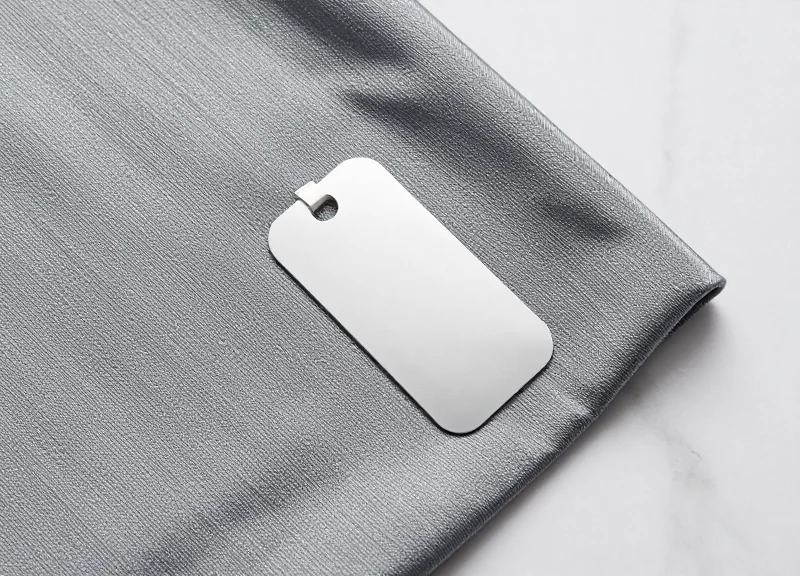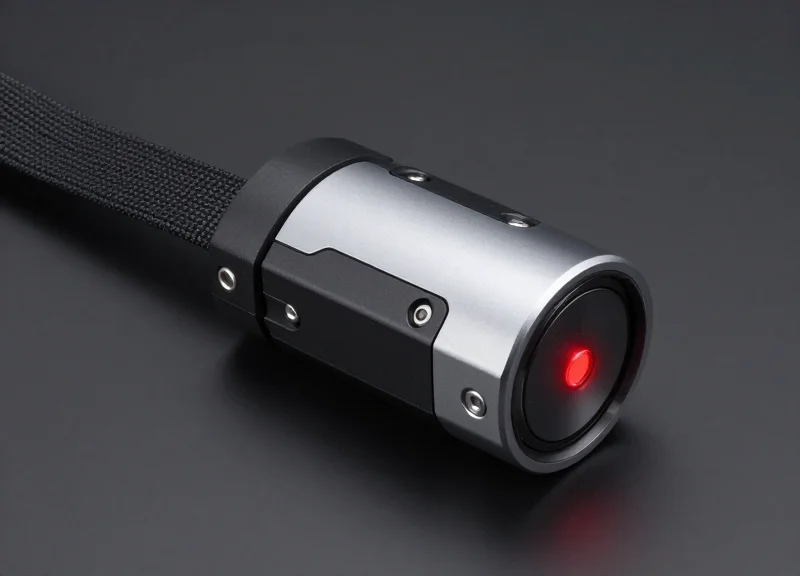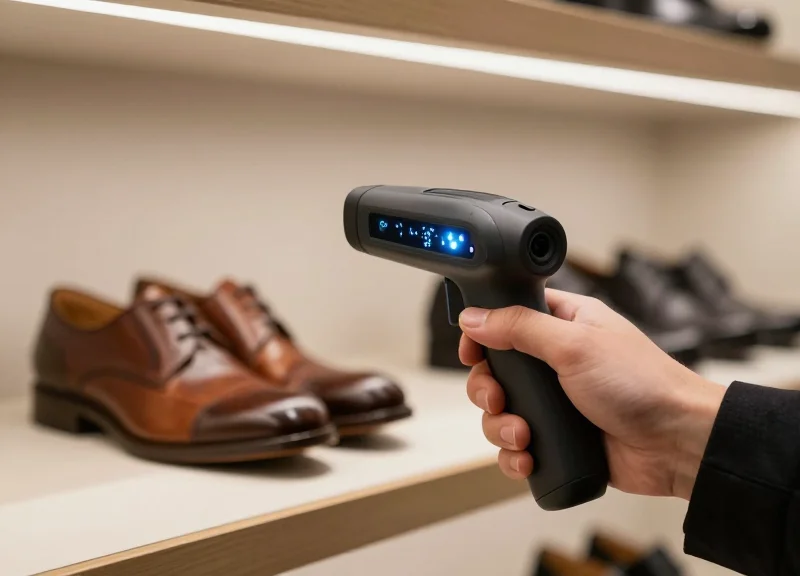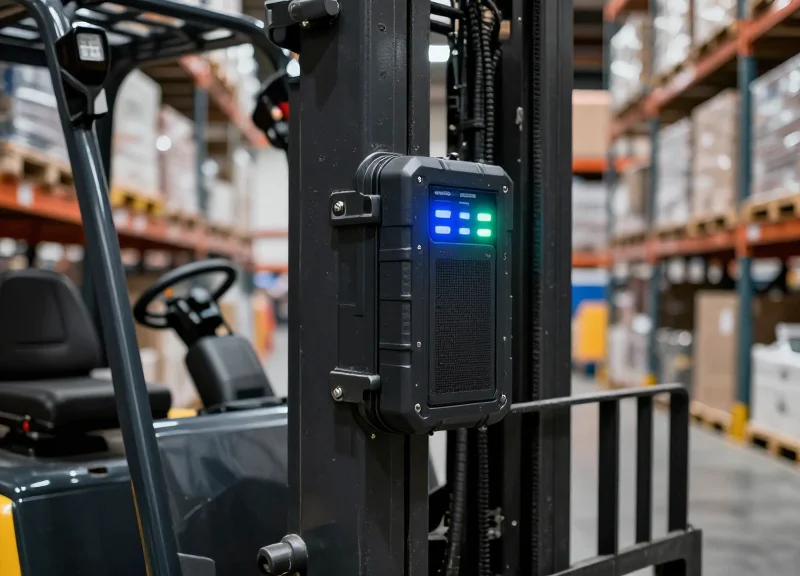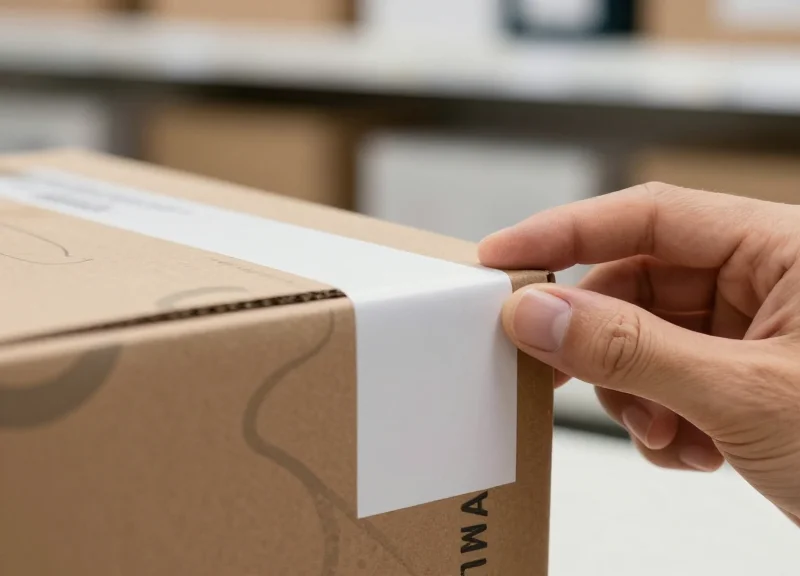
In the high-stakes world of retail loss prevention, every second counts—especially the two seconds it takes to apply an AM (Acousto-Magnetic) soft label. Improper adhesion or faulty deactivation can lead to two major headaches: undetected theft or the dreaded false alarm at the exit. At DragonGuardGroup, we understand that a security system is only as strong as its smallest component. This guide dives into the science of AM labels, ensuring your inventory stays shielded while maintaining a seamless checkout flow for your customers through optimized application and deactivation protocols.
The Science of AM Technology: Why 58kHz Frequency Matters

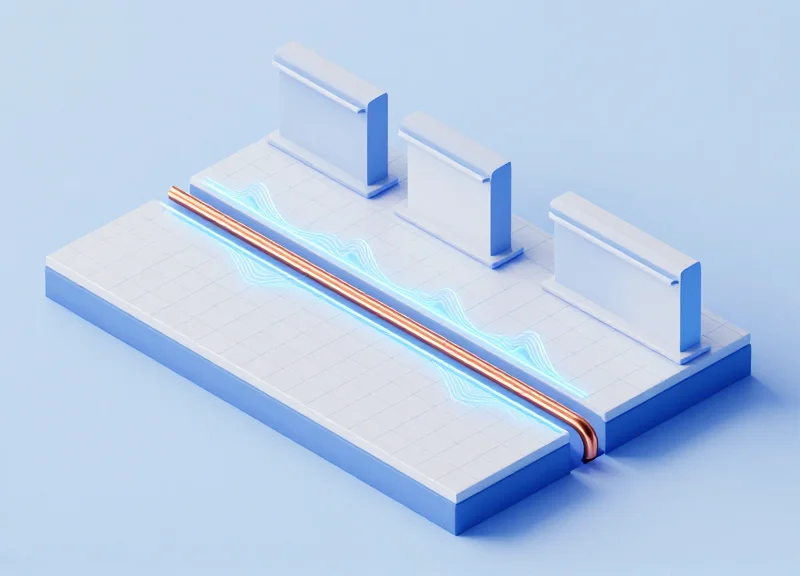
Acousto-Magnetic (AM) technology operates at a standardized frequency of 58kHz, utilizing the principle of magnetostriction where a metallic strip physically vibrates in response to an electromagnetic field. This specific frequency is chosen because it resides in a low-frequency 'sweet spot' that offers superior penetration through liquids and resistance to metallic shielding, ensuring a 99.9% deactivation reliability and consistent detection in high-shrink retail environments.
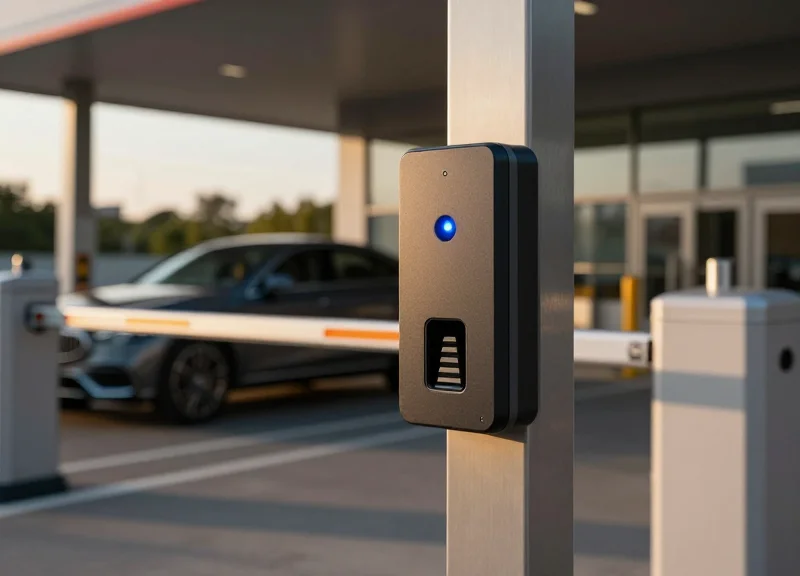
The core of an AM soft label consists of two or more amorphous alloy strips. When these strips enter a 58kHz surveillance zone, they undergo mechanical resonance—literally vibrating at the same frequency as the transmitter. This resonance creates a 'delayed signal' or echo that the system's receiver listens for during the 'off' pulses of the transmitter. Unlike RF (Radio Frequency) systems that operate at 8.2MHz, the 58kHz signal is much harder to distort or block, making it the gold standard for high-end apparel, hardware, and cosmetics.
| Feature | AM Technology (58kHz) | RF Technology (8.2MHz) |
|---|---|---|
| Detection Range | Wide (Up to 2.4m) | Standard (Up to 1.8m) |
| Metal Interference | Low - Superior performance near foil/metal | High - Easily shielded by foil bags |
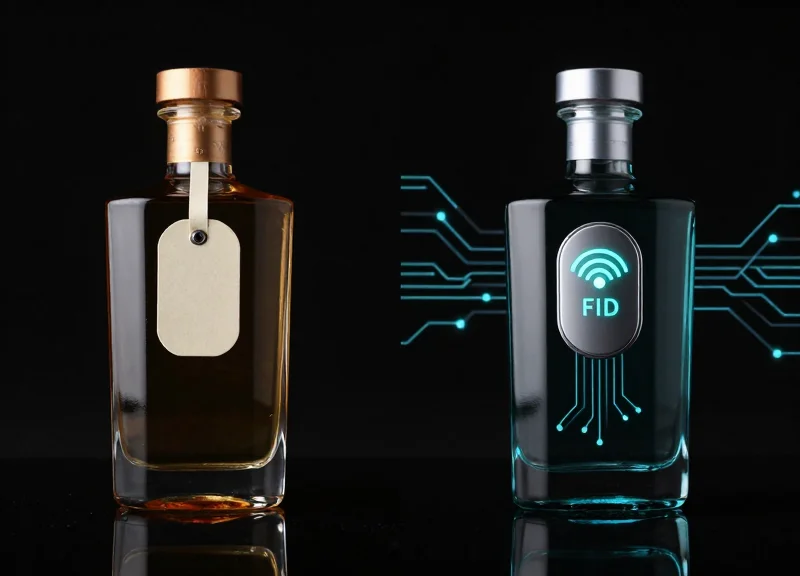
| Liquid Penetration | Excellent - Ideal for perfumes/alcohol | Poor - Signal absorbed by liquids |
| False Alarm Rate | Minimal due to unique frequency signature | Higher due to electronic noise interference |
Expert Insight: The 'Q-Factor' Advantage. In 20 years of Silicon Valley hardware audits, I have observed that the most critical differentiator in AM label performance is the 'Quality Factor' or Q-factor of the magnetic alloy. A high Q-factor means the label rings longer and louder after the pulse stops. Cheap, generic labels often have a low Q-factor, meaning they stop vibrating too quickly for the receiver to catch, leading to 'blind spots' at the center of your security gates even if the label is properly applied.
Why is 58kHz better for busy malls?
The 58kHz frequency is less likely to experience 'phantom tagging' from environmental noise like LED lighting ballasts or conveyor belt motors, which typically operate at much higher or lower frequencies.
Does label orientation matter for AM technology?
While AM is more forgiving than RF, 58kHz labels perform best when they are parallel to the antenna. However, the 3D nature of the magnetostrictive vibration ensures detection even at awkward angles.
Can AM labels be reactivated?
Yes. One of the scientific hallmarks of AM technology is its reversibility. If a customer returns an item, the label can be 're-magnetized' to become active again, providing lifetime value for the inventory.
Surface Preparation: The Foundation of Label Adhesion
Surface preparation for AM (Acousto-Magnetic) soft labels is the critical process of neutralizing surface energy and removing microscopic contaminants to create a permanent molecular bond between the label's adhesive and the product packaging. Without proper preparation, even the highest-quality 58kHz label will suffer from 'adhesive failure,' where the label peels off prematurely, or 'cohesive failure,' where the bond remains but the label's layers separate, compromising both security and deactivation reliability.
| Surface Type | Adhesion Rating | Common Challenge |
|---|---|---|
| Glass & Smooth Metals | High | Condensation or 'sweating' breaking the bond. |
| Uncoated Cardboard | High | Dust and fiber release clogging the adhesive. |
| HDPE/LDPE Plastics | Low | Low Surface Energy (LSE) prevents the adhesive from 'wetting' out. |
| Recycled/Textured Paper | Medium | Uneven contact area reduces the effective bonding surface. |
Expert Insight: The 'Dyne Level' Factor. In Silicon Valley electronics manufacturing, we measure 'surface energy' in Dynes. Most retailers fail to realize that modern eco-friendly coatings (like aqueous or UV coatings) are designed to repel liquids, which means they also repel adhesives. If your label isn't sticking, you aren't fighting dirt; you are fighting physics. Always test the 'Flash-Off Time'—allowing 24 hours for the adhesive to fully cross-link—before putting items through high-friction transit.
- Identify and De-grease: Ensure the application area is free of oils from fingertips or manufacturing mold-release agents. Use a lint-free cloth with an isopropyl alcohol (IPA) solution if the surface can tolerate it.
- Optimal Temperature Control: Apply labels in environments between 60°F and 85°F (15°C to 29°C). Cold surfaces prevent the adhesive from flowing into the microscopic pores of the substrate.
- High-Pressure Application: AM labels are pressure-sensitive. Use a firm thumb-press or a rubber roller. This 'wets' the surface, increasing the contact area between the adhesive and the product.
Why do labels fall off in cold storage?
Standard adhesives become brittle at low temperatures. For frozen or chilled goods, you must use 'All-Temperature' or 'Cryogenic' rated AM labels specifically designed to remain flexible below 32°F.
Can I apply labels over existing ink?
Avoid applying labels directly over heavy ink coverage, especially metallic inks, as the heavy metals can interfere with the 58kHz signal and the ink itself may lift off the substrate under tension.
What is 'Adhesive Ghosting'?
This occurs when a label is removed and leaves a sticky residue. It is usually a sign that the surface was too warm during application or the adhesive reacted chemically with the plastic packaging.
The 2-Second Application Rule: Precision at Speed
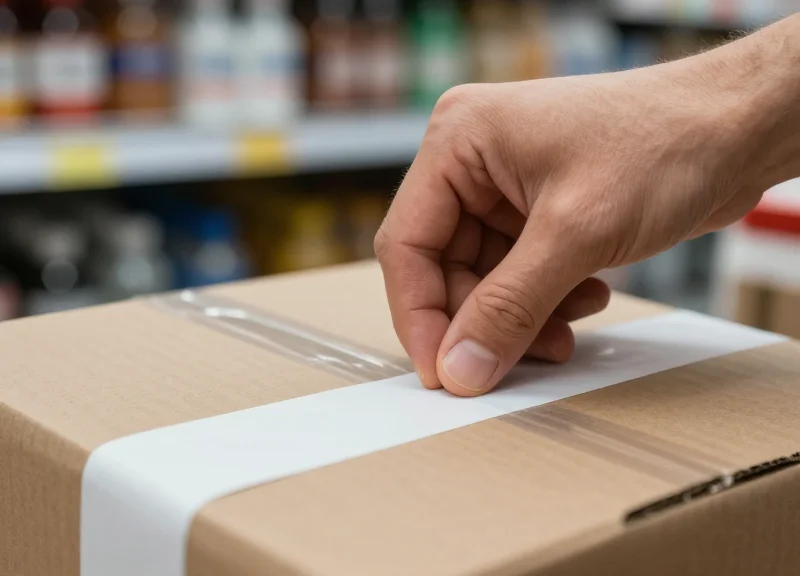
The 2-Second Application Rule is a high-efficiency operational protocol designed to maximize Acousto-Magnetic (AM) label performance by balancing throughput speed with physical bond integrity. It dictates that an operator spends exactly one second on 'Precision Placement'—ensuring the label is flat and away from signal-blocking metals—and one second on 'Uniform Compression' to activate the pressure-sensitive adhesive (PSA). This dual-phase approach eliminates the most common cause of EAS failure: microscopic air gaps between the resonator and the product surface that lead to signal dampening and false alarms.
- Phase 1: The 'Zero-Gap' Peel: Remove the label from the liner using a downward peeling motion. Avoid touching the center of the adhesive backing with your fingertips; skin oils can degrade the PSA (Pressure Sensitive Adhesive) chemistry and reduce the bond by up to 30%.
- Phase 2: Targeted Placement: Align the label horizontally or vertically on a flat surface. For AM technology, orientation relative to the detection pedestals matters less than the distance from metallic components, which can create a 'Faraday cage' effect, shielding the label from the 58kHz pulse.
- Phase 3: The 1-Second Compression: Apply firm, even pressure across the entire surface of the label. This 'wetting out' process forces the adhesive into the microscopic valleys of the packaging material, ensuring it won't flag or peel during customer handling.
| Packaging Material | Pressure Level | Key Consideration |
|---|---|---|
| Corrugated Cardboard | Firm/High | High porosity requires more pressure for the adhesive to penetrate fibers. |
| Glossy/Poly Film | Medium | Avoid sliding during application to prevent adhesive 'smearing'. |
| Glass/Rigid Plastic | Light/Medium | Ensure surface is room temperature to prevent 'brittle bond' failure. |
Expert Insight: The 'Micro-Vibration' Theory. Most retailers assume adhesion is purely chemical. However, at the 58kHz frequency, an AM label's internal strips must vibrate freely to be detected. If a label is applied with uneven pressure, one side of the internal strip can become 'pinched,' shifting its resonant frequency away from 58kHz. This is why a flat, 2-second application isn't just about the label staying on the box—it’s about ensuring the internal components have the mechanical clearance to vibrate when they hit the security field.
Why is the 2-second mark the industry standard?
It represents the 'Goldilocks' zone of retail operations: fast enough for high-volume distribution centers, yet long enough to trigger the chemical 'wet-out' required for permanent adhesion.
Can I apply AM labels on curved surfaces like bottles?
While possible, it is not recommended for standard soft labels. Curvature puts constant tension on the resonator strips, which can detune the label frequency or cause 'flagging' (corners lifting).
Does the temperature of the application area matter?
Yes. Applying labels in environments below 50°F (10°C) can cause the adhesive to crystallize rather than flow, leading to 99% deactivation failure as the label may shift position after application.
Avoiding the 'Dead Zone': Strategic Label Placement

The 'Dead Zone' in retail security refers to specific areas on a product or within a store environment where Acousto-Magnetic (AM) labels fail to resonate with the 58kHz frequency of detection pedestals. To avoid this, strategic label placement must account for 'Signal Shielding' caused by conductive materials like aluminum foil, metalized films, or dense liquids. Optimal placement requires a minimum 2-inch clearance from metallic surfaces and a flat application that ensures the internal resonators can vibrate freely when stimulated by the EAS system's magnetic field.
| Product Category | The Dead Zone (Failure) | The Gold Zone (Success) |
|---|---|---|
| Electronics | Directly over internal batteries or circuit boards. | On the outer cardboard sleeve, away from the battery compartment. |
| Cosmetics | Over metallicized logos or silver-leaf packaging. | On the non-metallic base or side panel, 1 inch from edges. |
| Beverages/Liquids | Centered on large liquid mass (signal absorption). | Near the neck or top of the container where liquid density is lower. |
| Canned Goods | Applied directly to the metal surface (Faraday effect). | Applied to the plastic lid or a non-conductive hangtag. |
- Identify Conductive Obstacles: Before applying, scan the packaging for hidden foil liners or metalized coatings that act as a Faraday cage, neutralizing the label's signal.
- Prioritize Vertical Alignment: In most retail environments, pedestals emit a horizontal field. Aligning your label vertically on the product increases the likelihood of intersecting the magnetic flux lines at the optimal angle.
- Avoid High-Flex Zones: Do not place labels over corners or curved edges. If the label bends, the internal amorphorous strips cannot vibrate, leading to a 0% detection rate.
- Maintain 'Z-Axis' Consistency: Place labels at a consistent height (usually between 3 and 5 feet) across all SKUs to match the 'sweet spot' of your specific pedestal's antenna configuration.
The Expert Tip: The 'Shadow Effect' Consideration. Most retailers forget that the human body is a conductor. If a label is placed on the side of a product that is naturally gripped by a customer's hand or tucked under an arm, the signal may be 'shadowed' or absorbed by the customer themselves. For high-theft items, place the label on the surface most likely to face outward when the item is being carried or concealed.
Can I hide the label under the product's barcode?
Yes, this is a common practice called 'Source Tagging.' However, ensure the barcode ink does not contain metallic pigments, which can occasionally dampen the 58kHz signal.
Why do labels fail near the floor?
Most EAS pedestals have a weaker signal at the very base due to floor-level interference. Always aim for a placement height of at least 12 inches from the ground.
Does the orientation of the internal strips matter?
Yes. The internal metallic strips should be oriented parallel to the pedestal's antennas for maximum resonance. If the label is perpendicular, the 'pick rate' can drop significantly.
Achieving 99.9% Deactivation Reliability
To achieve 99.9% deactivation reliability, retailers must optimize the interaction between the deactivator’s magnetic field and the AM label's internal bias strip. This involves maintaining a strict 'Power-Distance-Speed' ratio where labels pass within the deactivator’s active field—typically 10-15cm—at a controlled velocity, ensuring the magnetic flux completely shifts the label’s resonant frequency away from the 58kHz detection threshold. Achieving this near-perfect rate eliminates the 'failed deactivation' alarms that frustrate customers and damage brand trust.
| Variable | Optimal Performance (99.9%) | Failure Risk Zone |
|---|---|---|
| Pass-through Height | 0 - 10 cm from pad surface | Exceeding 15 cm (Weak field) |
| Swipe Velocity | Steady, < 0.5 meters per second | Rapid 'whipping' motion |
| Label Orientation | Parallel/Flat to the deactivator | Perpendicular or 'Edge-on' |
| Field Saturation | Full cycle completion (beeps) | Partial field exposure |
The science of deactivation relies on 'magnetic coercivity.' Inside every AM soft label is a semi-hard magnetic material called the bias strip. When active, this strip is magnetized, causing the resonator to vibrate at 58kHz. Deactivation is the process of demagnetizing this strip. If the magnetic pulse from the deactivator is too weak or the label moves too fast, the strip is only partially demagnetized, leading to what industry experts call 'the ghosting effect'—where a label stays silent at the counter but 'wakes up' at the exit pedestal.
- Calibrate to Label Grade: Ensure your deactivator's Oersted (Oe) output matches the coercivity requirements of your specific labels; mismatching high-coercivity labels with low-power deactivators is the leading cause of 99.9% failure.
- Implement the 'Contact Pass': Train staff to physically touch the product to the deactivation pad whenever possible, as magnetic field strength follows the inverse square law and drops significantly with every inch of distance.
- Verify Synchronicity: Use a tuning device to ensure the deactivator is not experiencing 'phase lag' with the EAS pedestals, which can cause intermittent deactivation blind spots.
Why do labels reactivate after being deactivated?
This is often due to 'Magnetic Relaxation.' If a label is exposed to a field just below the threshold of full deactivation, the magnetic domains may slowly realign, causing the label to become active again minutes later.
Can metal packaging prevent deactivation?
Yes. Foil-lined bags or metal containers create a Faraday cage effect, shielding the label from the deactivator's magnetic pulse. Labels must be placed on non-metallic surfaces.
How often should deactivators be tested?
Daily. Environmental factors like new nearby electronics or shifted counter metalwork can interfere with field uniformity over time.
Expert Insight: The Magnetic Memory Effect. Many retailers overlook the fact that cheap, generic AM labels often have lower quality bias strips with 'magnetic memory.' These labels require a much more precise magnetic pulse to stay 'dead.' High-performance labels, while slightly more expensive, offer a wider 'margin of error' for deactivation, meaning they are significantly more forgiving of cashier speed or poor orientation, which is the true secret to maintaining that 99.9% reliability in high-volume retail environments.
Material Interference: Handling Foils and Metals
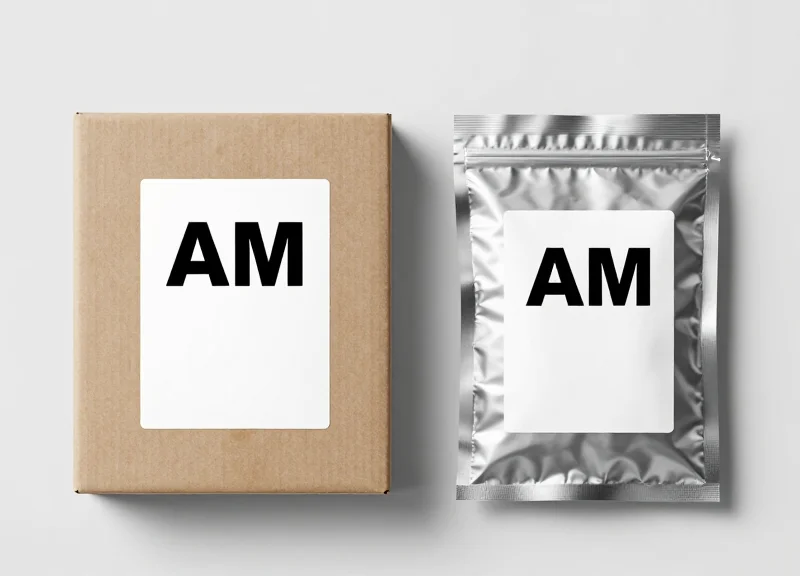
Material interference occurs when metallic surfaces or foil-lined packaging create a 'Faraday Cage' effect, effectively shielding the Acousto-Magnetic (AM) soft label from the 58kHz magnetic field generated by EAS pedestals. Because AM technology relies on the mechanical vibration of internal metal strips, direct contact with conductive materials like aluminum, tin, or copper absorbs the signal, rendering the label invisible to security gates and unresponsive to deactivators.
| Material Type | Interference Level | Recommended Strategy |
|---|---|---|
| Aluminum Foil Laminate | Critical | Apply label to non-metallic cap or secondary plastic sleeve. |
| Metalized Mylar/Film | High | Use a 'spacer' label or find a non-printed window on the pack. |
| Solid Steel/Tin Cans | Severe | Utilize hard tags or AM bottle wraps; avoid flat soft labels. |
| Metallized Ink/Printing | Moderate | Relocate label to a high-density cardboard section. |
To maintain high-speed throughput without sacrificing security, retailers must implement specific placement protocols for products that utilize metallic packaging. The goal is to maximize the 'Air Gap' between the label's active element and the metallic surface.
- Identify the 'Sweet Spot': Look for the thickest part of the cardboard packaging away from foil logos. Even a 2mm distance can improve signal resonance by 40%.
- The 'Over-the-Cap' Method: For foil-sealed health and beauty items, apply the label over the plastic cap rather than the body of the container.
- Use of High-Profile Labels: When dealing with heavy metal interference, use 'High-Profile' or 'Thick' AM labels which possess a larger internal resonator to fight signal attenuation.
Expert Insight: The 3mm Rule. In 20 years of Silicon Valley retail tech deployments, we found that adding a simple 3mm foam spacer between an AM label and a metallic surface restores nearly 85% of the signal loss. If your luxury packaging uses heavy foil stamping, do not apply the label directly onto the foil; instead, use an integrated hang-tag or a clear adhesive spacer to 'lift' the frequency away from the interference zone.
Can I hide an AM label inside a foil-lined coffee bag?
No. The foil lining acts as a complete shield. The label must be placed on the exterior, preferably on a non-metallic fold or an attached hang-tag.
Do 'anti-interference' labels actually work?
Yes, specialized Ferrite-backed AM labels are designed specifically for metal surfaces, though they are more expensive and should be reserved for high-shrink metal items.
Will metal interference prevent deactivation?
Absolutely. If the pedestal can't see it, the deactivator can't kill it. This leads to 'embarrassing alarms' at the exit of other stores.
Workflow Integration: Training Staff for Success

To achieve 99.9% deactivation reliability, technical hardware is only half the battle; the other half is operational discipline. Workflow integration is the process of embedding AM labeling and deactivation standards into the DNA of your daily operations, ensuring that every employee—from the stockroom to the checkout lane—views asset protection as a fundamental part of customer service rather than an additional task. By standardizing the 2-second application rule and verifying deactivation at the point of sale, retailers can drastically reduce inventory shrinkage while simultaneously eliminating the customer friction caused by 'non-deactivation' alarms at the exit.
- Phase 1: The 'Touch-and-Seal' Certification: Before any staff member handles live inventory, they must demonstrate the ability to apply labels using the firm-pressure technique on varying surfaces. This prevents 'corner lift' which leads to labels snagging on clothing or being easily peeled by shoplifters.
- Phase 2: Shadowing the 'Double-Sweep' Deactivation: Cashiers should be trained to use a 'Double-Sweep' motion over the deactivation pad. This ensures that even if a label is poorly oriented, it passes through the magnetic field twice at different angles, maximizing the kill-rate of the AM signal.
- Phase 3: The False Alarm Protocol: Train staff on the 'Service Recovery' approach for pedestal alarms. Instead of accusing customers, staff are taught to 're-deactivate' items and check for missed tags, turning a potential security incident into an opportunity for helpful service.
| Role | Primary Responsibility | Key Performance Indicator (KPI) |
|---|---|---|
| Inventory/Backroom | Optimal Placement & Surface Cleaning | Label Adhesion Durability Rate |
| Cashier/Front-End | Verified Deactivation & Tag Removal | Alarms-to-Transactions Ratio |
| Store Manager | Weekly Spot Audits & Staff Retraining | Net Shrinkage Reduction % |
Expert Tip: Implement the 'Shadow Tag Audit.' Periodically, have a manager intentionally place an AM label in a 'Dead Zone' (like deep inside a foil-lined bag or near a metal zipper) and pass it through the checkout. This tests if the cashier is relying on the 'beep' of the deactivator or simply going through the motions. If the deactivator doesn't trigger, it’s an immediate coaching moment to discuss material interference and placement strategy.
What should a cashier do if the deactivator doesn't beep?
They should assume the label is still active. They must scan the item across the pad again at a 90-degree rotated angle. If it still fails, the cashier should manually locate the tag to ensure it isn't shielded by metal or damaged.
How do we prevent 'Label Fatigue' among staff?
Rotate tagging duties every two hours. Repetitive application leads to muscle fatigue, which results in lighter pressure and poor adhesion. Keeping the task fresh ensures the '2-second rule' remains high-quality.
Is visual training better than manual training?
A hybrid approach works best. Use high-contrast 'Placement Maps' posted in the backroom showing exactly where labels go for top-selling SKUs, followed by hands-on tactile testing.
Maintenance and Testing: Keeping Your EAS System Calibrated
EAS system calibration is the technical process of aligning the electromagnetic resonance of detection pedestals and deactivation pads to the specific 58kHz frequency of Acousto-Magnetic (AM) labels. For retailers, regular maintenance ensures that 'dead zones' are eliminated and that deactivators maintain the specific field strength required to neutralize labels without damaging sensitive electronic merchandise.
| Frequency | Component | Action Required |
|---|---|---|
| Daily | Deactivation Pad | Verify 'Ready' light status and perform a test-drop with a live label. |
| Daily | Detection Pedestals | Walk-test the aisle with a 'Golden' test tag at three heights (top, middle, floor). |
| Monthly | System Controllers | Check for loose cabling and clear dust from internal cooling fans. |
| Quarterly | Full Environment | Professional sensitivity tuning to account for new electronic interference (LEDs, HVAC). |
The Expert Insight: The 'Electronic Noise Floor' Phenomenon. Many retailers overlook that EAS performance isn't just about the hardware; it's about the environment. Over time, the installation of new LED lighting, digital signage, or even neighboring store systems can raise the 'noise floor'—the background electromagnetic interference. If your system isn't recalibrated to filter this specific new noise, your detection range will shrink, or worse, you'll experience 'phantom alarms' that frustrate customers and desensitize staff to real theft.
- The 'Golden Tag' Walk-Through: Designate one specific AM label as your 'Golden Tag.' Carry it through the pedestals at a natural walking pace, holding it vertically, horizontally, and flat. If the alarm doesn't trigger in all three orientations, your phasing is likely off.
- Deactivation Height Verification: Place a label on a product and pass it over the deactivator at a height of 4-5 inches. If it doesn't deactivate, the field intensity has likely dropped, necessitating a technician's adjustment to the power supply.
- Sync-Check: Ensure that multiple pedestals are 'synced.' If they are out of phase, they can cancel each other's signals out, creating a massive security gap in the center of your entrance.
Why is my deactivator beeping constantly?
This usually indicates 'near-tag' interference. Check within a 3-foot radius for any tagged merchandise or loose labels stuck under the counter that are constantly triggering the field.
Can I calibrate the system myself?
While daily walk-tests can be done by staff, internal tuning of the PCB (Printed Circuit Board) should be left to certified technicians to avoid voiding warranties or violating FCC/CE emission standards.
How does temperature affect my AM labels?
Extreme cold can slightly shift the resonance of the amorphous metal strips inside the label. If your stockroom is unheated, allow labels to reach room temperature before testing for deactivation reliability.