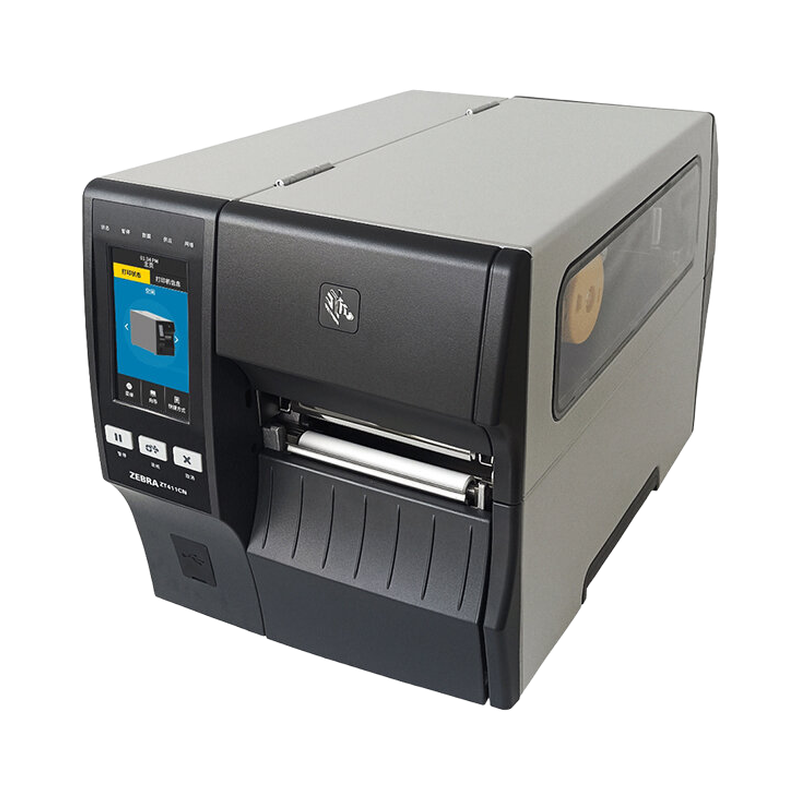
RIRP03 ZT411/ZT421 loading and RFID verification - prepared reference
Load labels and ribbon through the marked paths for the installed media-handling mode. Calibrate the media and check that a feed positions one label correctly before running RFID tag calibration.
Applicability
RIRP03 mapped Zebra ZT400-family product, subject to the actual ZT411/ZT421 hardware and installed RFID option. Independently prepared guidance is not a Zebra-issued manual.
ZT411/ZT421 loading and RFID verification
Load labels and ribbon through the marked paths for the installed media-handling mode. Calibrate the media and check that a feed positions one label correctly before running RFID tag calibration.
RFID calibration determines tag position, antenna selection and operating power for the selected labels. Allow the required media travel, then read a test-encoded label to verify the result before production. This public text is independently prepared guidance, not a reproduction or replacement of the Zebra user manual.
Before handover
- Match the printer hardware, media and RFID option before starting calibration.
- Verify label position and the encoded tag through separate feed and read tests.
Document information
This is an independently prepared English reference based on the reviewed technical material. It is not a manufacturer-issued original, does not replace the delivered hardware instructions and does not add a manufacturer warranty or certification.