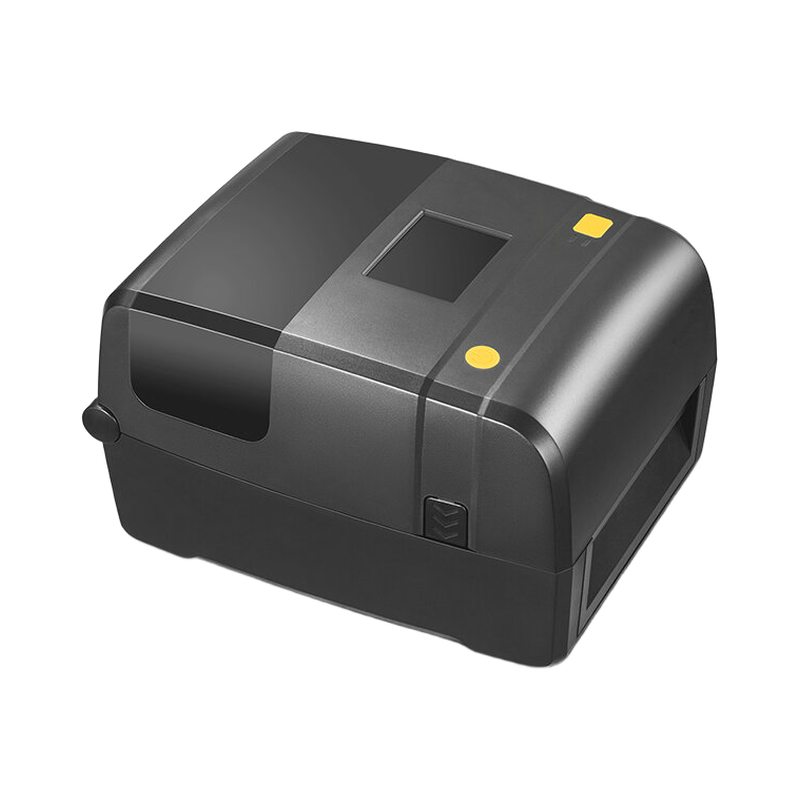
RIRP02 loading, media and RFID calibration - prepared reference
For thermal-transfer work, load the ribbon supply and rewind spools, remove slack and close the print mechanism. Load the selected labels through the correct sensor path and confirm that a feed advances them to the intended print position.
Applicability
RIRP02 printer. The older bilingual sheet and later manual/specification have some housing/supply differences; use the delivered unit's rating label and selected interface.
RIRP02 loading, media and RFID calibration
For thermal-transfer work, load the ribbon supply and rewind spools, remove slack and close the print mechanism. Load the selected labels through the correct sensor path and confirm that a feed advances them to the intended print position.
Perform media calibration after initial setup, sensor cleaning or a media change. RFID calibration is separate: it locates the inlay and establishes operating power. Check EPC or TID with a test label before starting the normal print-and-encode job.
Before handover
- Match the printer hardware, media and RFID option before starting calibration.
- Verify label position and the encoded tag through separate feed and read tests.
Document information
This is an independently prepared English reference based on the reviewed technical material. It is not a manufacturer-issued original, does not replace the delivered hardware instructions and does not add a manufacturer warranty or certification.