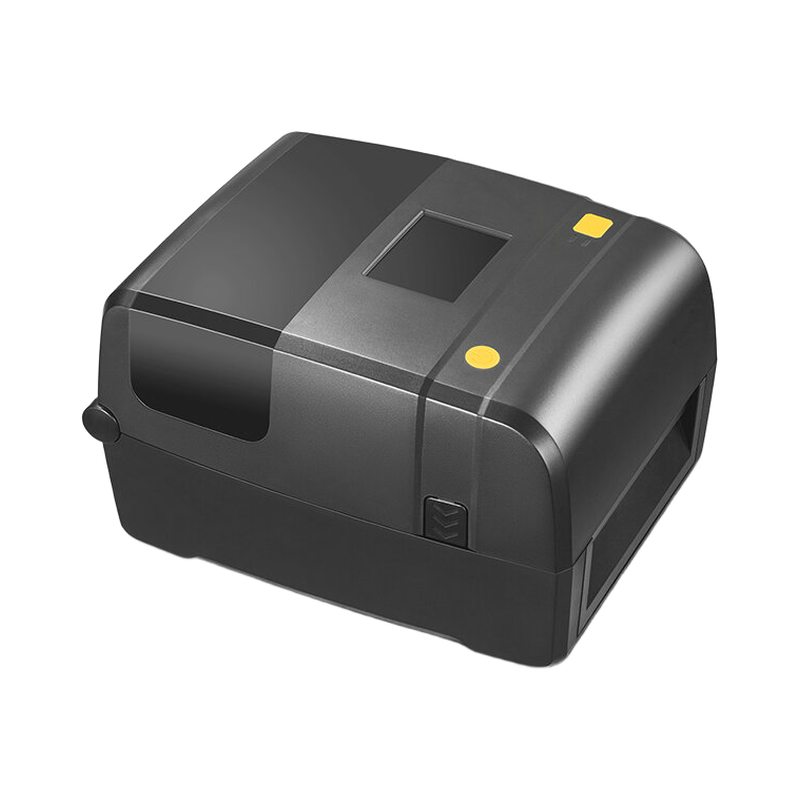
RIRP02 hardware and media selection - English
A successful media calibration establishes label positioning for the gap or mark sensor. It does not establish an RFID write position: run the applicable RFID calibration for the selected inlay and confirm the resulting EPC or TID through a read test.
Applicability
RIRP02 printer. The older bilingual sheet and later manual/specification have some housing/supply differences; use the delivered unit's rating label and selected interface.
RIRP02 hardware and media selection
A successful media calibration establishes label positioning for the gap or mark sensor. It does not establish an RFID write position: run the applicable RFID calibration for the selected inlay and confirm the resulting EPC or TID through a read test.
If labels stop in the wrong position after a media change or sensor cleaning, revisit media sensing before changing RFID power. If print placement is correct but encoding fails, review tag location and RFID-media compatibility rather than assuming that ribbon setup is the cause.
Before handover
- Match the printer hardware, media and RFID option before starting calibration.
- Verify label position and the encoded tag through separate feed and read tests.
Document information
The downloadable original is in English. This English online reference summarizes the applicable selection or operating task. The source does not identify a confirmed revision number.