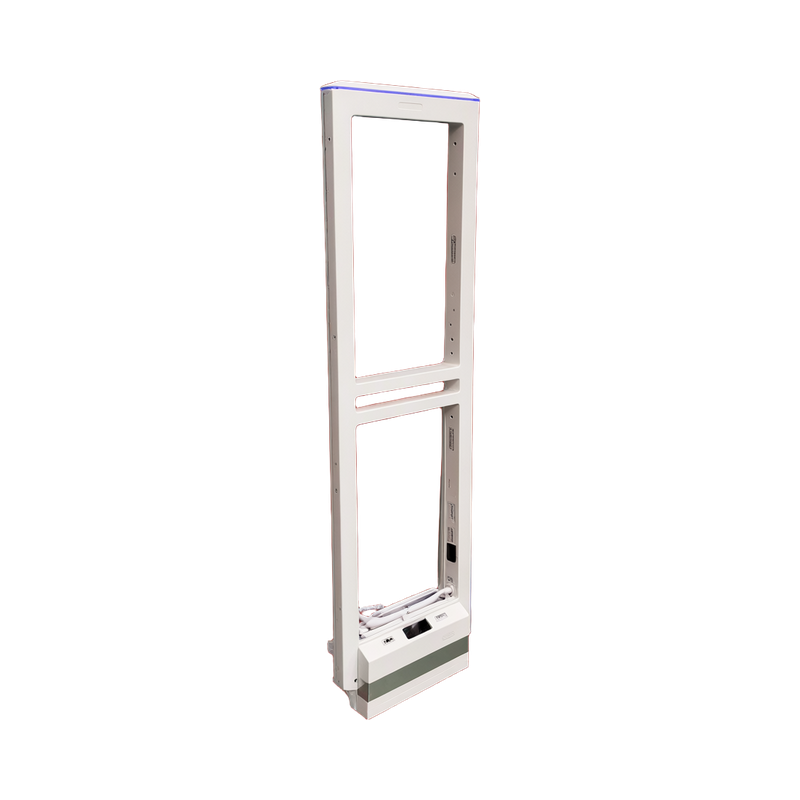
AS9010 Tuya Wi-Fi pairing - English
Use a Wi-Fi-equipped AS9010, a supported Tuya Smart application and an internet-connected 2.4 GHz router. Put the delivered controller into its documented pairing state and wait for both device and app confirmation before attempting remote setup.
Applicability
AS9010 Wi-Fi-equipped WD888 controller and supported Tuya Smart app; 2.4 GHz internet-connected router required.
Tuya Wi-Fi pairing
Use a Wi-Fi-equipped AS9010, a supported Tuya Smart application and an internet-connected 2.4 GHz router. Put the delivered controller into its documented pairing state and wait for both device and app confirmation before attempting remote setup.
The initial app owner shares the device with additional operators. Confirm the site network details and signal during handover; if the network name or password changes, verify the connection again instead of assuming the old pairing still works.
Before handover
- Identify the controller and revision before applying a menu or wiring reference.
- Test the actual tags with normal store equipment operating, then retain the accepted settings.
Document information
The downloadable original is in English. This English online reference summarizes the applicable selection or operating task. The source does not identify a confirmed revision number.