The WD666 menu distinguishes each channel's signal value, environmental-noise value and accumulated strong-interference events. Use the relevant reading to decide whether a persistent alarm follows a nearby tag, an affected channel or site interference.
- Document
- Guide
- Language
- en
- Version
- 2026-11-05 prepared reference
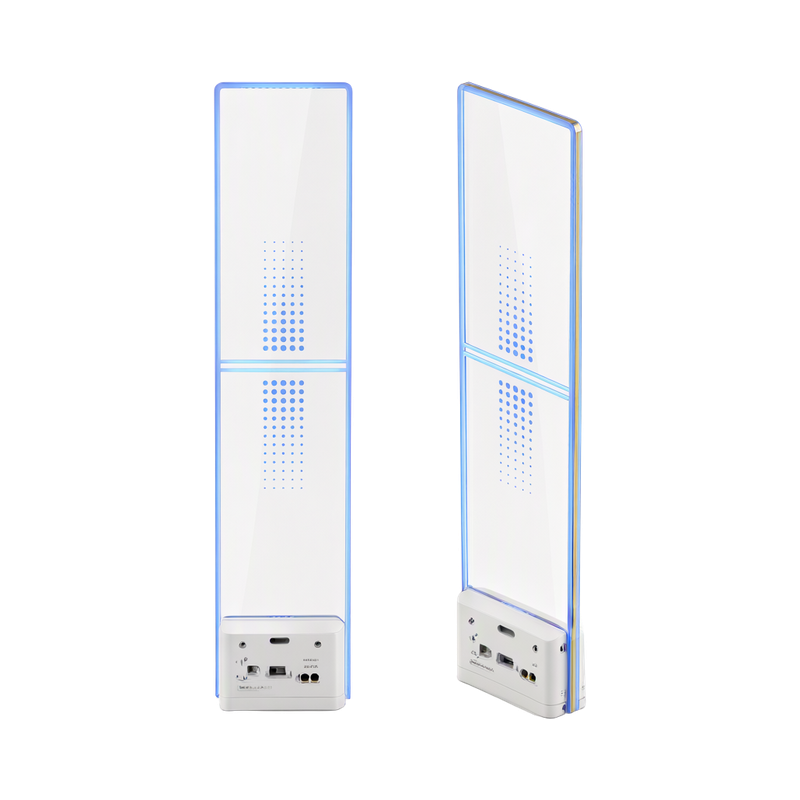
Local Wi-Fi setup connects the compatible application to the controller. Remote diagnostics additionally require the installed controller to reach its supported service through the site network; local connectivity alone does not prove remote service is available.
- Document
- Guide
- Language
- en
- Version
- 2026-11-05 prepared reference
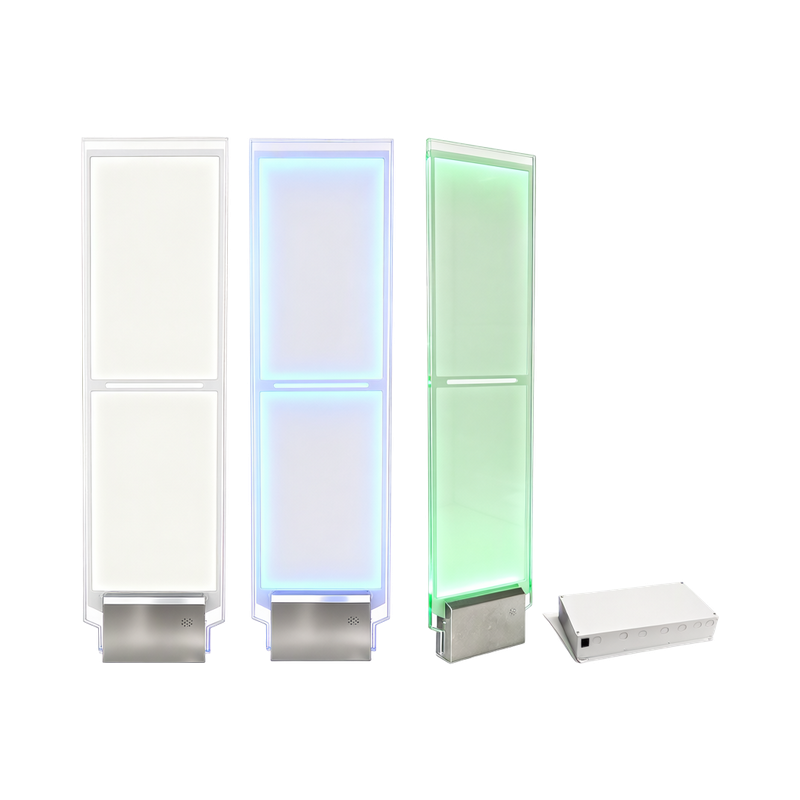
Review system noise and each antenna independently in the configurator. Coil-processing modes affect the noise response, so choose the configuration for the actual connected antenna rather than applying a universal sensitivity setting.
- Document
- Manual
- Language
- en
Review system noise and each antenna independently in the configurator. Coil-processing modes affect the noise response, so choose the configuration for the actual connected antenna rather than applying a universal sensitivity setting.
- Document
- Guide
- Language
- en
- Version
- 2026-11-05 prepared reference
Plan the indoor controller position and the required antenna channels before mounting. The installation guide provides shelf, wall and ceiling arrangements, cable entries and strain relief for the illustrated controller.
- Document
- Manual
- Language
- en
Plan the indoor controller position and the required antenna channels before mounting. The installation guide provides shelf, wall and ceiling arrangements, cable entries and strain relief for the illustrated controller.
- Document
- Manual
- Language
- zh-CN
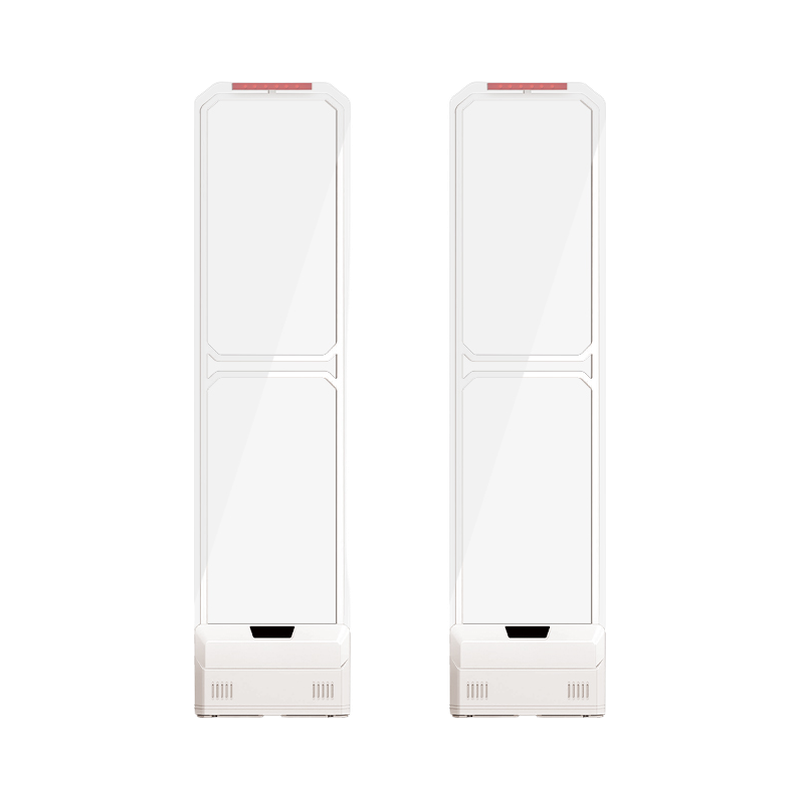
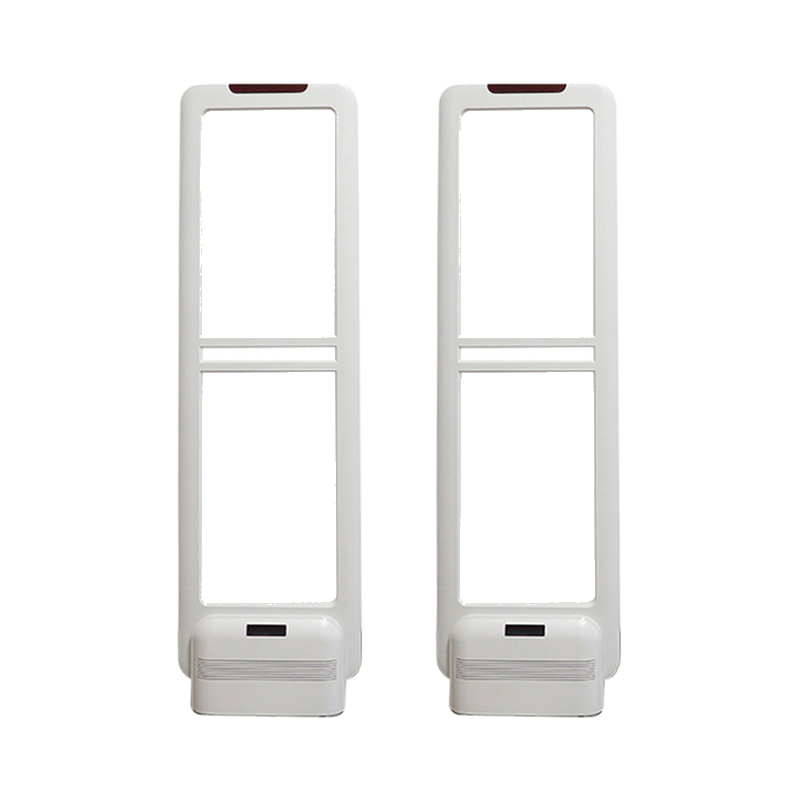
The S450 guide plans supply routing to the host separately from the conduits between host and auxiliary positions. Record the connection order before extending or reconnecting those leads, and have the actual mains and pedestal wiring completed against the supplied drawing.
- Document
- Guide
- Language
- en
- Version
- 2026-11-05 prepared reference
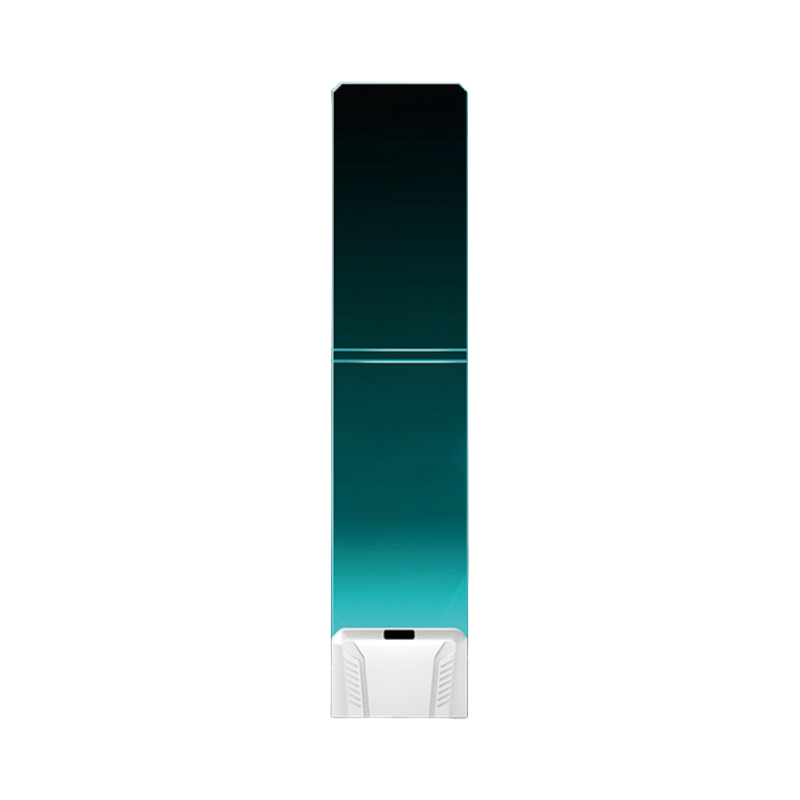
The dated Chinese function sheet covers channel roles, software gain, hardware range, dynamic threshold and synchronization. Inspect the relevant channel signal/noise reading before changing sensitivity.
- Document
- Guide
- Language
- en
- Version
- 2026-11-05 prepared reference
The F22 controller distinguishes moving tags from a tag left near the antenna. Its stationary-tag recognition can stop repeated alarms from the same unmoving tag; it is not a substitute for keeping tagged stock out of the protected passage.
- Document
- Guide
- Language
- en
- Version
- 2026-11-05 prepared reference
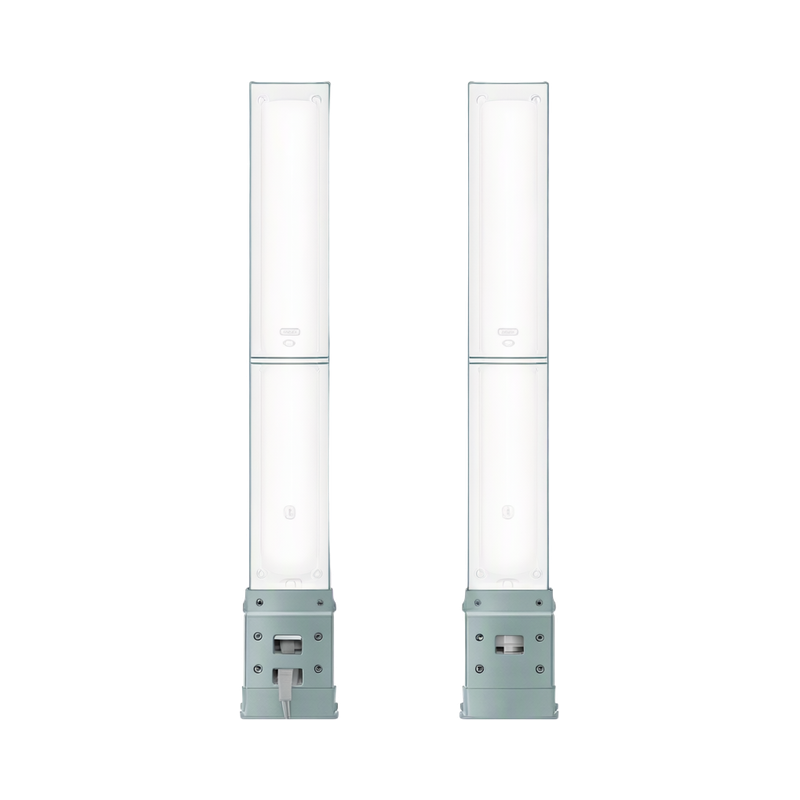
The documented TST1050-Z master and TST1050-P slave use switch-selected setup for phase and per-channel sensitivity. After an adjustment, return the relevant setup switch to its operating position to save the selection.
- Document
- Manual
- Language
- en
- Version
- V1.3
The documented TST1050-Z master and TST1050-P slave use switch-selected setup for phase and per-channel sensitivity. After an adjustment, return the relevant setup switch to its operating position to save the selection.
- Document
- Manual
- Language
- zh-CN
- Version
- V1.3
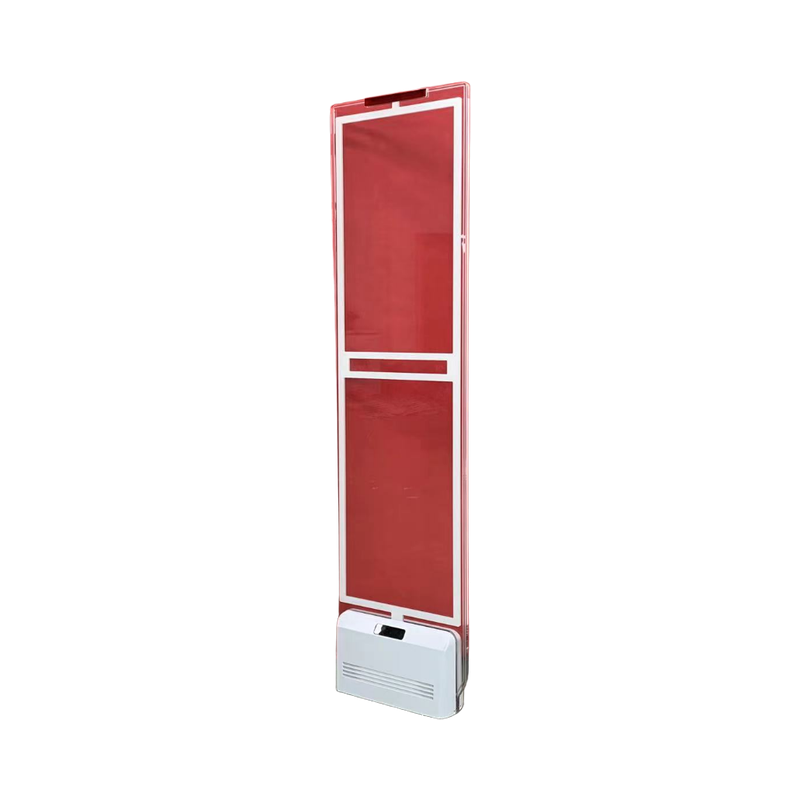
The S160 arrangement has a host controller and up to two auxiliary antenna positions. An auxiliary assembly is not a standalone replacement for the host; choose the actual transmitting, receiving or combined layout before channel setup.
- Document
- Guide
- Language
- en
- Version
- 2026-11-05 prepared reference
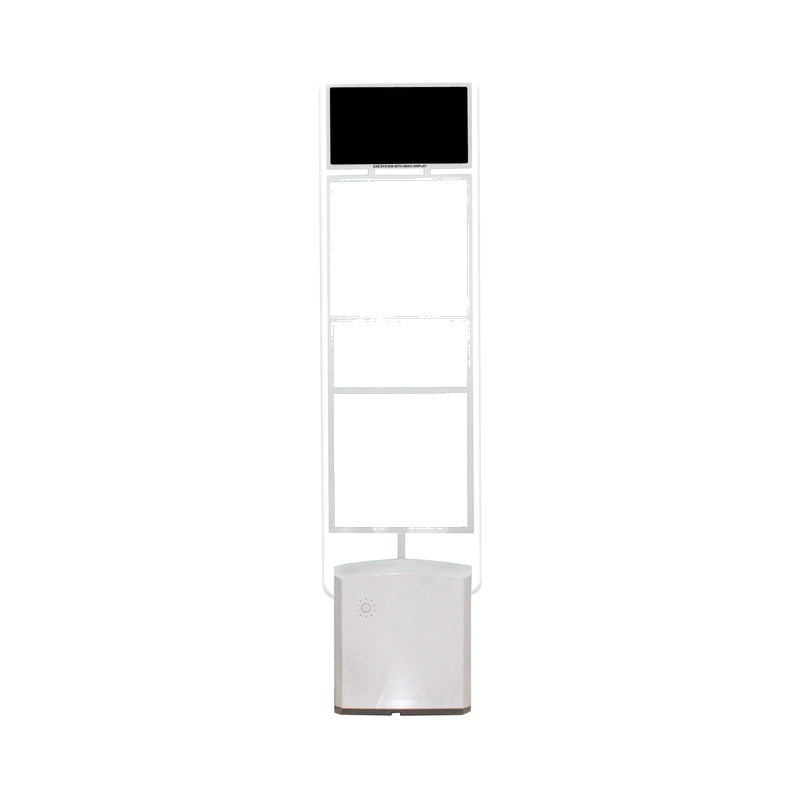
The original is a scanned controller menu rather than a text installation manual. It distinguishes channel roles, gain, synchronization and confirmation controls; use the illustration only when the supplied controller and firmware match.
- Document
- Manual
- Language
- en
The controller separates channel tag signals, environmental noise and alarm indicators. Inspect those readings before selecting gain or threshold, and verify the controller's running/network indicators before using the supported local setup application.
- Document
- Manual
- Language
- zh-CN
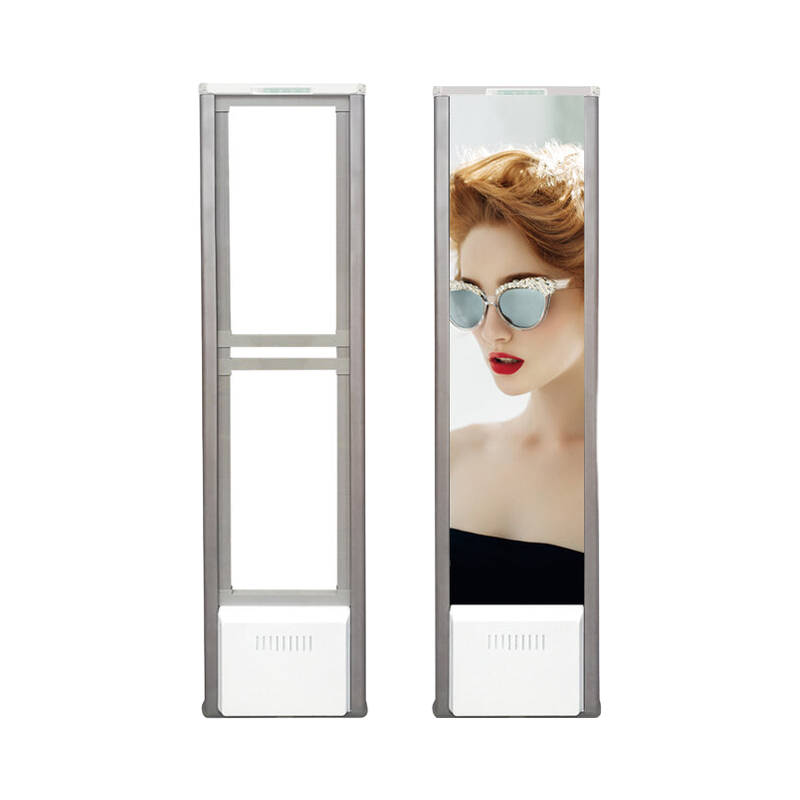
The dual-system assembly contains separate AM and RF sections and their corresponding supplies. Prove each section with its own active tags before testing the combined entrance; an alarm from one technology is not evidence that the other has been commissioned.
- Document
- Guide
- Language
- en
- Version
- 2026-11-05 prepared reference
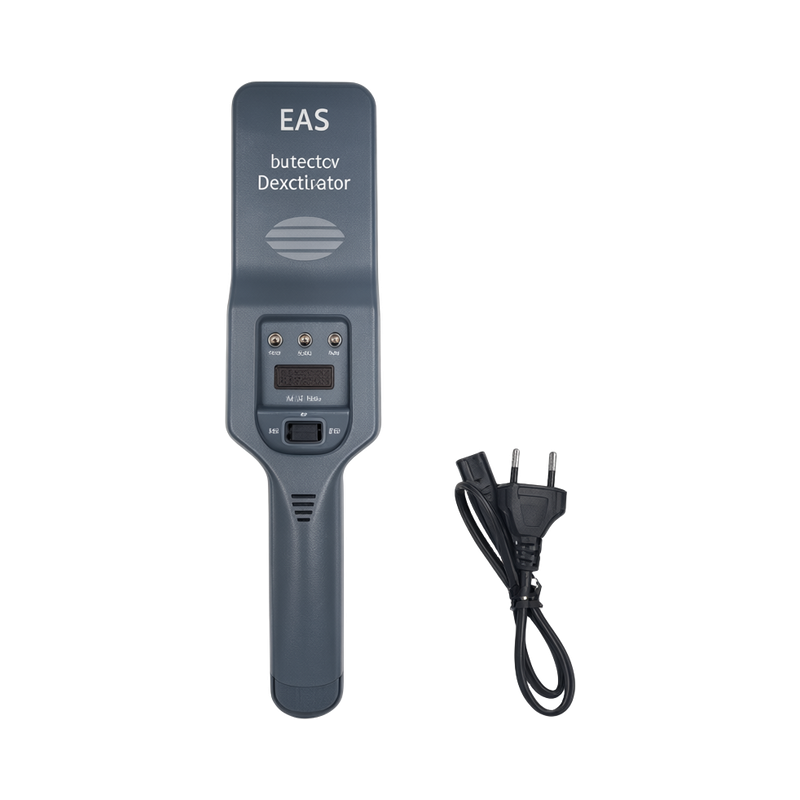
Choose detection-only operation when an active label must remain active for a store check. Use the combined detection and deactivation position only when the checkout task requires the label to be deactivated.
- Document
- Manual
- Language
- mul
AD024 is an embedded deactivation panel intended to become part of the checkout work surface. Plan its position around the labelled-item presentation path and keep the active area accessible to the cashier or shopper.
- Document
- Manual
- Language
- mul
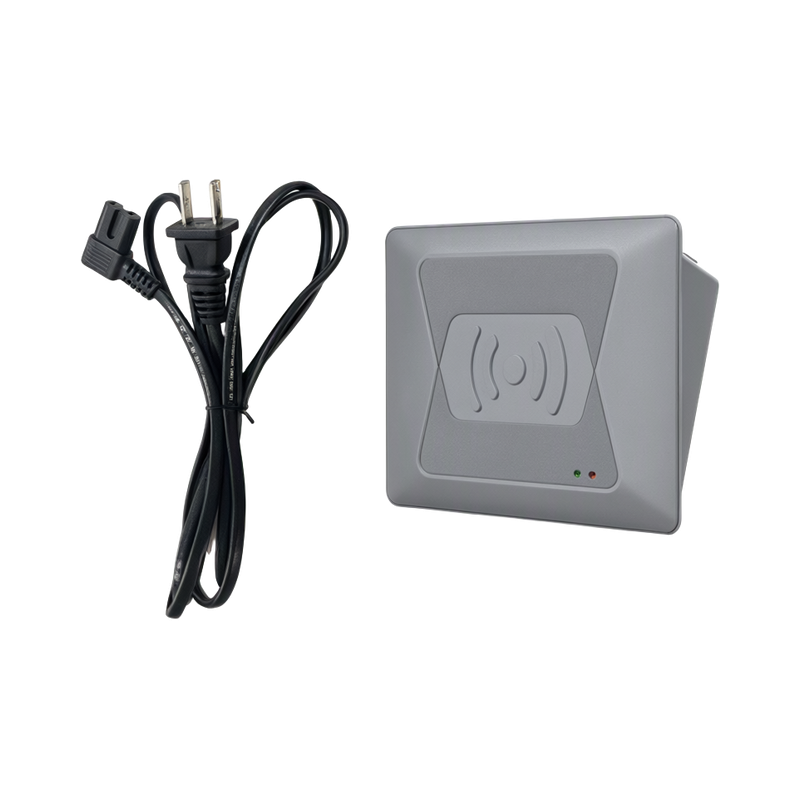
AD021 is the tabletop configuration in the supplied bilingual sheet. Position its active surface where the shopper can present a labelled item during the checkout sequence.
- Document
- Manual
- Language
- mul
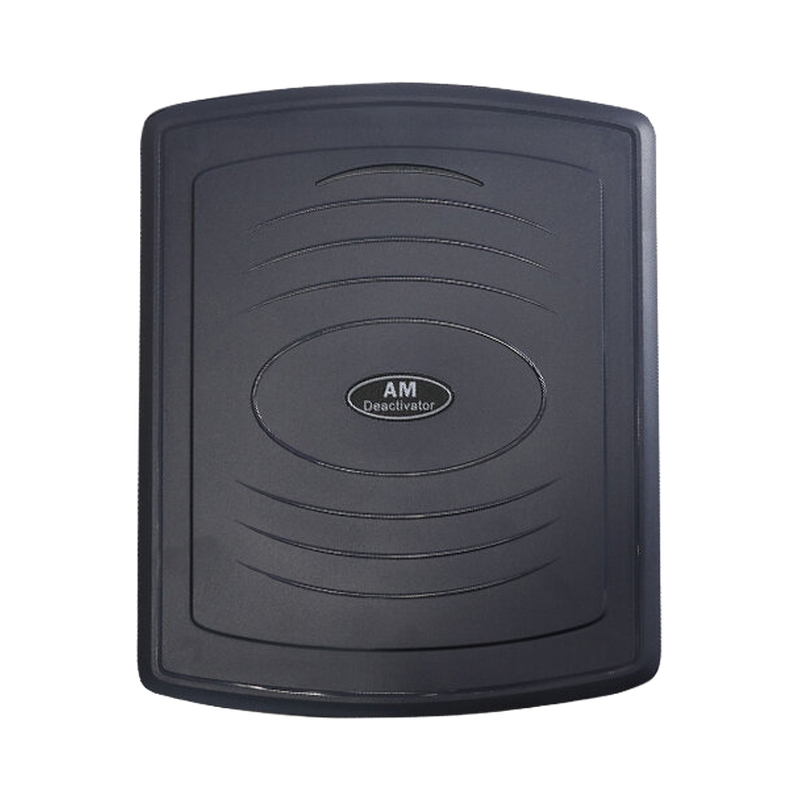
The WD700X sheet uses both an audible response and panel indication to guide label presentation. A cashier should complete the pass through the active area and verify the result before moving the next item into the work area.
- Document
- Manual
- Language
- en
Treat the WD300 reference as a controller-family guide. Its normal deactivation setting and detection-only setting serve different cashier tasks: a check in detection-only mode does not make a label inactive.
- Document
- Manual
- Language
- en
Treat the WD300 reference as a controller-family guide. Its normal deactivation setting and detection-only setting serve different cashier tasks: a check in detection-only mode does not make a label inactive.
- Document
- Manual
- Language
- zh-CN
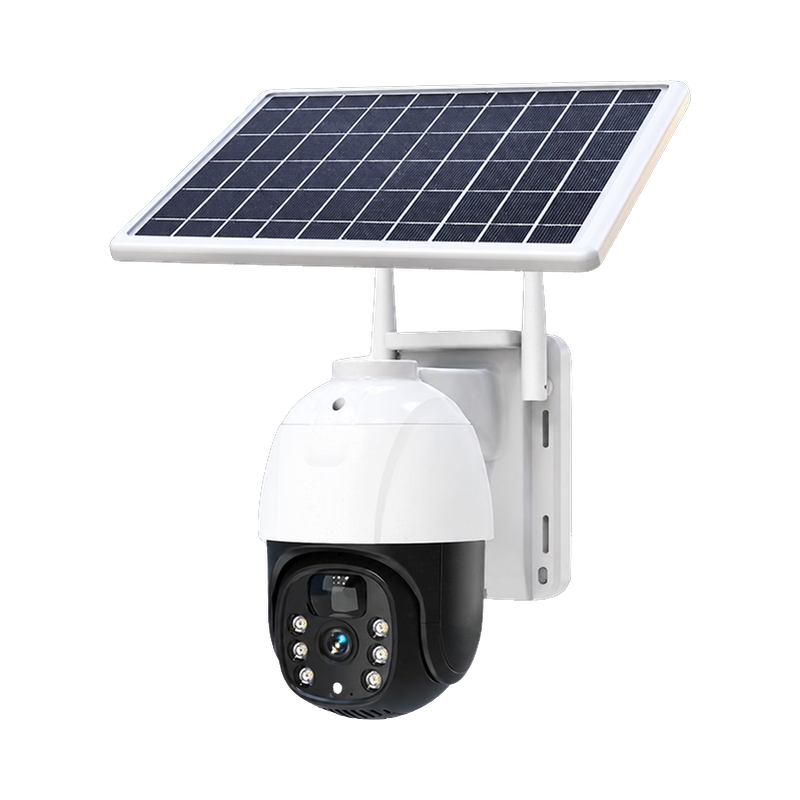
Choose the QR-code pairing path appropriate to the delivered Wi-Fi/Bluetooth or cellular version. Confirm the regional cellular option before preparing a SIM-based installation.
- Document
- Datasheet
- Language
- en
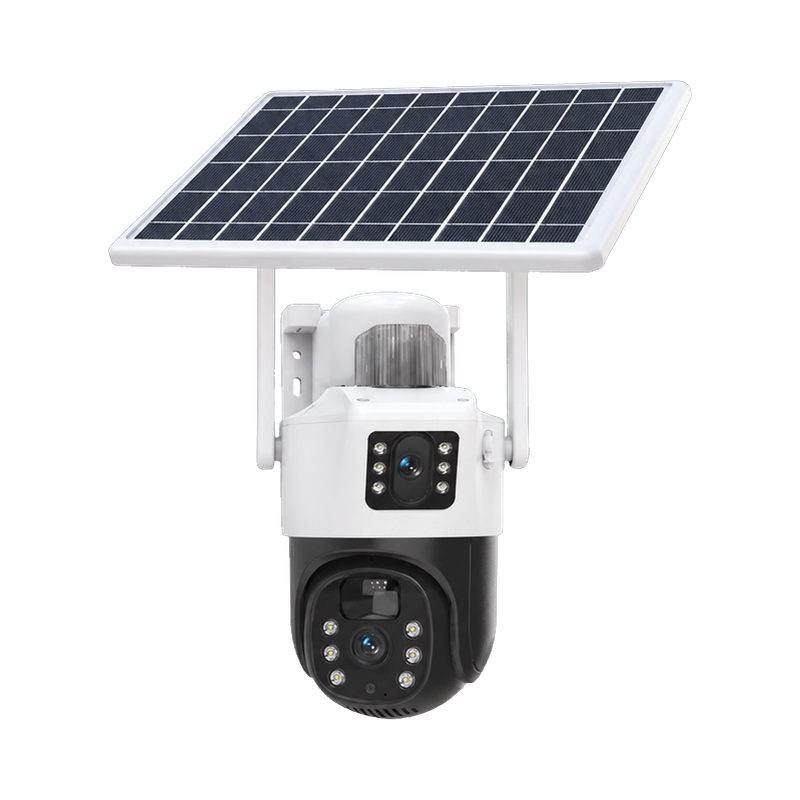
The specification distinguishes a Wi-Fi/Bluetooth setup path from a cellular SIM configuration. Use the network procedure and regional radio version for the delivered camera; the Wi-Fi version does not acquire cellular connectivity by inserting a card.
- Document
- Datasheet
- Language
- en
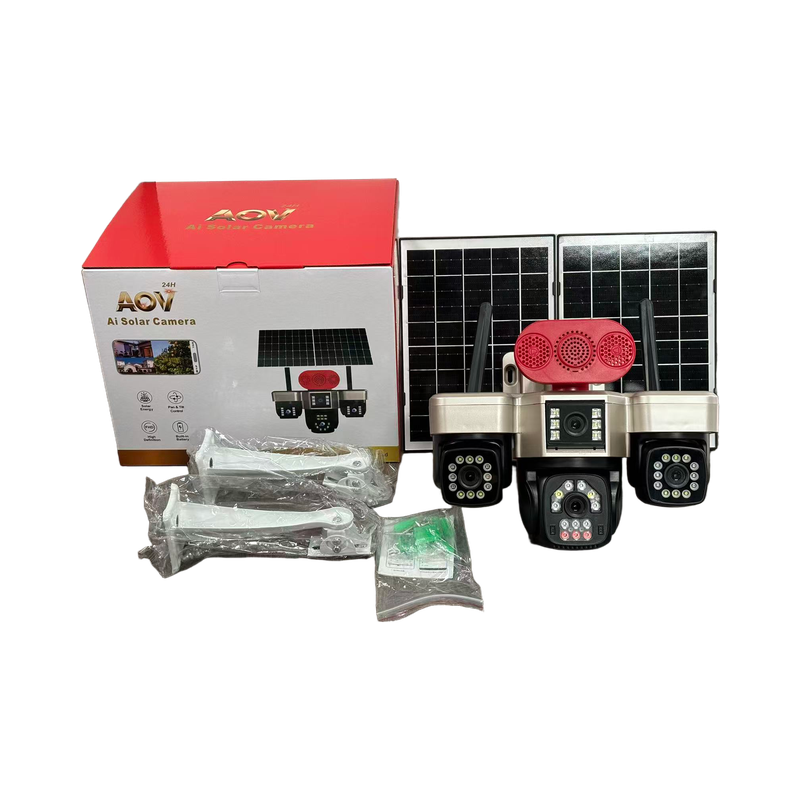
Test the intended external supply and the camera's battery-backup behaviour during handover. The technical sheets describe continued operation after an external-power interruption but do not establish one fixed runtime for every recording and radio setting.
- Document
- Datasheet
- Language
- en