
Warehouse Shelf Locations and Picking
Plan ESL equipment for warehouse shelving with electronic location displays and a picker checking a marked bin, with practical operating constraints, survey questions and checks.
Discuss this applicationThe working environment
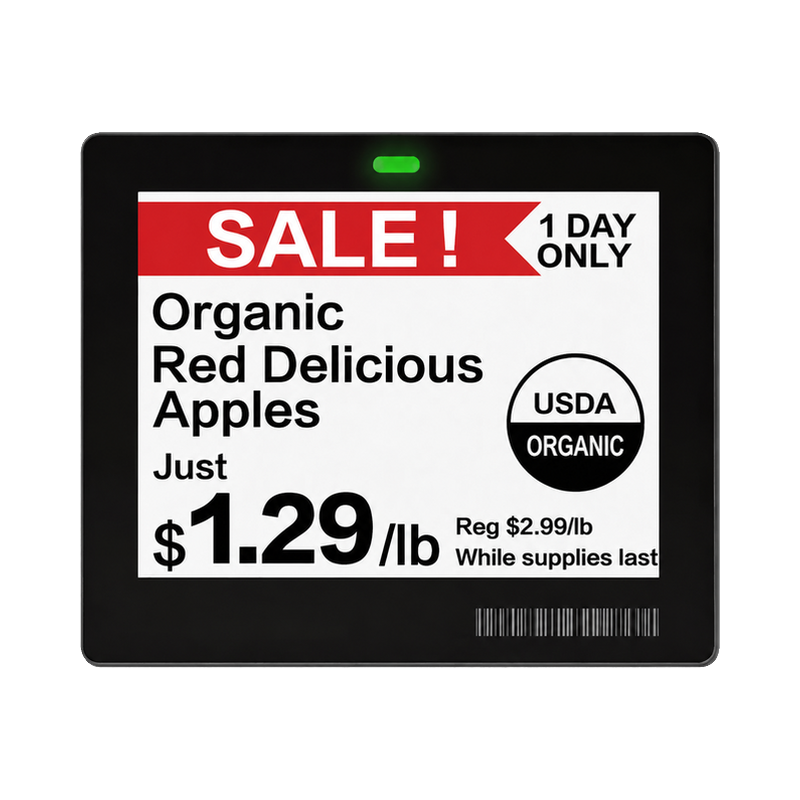
This application focuses on warehouse shelving with electronic location displays and a picker checking a marked bin. The task is to present controlled location or task information at the picking position.
A bin display represents a defined physical location. Bind it to that location before showing a task, quantity or item description from a warehouse system. Where RFID is included, map the read item or container to the same picking task through the agreed host interface.
People and daily operation
The people responsible are warehouse operations teams, pickers and warehouse-system integrators. The site survey should follow their ordinary handling, access and maintenance routines.
Keep display updates separate from pick confirmation unless the selected hardware and integration explicitly support confirmation. A changed quantity on screen is not evidence that the physical pick occurred; an RFID read also needs a defined acceptance decision.
Conditions that shape the installation
- Readable information at the working distance
- Shelf impact and mounting
- Radio coverage around racks
- Who owns pick confirmation
Questions for the site survey
- Register each location
- Bind the display to that location
- Publish the relevant task or quantity
- Confirm the pick through the project workflow
The answers should be written against the real site, not copied from another location. Use representative items and loads, actual mounting positions, expected staff movements and the available power or network infrastructure.
What to test on site
Reassign a bin during the pilot and compare its display with the warehouse record. Test visibility and radio coverage with the racks loaded as they will be in operation, and introduce a wrong tagged item if RFID confirmation is included.
- Verify the bin-to-display association
- Test a reassigned location
- Check the full aisle coverage
- Compare the displayed task with the warehouse record
Use the linked ESL solution pages to turn this survey into an equipment and workflow proposal. Product selection should then be checked against each model’s current specification, supported configuration and source document. The scene illustration explains the intended environment; it is not a reference customer installation or a performance test.
Discuss the deployment
Tell us the task, product types, site layout and installation conditions. We will help you verify the appropriate model and configuration for the project.