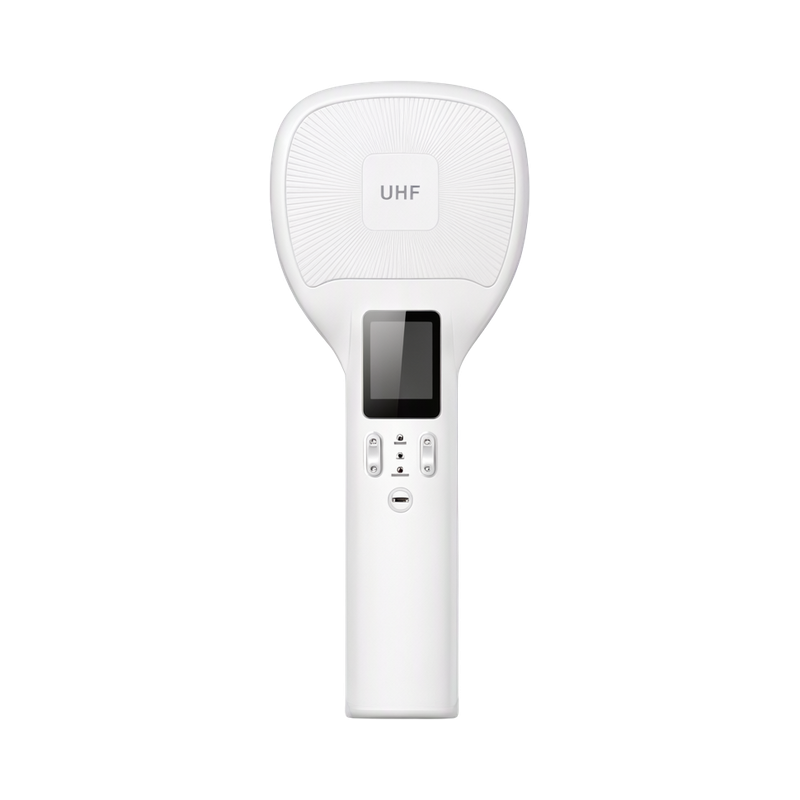
RIRW05 Distinguish inventory from destructive tag commands - prepared reference
The demonstration application exposes tag memory operations as well as ordinary inventory. EPC, TID, user and reserved memory have different permissions; a successful inventory read does not mean every bank is writable.
Applicability
RIRW05 Bluetooth reader and its compatible demonstration application/SDK. Tag-memory support depends on the selected tag and access permissions.
Distinguish inventory from destructive tag commands
The demonstration application exposes tag memory operations as well as ordinary inventory. EPC, TID, user and reserved memory have different permissions; a successful inventory read does not mean every bank is writable.
Use only the memory operations required by the deployed workflow. Lock and kill commands can change tag accessibility or permanently disable a tag, so keep them out of routine stock-counting controls unless explicitly required and authorized.
Bluetooth inventory workflow
Charge using the supplied adapter and cable. Enable Bluetooth on the host, power on the reader and connect through the compatible application or SDK.
Start inventory from the application or the SCAN button, stop scanning when the batch is complete and review the collected EPCs before clearing the list.
The supplied demonstration application includes configuration, tag read/write and firmware-update functions. Select the workflow and tag operations required by the inventory application.
Before handover
- Confirm the supplied interface and supported host application.
- Verify the intended tag and business record at the actual read boundary.
Document information
This is an independently prepared English reference based on the reviewed technical material. It is not a manufacturer-issued original, does not replace the delivered hardware instructions and does not add a manufacturer warranty or certification.