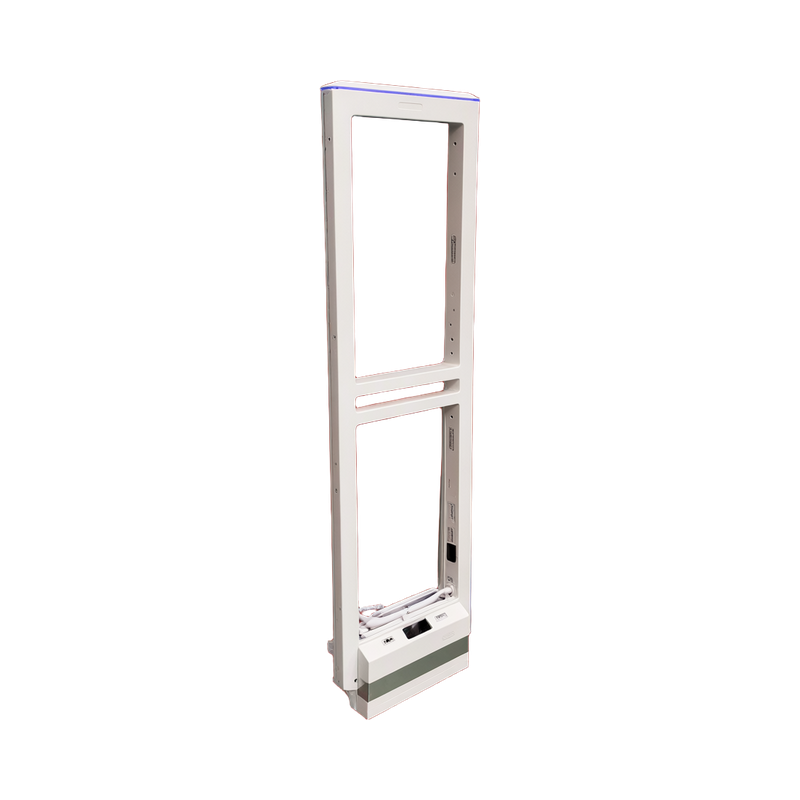
AS9010 Saving settings and managing app ownership - prepared reference
The WD888 remote uses confirmation to save adjusted parameters and cancel/exit to abandon the current unconfirmed setting. Check the delivered display type before following menu items such as software-version viewing, which are not present on every variant.
Applicability
AS9010 with WD888 controller. Tuya instructions require the Wi-Fi hardware option and the supported app/controller revision.
Saving settings and managing app ownership
The WD888 remote uses confirmation to save adjusted parameters and cancel/exit to abandon the current unconfirmed setting. Check the delivered display type before following menu items such as software-version viewing, which are not present on every variant.
The Wi-Fi guide applies only to the Wi-Fi-equipped version and uses an internet-connected 2.4 GHz router. One initial app owner manages access by sharing with additional operators; after network-name or password changes, verify pairing again before relying on remote diagnostics.
Commissioning and optional Wi-Fi setup
For the documented remote controller, inspect channel noise and signal before adjusting gain, threshold and synchronization. Confirm changes to save them and verify the site after commissioning.
The optional Wi-Fi version is paired through Tuya Smart using the device pairing button and the supported local network. Wait for the device confirmation before entering the setup interface.
The first app owner manages device sharing with other operators. Use the firmware-specific instructions when resetting a test network or preparing the installed system for the customer.
Before handover
- Identify the controller and revision before applying a menu or wiring reference.
- Test the actual tags with normal store equipment operating, then retain the accepted settings.
Document information
This is an independently prepared English reference based on the reviewed technical material. It is not a manufacturer-issued original, does not replace the delivered hardware instructions and does not add a manufacturer warranty or certification.