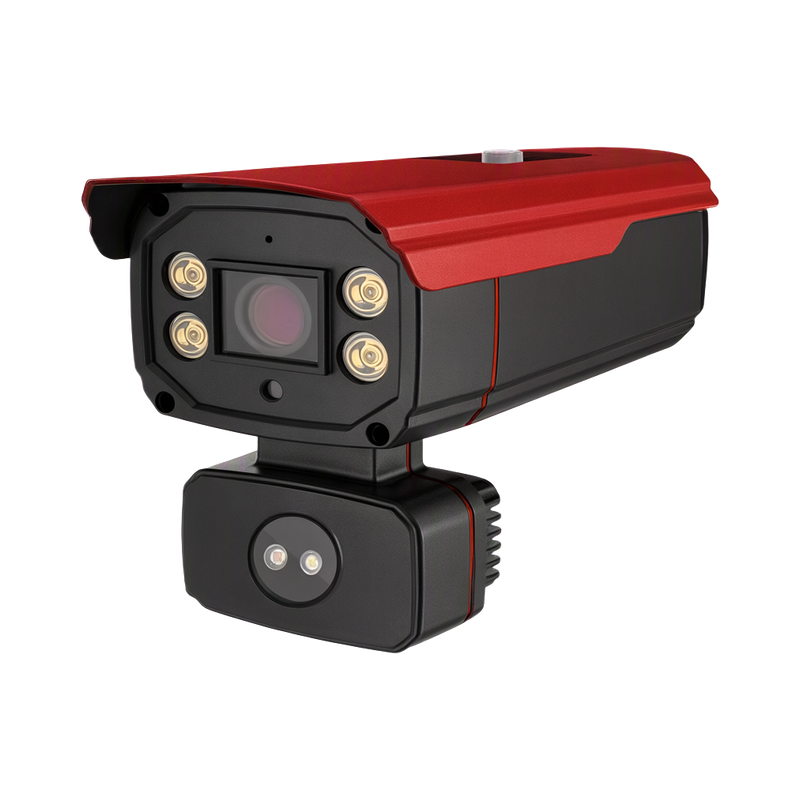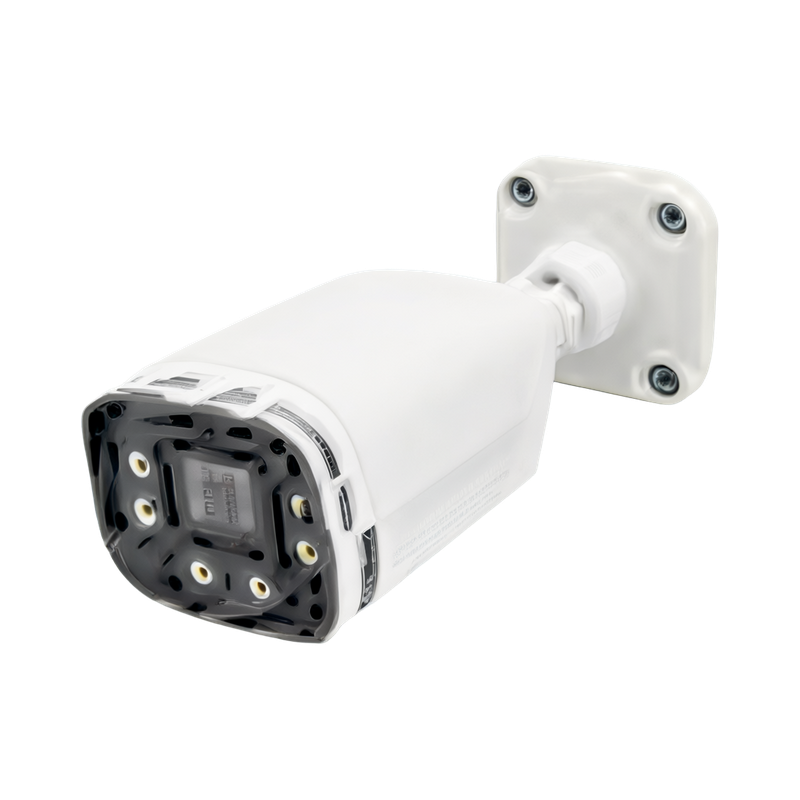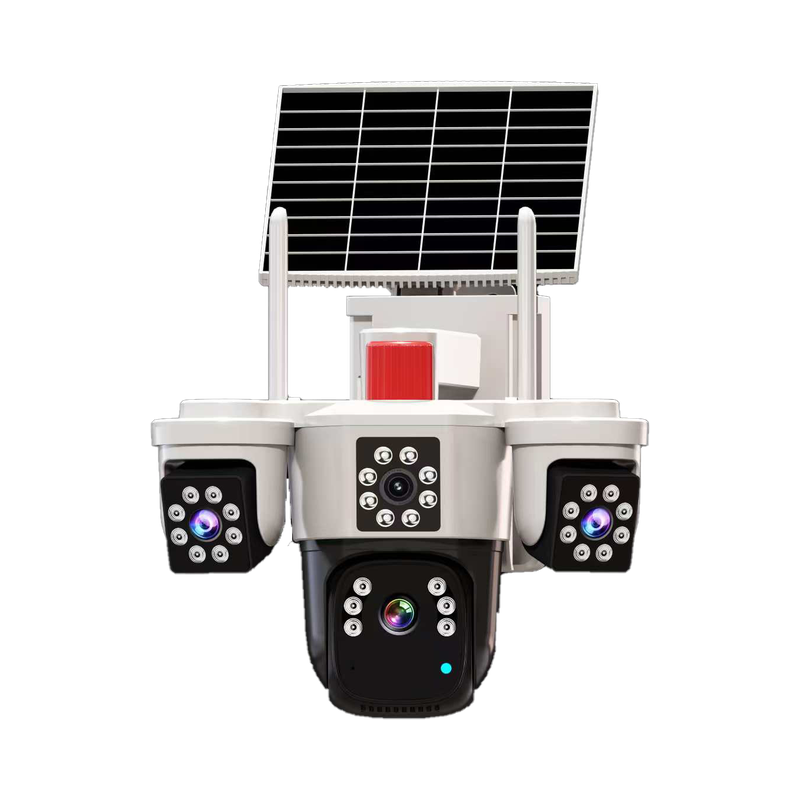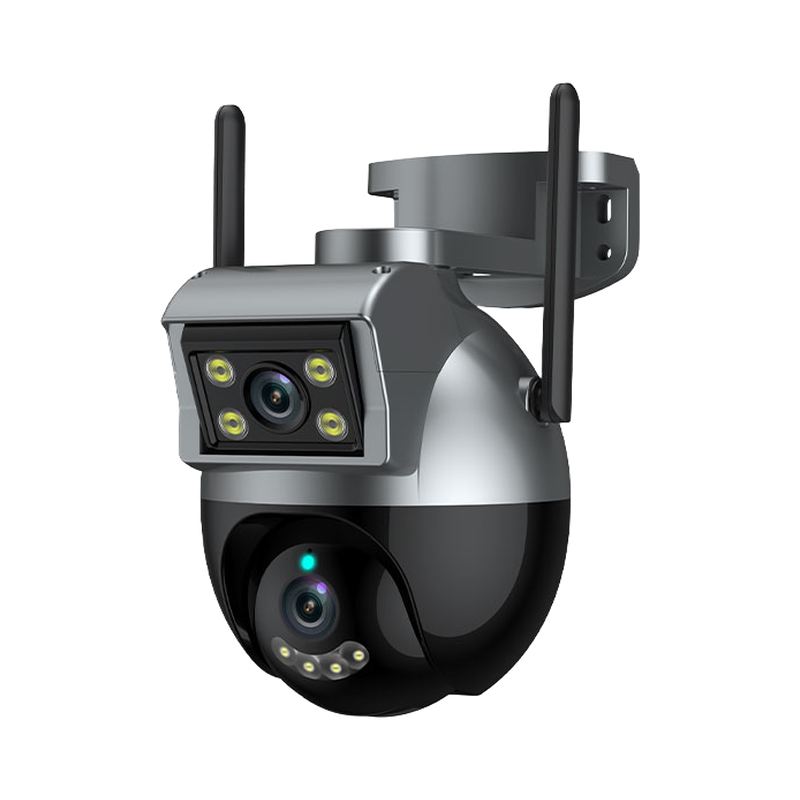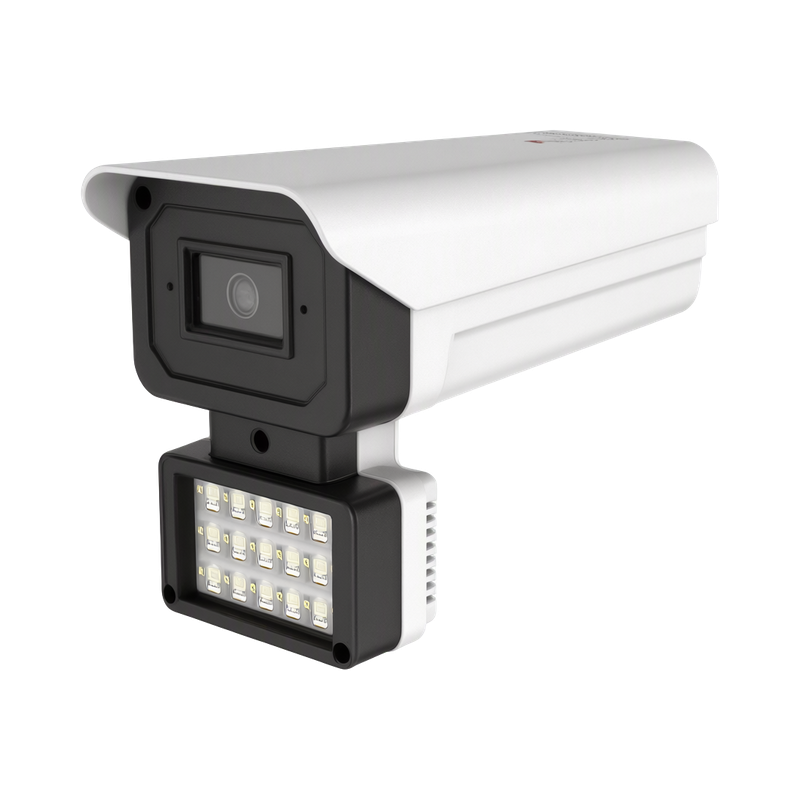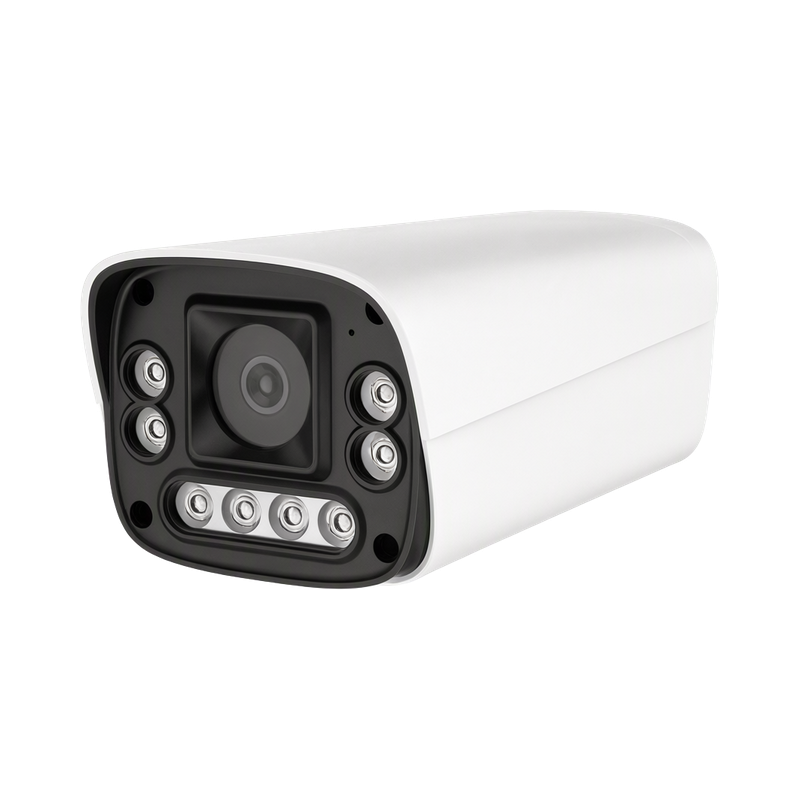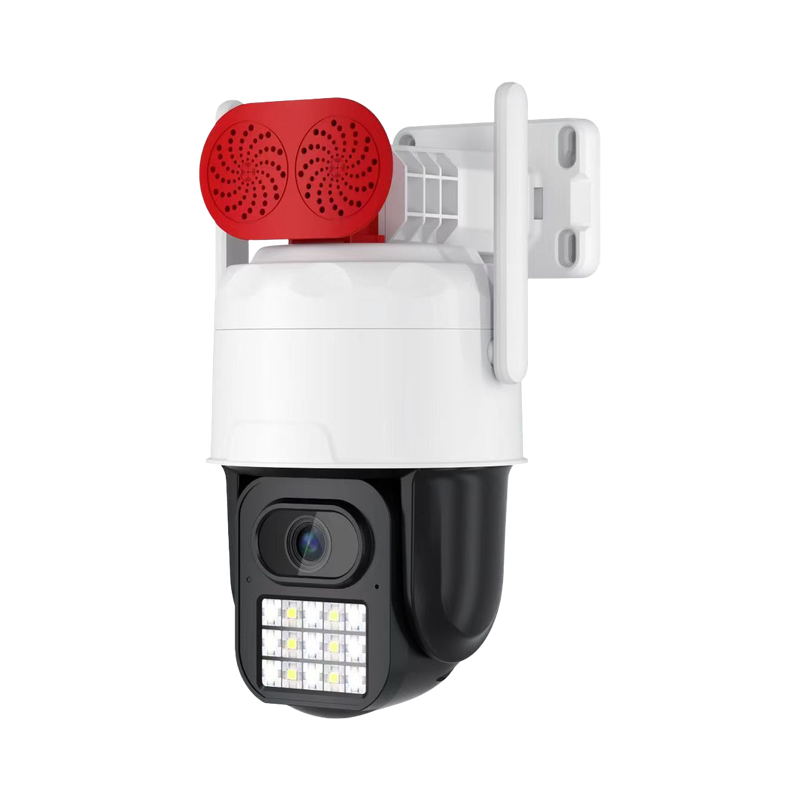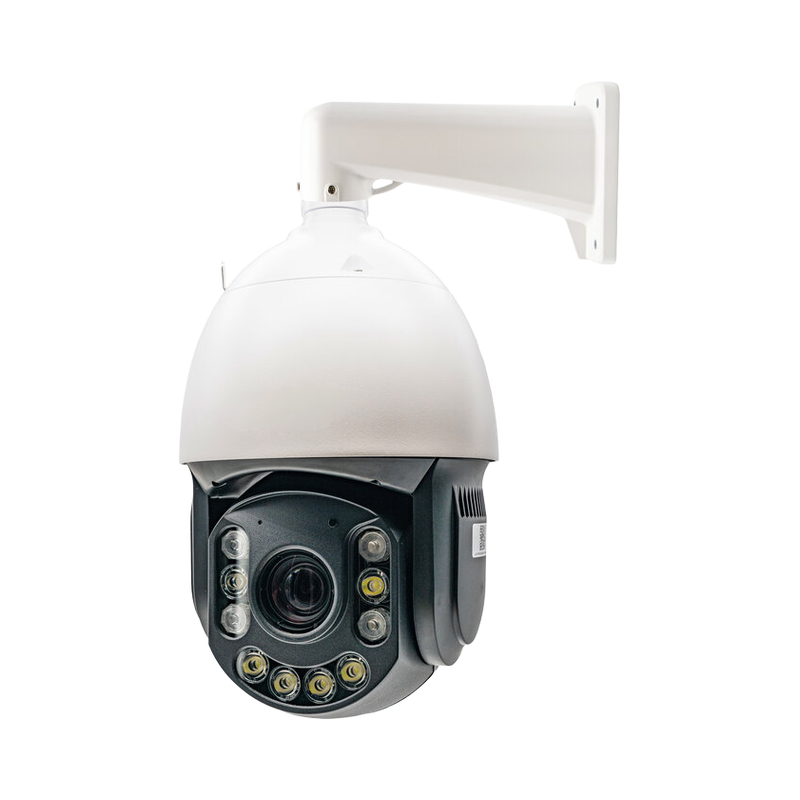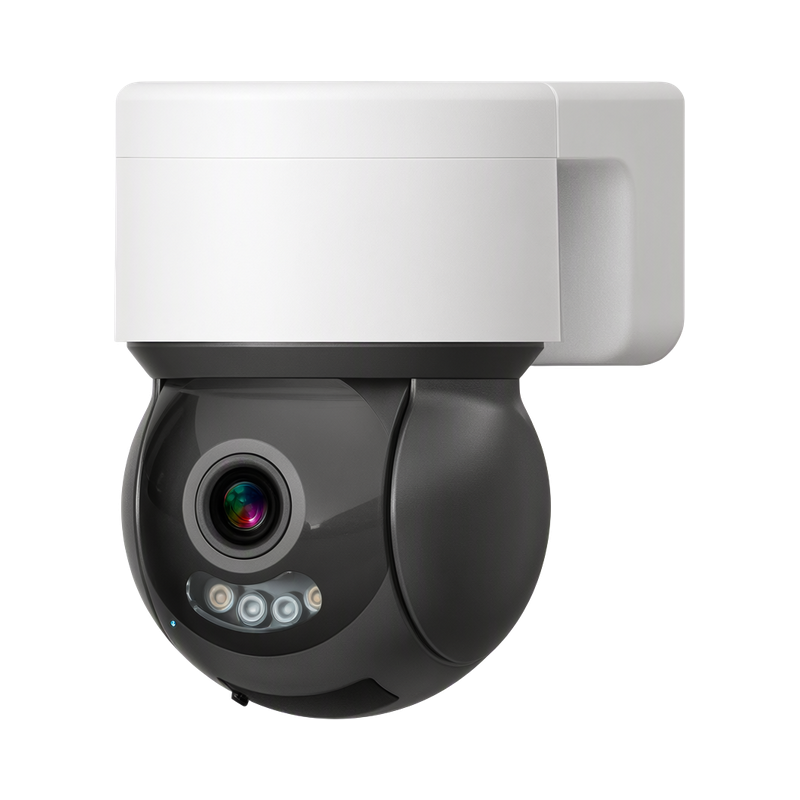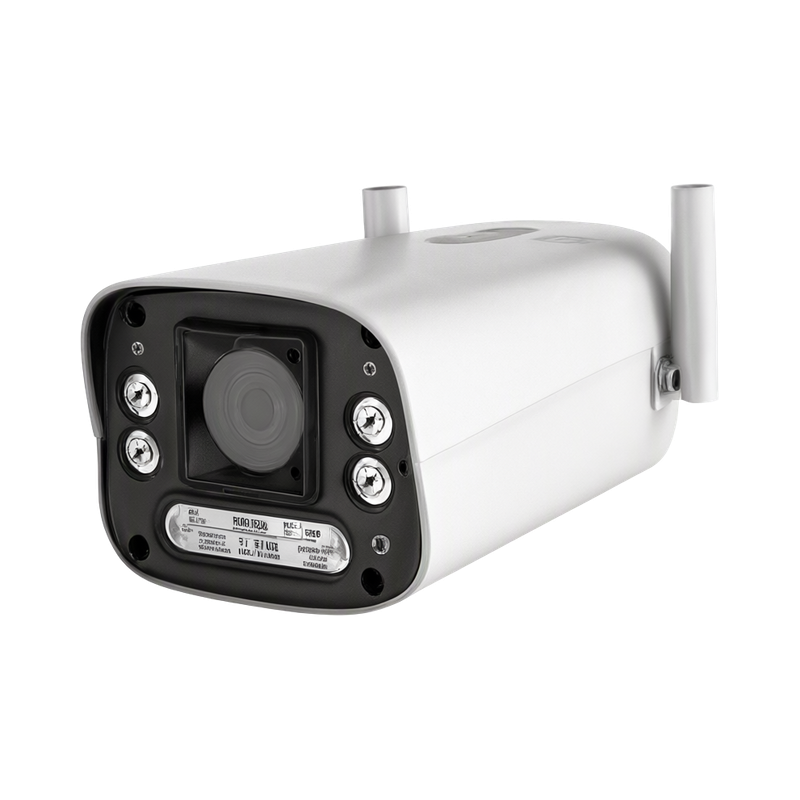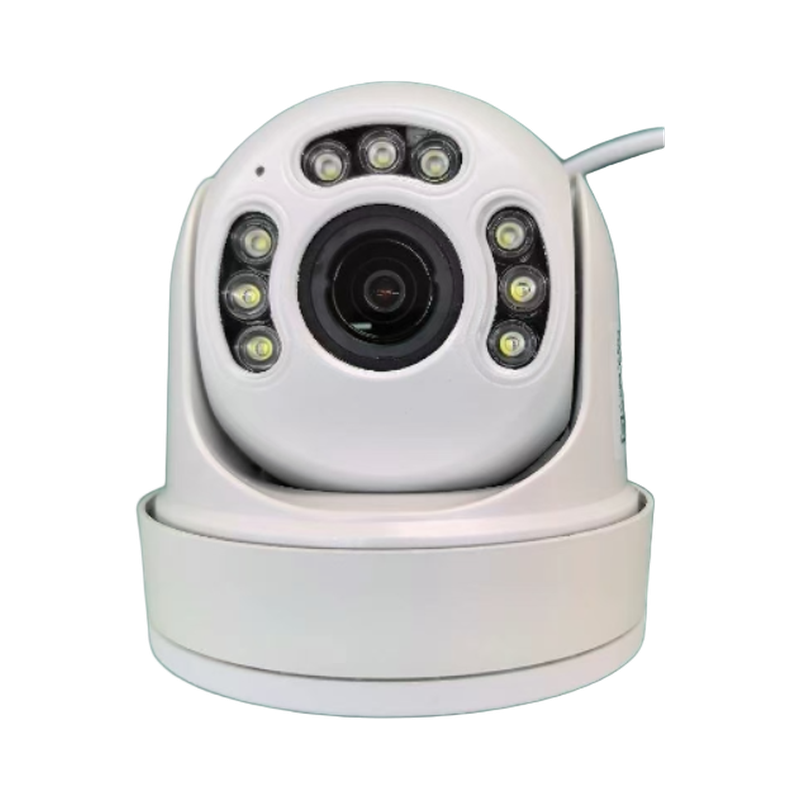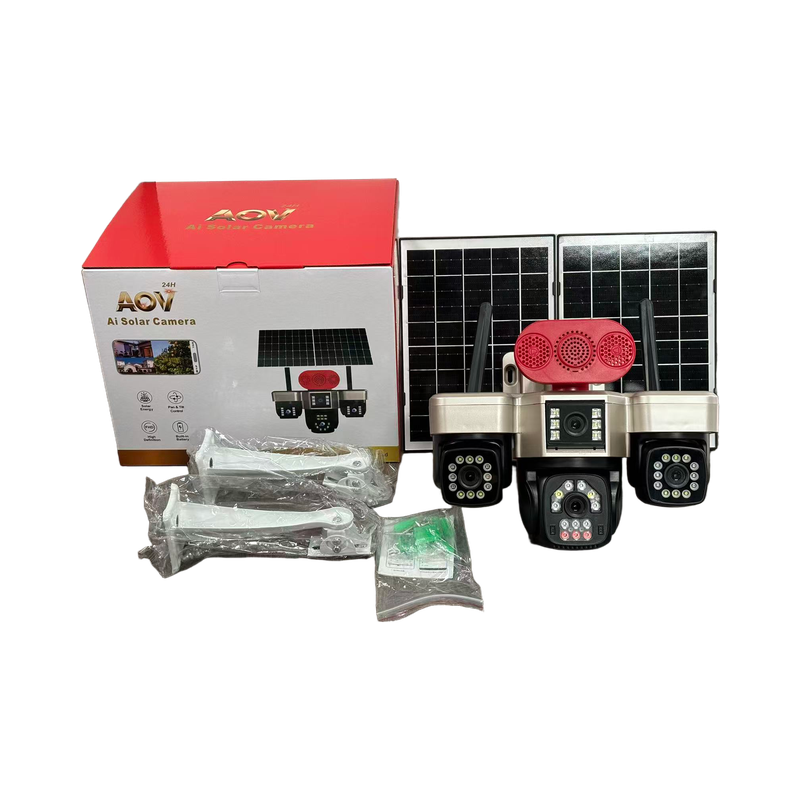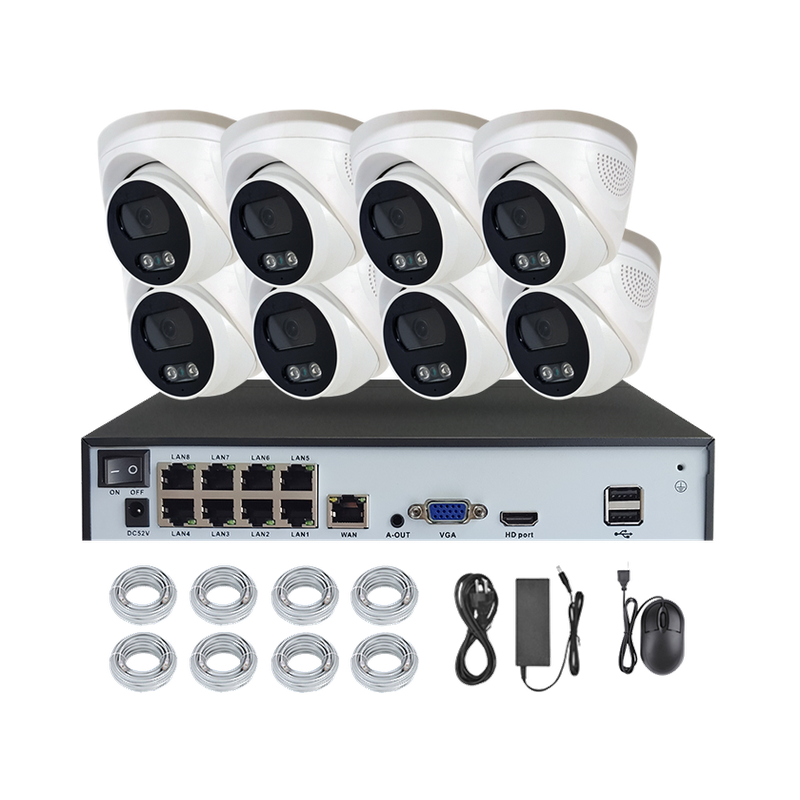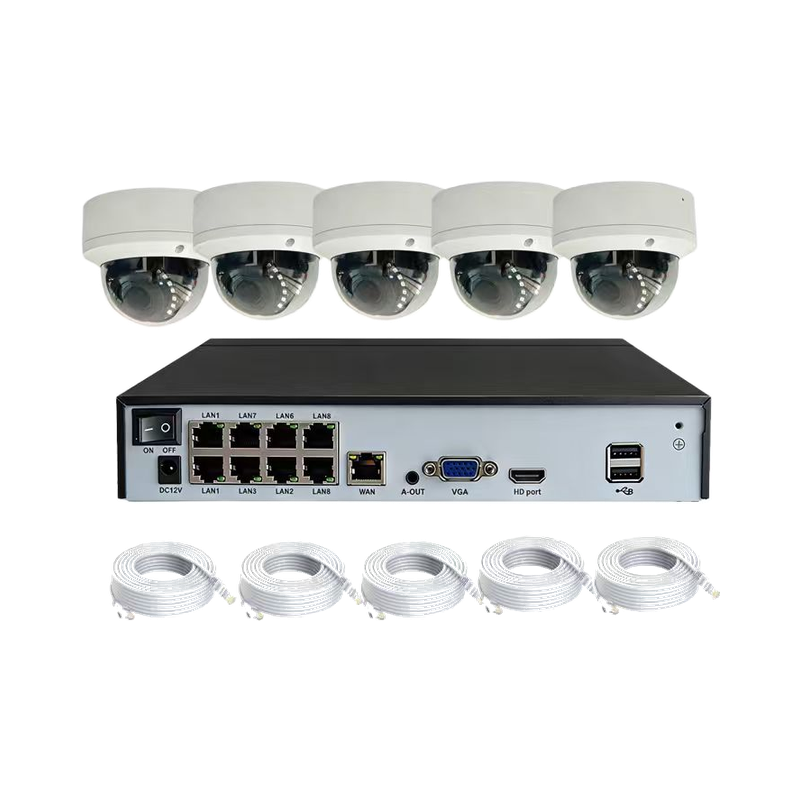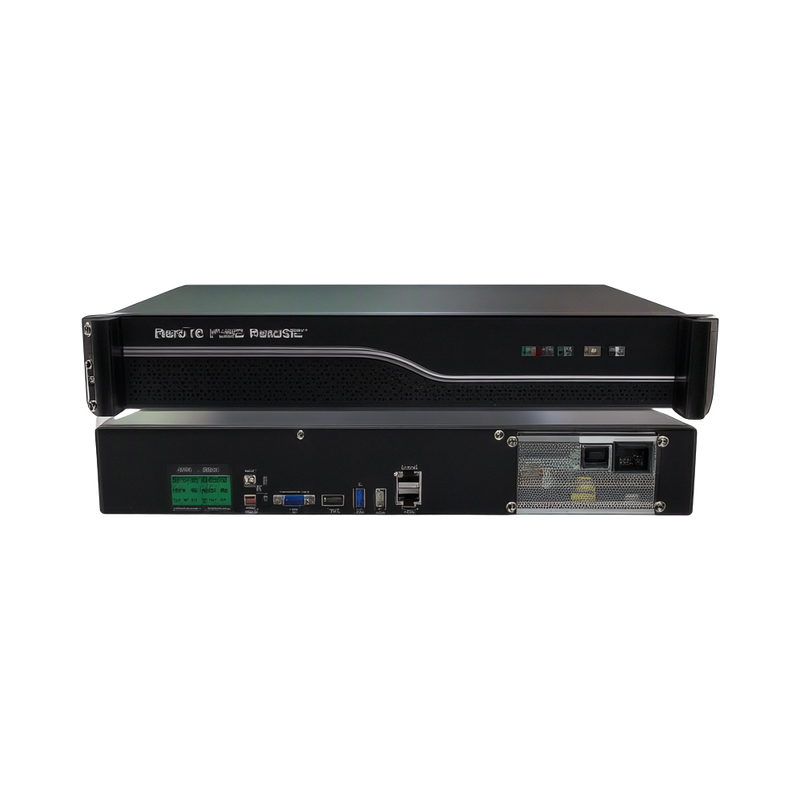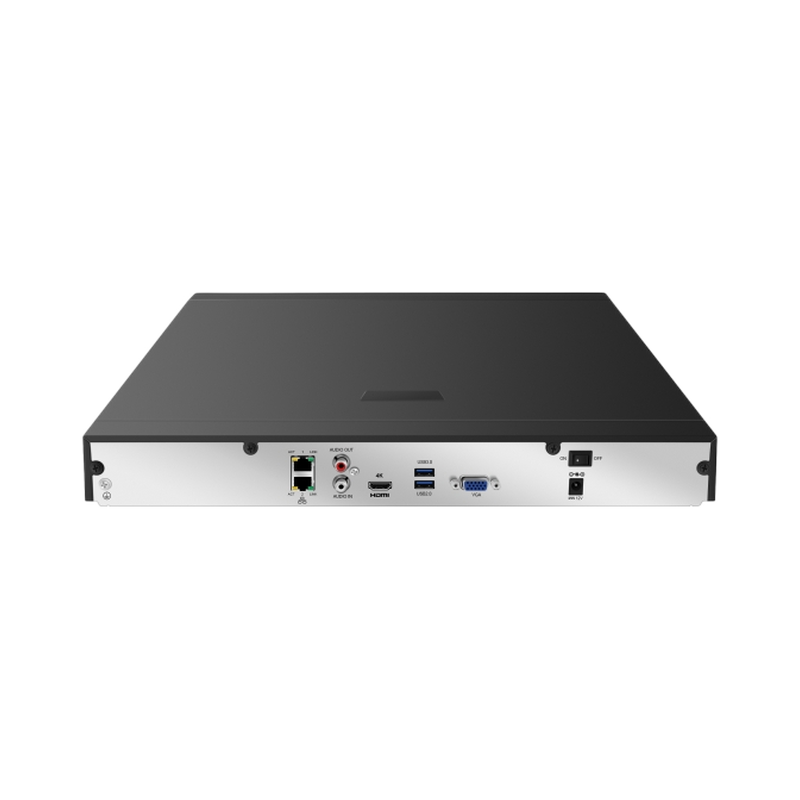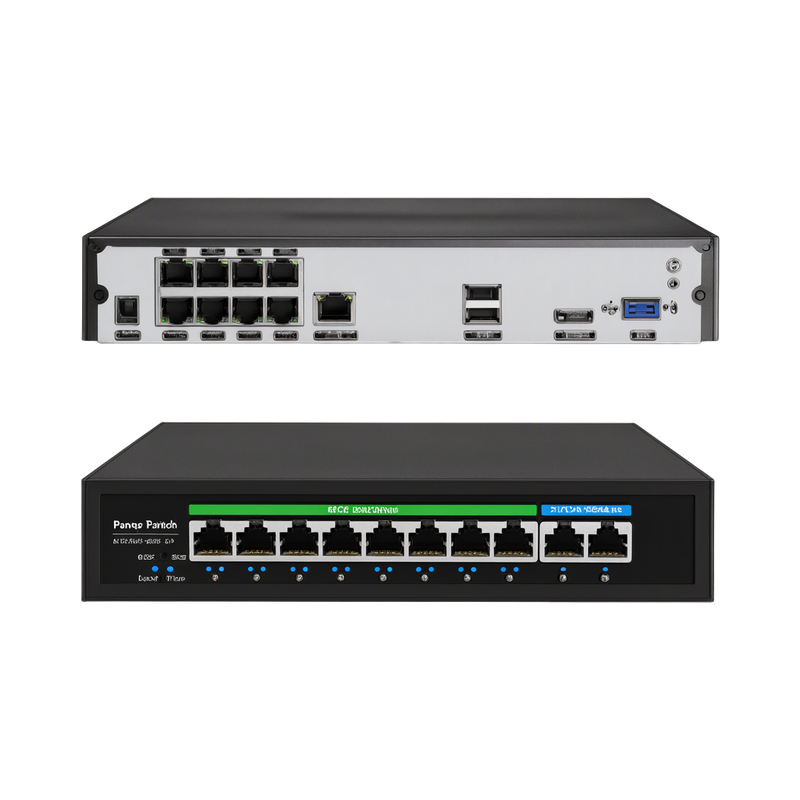

Warehouse Exit Alarm and Video Review
A practical CCTV deployment framework to support visual review of loading, unloading and exit-related exceptions, including equipment roles, site conditions and handover checks.
Discuss this solutionWhat the operation needs
This solution is intended to support visual review of loading, unloading and exit-related exceptions. It brings together the equipment roles and operating decisions needed for a warehouse loading dock with trucks, roller doors and a clear camera overview of outbound pallets. The project brief should be owned jointly by warehouse supervisors, dispatch staff and CCTV integrators; the supplier and installer need the same description of the items, locations and actions that will be tested.
Map the pallet or vehicle movement that staff need to review. A high overview may show a route while missing the detail at a handover, so evaluate the actual task at the dock.
Equipment and responsibilities
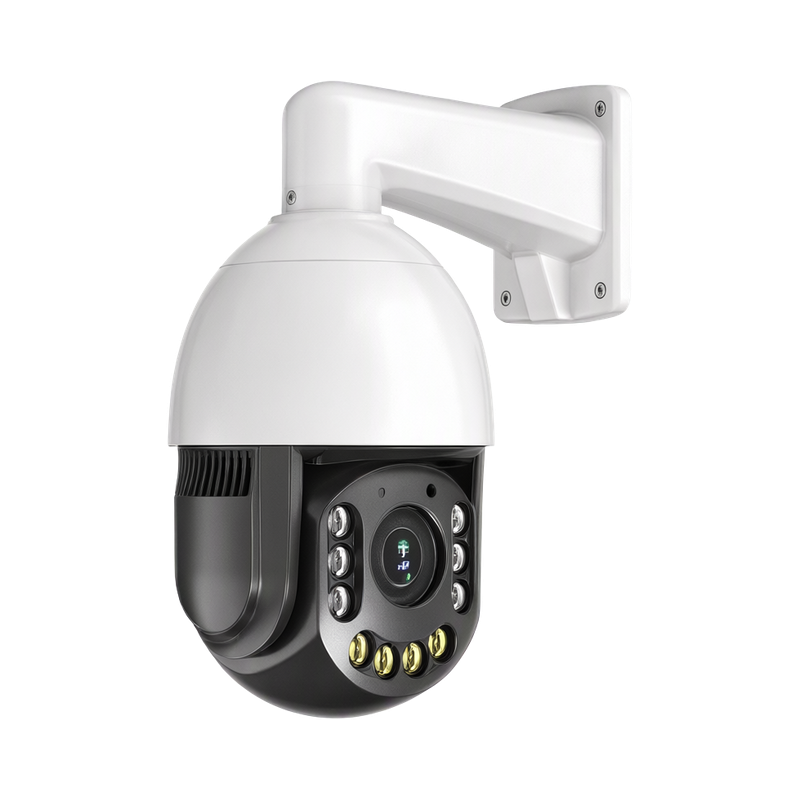
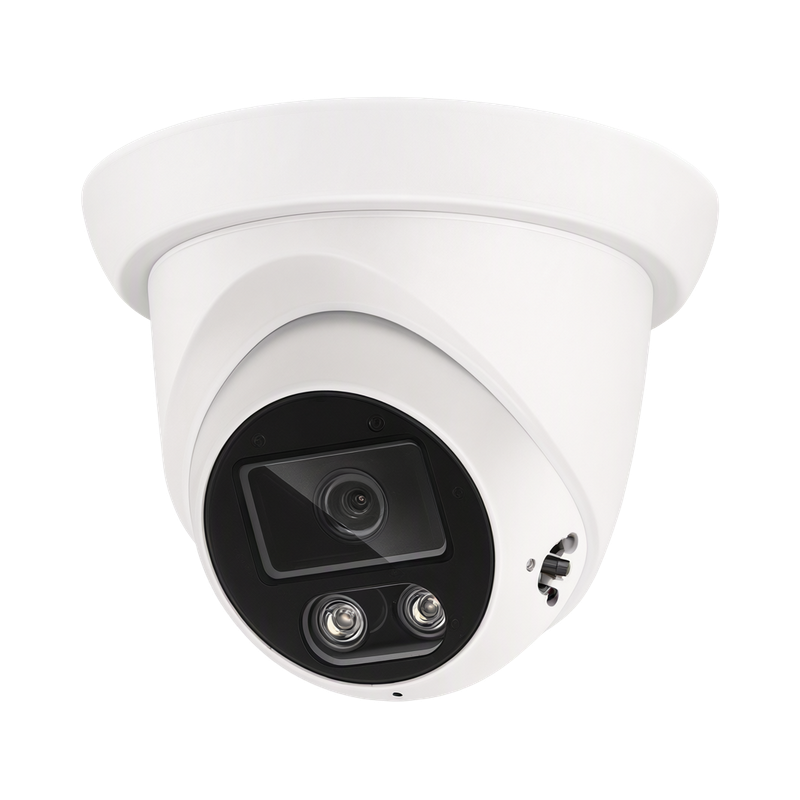
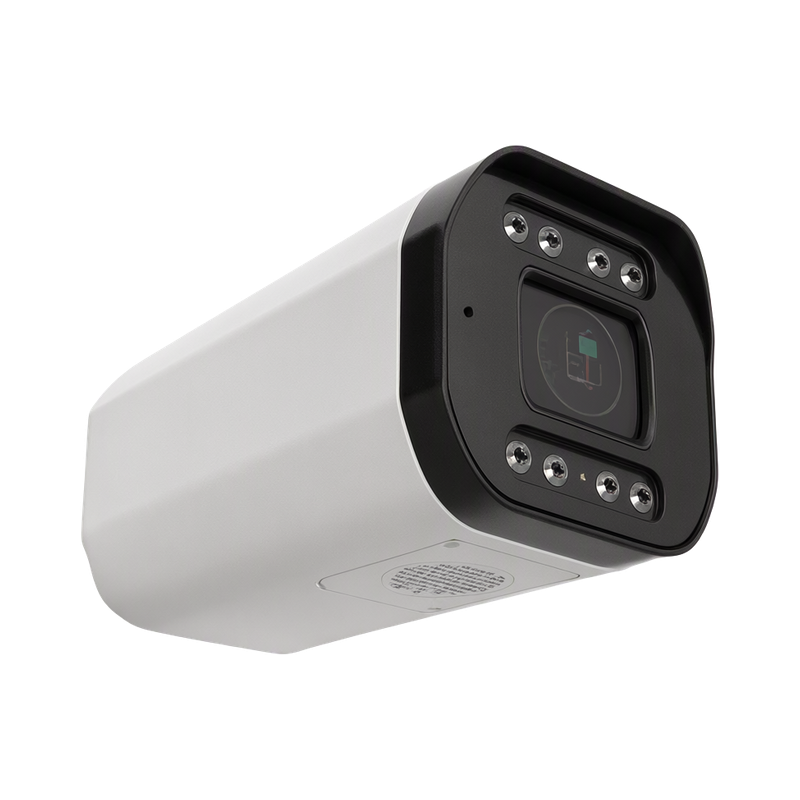
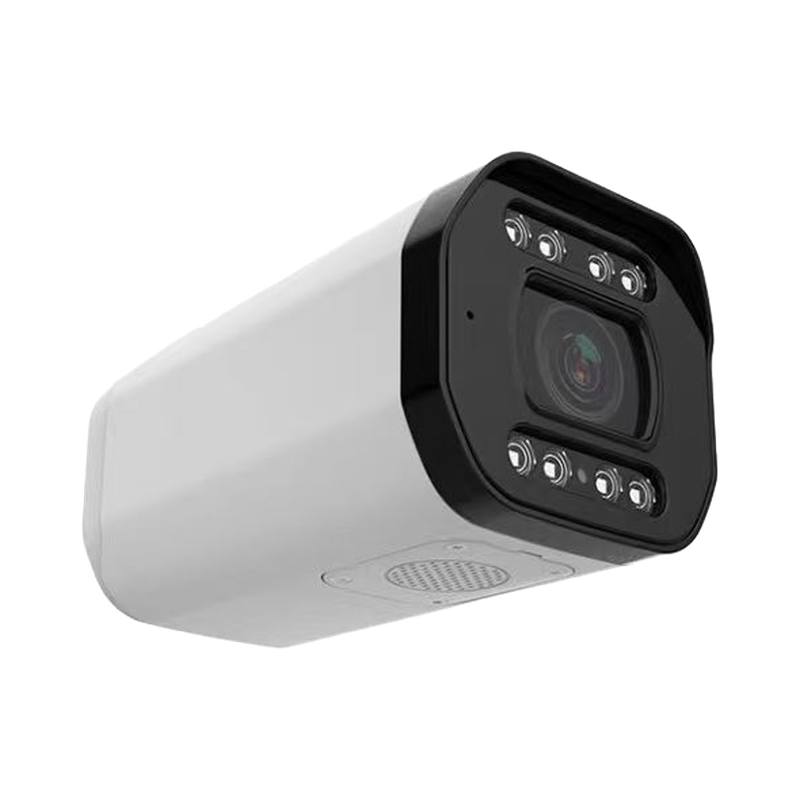
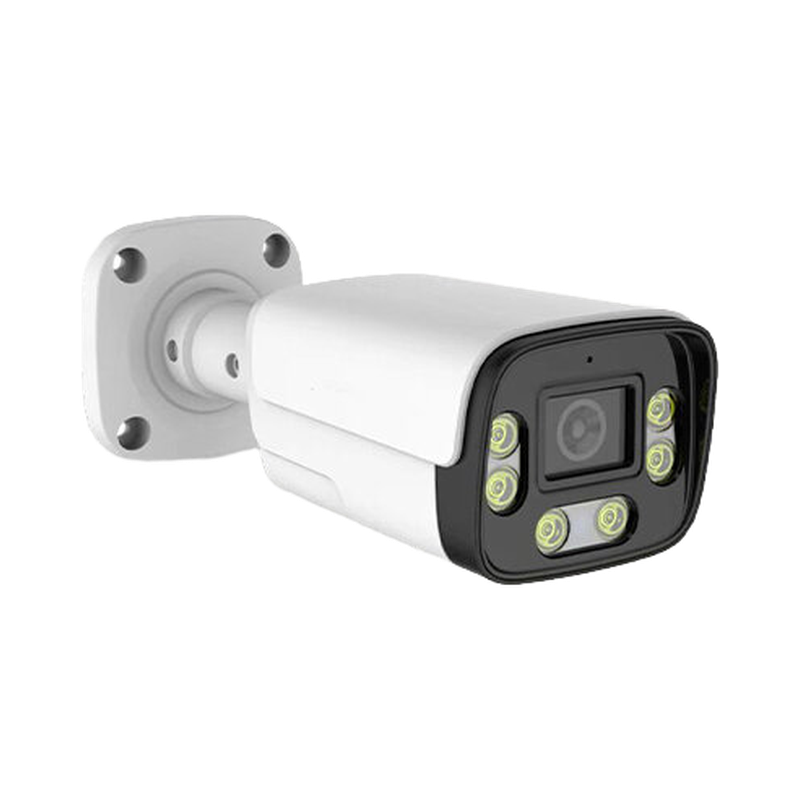
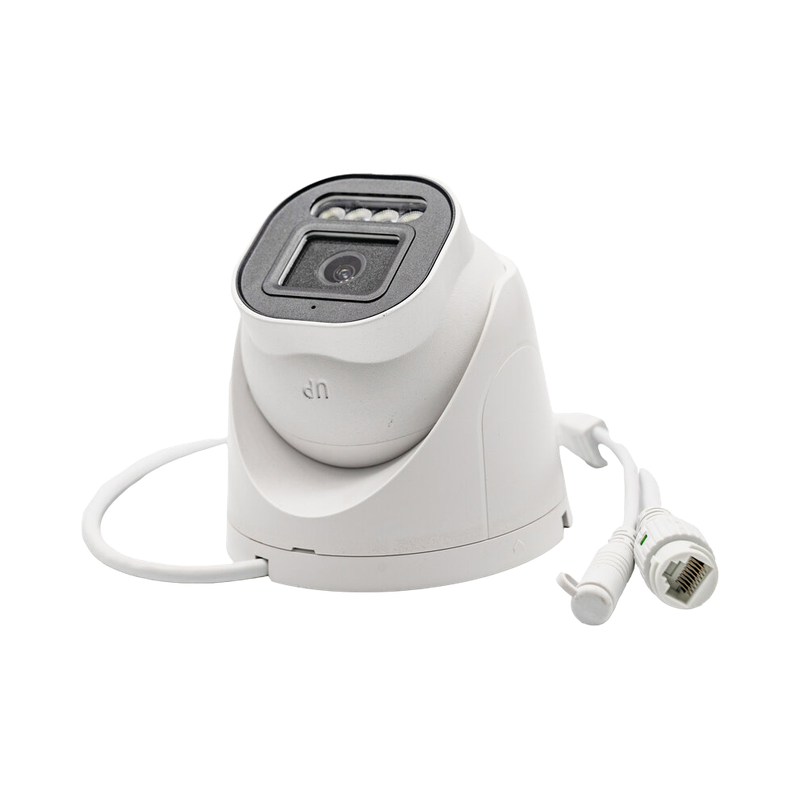
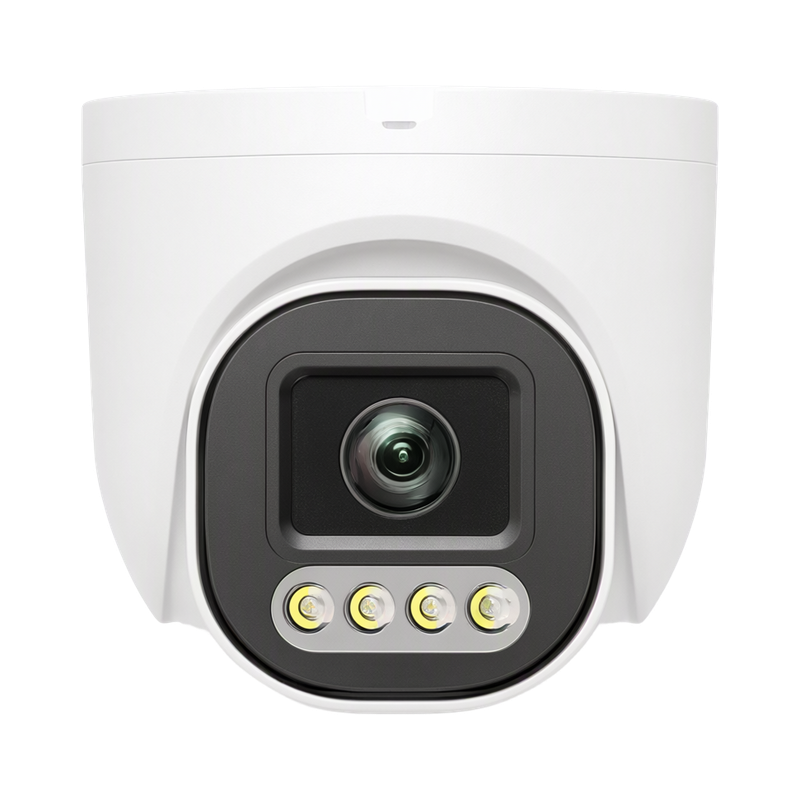
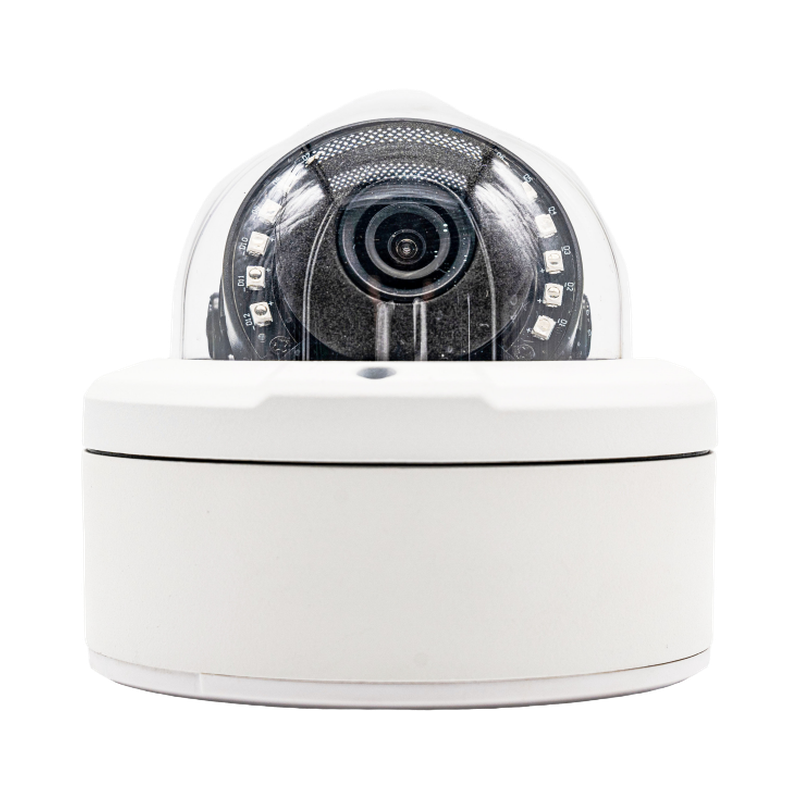
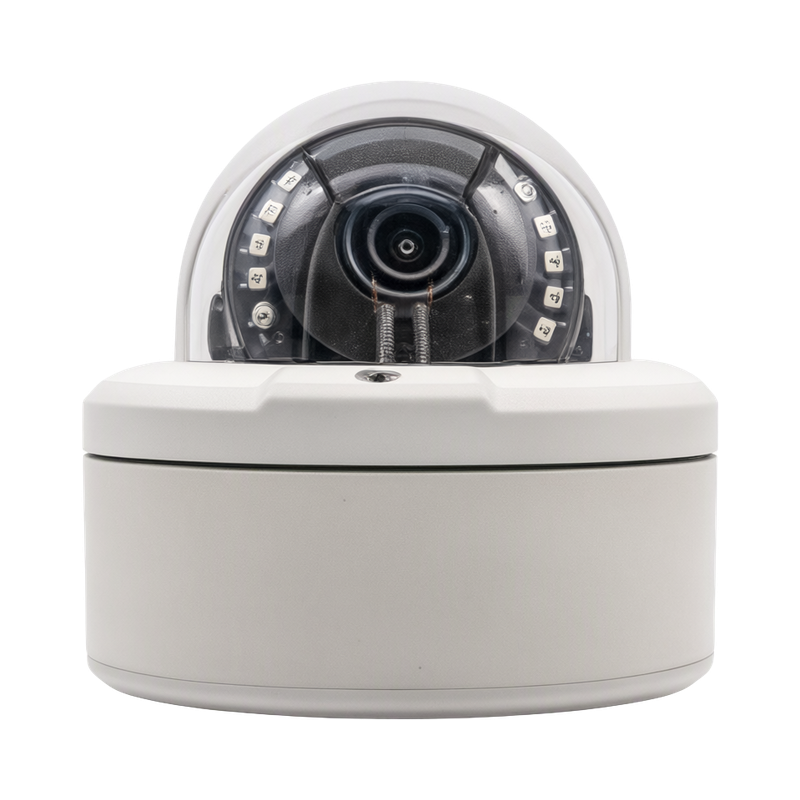
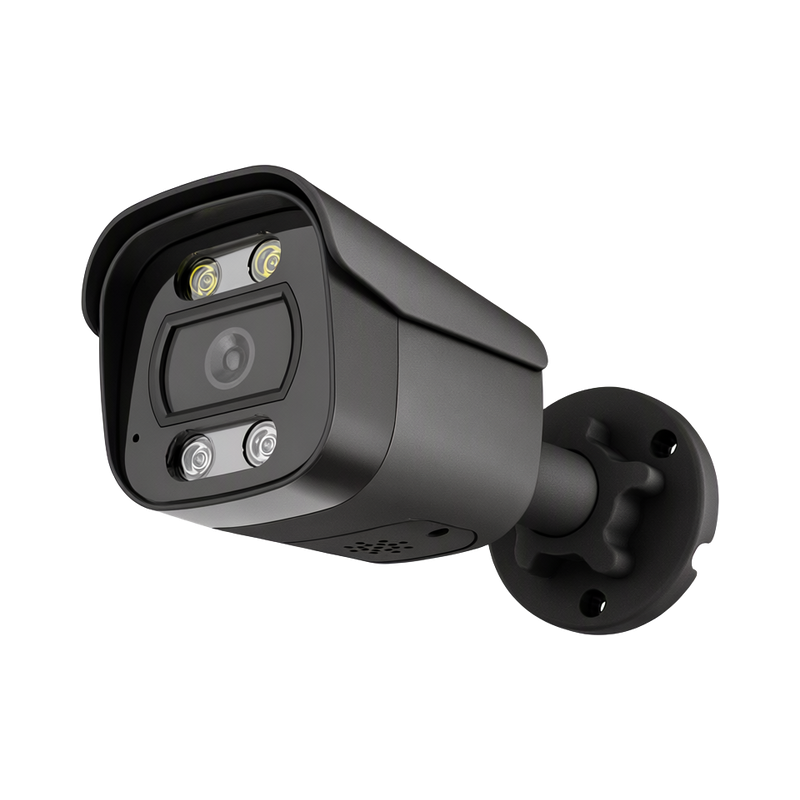
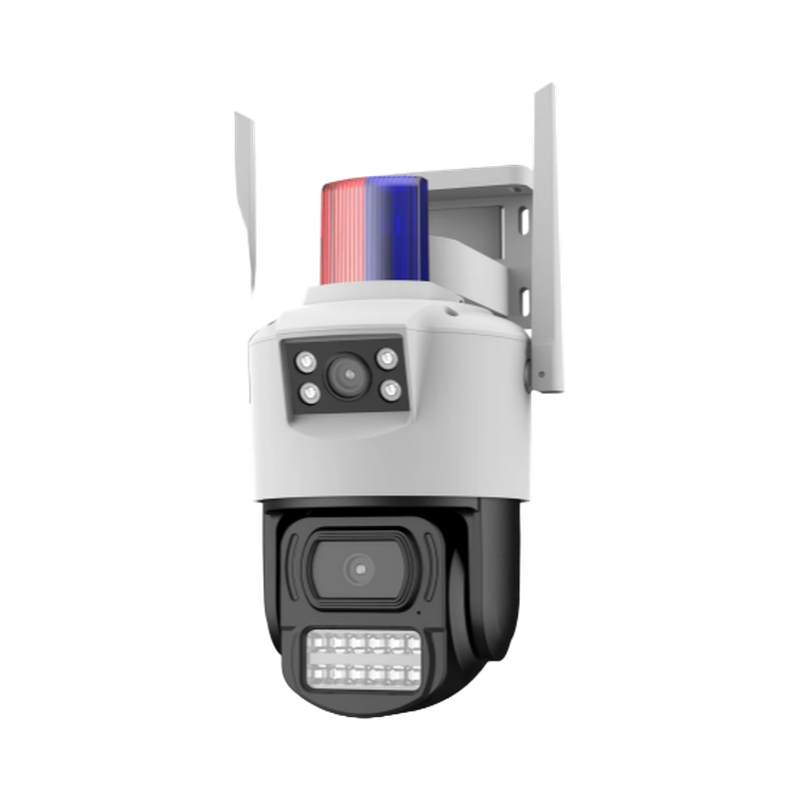
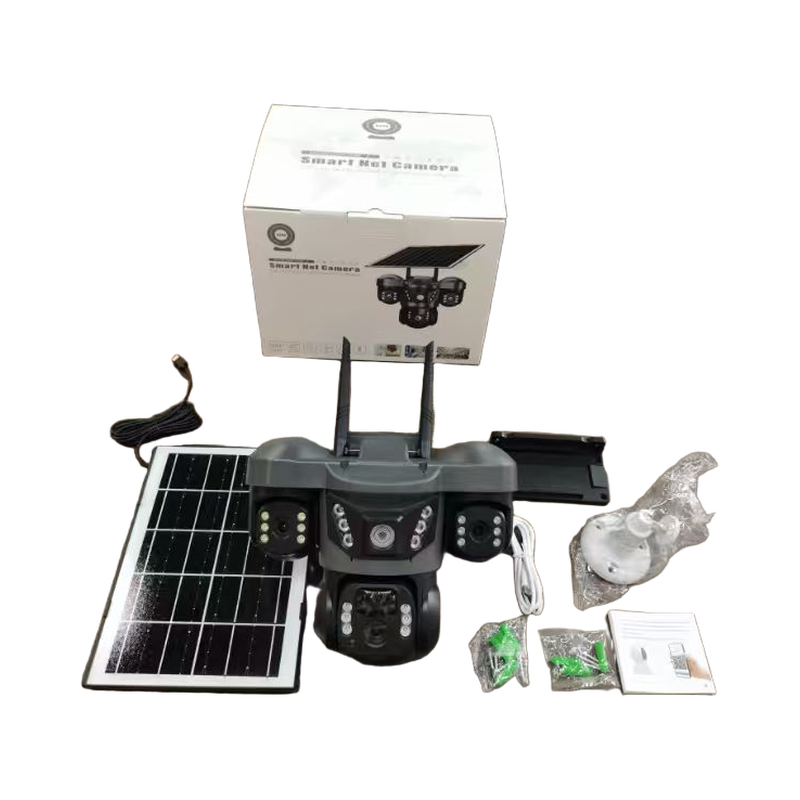
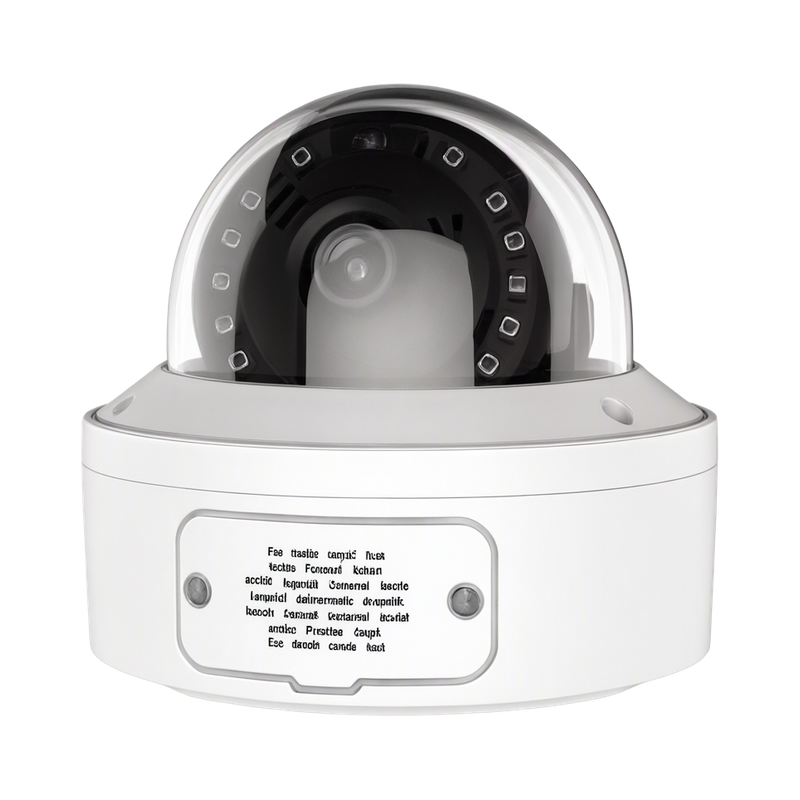
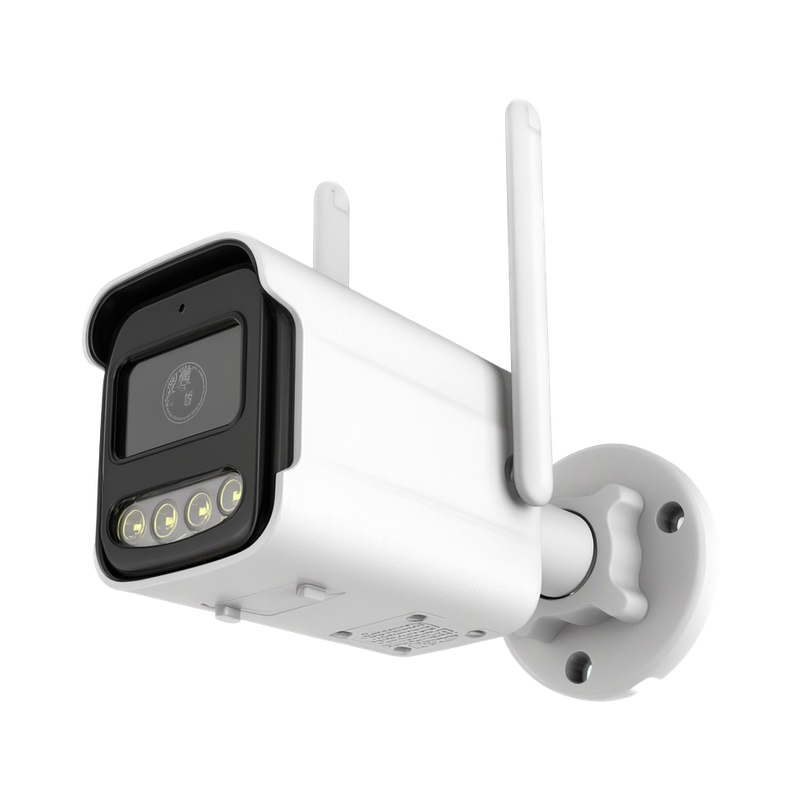
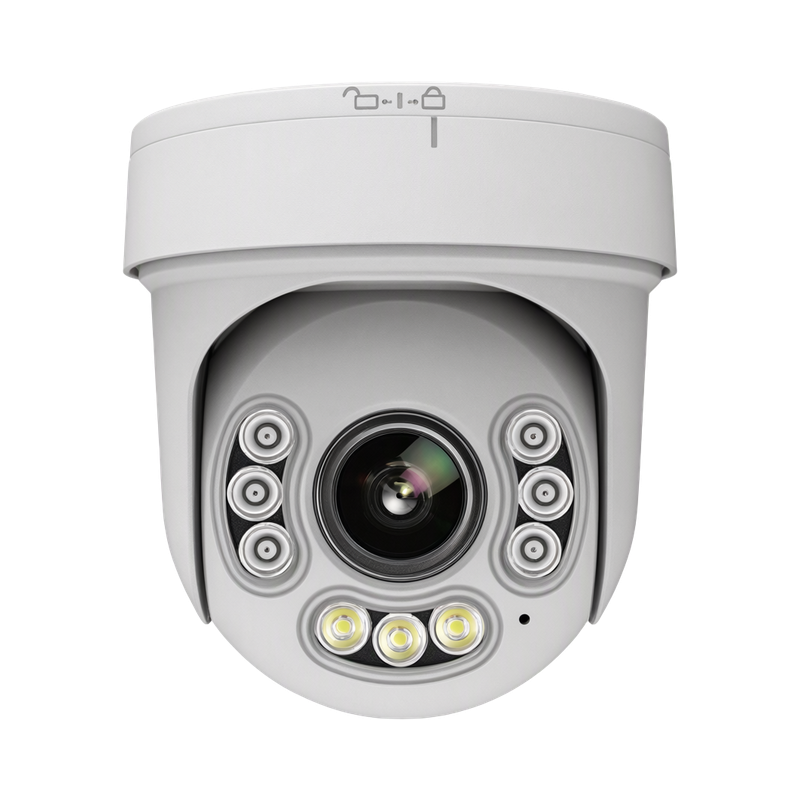
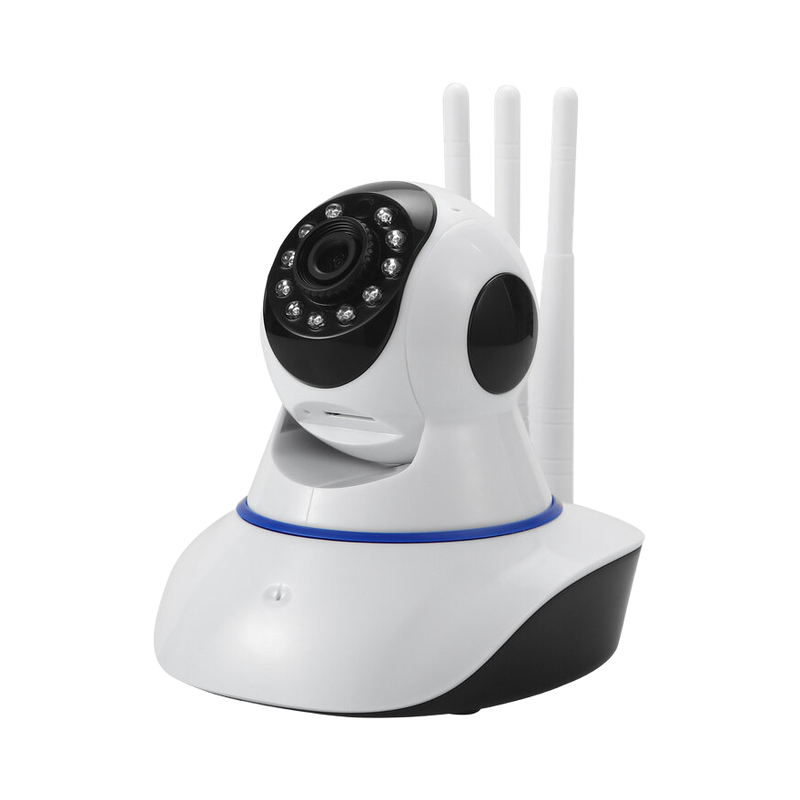
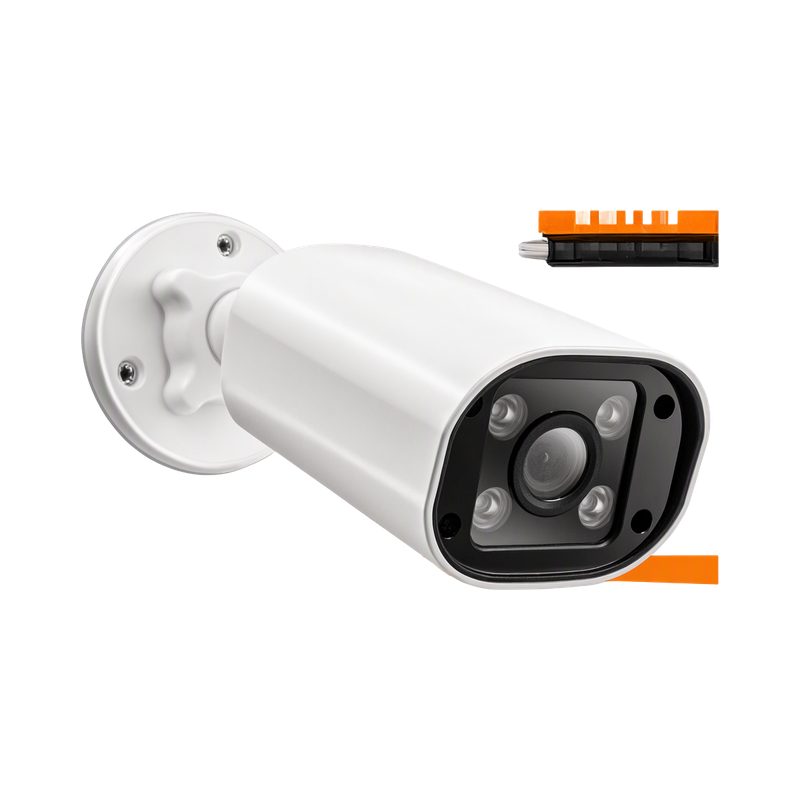
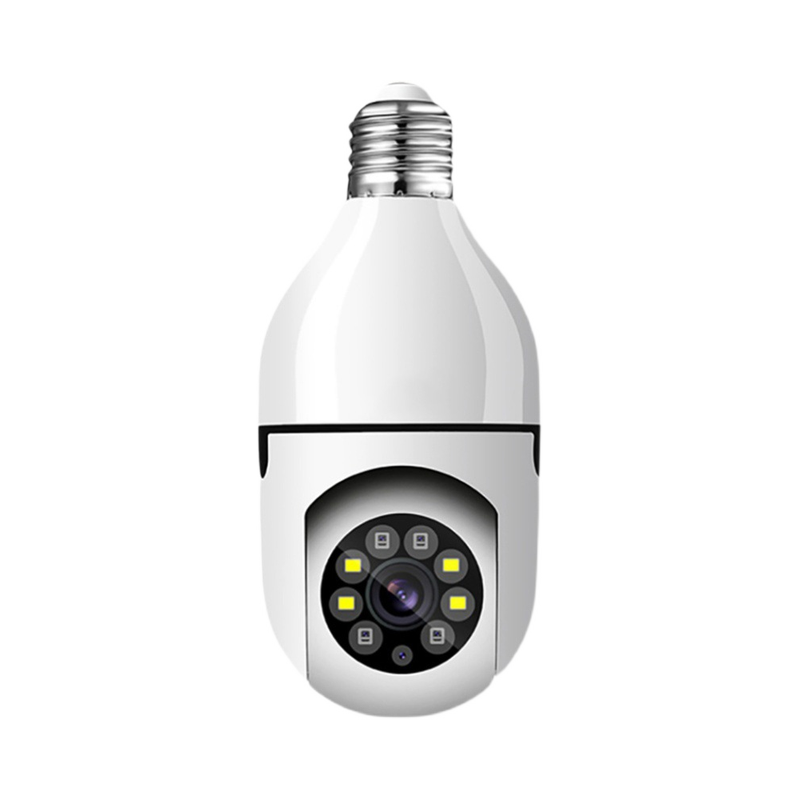
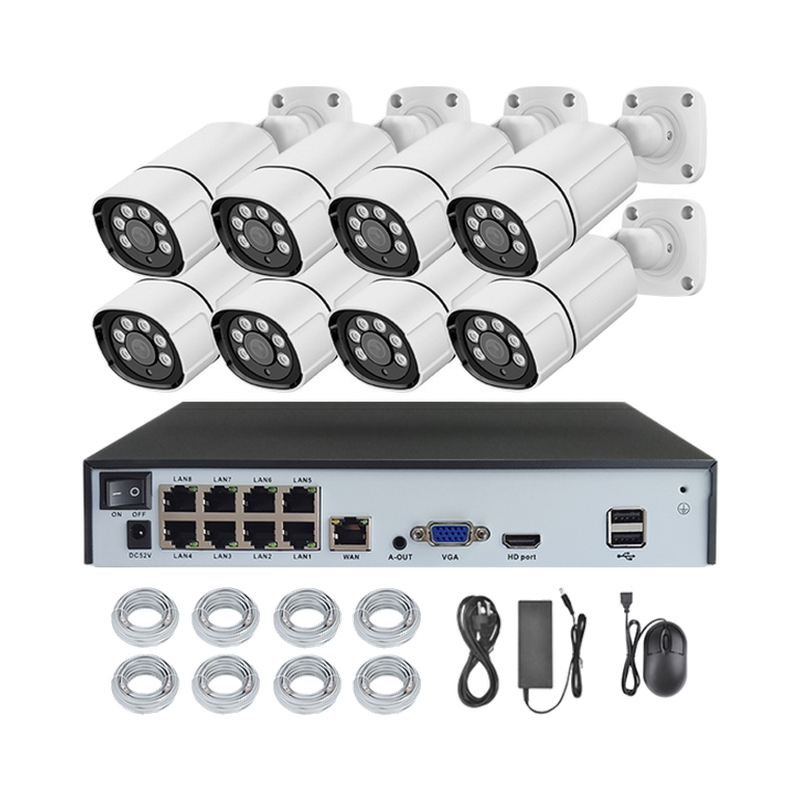
- Cameras covering the task
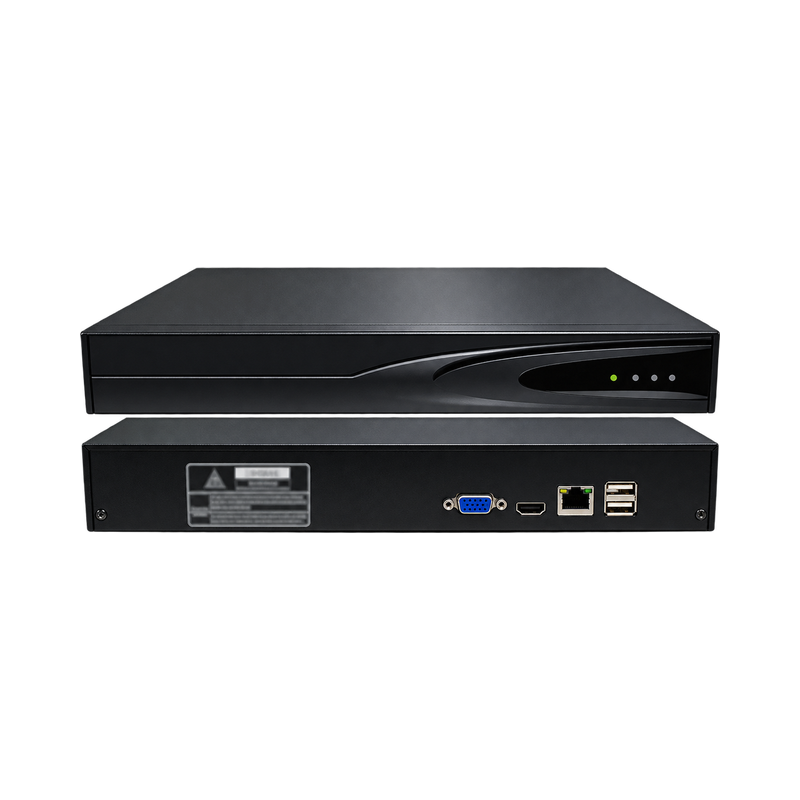
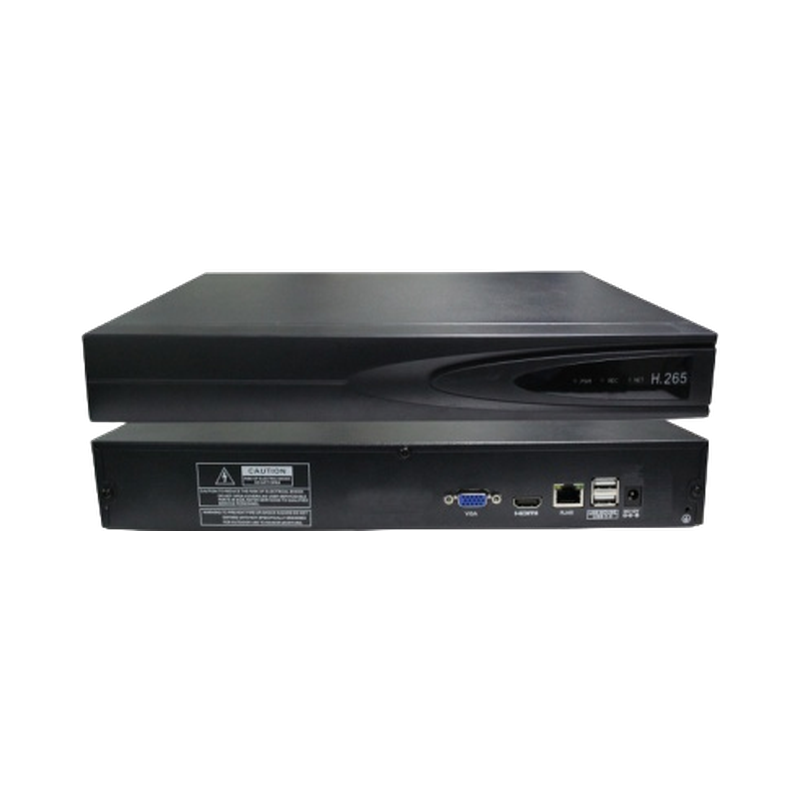
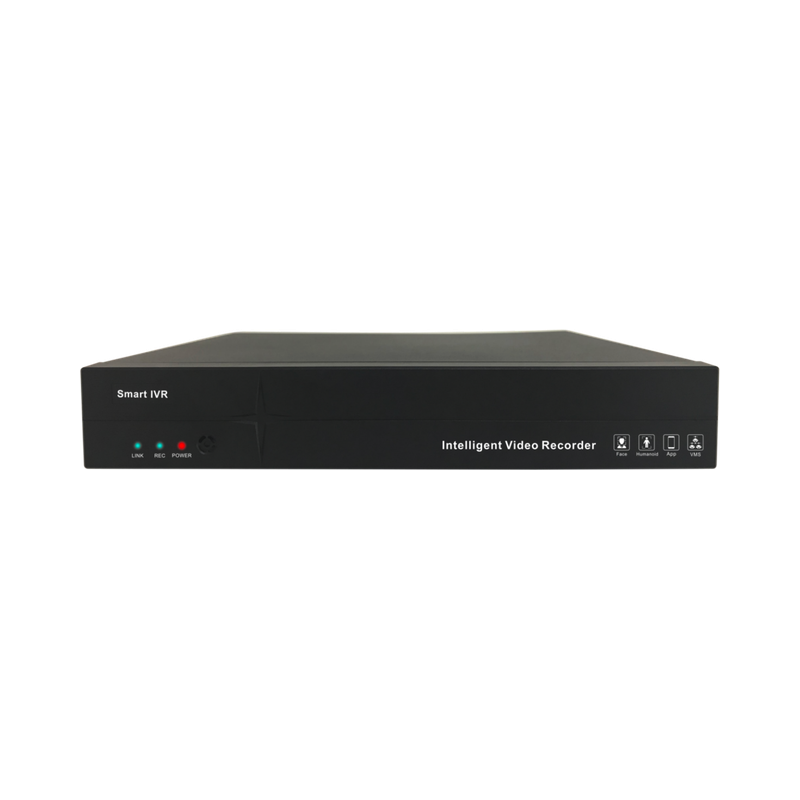
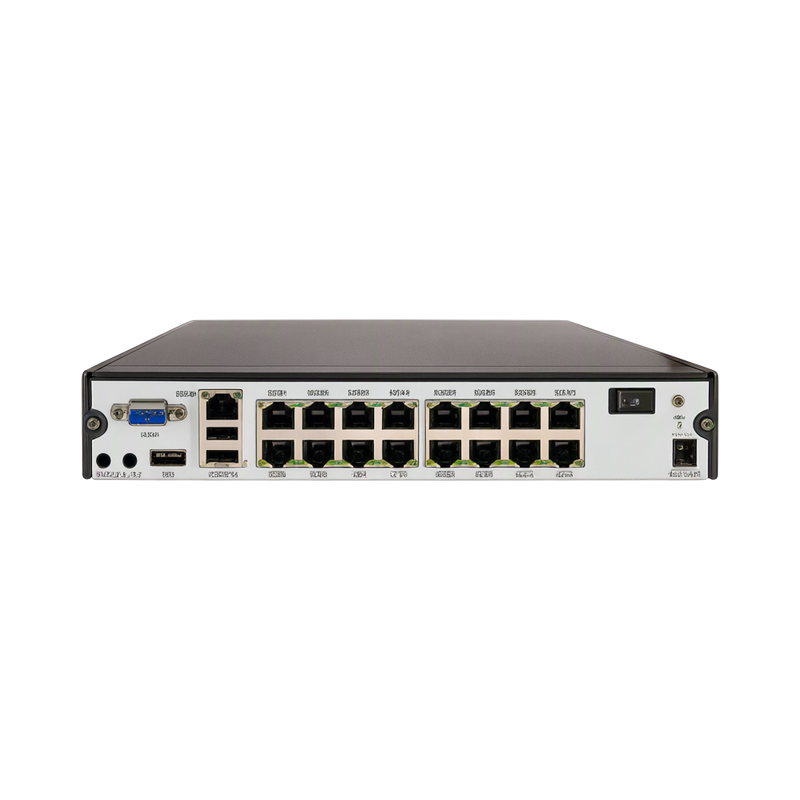
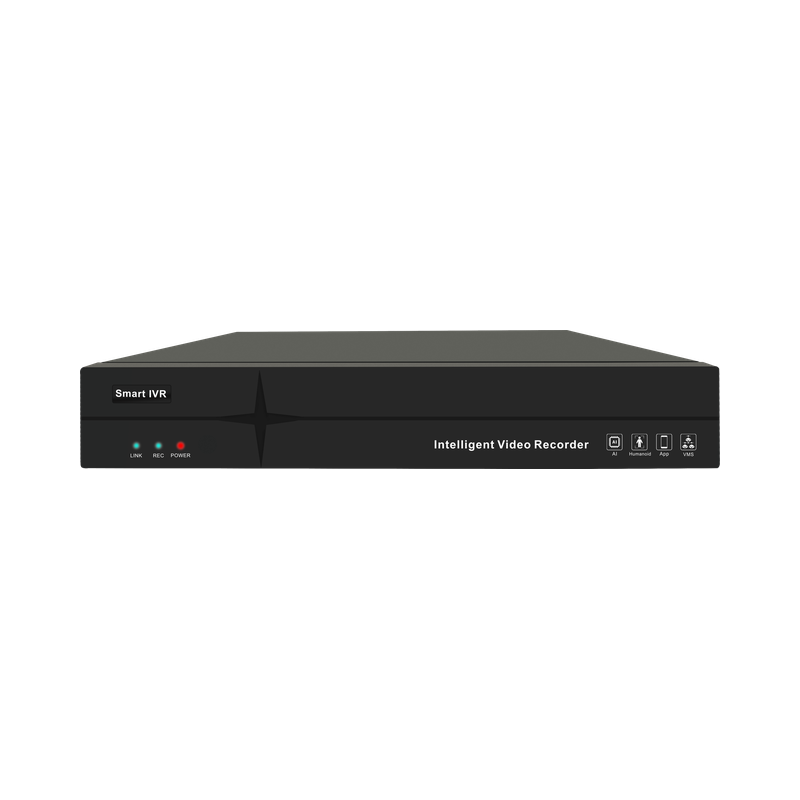
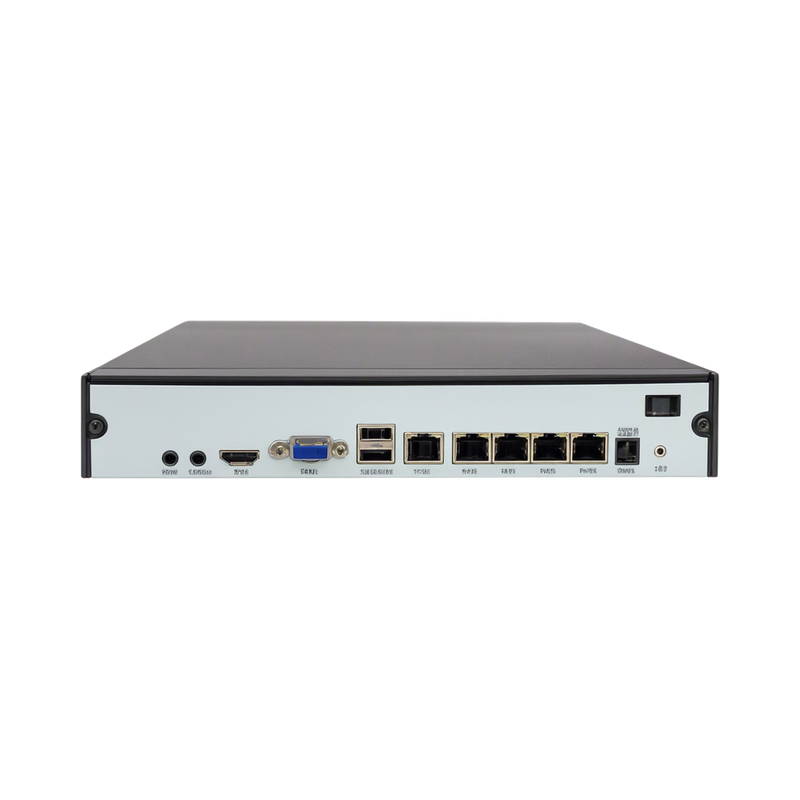
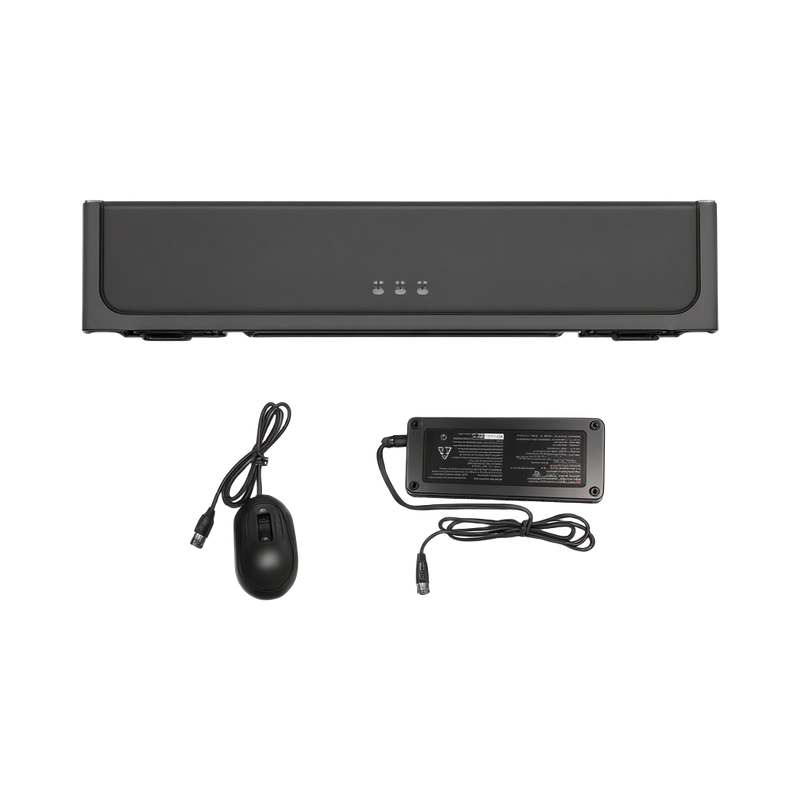
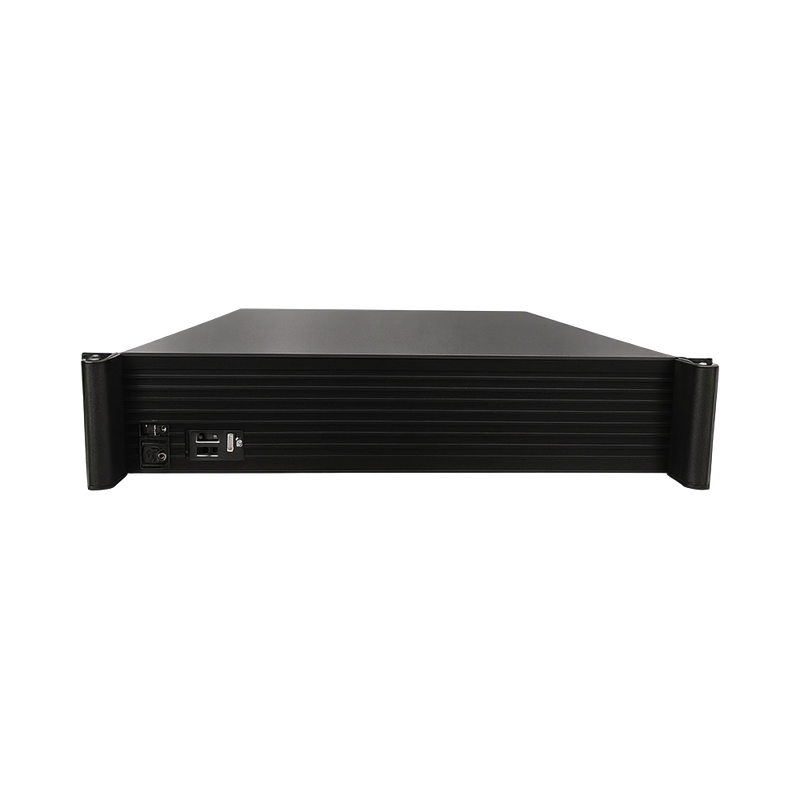
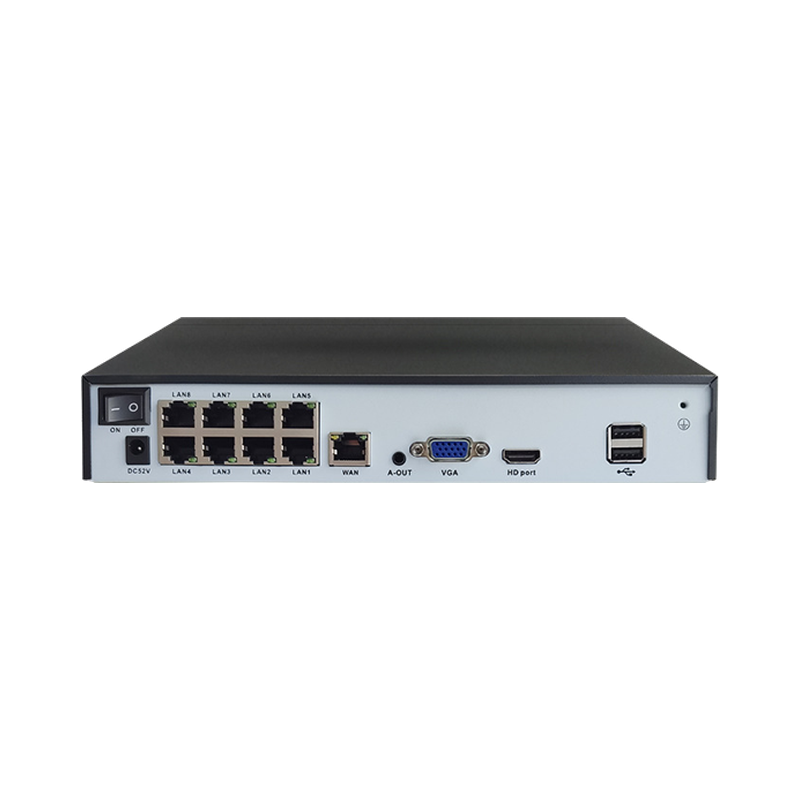
- Compatible recording
- Reliable timestamps
- Separate alarm interface if supported
Test the view with a truck parked normally, the door moving and the outside area brightly lit. Record the areas hidden by vehicles or stacked loads.
How the workflow is assembled
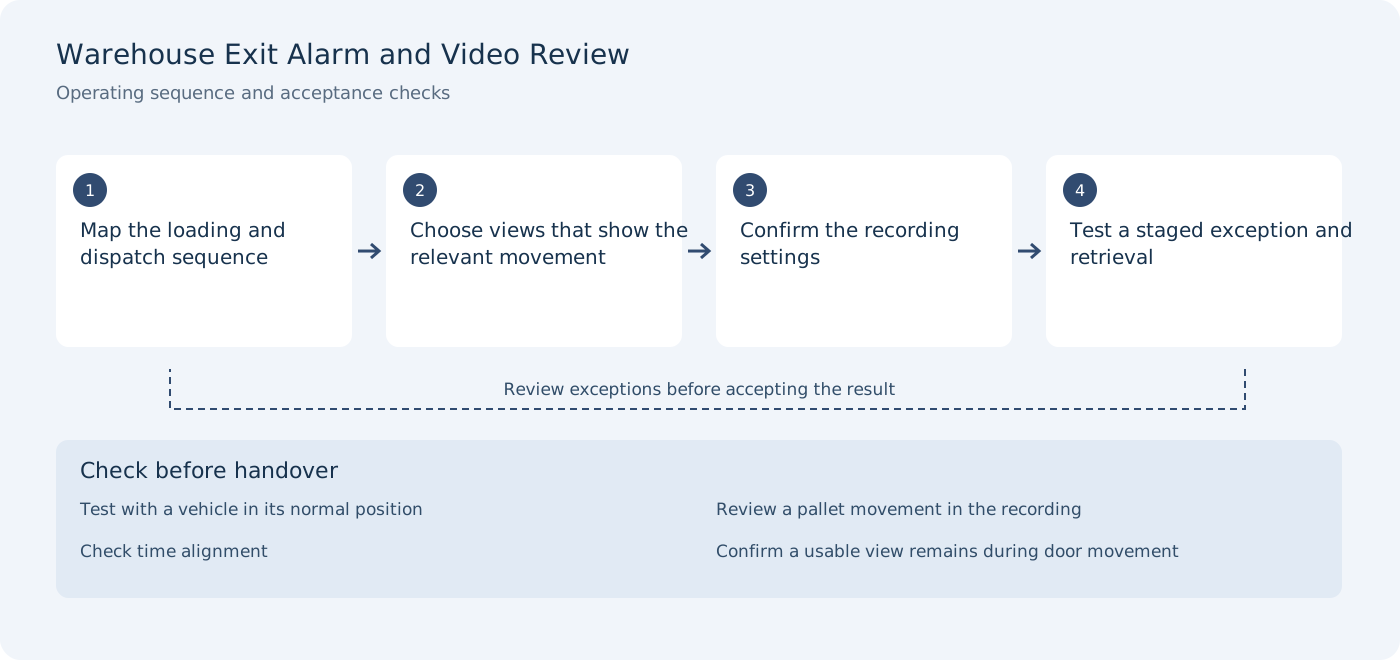
Map the loading and dispatch sequence
Acceptance check: test with a vehicle in its normal position.
Choose views that show the relevant movement
Acceptance check: review a pallet movement in the recording.
Confirm the recording settings
Acceptance check: check time alignment.
Test a staged exception and retrieval
Acceptance check: confirm a usable view remains during door movement.
Site conditions to verify
- Vehicle occlusion
- Bright exterior and darker dock interiors
- Dust, movement and service access
- Alarm interfaces vary by equipment
Use these conditions to define a representative pilot rather than testing only an empty or ideal installation. The final quotation should identify the selected hardware variants, installation responsibilities and any external-system work.
Commissioning and handover
Stage an outbound exception and retrieve it using the agreed time reference. If a separate alarm or warehouse event is required, confirm its interface rather than assuming the camera supplies it.
- Test with a vehicle in its normal position
- Review a pallet movement in the recording
- Check time alignment
- Confirm a usable view remains during door movement
Keep the results with the selected product configuration and site layout. A photograph or demonstration from another environment does not establish the result for this installation. Related products below are candidates for selection; their specifications and application notes should be reviewed before the equipment list is fixed.
Discuss the deployment
Tell us the task, product types, site layout and installation conditions. We will help you verify the appropriate model and configuration for the project.