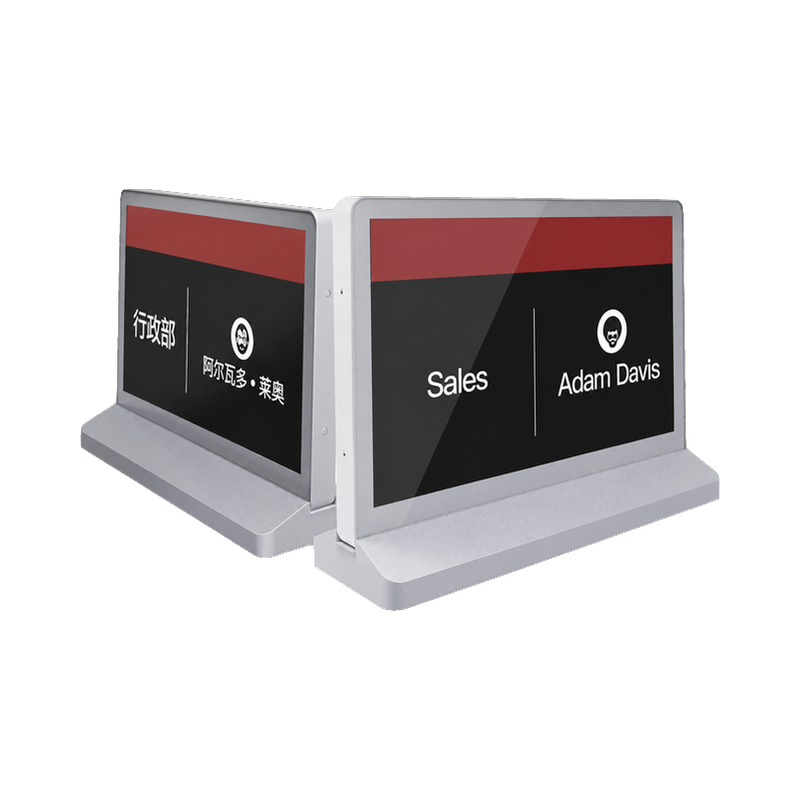

Centralized ESL Updates Across Stores
A practical ESL deployment framework to coordinate approved information across stores while preserving each store and label assignment, including equipment roles, site conditions and handover checks.
Discuss this solutionWhat the operation needs
This solution is intended to coordinate approved information across stores while preserving each store and label assignment. It brings together the equipment roles and operating decisions needed for two distinct supermarket pricing areas with staff overseeing coordinated electronic-label changes. The project brief should be owned jointly by multi-site retail pricing managers, local store teams and system integrators; the supplier and installer need the same description of the items, locations and actions that will be tested.
Model the store, product and label separately. A central price instruction may apply to a group of stores while assortment, local pricing and shelf assignments still differ.
Equipment and responsibilities
- Store-compatible labels and gateways
- Site records
- Authorised multi-site management system
Define who approves a central update and which exceptions a local team may make. Account access, audit history and publication feedback depend on the selected management system.
How the workflow is assembled
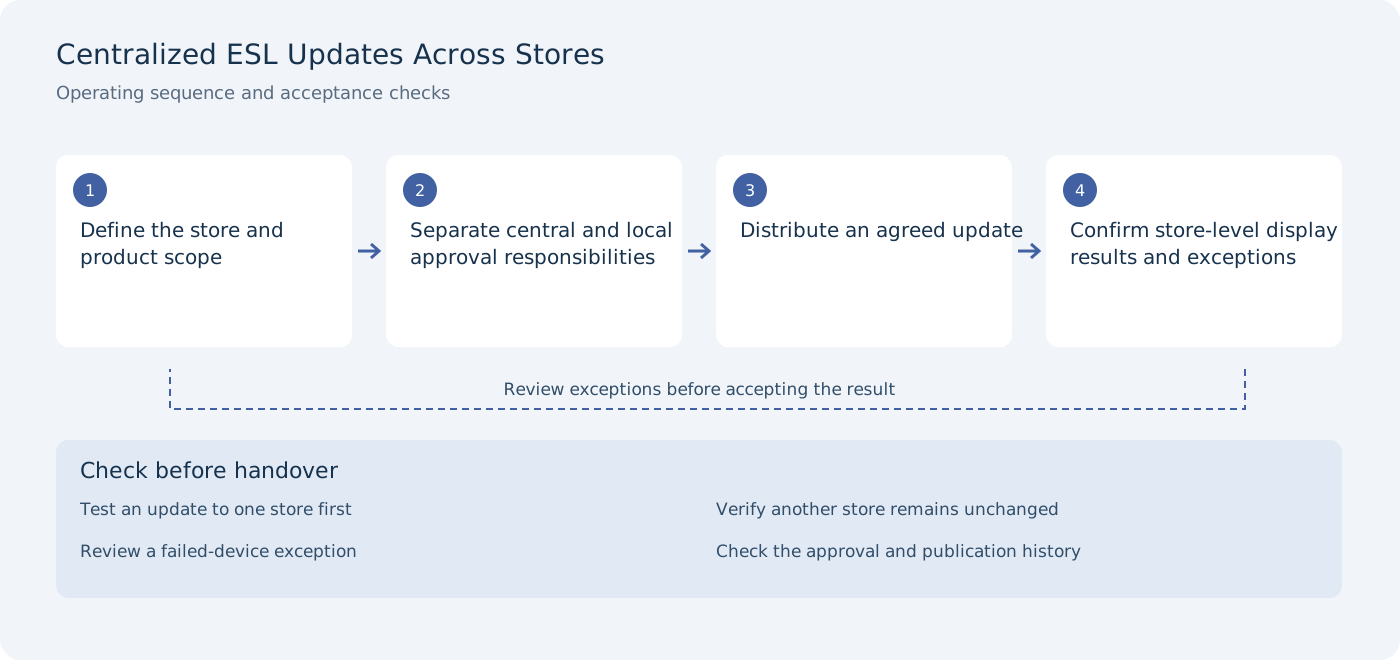
Define the store and product scope
Acceptance check: test an update to one store first.
Separate central and local approval responsibilities
Acceptance check: verify another store remains unchanged.
Distribute an agreed update
Acceptance check: review a failed-device exception.
Confirm store-level display results and exceptions
Acceptance check: check the approval and publication history.
Site conditions to verify
- Different store layouts
- Local assortment or price differences
- Network and gateway availability
- Account permissions and audit responsibility
Use these conditions to define a representative pilot rather than testing only an empty or ideal installation. The final quotation should identify the selected hardware variants, installation responsibilities and any external-system work.
Commissioning and handover
Publish first to a selected store and verify that another store retains its intended content. Include a disconnected gateway so the team can recognise a partial rollout.
- Test an update to one store first
- Verify another store remains unchanged
- Review a failed-device exception
- Check the approval and publication history
Keep the results with the selected product configuration and site layout. A photograph or demonstration from another environment does not establish the result for this installation. Related products below are candidates for selection; their specifications and application notes should be reviewed before the equipment list is fixed.
Discuss the deployment
Tell us the task, product types, site layout and installation conditions. We will help you verify the appropriate model and configuration for the project.