POS connection and counter installation
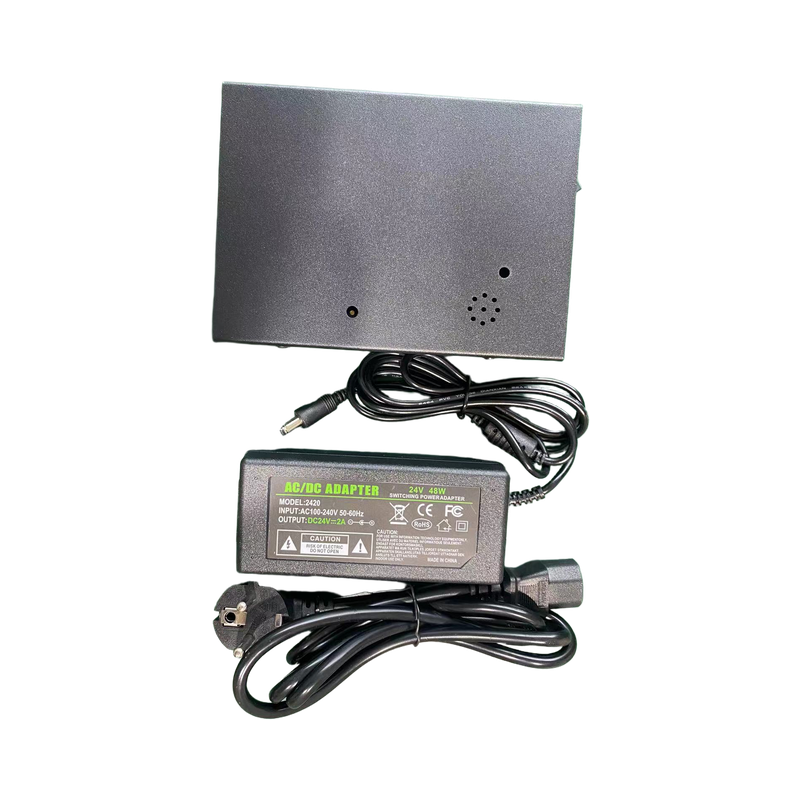
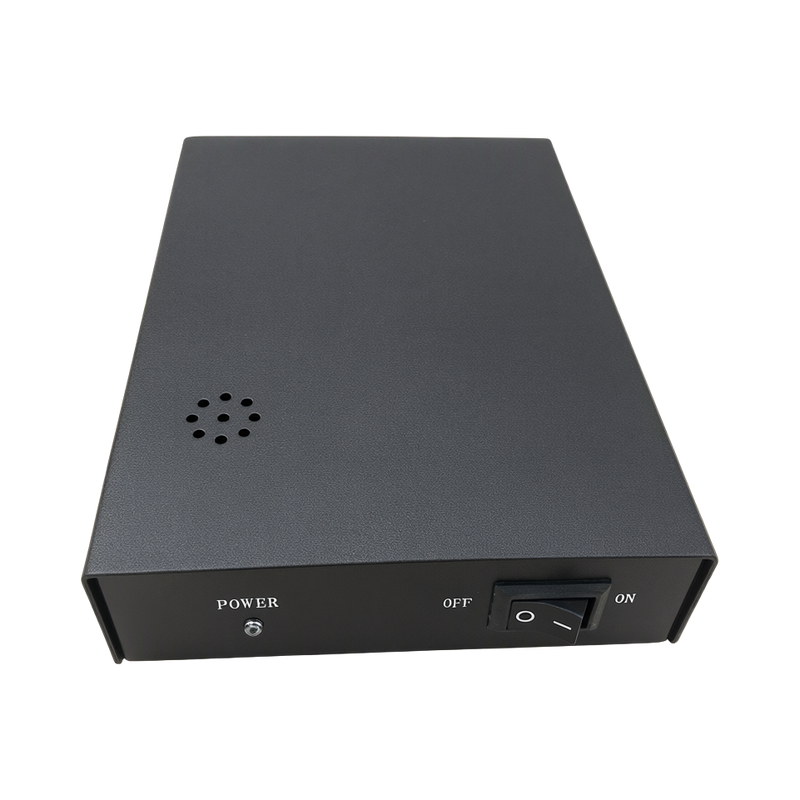
Connect the panel to either controller DB socket and secure the connector. Use the matched dedicated adapter. The controller can connect one or two panels and a compatible POS laser scanner with an EAS deactivation interface.
A normal panel indicator is green. An active hard tag or remaining undeactivated label produces a red indicator and audible alert, prompting the cashier to remove or deactivate it.
Keep metal away from the active panel surface. Avoid RF tags or similar coils in its immediate mounting area, parallel bundles of network/data cables, and shared power strips with strongly interfering chargers.
Separate panel, controller and POS compatibility
The CJ003 arrangement allows one controller to serve one or two panels. The controller-only product still needs its compatible panel and dedicated adapter; verify those components before planning the checkout work surface.
POS-linked deactivation requires a compatible laser scanner with an EAS interface. Complete an item scan and label check during handover, because a normal green panel indicator does not demonstrate that an unrelated POS scanner can trigger the deactivator.
Technical specifications
| Sweep Frequency Width | 7.6–9.0MHz |
|---|---|
| Compatible Soft-label Band | 7.7–8.7MHz |
| Decoding Speed (manual claim) | 120 labels/minute |
| Alarm Height (manual conditions) | ≥28cm |
| Deactivation Height (manual conditions) | ≥20cm |
| Power Consumption (manual) | ≤5W |
| Controller Dimensions | 160×110×40mm, including feet |
| Gross Weight (including supply) | 0.8kg |
| Color | Black |
| Panel Connections | One or two matched deactivation panels |
| Adapter AC Input (manual) | 100–240V AC, 50/60Hz |
Available configurations
| Item code | Configuration | Inquiry |
|---|---|---|
| SKU 010071661 | Black,RD001 Controller |
Request a Quote
Ask about pricing, samples or the configuration for your market. You can send an inquiry before choosing a configuration.
RD001主机 Deactivators