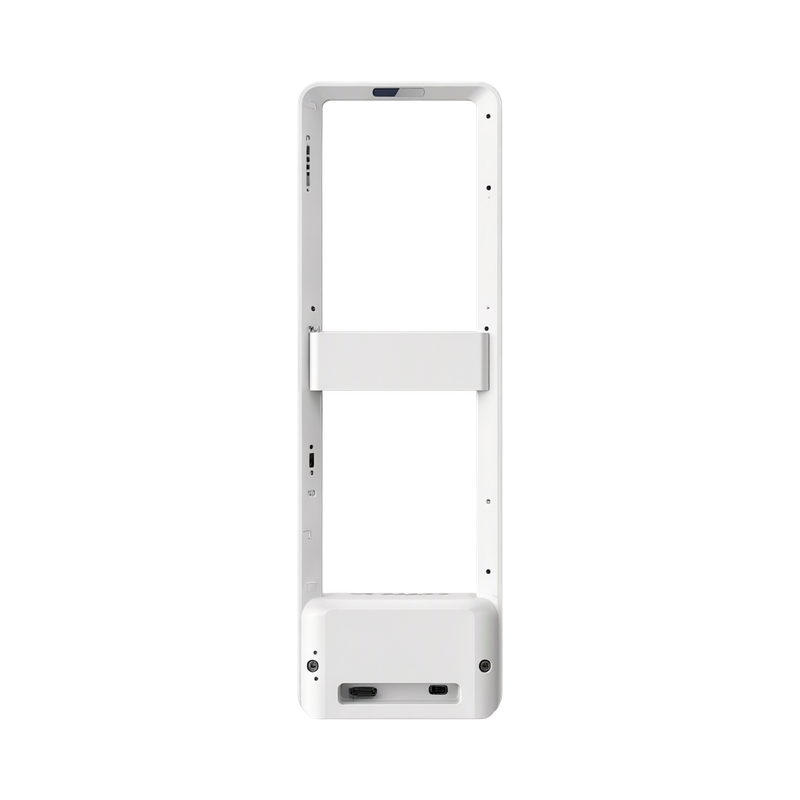
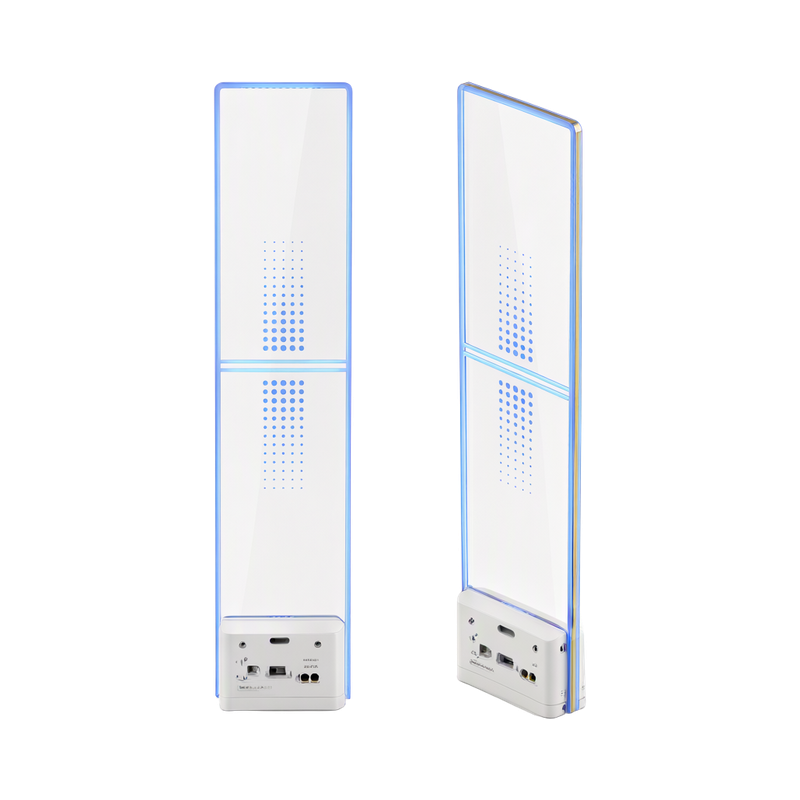
AS4041 EAS Antennas
Installation and diagnostics
Keep the site clean, dry and ventilated, and test the antennas before permanent wiring. Keep nearby metal and stored active tags clear of the detection area.
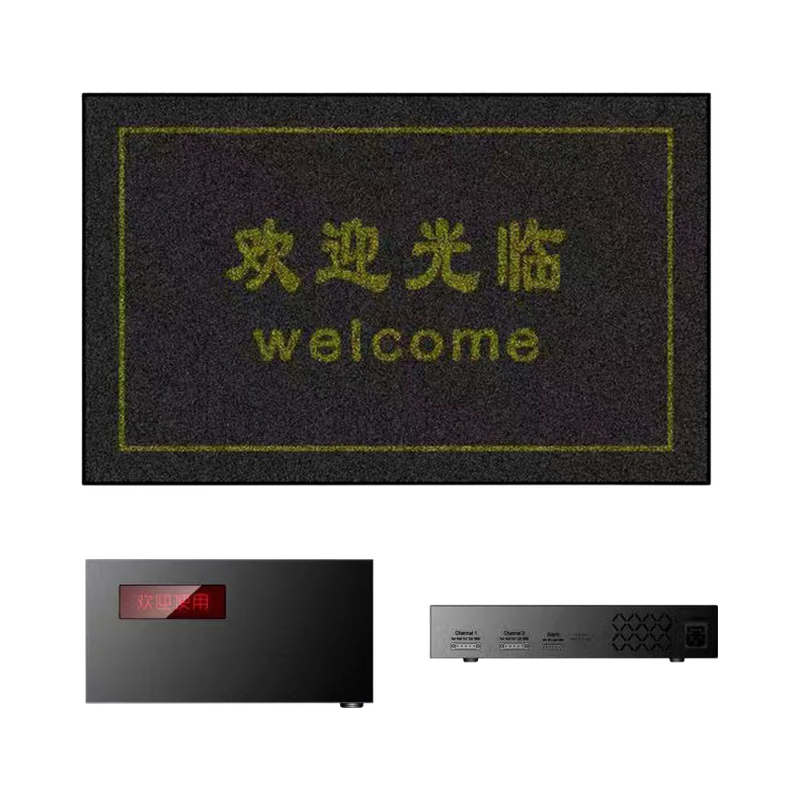
Use the supported local Wi-Fi or configured remote service to inspect noise, transmit state and alarm statistics. Match the controller ID and firmware to the supplied system.
Maintain the documented synchronization and independent supply arrangement after commissioning.
Separate local setup from remote access
Local Wi-Fi setup connects the compatible application to the controller. Remote diagnostics additionally require the installed controller to reach its supported service through the site network; local connectivity alone does not prove remote service is available.
Record channel noise and alarm behaviour with the normal store load before changing gain. If the site layout, nearby electrical equipment or network changes, recheck detection and service connectivity rather than assuming the initial commissioning settings remain suitable.
Technical specifications
| Controller Family (manual) | Integrated master/slave AM system |
|---|---|
| Maximum Slave Connections | 2 per master |
| Slave Operating Requirement | Requires a master; independent alarm per antenna |
| Wi-Fi Modes (manual configuration) | AP / STA |
| Remote Functions (configured system) | Diagnostics / setup / alarm statistics |
| Supply Options (manual) | 110V / 220V AC; confirm ordered version |
| Material (catalogue) | Acrylic |
| Dimensions (catalogue) | 1490×340×20mm |
| Color (catalogue) | White/Black |
Available configurations
| Item code | Configuration | Inquiry |
|---|---|---|
| SKU 010071668 | Master&Slave, European standard plug, 220V |
Request a Quote
Ask about pricing, samples or the configuration for your market. You can send an inquiry before choosing a configuration.
AS4041 EAS Antennas