Preparing a Desktop RFID Tag Encoding Workflow
Select the desktop interface, control the read zone and verify tag encoding.
Discuss your requirementsDefine the identity to be written
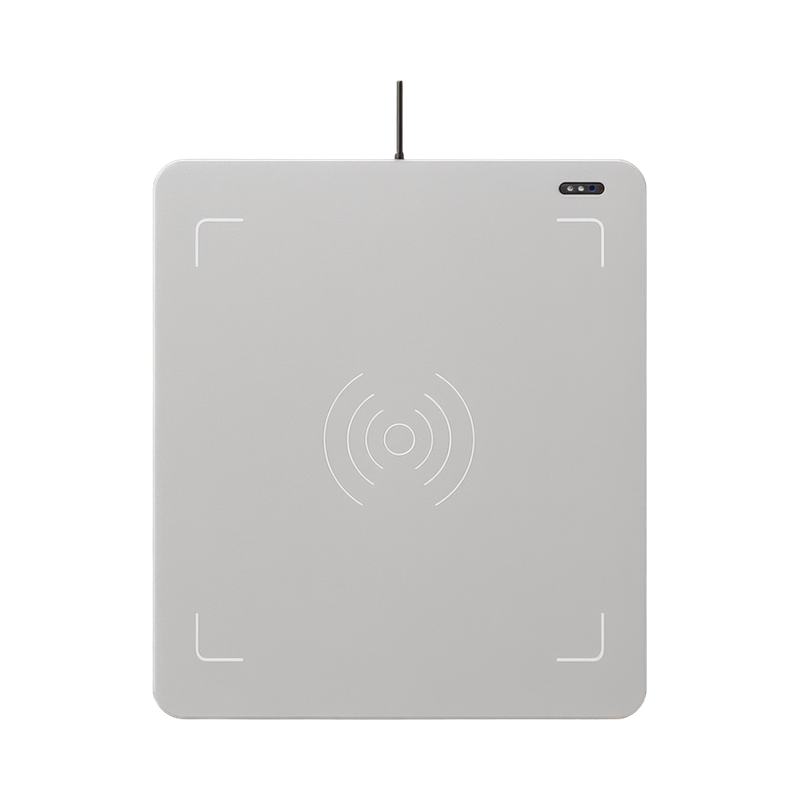
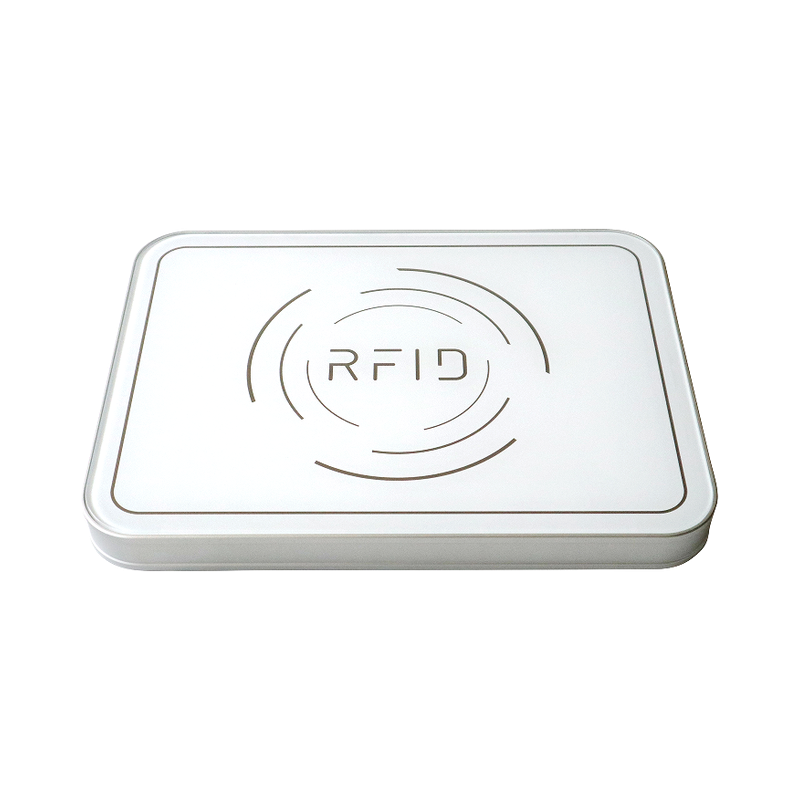
Desktop platforms are used for tag conversion, book registration, tool registration and linen-management records. Agree the tag chip, record identifier and encoding rule before issuing tags. The desktop platform and the business software must use the same mapping.
Choose the interface of the exact model
| RIRW04A | USB Type-C desktop platform |
|---|---|
| RIRW27 | USB Type-C version; the source states no separate supply is needed |
| RIRW27B | RS232, RS485, Wiegand and RJ45; 9–24 V supply listed |
Control the work area
These platforms use near-field antennas. Keep the intended tag in the configured work area, separate it from neighbouring stock and test reading and writing as distinct operations. A larger readable zone does not guarantee that a tag can be written at the same distance.
Verify before issuing
Read back the encoded identity and compare it with the intended business record. Check representative tags and materials before batch issue. The source documents list data filtering, multi-tag reading, RSSI and C#/Java development materials; integration behaviour must be confirmed in the chosen software.
Plan the right configuration
Share the model, application, installation conditions and quantity with our team.
Contact our team